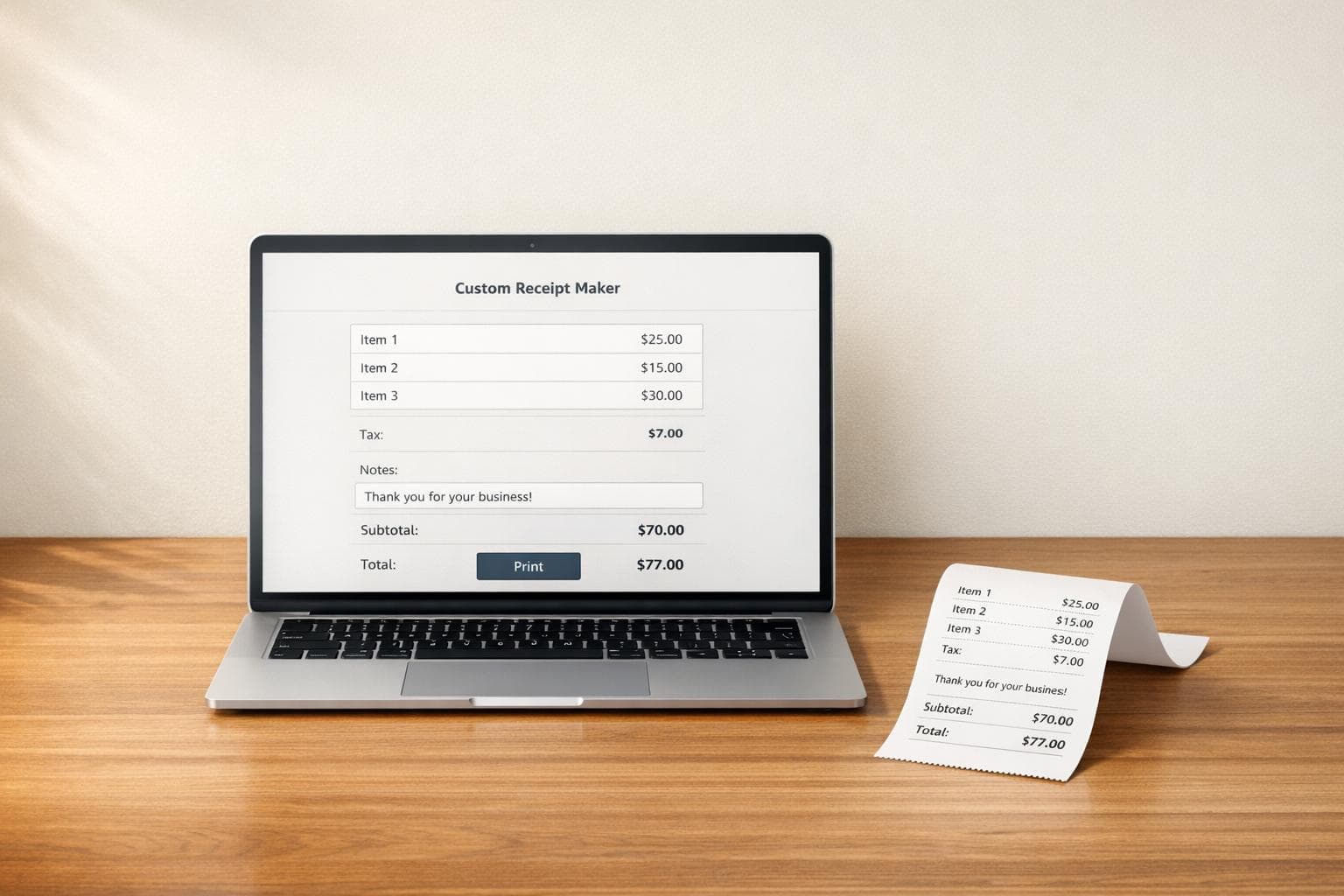
Custom Receipt Maker
Create Professional Receipts Without the Hassle
A Custom Receipt Maker is a practical solution for freelancers, small businesses, and anyone who needs a fast way to issue clean, professional receipts. Instead of editing a static template by hand, you can enter your company details, customer information, receipt number, and item list in one place and see the layout update instantly.
Built for Speed and Clarity
This receipt generator helps you avoid calculation mistakes by validating numeric fields like quantity and unit price while handling totals automatically. You can also apply an optional tax percentage, add a note or terms section, and choose a color scheme that fits your brand without overcomplicating the process.
Easy to Use on Any Device
Because the tool is web-based and responsive, it works smoothly on desktop, tablet, and mobile. That makes it useful whether you're at a counter, in an office, or working on the go. The live preview gives you confidence before printing, so the final receipt looks polished and ready to share.
If you need a simple, flexible receipt builder that saves time and keeps everything organized, this personalized receipt tool gets the job done with minimal effort.
FAQs
Can I add multiple items to the receipt?
Yes. The tool is designed for itemized receipts, so you can add multiple products or services with their own descriptions, quantities, unit prices, and totals. As you update the list, the receipt preview and overall total refresh automatically, which makes it easy to check everything before printing.
Does the receipt maker calculate tax automatically?
It does. If you enter a tax percentage, the tool will calculate the tax amount based on your subtotal and include it in the final total. If you don’t need tax, you can simply leave that field blank or set it to zero, and the receipt will show just the subtotal and grand total.
Can I print the receipt from my phone or tablet?
Yes, the tool is built to be responsive, so it works across phones, tablets, and desktop browsers. You can fill out the form, review the styled receipt preview, and use your device’s browser print function to print or save it as a PDF if your browser supports that option.