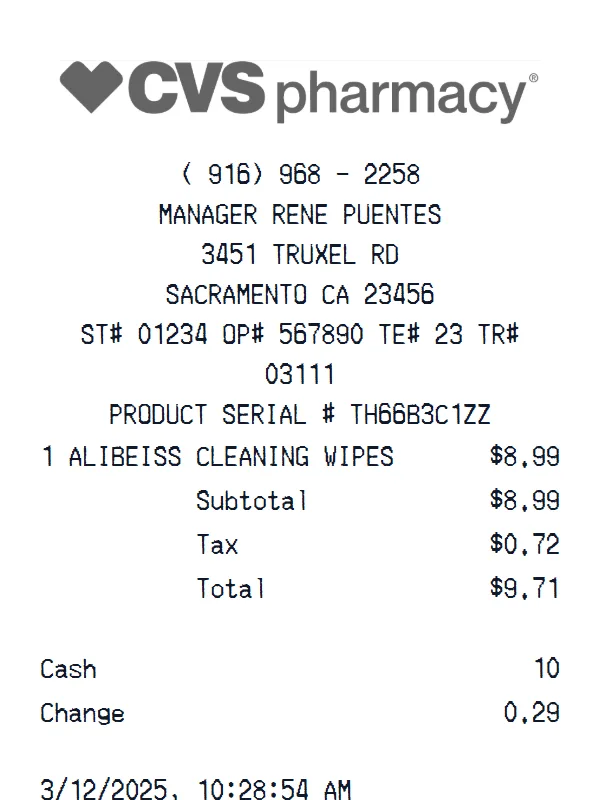
CVS Pharmacy Receipt
A customizable starting layout with store identity and header details and custom receipt text, including editable Subtotal and Tax fields.
Edit this exampleFor legitimate business, creative, and personal use only. See our Terms of Service
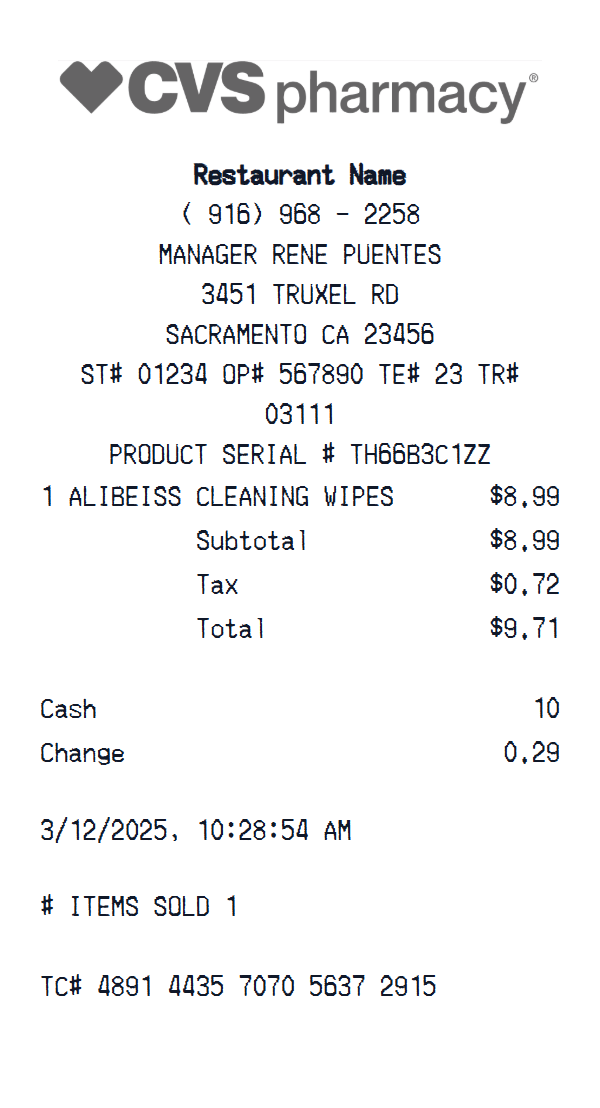
Edit the store identifiers, retail item rows, cash settlement, date and time, item count, and transaction references in this CVS Pharmacy starting layout.
Start here
Open this template in the generator, enter the information you need, then review the finished layout before export.
Continue with the CVS Pharmacy template already selected and ready to edit.
Generate CVS Pharmacy receiptEdit the exact starting sections described below, then add, remove, or reorder sections when your document needs a different structure.
Check the live preview, spacing, and every visible value or reference that applies before downloading the finished receipt.
CVS one-item retail field map
Use the three groups to replace the store and register identifiers, edit or expand the retail item area, and customize the totals, payment, date and time, item count, and TC reference.
Editable logo, phone, manager, address, and register identifiers
Replaceable product serial and item rows with editable subtotal, tax, and total
Customizable cash, change, date and time, item count, and TC number
Field-by-field editing
Update the store and register identifiers first, replace the product serial, edit or expand the item rows, reconcile subtotal, tax, total, cash, and change, then set the date and time, item count, and TC footer.
This layout can be reordered or expanded, but its starting file contains no prescription fields. Use fictional or authorized retail data, do not add patient or pharmacy-claim information unless you are permitted to handle it, and mask any sensitive transaction references.
Labels found in this starting template
Customize the logo, store contact information, manager name, and ST, OP, TE, and TR identifiers at the top. Replace the sample product serial and retail line, add or remove item rows as needed, and edit the subtotal, tax, and total for your authorized record.
You can also change the cash and change values, set the transaction date and time, update the item count and TC number, or reorder and add sections. Although this is categorized as a pharmacy template, the starting file contains no prescription, patient, prescriber, insurance, coupon, or ExtraCare fields.
Create a realistic photo of your CVS Pharmacy receipt on any surface — a desk, counter, or next to your purchase. Our AI-powered Place in Scene feature generates a photo that looks like you printed the receipt, without needing a receipt printer.
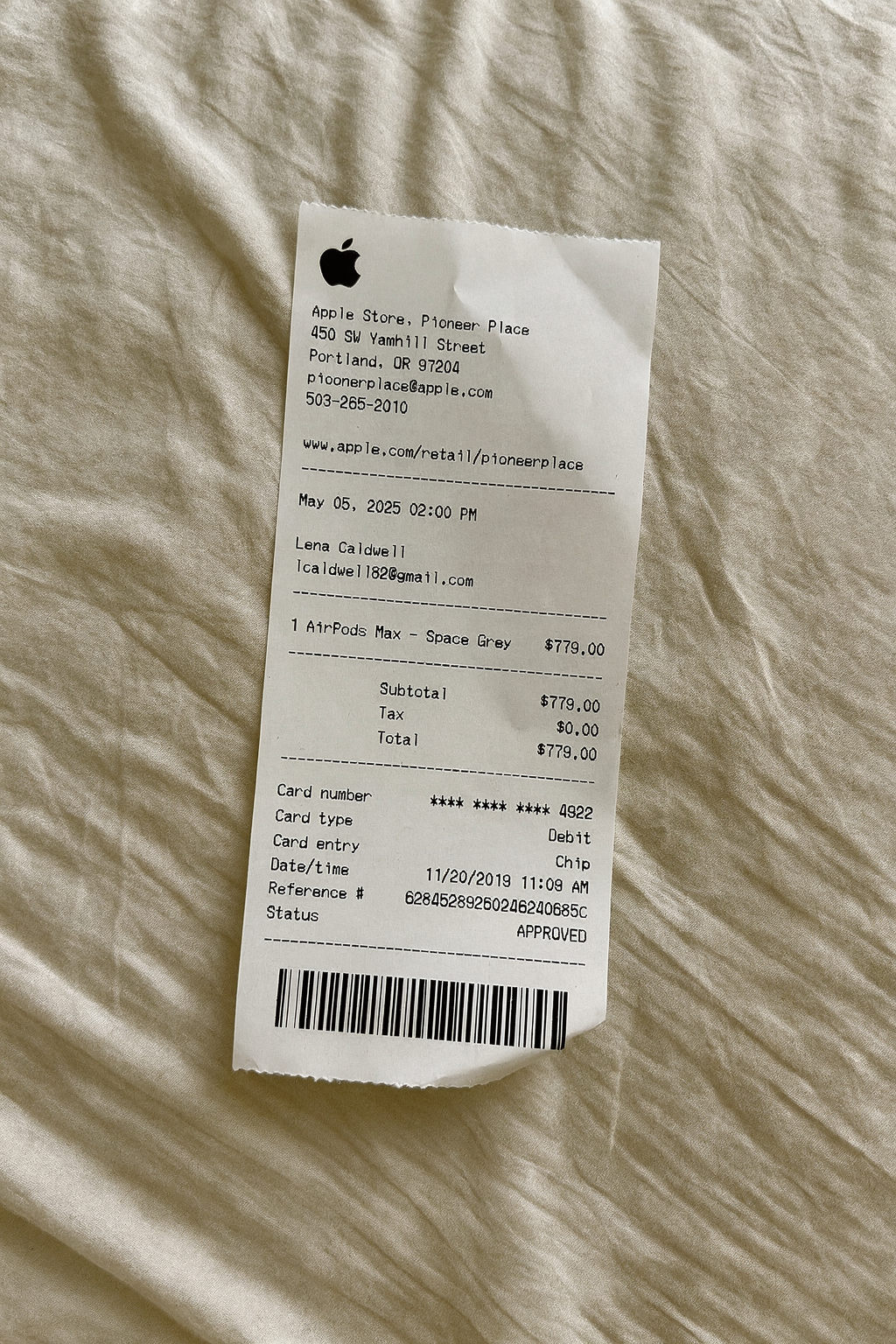
AI Place in Scene
Example outputHealthcare receipt examples
Choose a starting format based on whether the record is for pharmacy items, patient services, or health and beauty retail.
A customizable starting layout with store identity and header details and custom receipt text, including editable Subtotal and Tax fields.
Edit this example
A customizable starting layout with store identity and header details and custom receipt text, with editable visible fields and sections.
Edit this example
A customizable starting layout with store identity and header details and transaction date and time, including editable SUBTOTAL and SALES TAX fields.
Edit this example
A customizable starting layout with store identity and header details and custom receipt text, including editable Subtotal and Tax fields.
Edit this exampleSupport
Common questions about creating CVS Pharmacy receipts.
Can't find the answer you're looking for? Please reach out to our friendly team.
Get in touchBrowse more receipt templates you might find useful.
Create a realistic Hospital receipt with our free generator. Add your own items, adjust totals, and download a pixel-perfect pharmacy receipt.
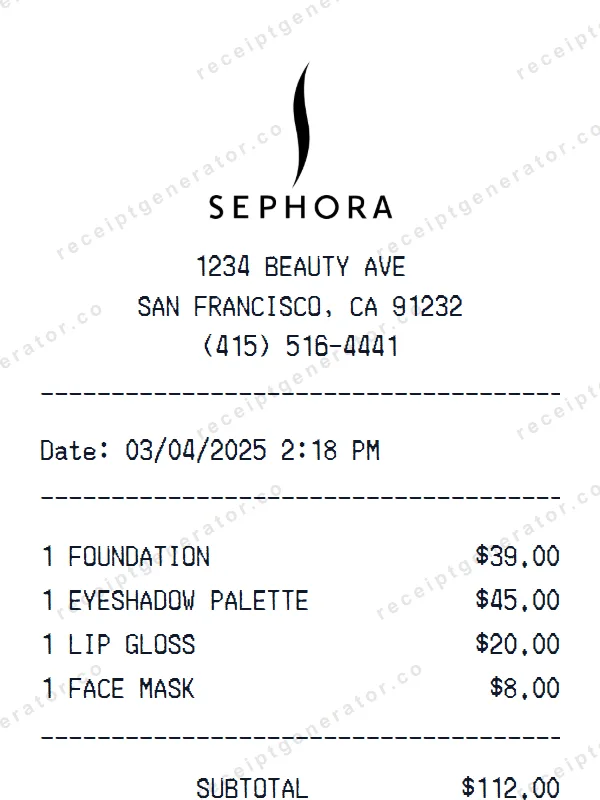
Make a professional Sephora receipt with our easy-to-use tool. Fully editable pharmacy template with realistic formatting. No signup required to preview.
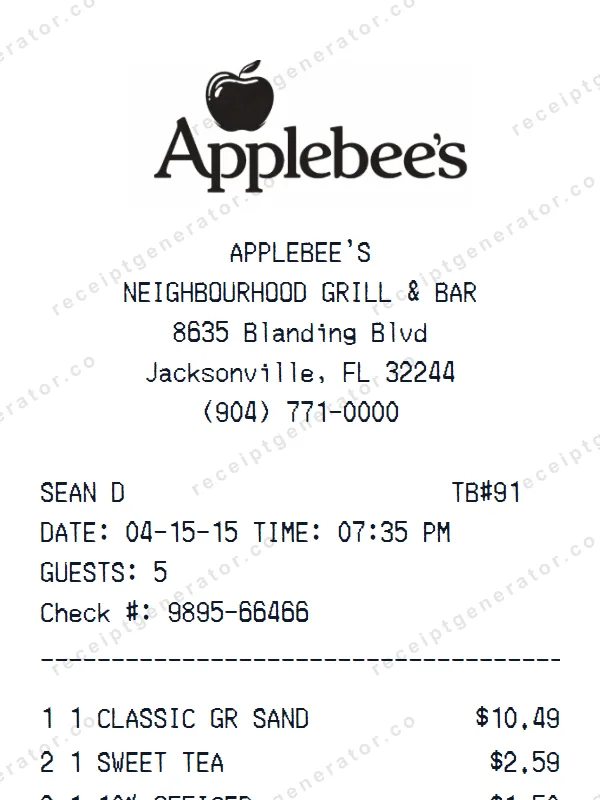
Make a professional Applebee’s receipt with our easy-to-use tool. Fully editable retail store template with realistic formatting. No signup required to preview.
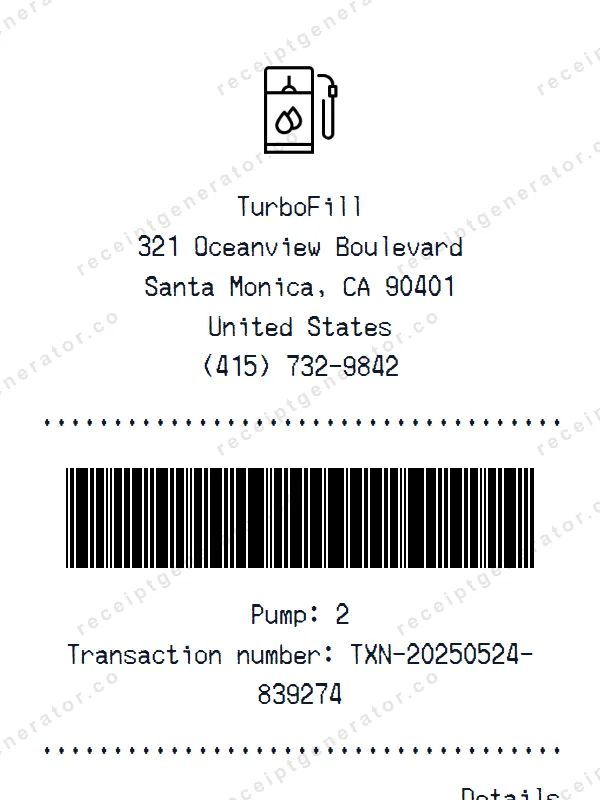
Make a professional Petrol receipt with our easy-to-use tool. Fully editable gas station & convenience store template with realistic formatting. No signup required to preview.
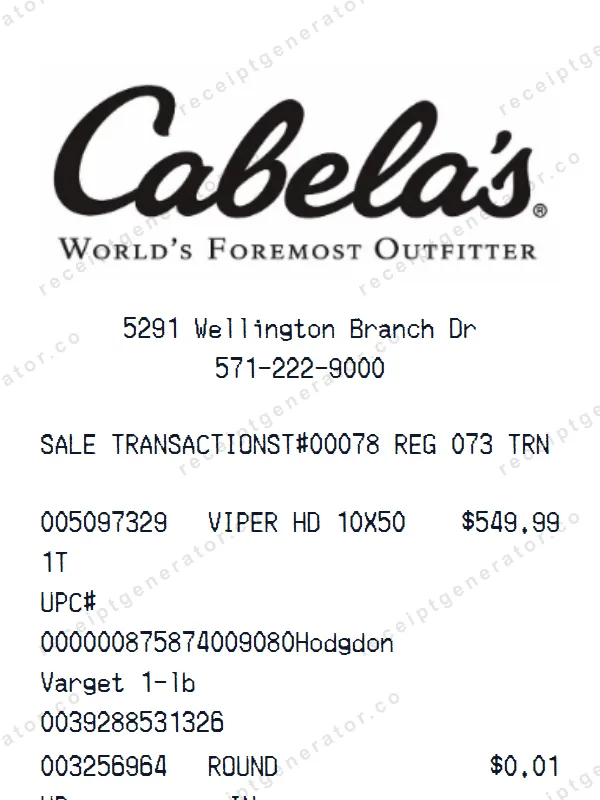
Create a realistic Cabela’s receipt with our free generator. Add your own items, adjust totals, and download a pixel-perfect retail store receipt.
It only takes a few seconds. No signup required.
Generate CVS Pharmacy Receipt