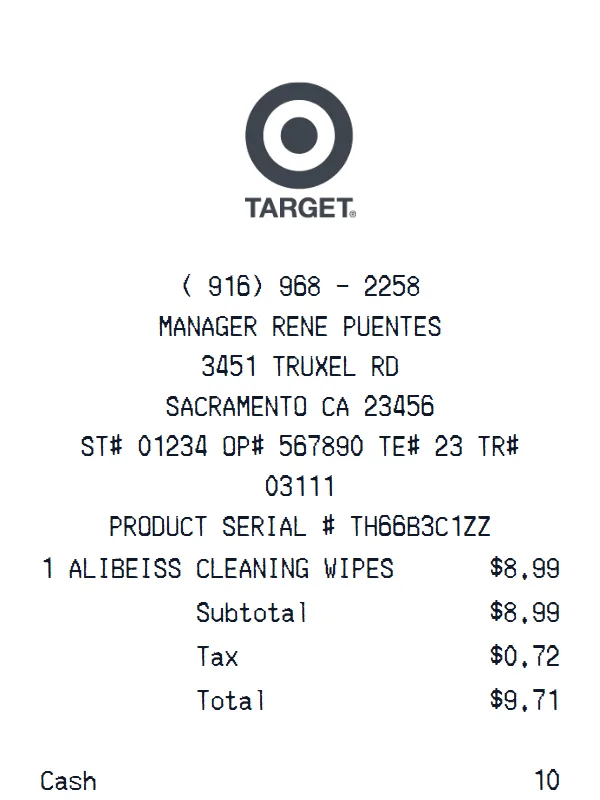
Target Receipt
A customizable starting layout with store identity and header details and custom receipt text, including editable Subtotal and Tax fields.
Edit this exampleFor legitimate business, creative, and personal use only. See our Terms of Service
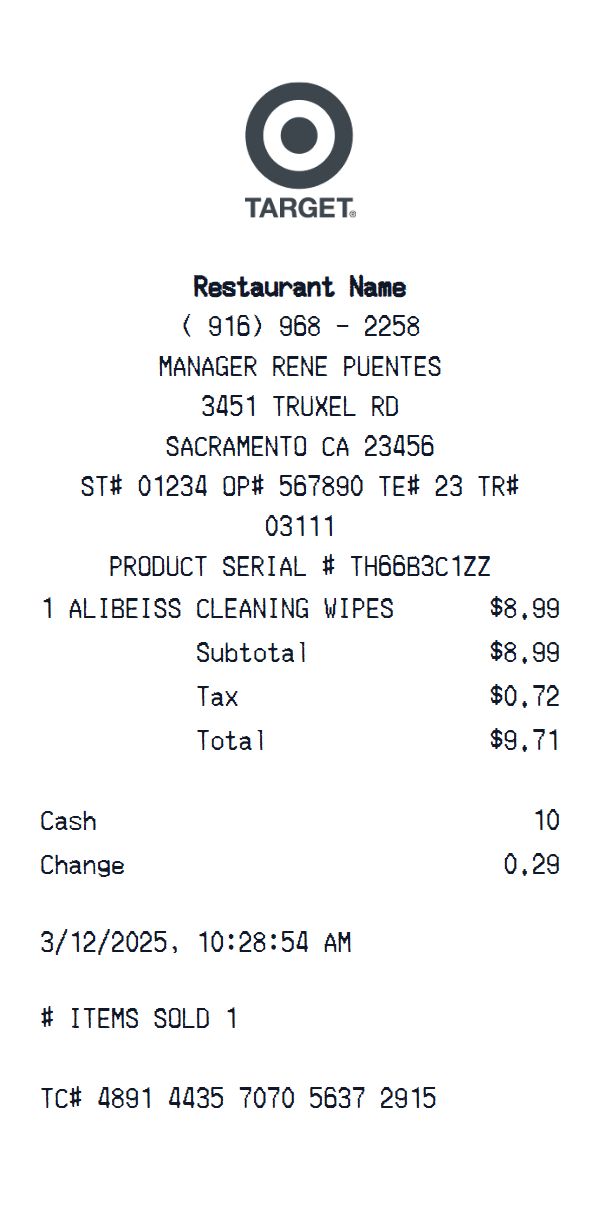
Create a Target-style retail receipt with editable products, promotions, store details, totals, and payment information.
Start here
Open this template in the generator, enter the information you need, then review the finished layout before export.
Continue with the Target template already selected and ready to edit.
Generate Target receiptEdit the exact starting sections described below, then add, remove, or reorder sections when your document needs a different structure.
Check the live preview, spacing, and every visible value or reference that applies before downloading the finished receipt.
Target single-item receipt anatomy
The Target logo sits above the Sacramento manager and ST, OP, TE, and TR fields. A product serial and one cleaning-wipes row lead into subtotal, tax, total, cash, change, date, item count, and TC reference.
Sacramento store header, manager, register identifiers, and product serial
Single cleaning-wipes row with editable description, quantity, and price
Subtotal, tax, total, cash, change, date, item count, and TC reference
Transaction walkthrough
Update the store and register identifiers, product serial, item description, quantity, and price, then verify subtotal, tax, total, cash, and change before editing the date, item count, and TC number.
This template is fully customizable. The preview shows the starting layout, not a limit: change the currency, add or delete sections, drag sections into a different order, and add or remove item rows and total lines to fit the receipt you need.
Labels found in this starting template
Target receipts organize a mixed retail basket around store and register information, product identifiers, discounts, tax, tender, and a transaction reference. This template provides an editable Target-style structure for those details.
Replace the sample item with your own household, grocery, apparel, or electronics lines. Promotions, quantities, prices, tax, total, payment, date, and custom notes can be adjusted before download.
Create a realistic photo of your Target receipt on any surface — a desk, counter, or next to your purchase. Our AI-powered Place in Scene feature generates a photo that looks like you printed the receipt, without needing a receipt printer.
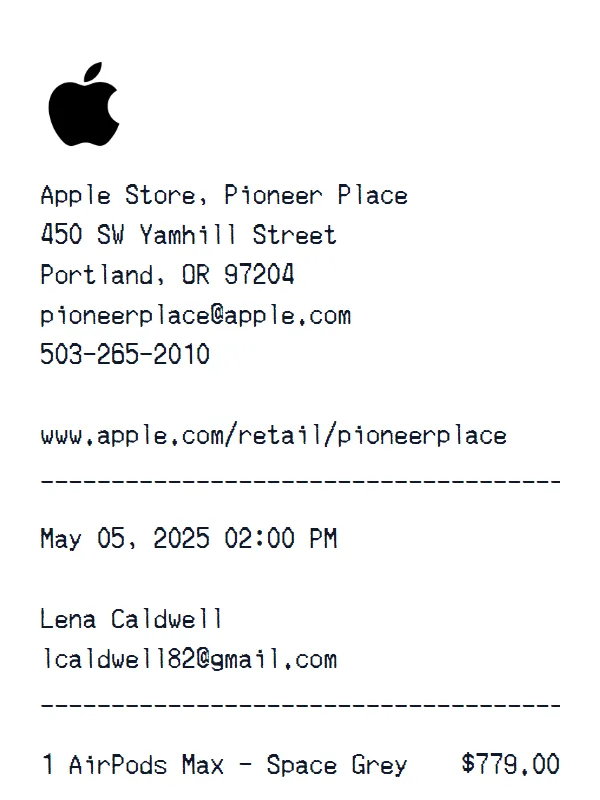
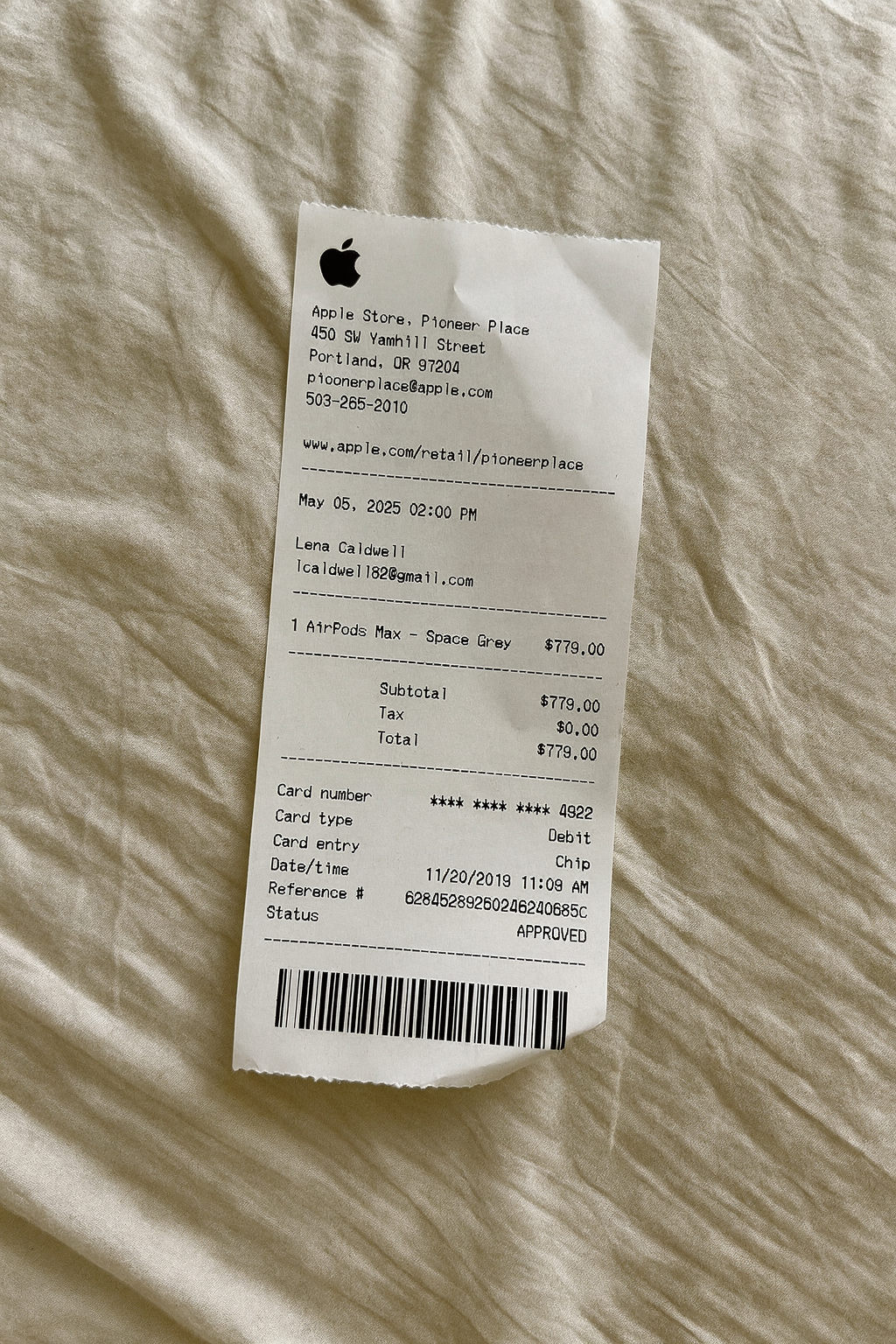
AI Place in Scene
Example outputHome and general retail examples
Review formats for electronics, home goods, office supplies, hardware, and general merchandise.
A customizable starting layout with store identity and header details and custom receipt text, including editable Subtotal and Tax fields.
Edit this example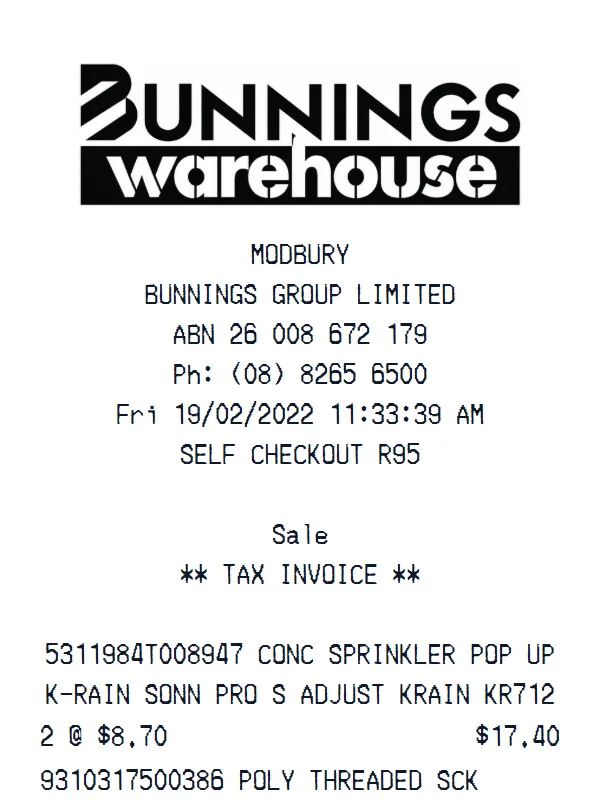
A customizable starting layout with store identity and header details and custom receipt text, with editable visible fields and sections.
Edit this example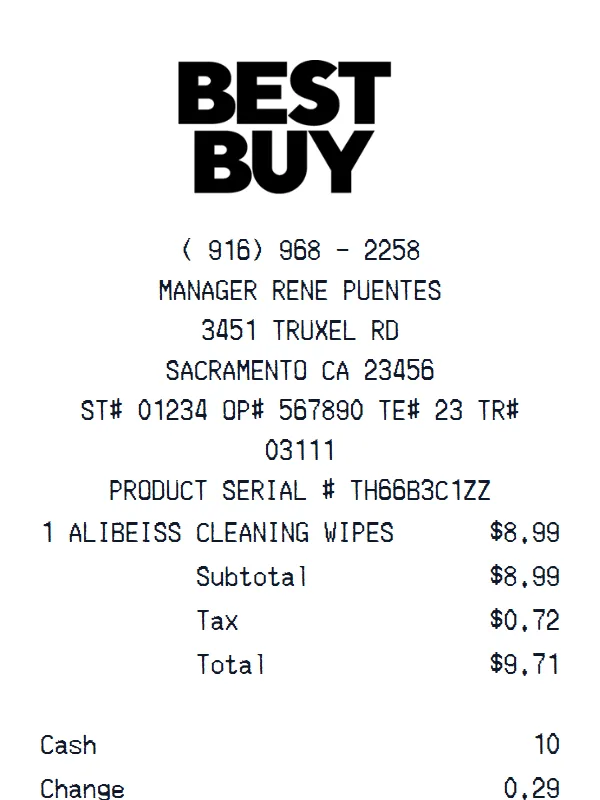
A customizable starting layout with store identity and header details and custom receipt text, including editable Subtotal and Tax fields.
Edit this example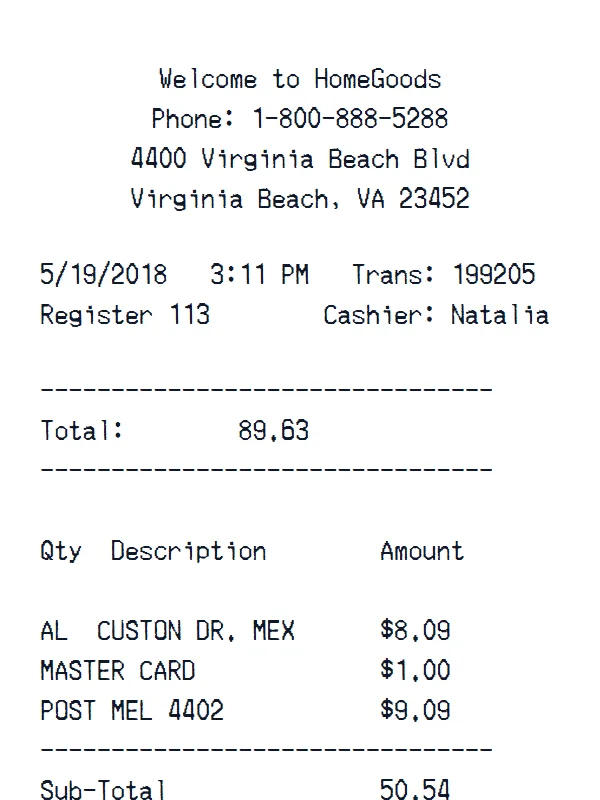
A customizable starting layout with store identity and header details and custom receipt text, with editable visible fields and sections.
Edit this exampleSupport
Common questions about creating Target receipts.
Can't find the answer you're looking for? Please reach out to our friendly team.
Get in touchBrowse more receipt templates you might find useful.
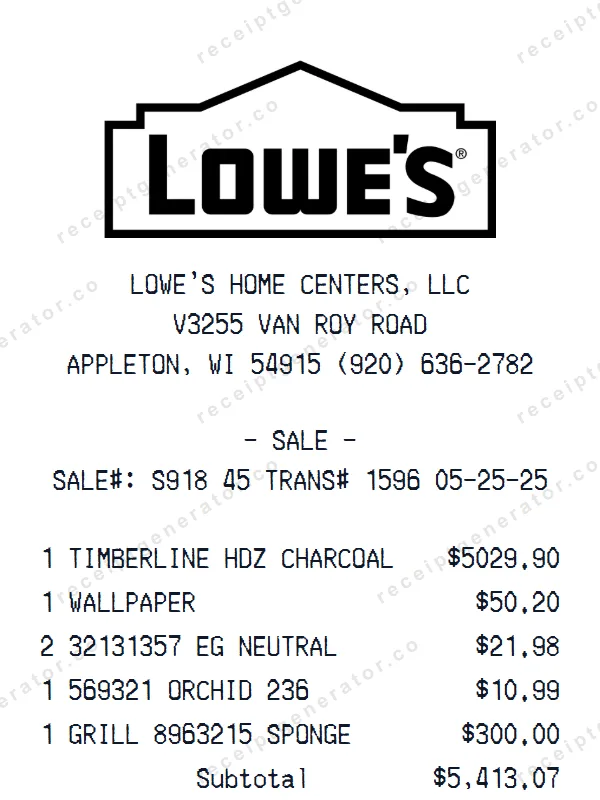
Generate a custom Lowe's receipt in seconds. Edit every detail — items, totals, dates, and more. Ready to download in one click.
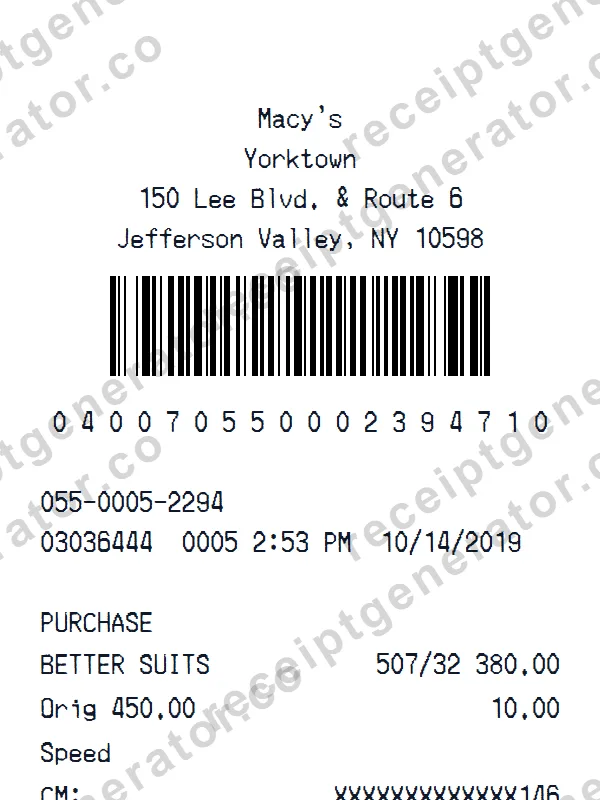
Make a professional Macy’s receipt with our easy-to-use tool. Fully editable retail store template with realistic formatting. No signup required to preview.
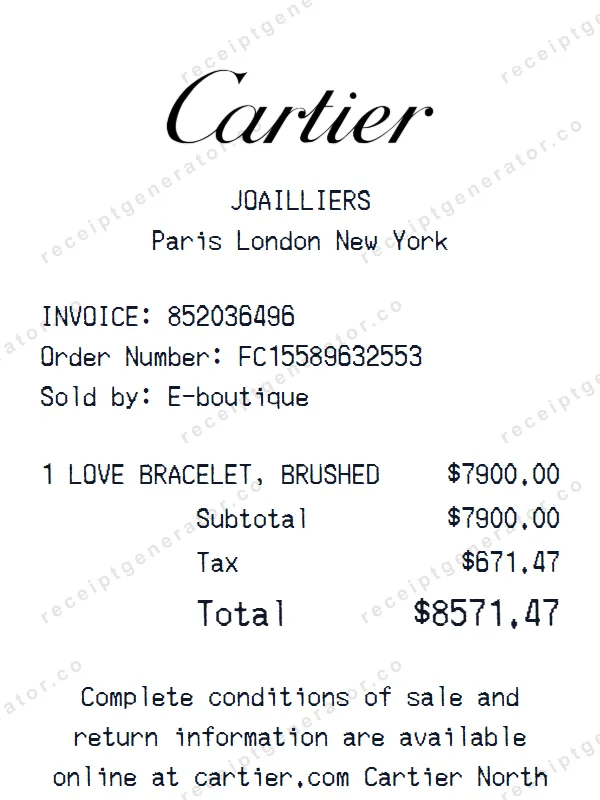
Make a professional Cartier receipt with our easy-to-use tool. Fully editable retail store template with realistic formatting. No signup required to preview.
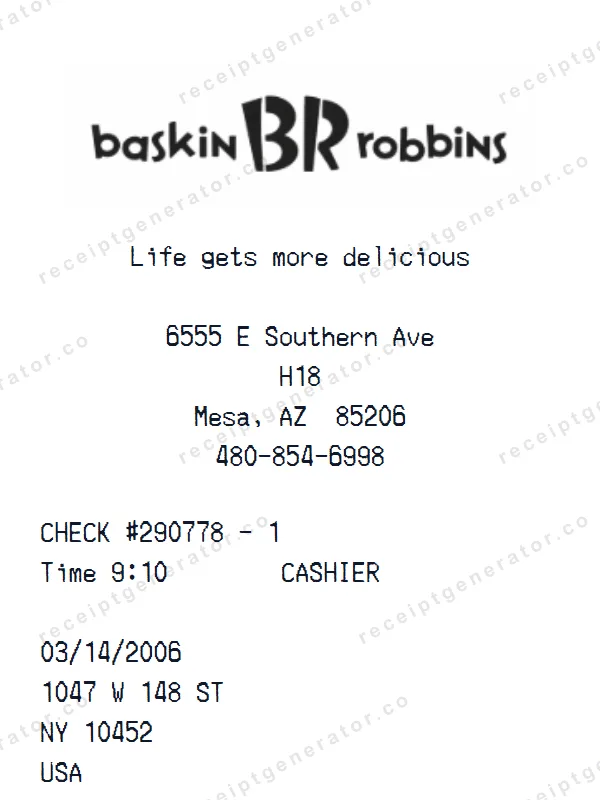
Build a detailed Baskin Robbins receipt — fully customizable. Customize items, prices, tax, and payment details. Download instantly as a high-quality image.
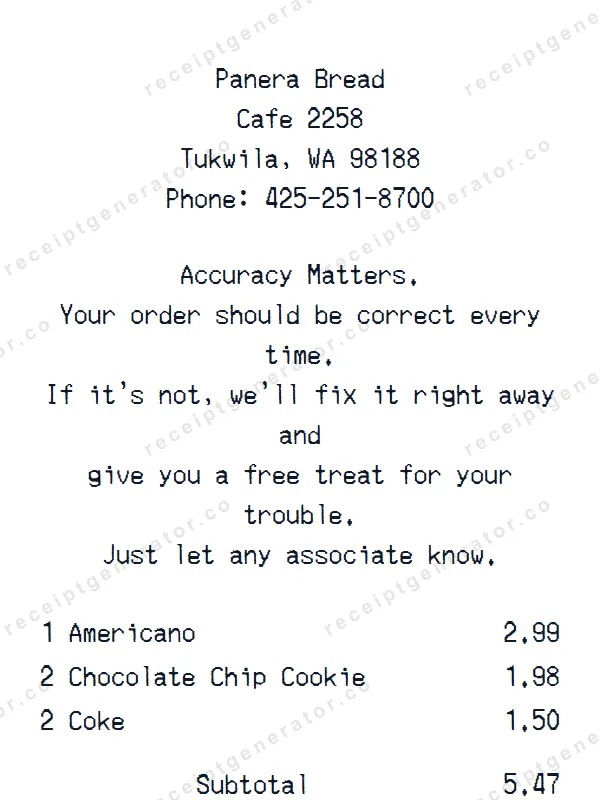
Generate a custom Panera Bread receipt in seconds. Edit every detail — items, totals, dates, and more. Ready to download in one click.
It only takes a few seconds. No signup required.
Generate Target Receipt