Free Petco Receipt Generator
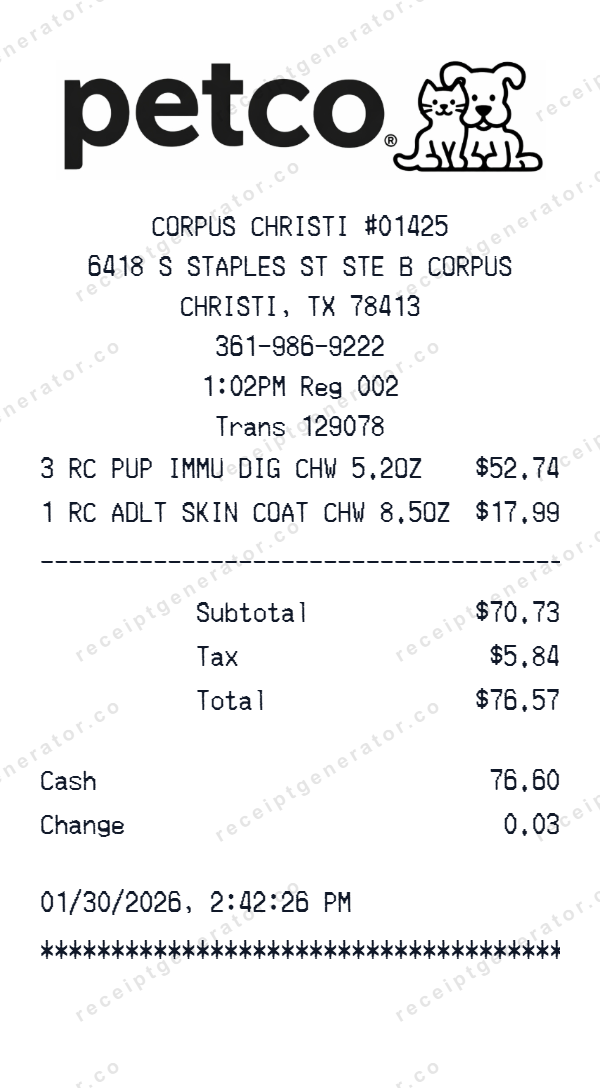
Inspect and edit a Petco receipt layout with store identity and header details, item rows and totals, payment information, then preview your changes before export.
Start here
How to make a Petco receipt
Open this template in the generator, enter the information you need, then review the finished layout before export.
Open the generator
Continue with the Petco template already selected and ready to edit.
Generate Petco receiptEnter your information
Replace the visible sample content, then add or remove rows and sections as needed.
Review and export
Check the live preview, spacing, and every visible value or reference that applies before downloading the finished receipt.
About the Petco Receipt Template
The starting Petco layout contains 4 editable content sections covering store identity and header details, item rows and totals, payment information, transaction date and time. You can inspect the complete arrangement in the preview before opening it in the editor.
Its initial format uses editable currency, initially shown in dollars, editable receipt typography, editable receipt paper styling, a replaceable header logo. Visible field labels include Subtotal, Tax, Cash, Change, Card number, Card type. The sample is not a fixed structure: change the currency, add or remove item and total rows, and add, delete, or reorder complete sections in the editor.
Use this independent template for design mockups, software testing, training examples, or organizing information from records you are authorized to use. It is not affiliated with Petco and is not an official receipt or proof of purchase.
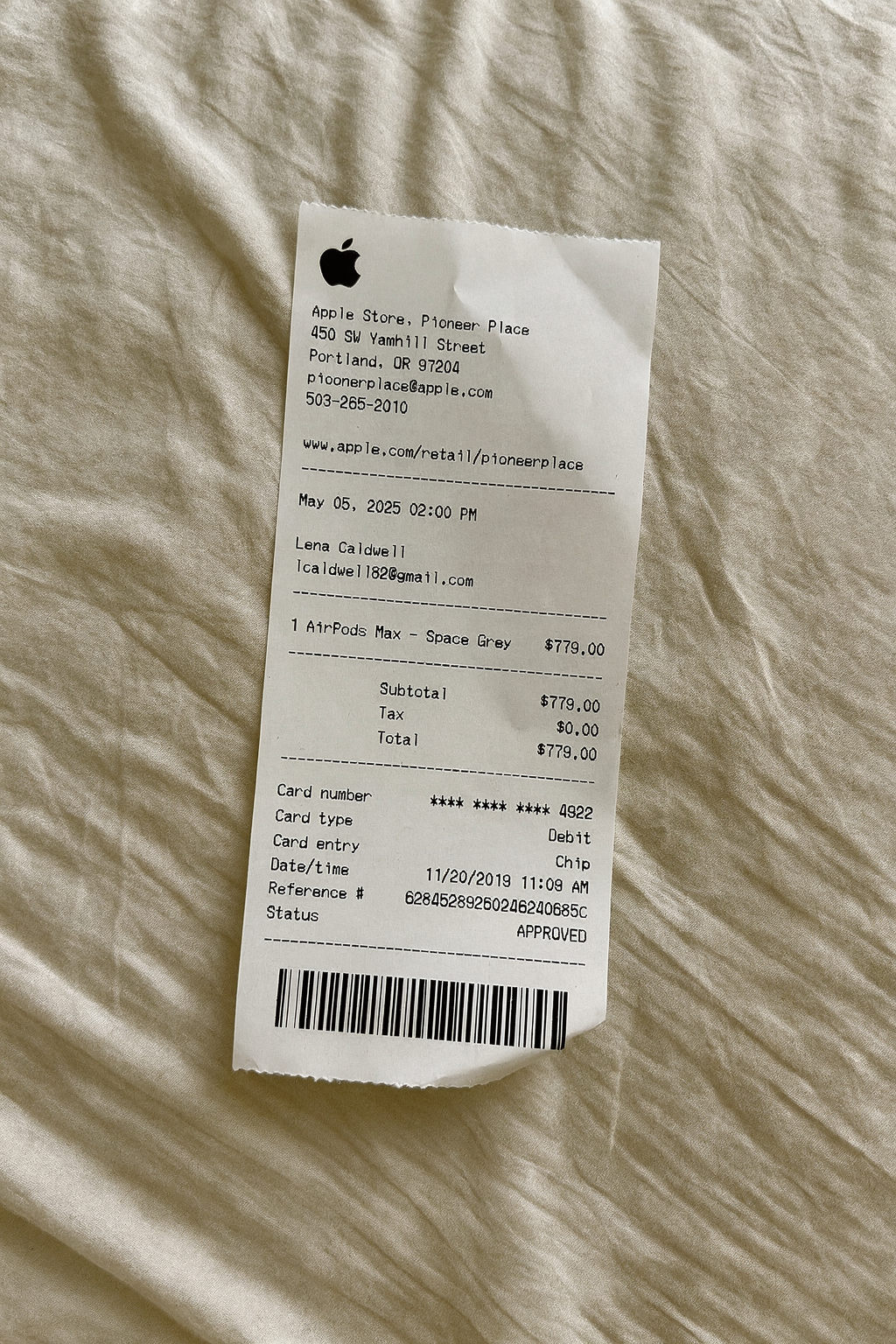
Get a Petco Receipt Photo — No Printer Needed
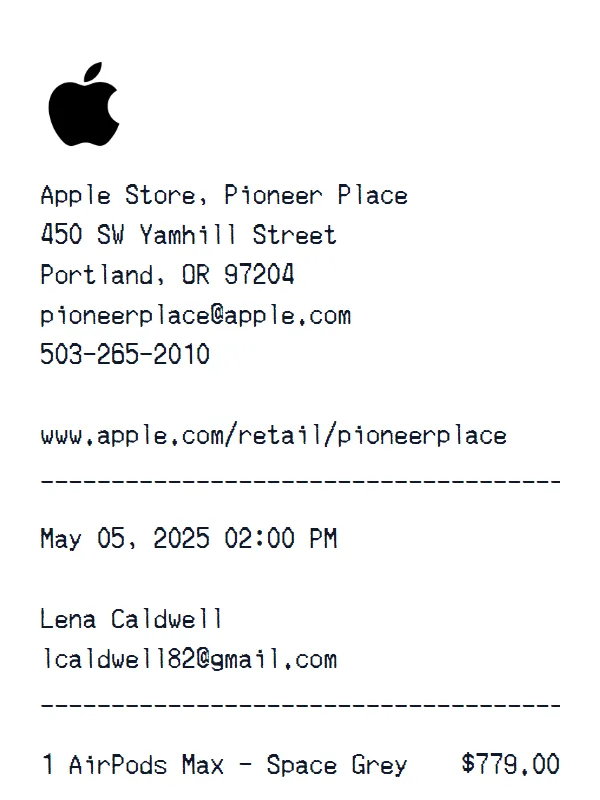
Create a realistic photo of your Petco receipt on any surface — a desk, counter, or next to your purchase. Our AI-powered Place in Scene feature generates a photo that looks like you printed the receipt, without needing a receipt printer.
AI Place in Scene
Example outputTemplate structure
What is included in this Petco layout
- Store identity and header details
- Item rows and totals
- Payment information
- Transaction date and time
Layout facts
Format and editable fields
- 4 editable content sections
- editable currency, initially shown in dollars
- editable receipt typography
- editable receipt paper styling
- a replaceable header logo
- Fields such as Subtotal, Tax, Cash, Change
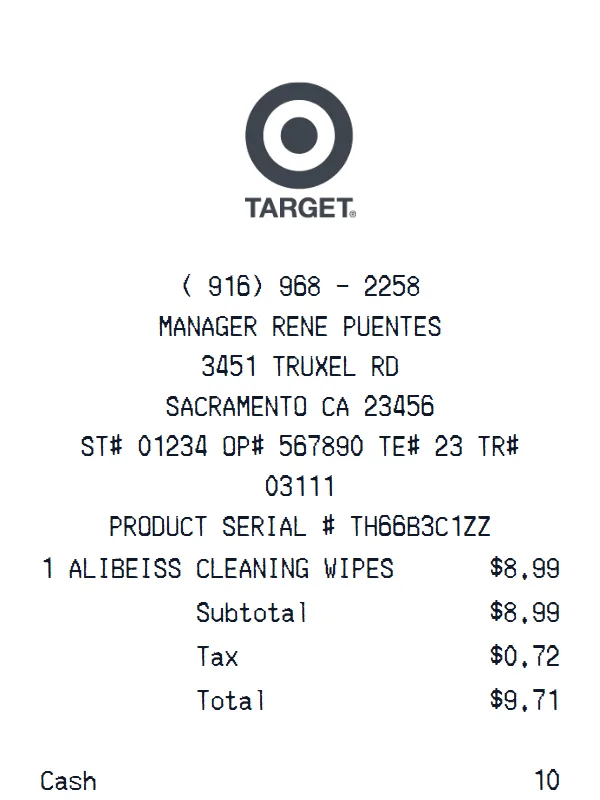
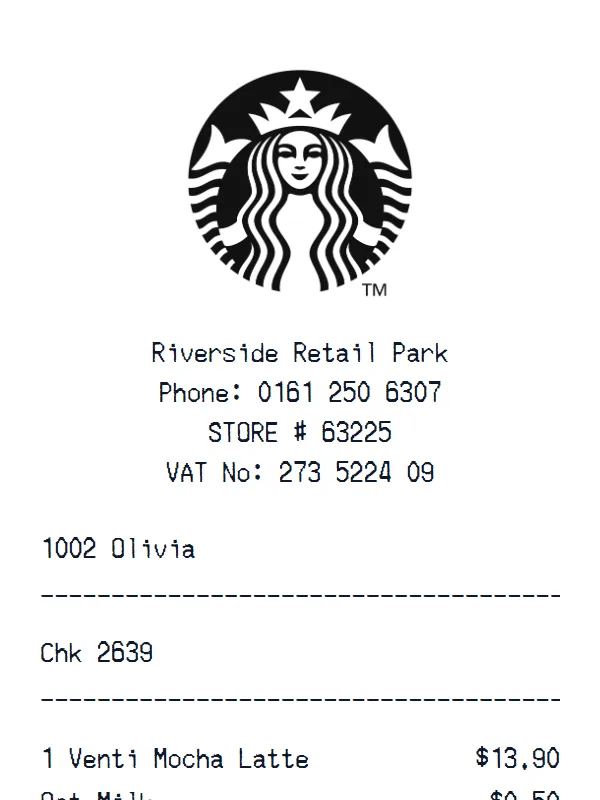
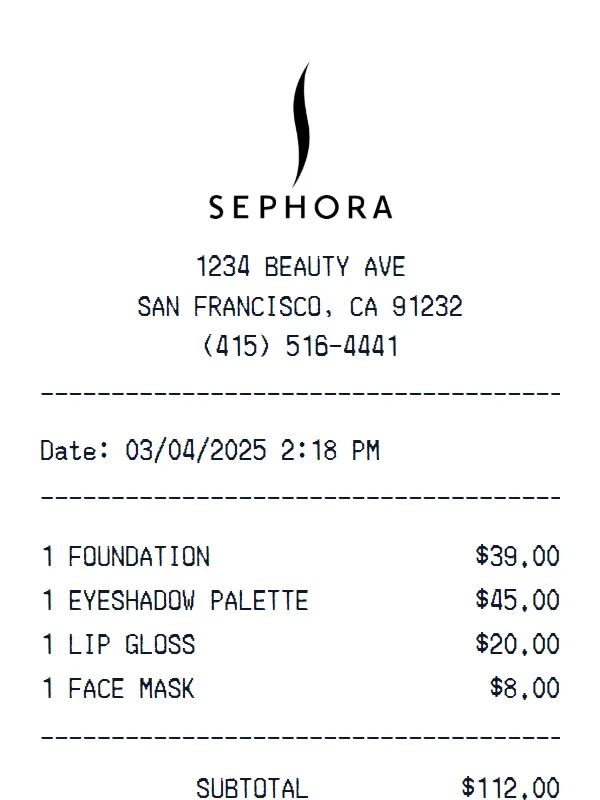
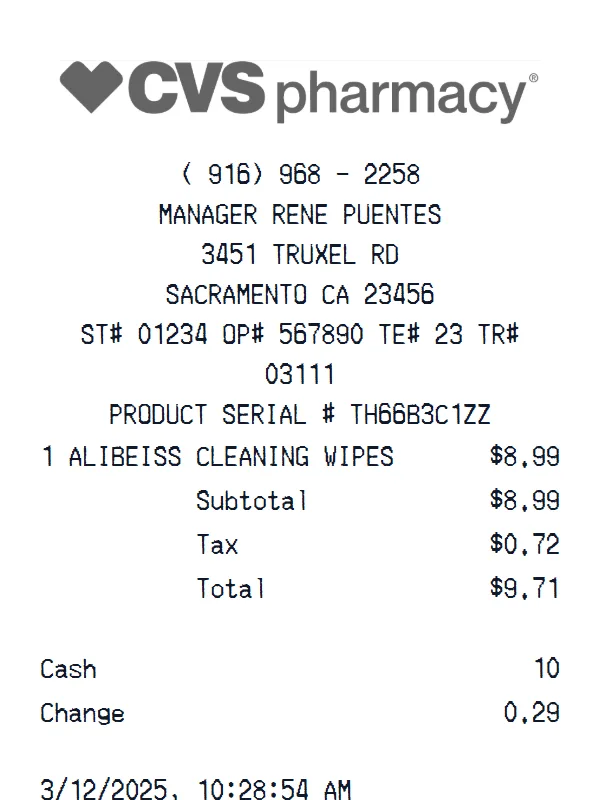
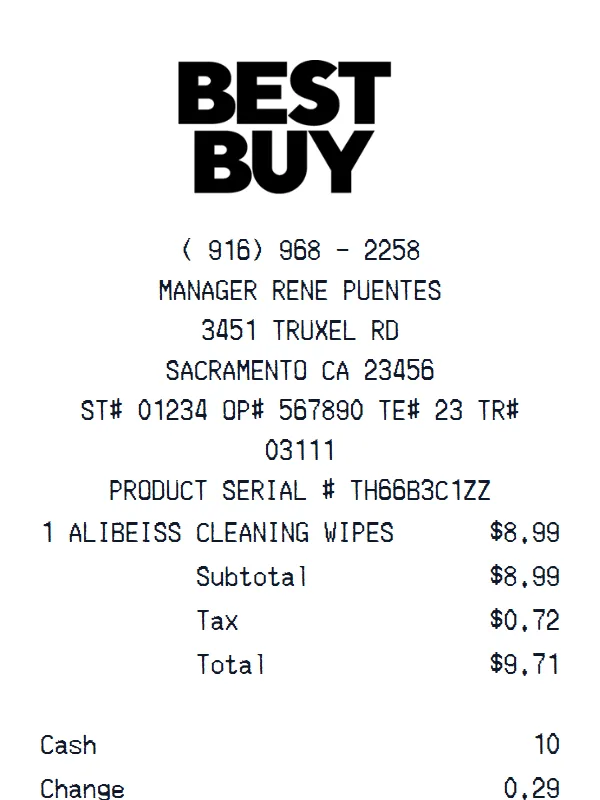
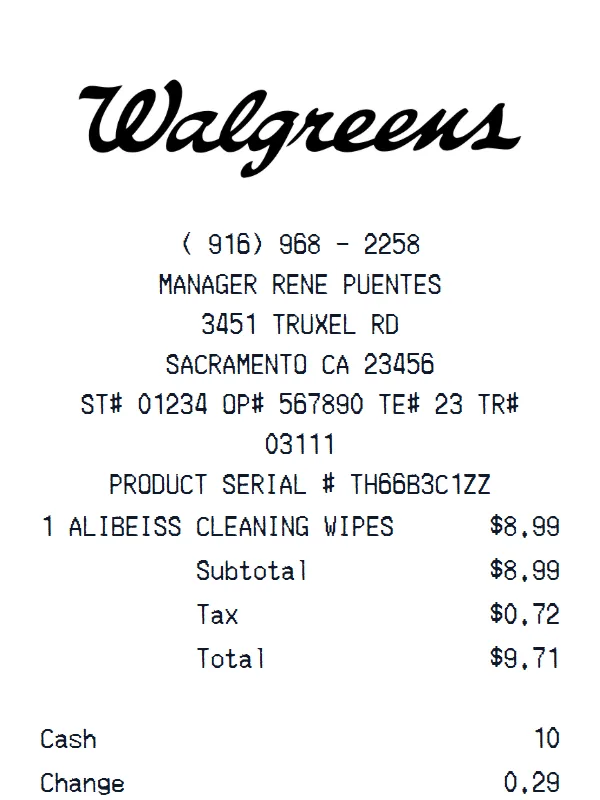
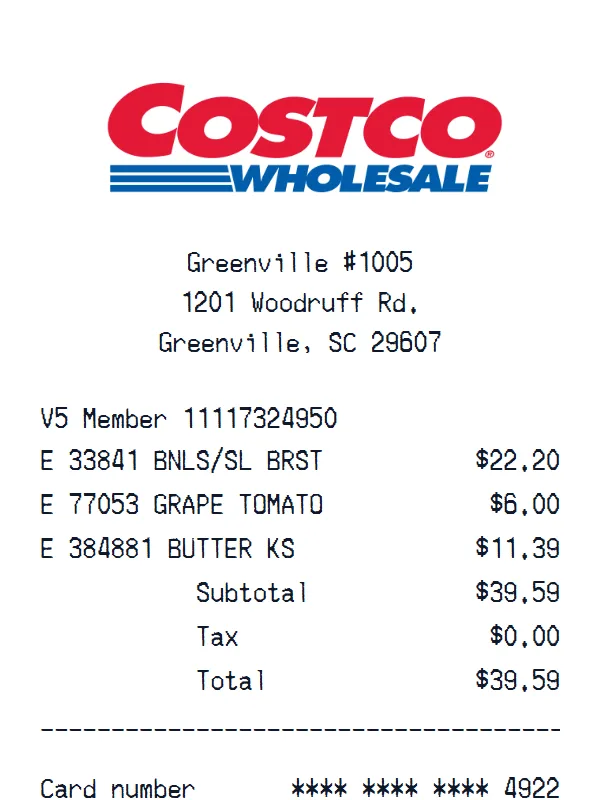
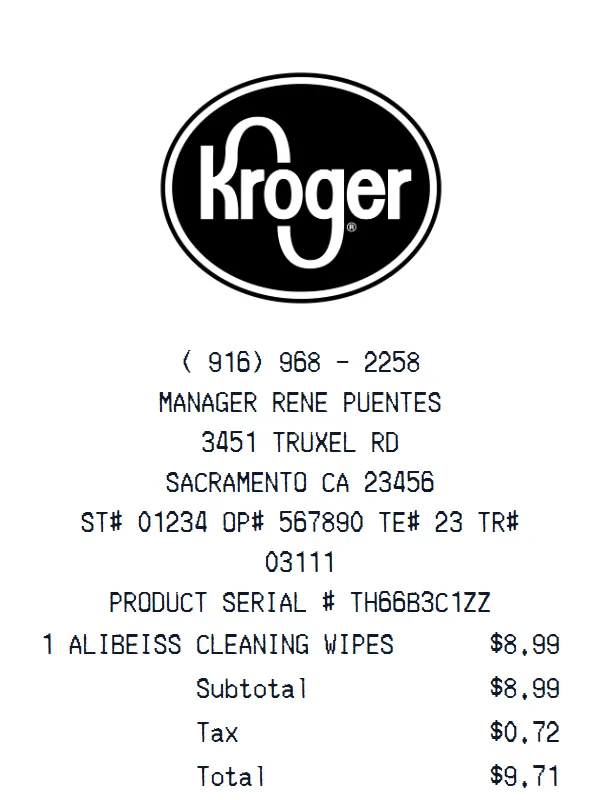
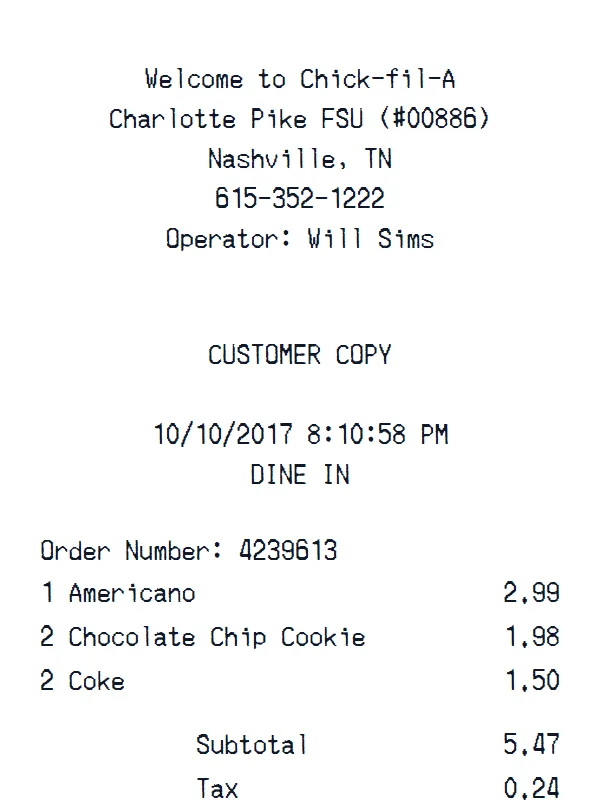
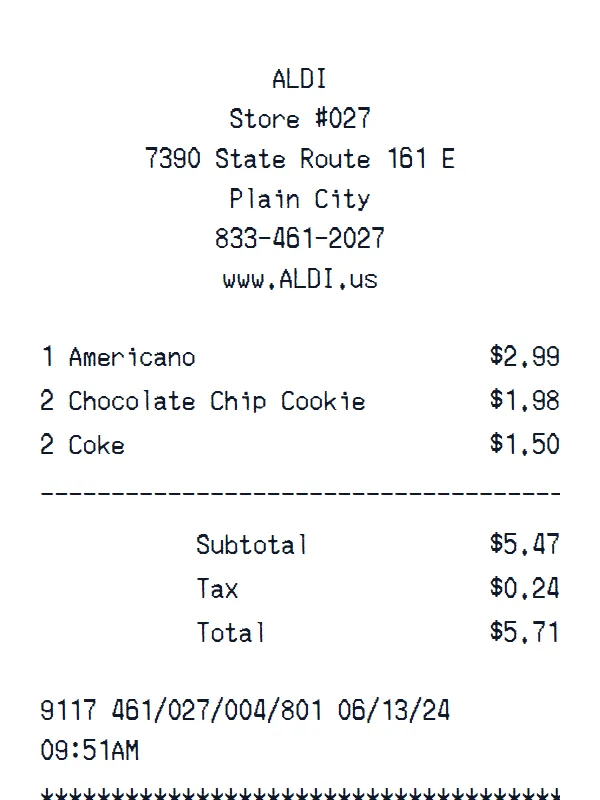
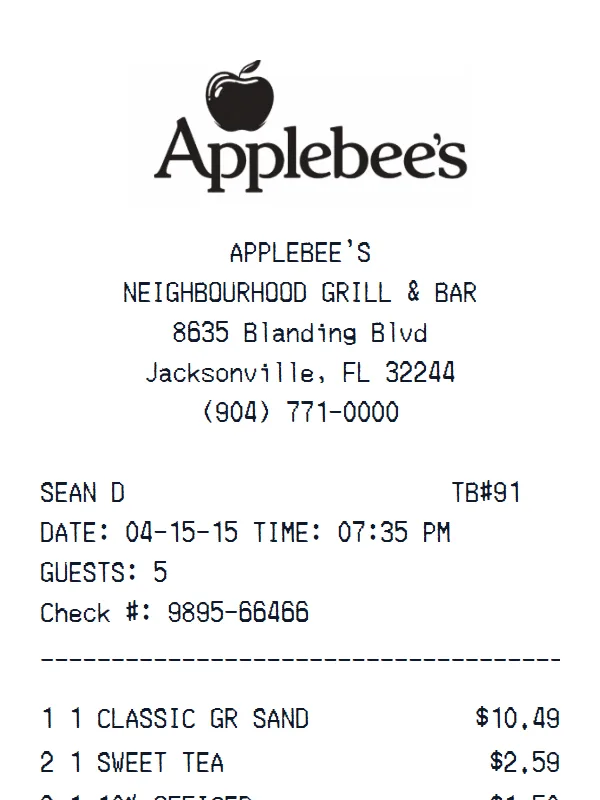
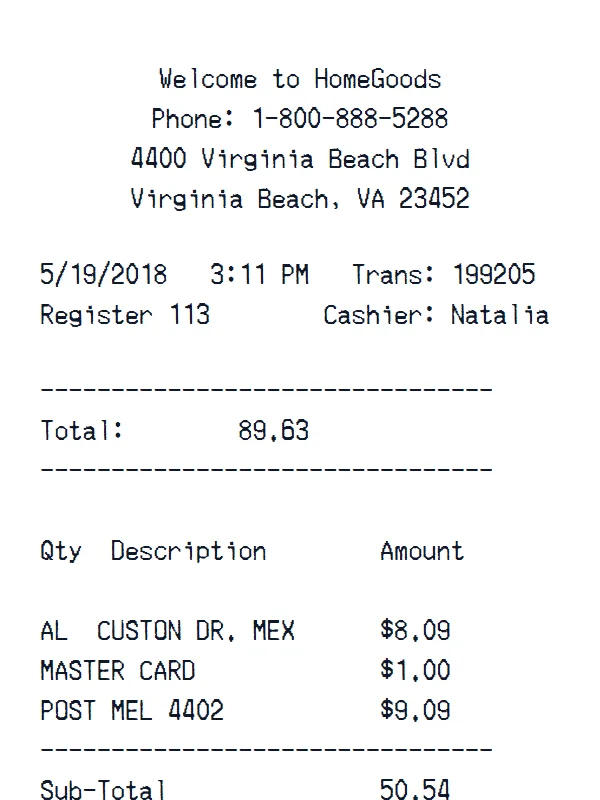
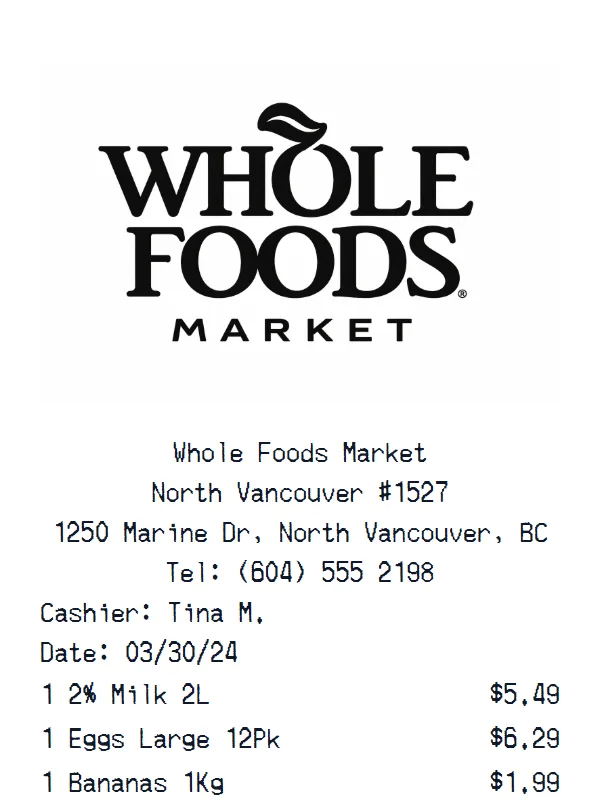
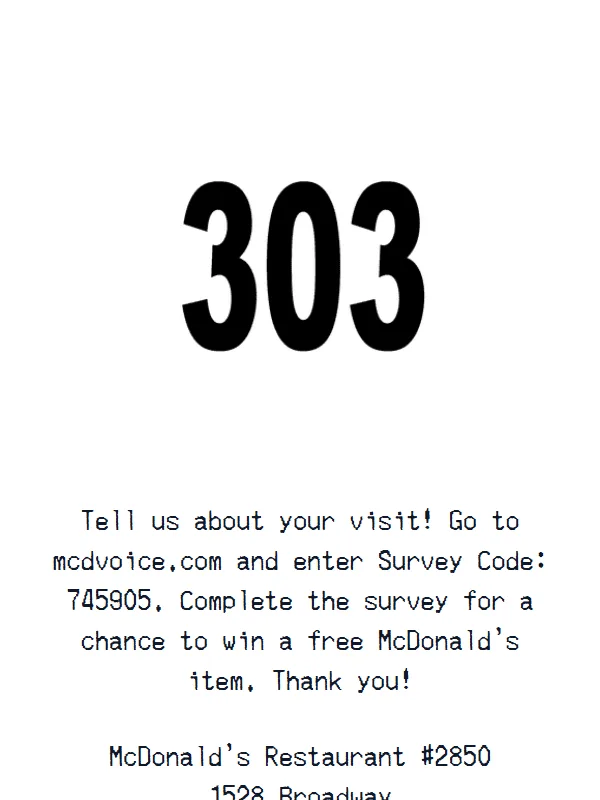
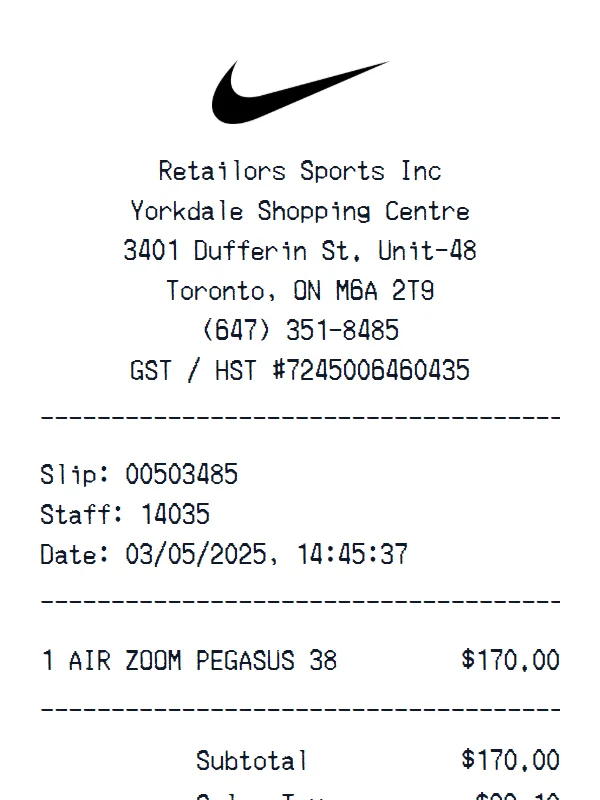
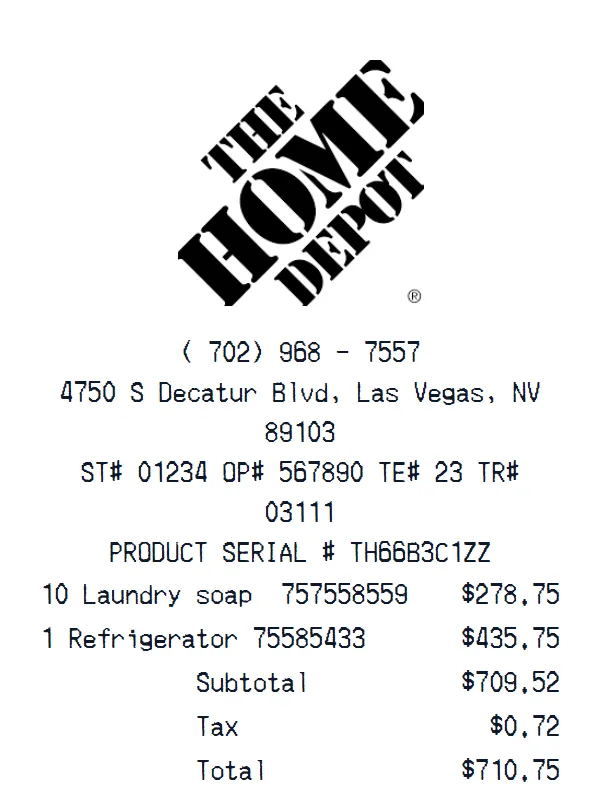
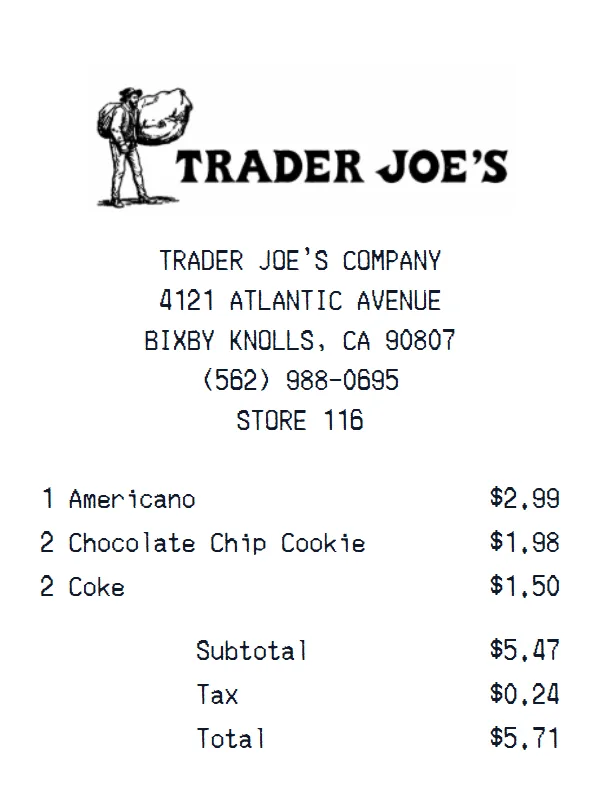
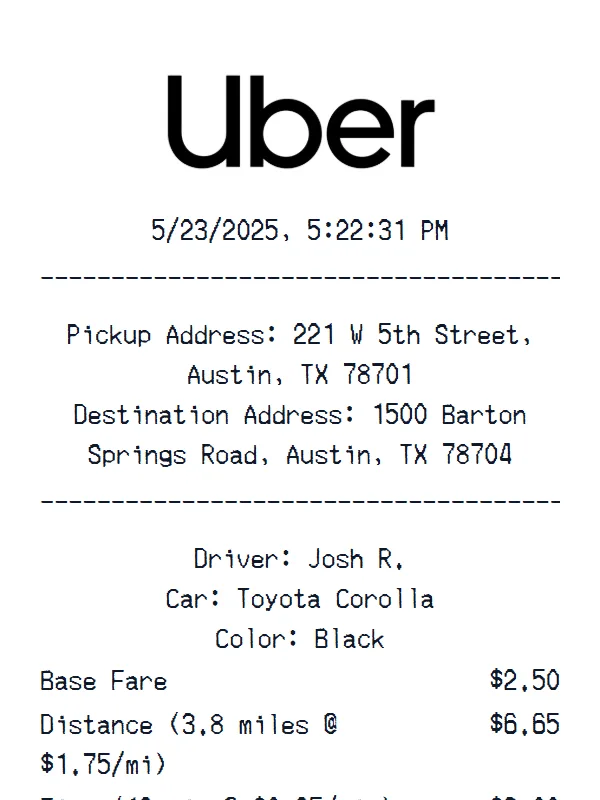
Receipt Examples
Support
Petco Receipt Generator FAQ
Common questions about creating Petco receipts.
Is the Petco receipt generator free?
What is included in this Petco template?
Can I customize the items on my Petco receipt?
Is this an official Petco receipt?
What can I use the Petco template for?
Still have questions?
Can't find the answer you're looking for? Please reach out to our friendly team.
Get in touchSimilar Receipt Templates
Browse more receipt templates you might find useful.
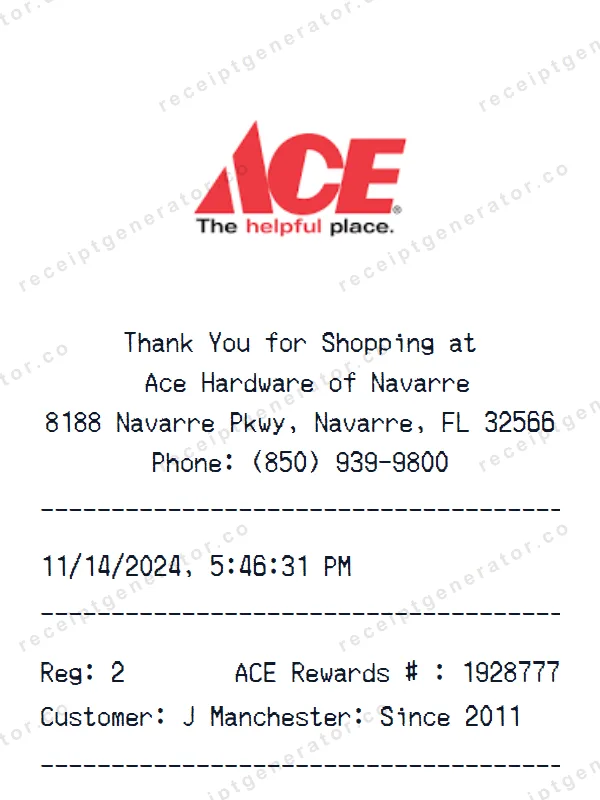
Ace Receipt
retailGenerate a custom Ace receipt in seconds. Edit every detail — items, totals, dates, and more. Ready to download in one click.
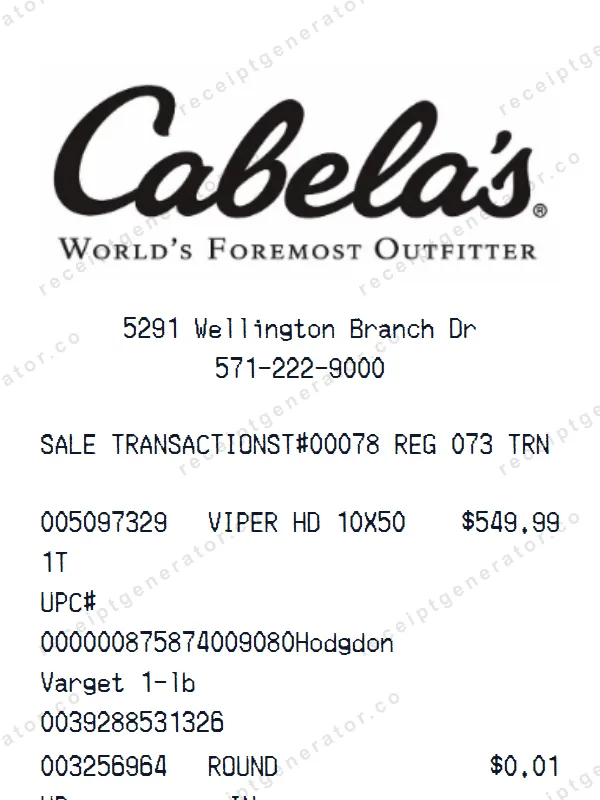
Cabela’s Receipt
retailCreate a realistic Cabela’s receipt with our free generator. Add your own items, adjust totals, and download a pixel-perfect retail store receipt.
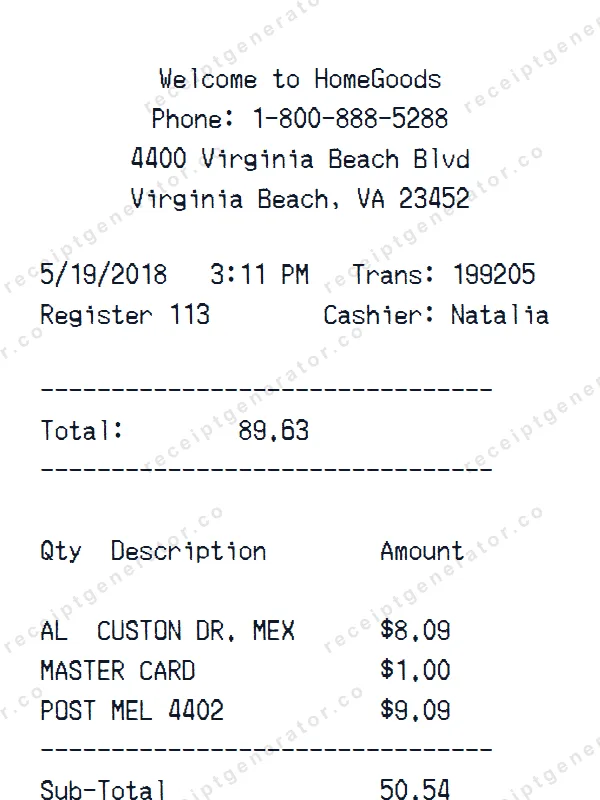
HomeGoods Receipt
retailGenerate a custom HomeGoods receipt in seconds. Edit every detail — items, totals, dates, and more. Ready to download in one click.
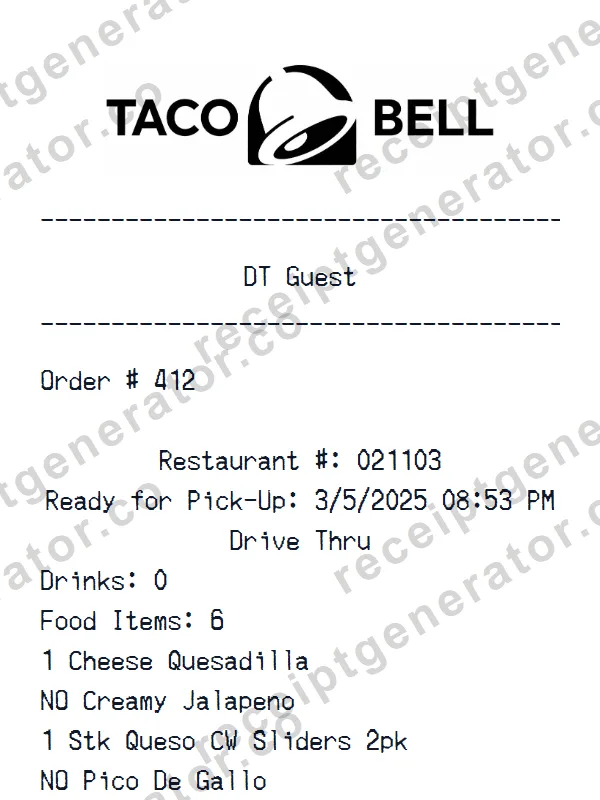
Taco Bell Receipt
fast-foodMake a professional Taco Bell receipt with our easy-to-use tool. Fully editable fast food template with realistic formatting. No signup required to preview.
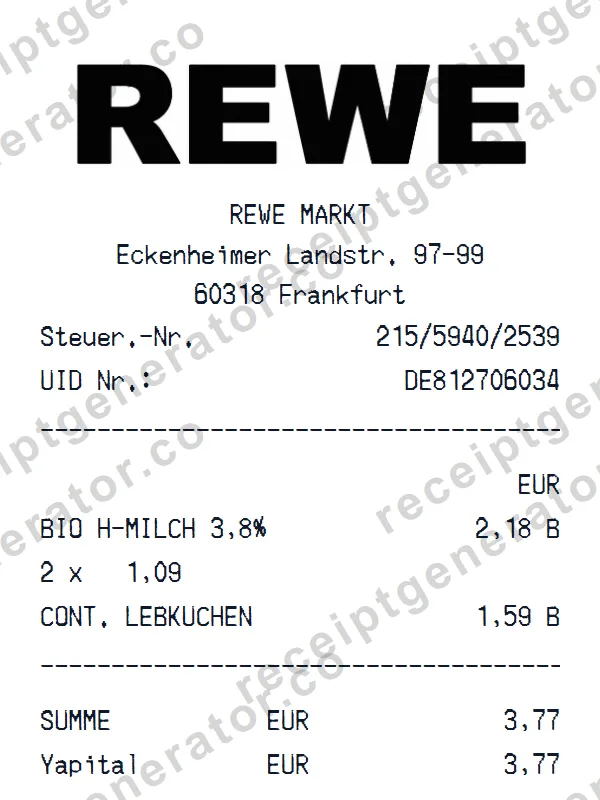
REWE Receipt
groceryBuild a detailed REWE receipt — fully customizable. Customize items, prices, tax, and payment details. Download instantly as a high-quality image.
Ready to create your Petco receipt?
It only takes a few seconds. No signup required.
Generate Petco Receipt