For legitimate business, creative, and personal use only. See our Terms of Service

Free Square POS Receipt Generator
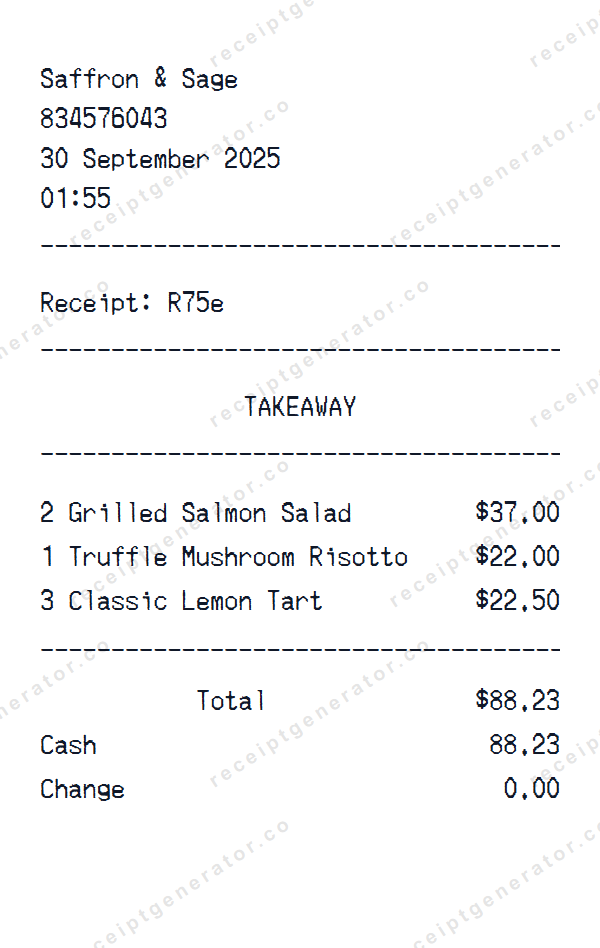
Square POS receipt template preview — realistic Square POS receipt with items, prices, tax, and payment details
Custom Logo
Edit Line Items
Payment Method
Authentic Fonts
Instant Download
Full Customization

A pixel-perfect Square POS template you can edit from top to bottom — products, tax, payment method, store address, and more.

About the Square POS Receipt Template

Create a realistic Square POS receipt with our free online generator. This online receipt template replicates the authentic Square POS format, complete with the correct layout, fonts, and structure. Sample items like "Grilled Salmon Salad", "Truffle Mushroom Risotto", "Classic Lemon Tart" are pre-filled to give you a head start, but every field is fully editable.

This template includes date and time stamps, matching the authentic Square POS receipt format. You can customize every detail — store name, address, phone number, digital orders, prices, subtotals, tax amounts, and transaction metadata. The template comes pre-configured with cash payment details including change calculation, but you can switch to credit card, debit, or any custom payment method.

Download your finished Square POS receipt as a crisp PNG image ready for printing or digital use. No signup needed — start customizing immediately. Want a photo instead? Use Place in Scene to generate an AI-powered image of your Square POS receipt on a real surface, without ever printing it.

Guide

How to make a Square POS Receipt?

With our receipt maker create any bill as easy as 1, 2, 3.

1. Choose from 400+ templates

Choose from lots of different receipt templates or create your own from scratch.

2. Add your information

Easily edit all information including line items, prices, payment info, and more.

3. Export it for use

One click export to use it in your email or print it out.

Receipt Examples
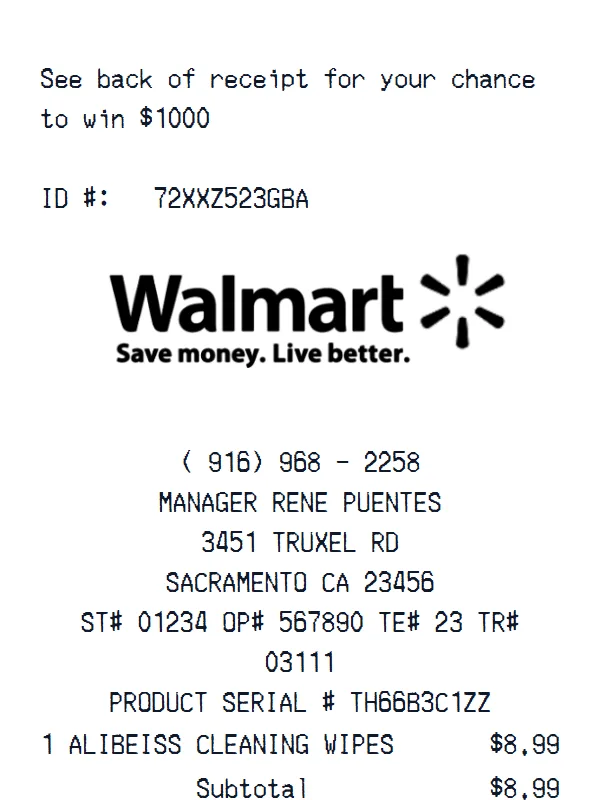
Walmart receipt example
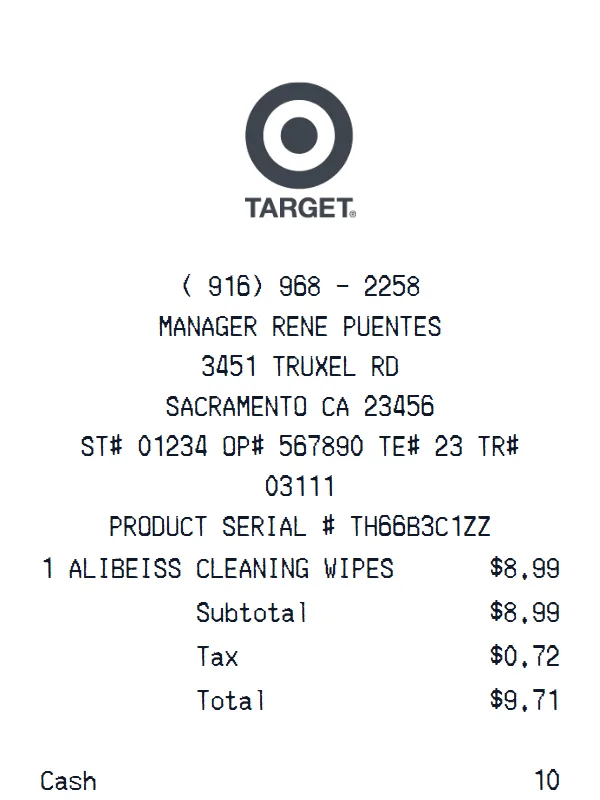
Target receipt example
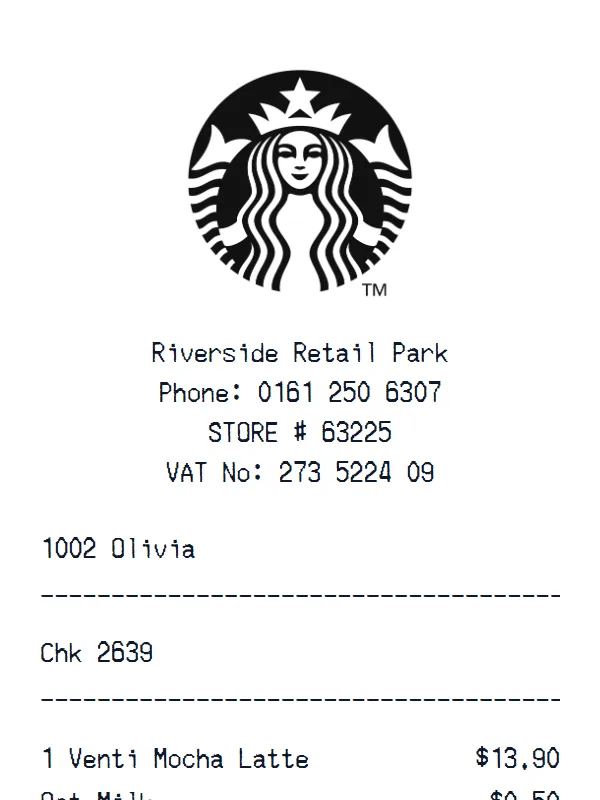
Starbucks receipt example
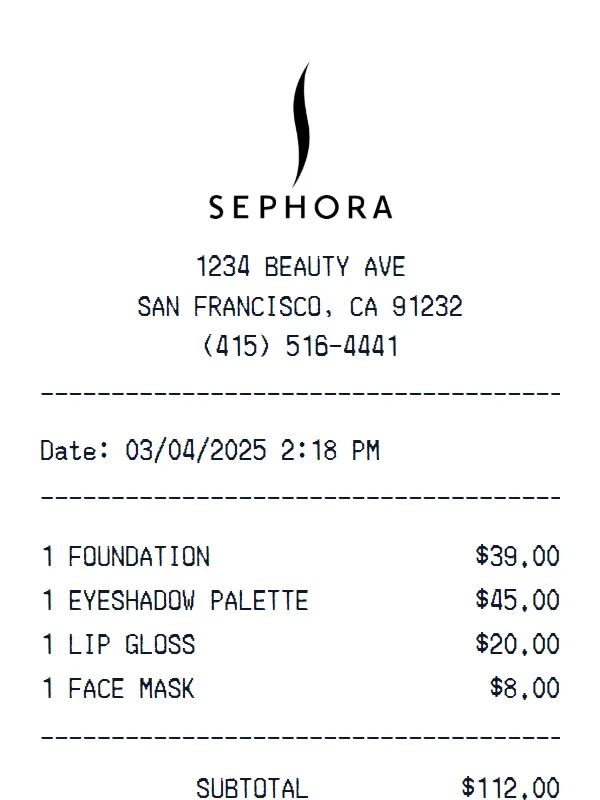
Sephora receipt receipt example
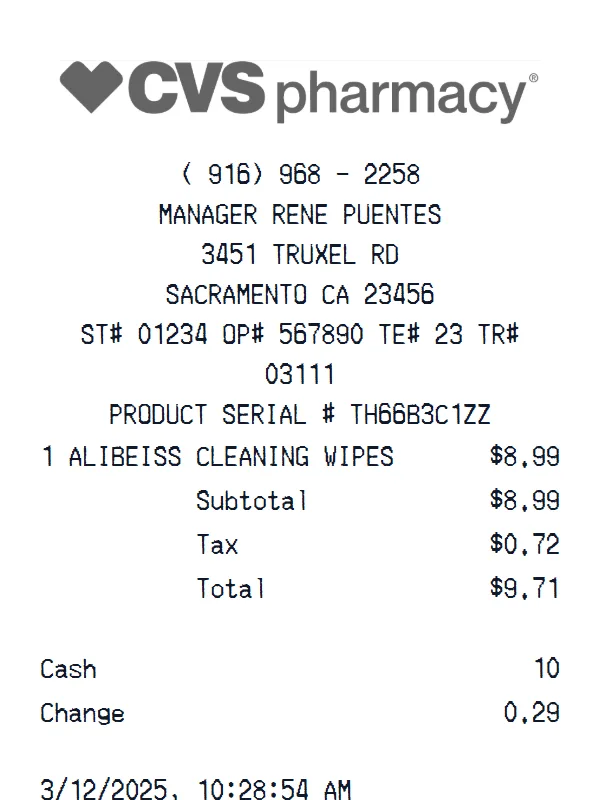
CVS Pharmacy receipt example
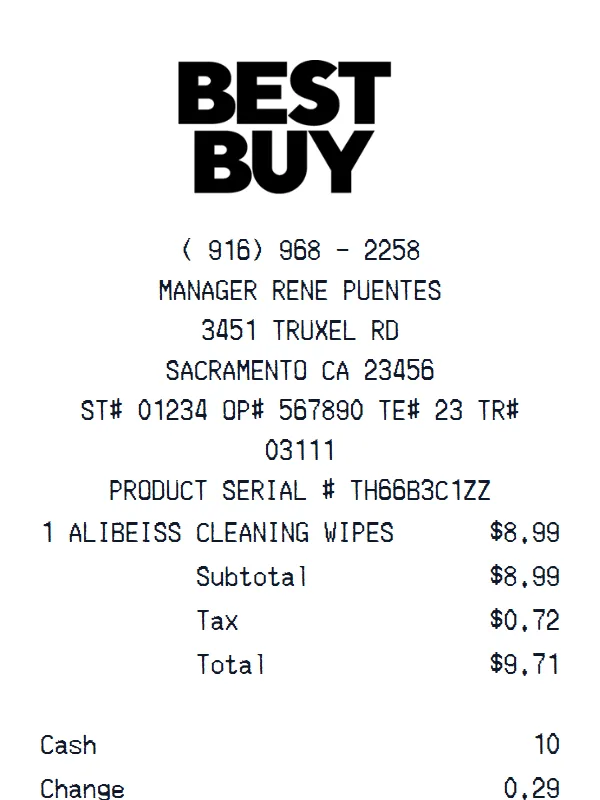
Best Buy receipt example
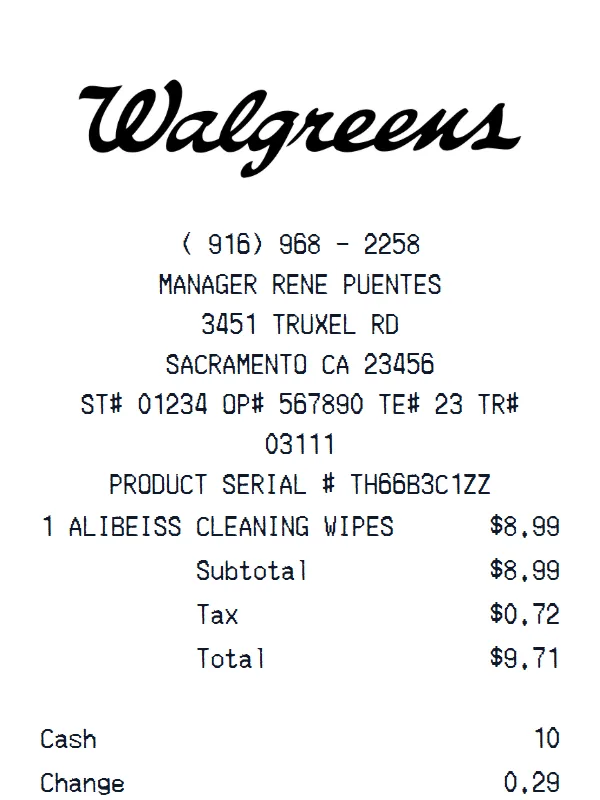
Walgreens receipt example
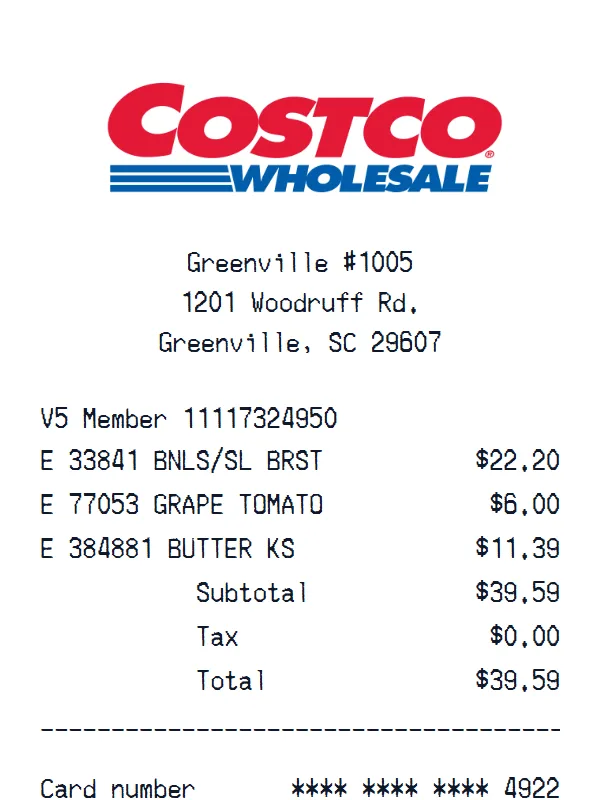
Costco receipt example
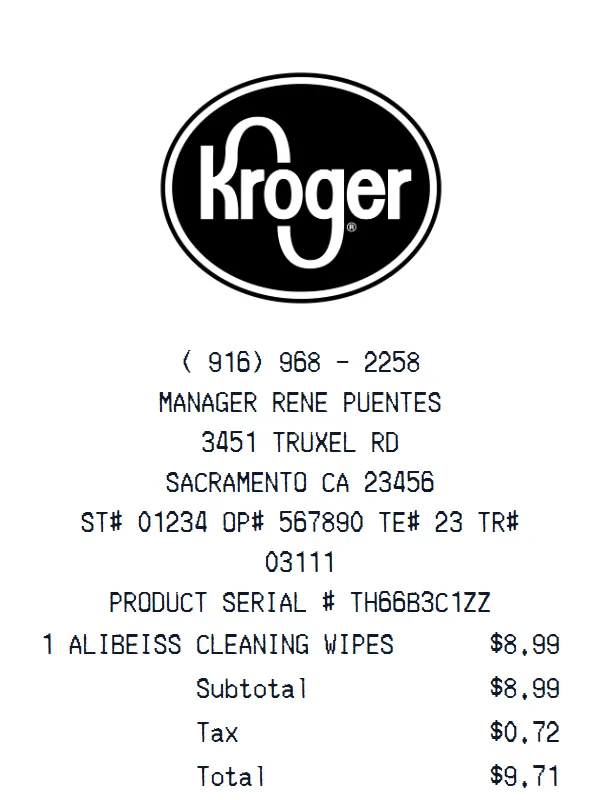
Kroger receipt example
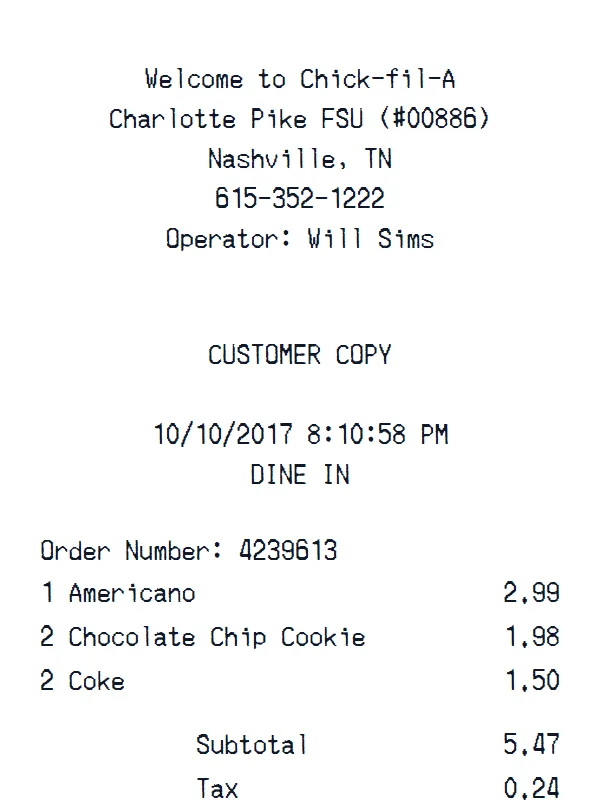
Chick fil A receipt example
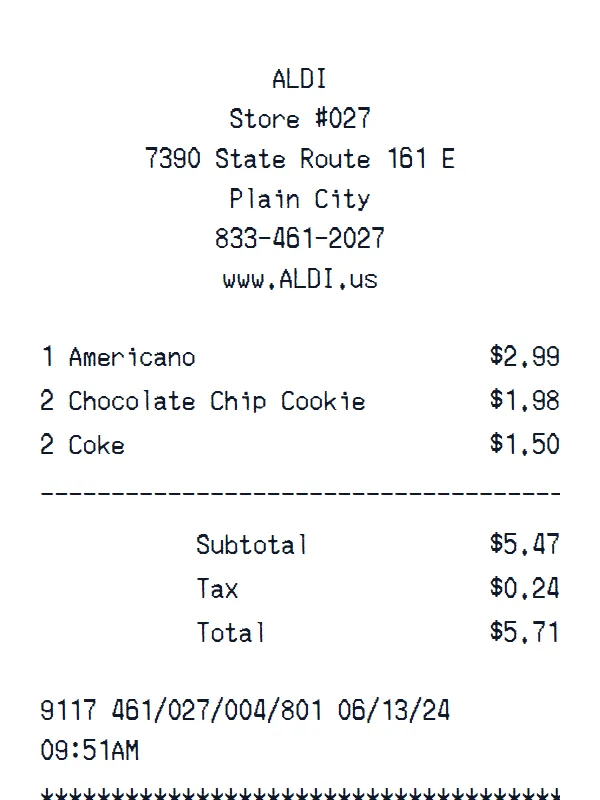
ALDI receipt example
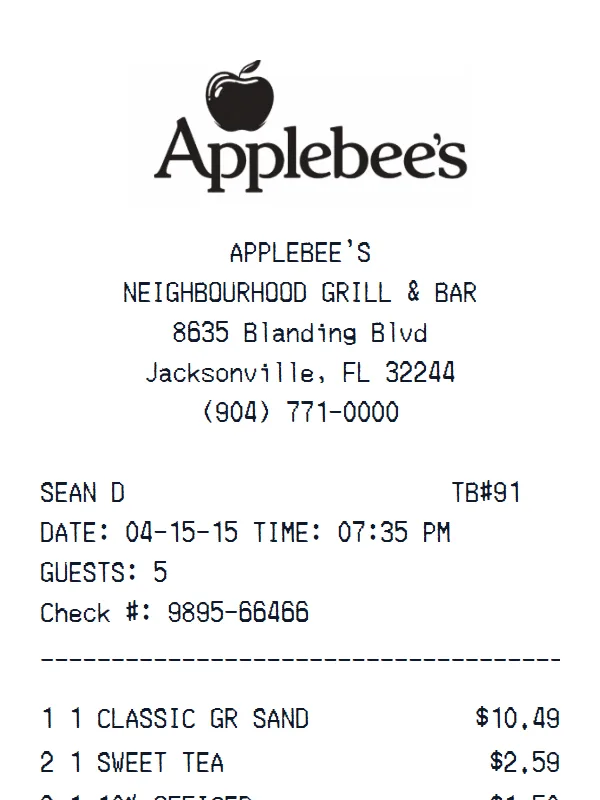
Applebee's receipt example
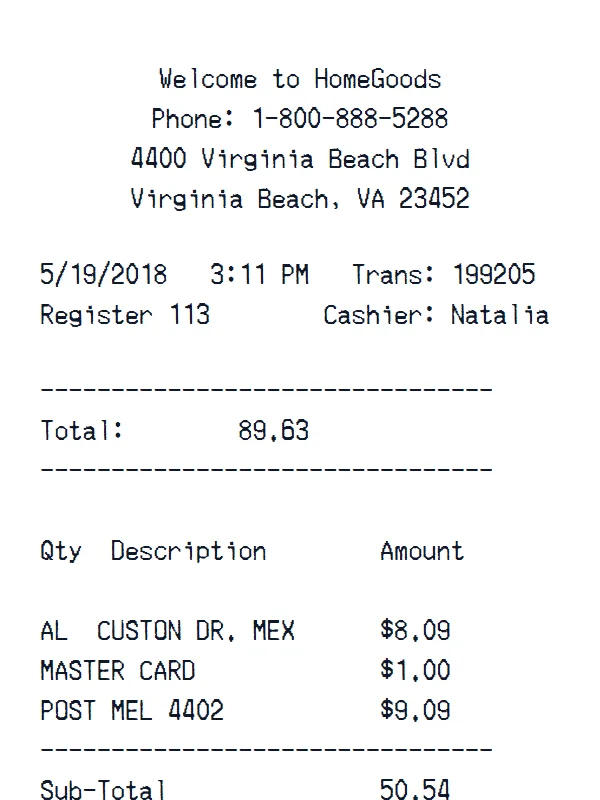
HomeGoods receipt example
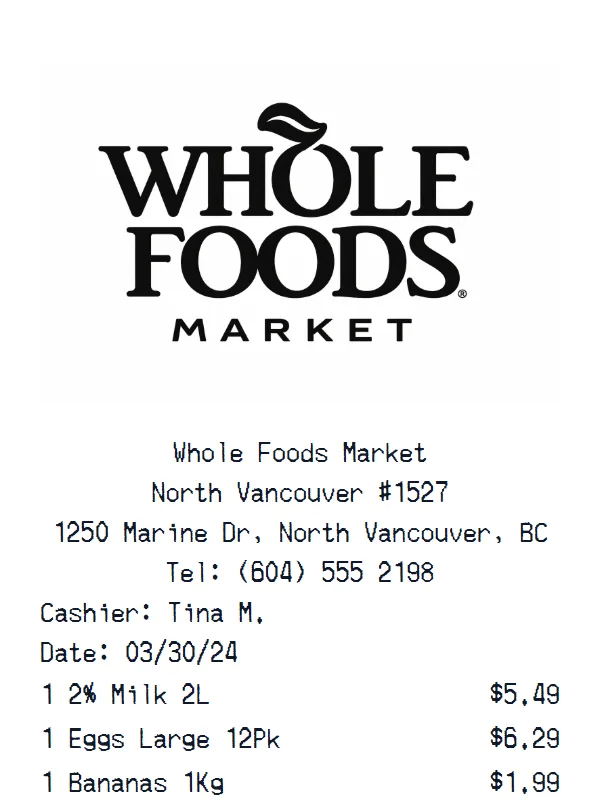
Whole Foods Market Grocery Store receipt example
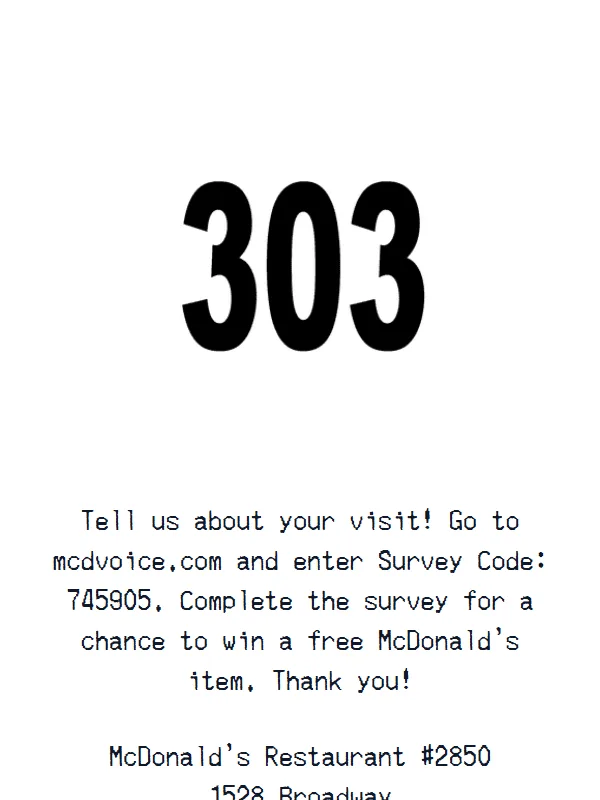
McDonald's receipt example
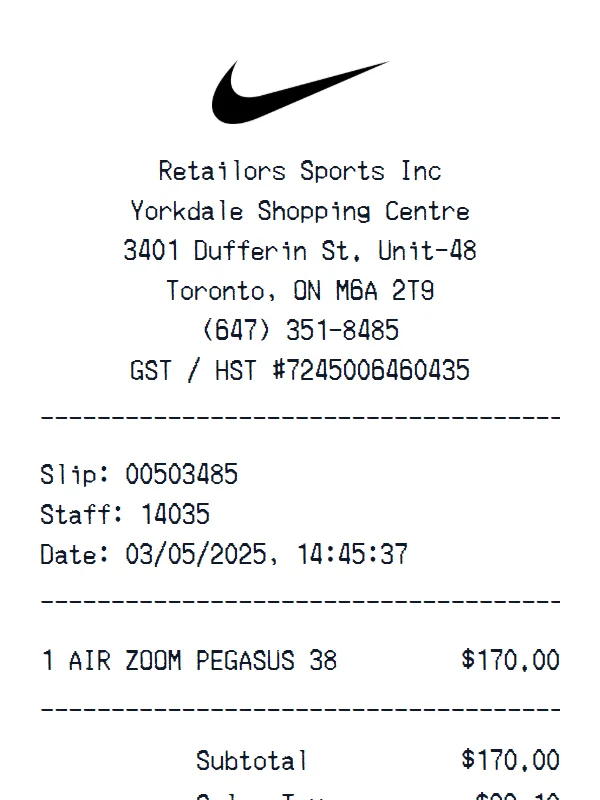
Nike Shoes receipt example
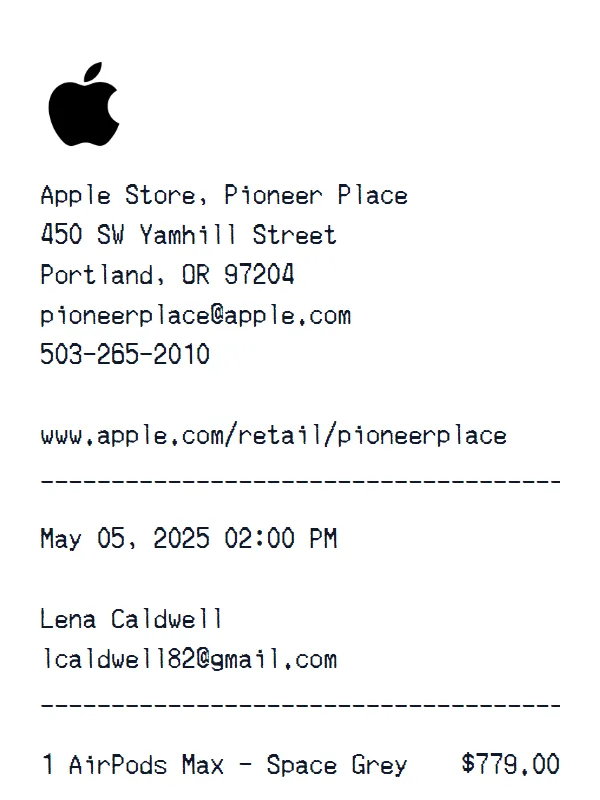
Apple receipt example
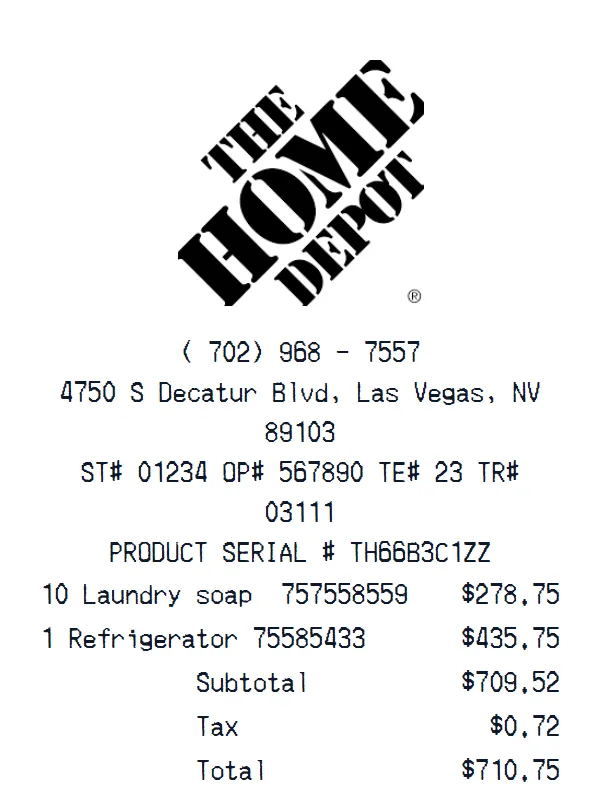
Home Depot receipt example
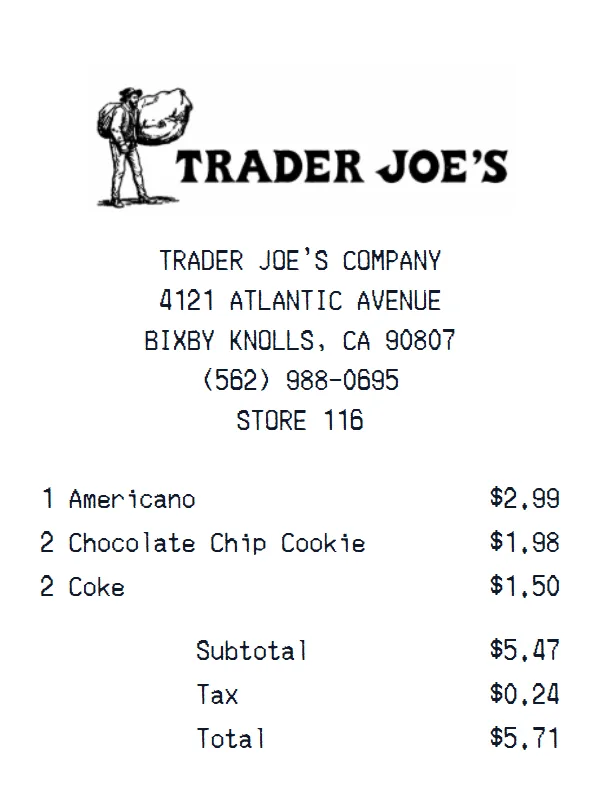
Trader Joe's receipt example
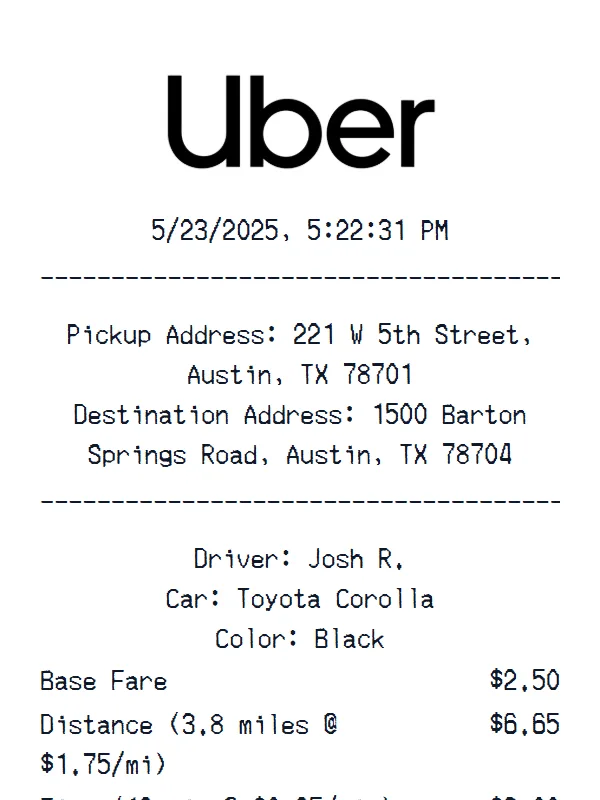
Uber receipt example
Walmart receipt example
Target receipt example
Starbucks receipt example
Sephora receipt receipt example
CVS Pharmacy receipt example
Best Buy receipt example
Walgreens receipt example
Costco receipt example
Kroger receipt example
Chick fil A receipt example
ALDI receipt example
Applebee's receipt example
HomeGoods receipt example
Whole Foods Market Grocery Store receipt example
McDonald's receipt example
Nike Shoes receipt example
Apple receipt example
Home Depot receipt example
Trader Joe's receipt example
Uber receipt example
AI-Powered

Get a Square POS Receipt Photo — No Printer Needed

Create a realistic photo of your Square POS receipt on any surface — a desk, counter, or next to your purchase. Our AI-powered Place in Scene feature generates a photo that looks like you printed the receipt, without needing a receipt printer.
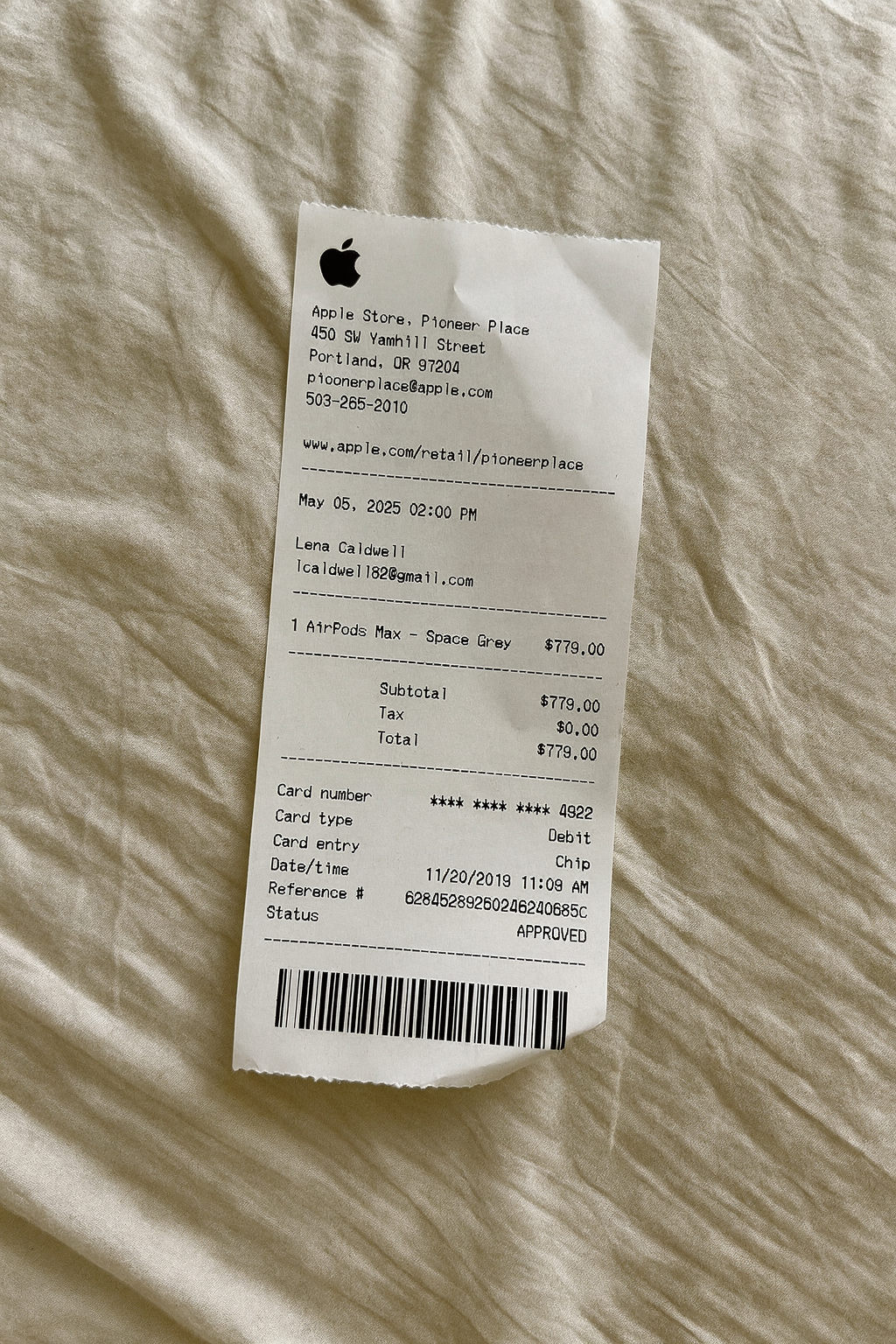
BeforeDigital receipt example
AfterReceipt on surface — AI generated

AI Place in Scene

Example output

Support

Square POS Receipt Generator FAQ

Common questions about creating Square POS receipts.

Is the Square POS receipt generator free?
Yes, our Square POS receipt generator is completely free. You can create unlimited Square POS receipts with full customization of digital orders, prices, and store details. Pro plans offer additional features like watermark removal and PDF export.
How realistic are the Square POS receipts?
Our Square POS template is designed to closely replicate the authentic receipt format including the correct layout, font style, and structure used by Square POS online locations. Every detail from store headers to totals is accurately represented.
Can I customize the items on my Square POS receipt?
Absolutely. You can add, edit, or remove any line items on your Square POS receipt. Change product names, quantities, individual prices, subtotals, and the final total. The template comes pre-loaded with sample items like "Grilled Salmon Salad" and "Truffle Mushroom Risotto" to get you started.
What payment methods can I show on a Square POS receipt?
You can display any payment method on your Square POS receipt. The template defaults to cash payment with change calculation, but you can switch to credit card, debit card, or custom payment types. Card details like masked numbers, card type, and approval codes are all editable.
Can I add the Square POS logo to my receipt?
Yes, you can upload a custom logo image that will appear at the top of your Square POS receipt. You can also edit the store name, address, phone number, and all other header details to match any Square POS location.

Still have questions?

Can't find the answer you're looking for? Please reach out to our friendly team.

Get in touch

Similar Receipt Templates

Browse more receipt templates you might find useful.

Ready to create your Square POS receipt?

It only takes a few seconds. No signup required.

Generate Square POS Receipt