For legitimate business, creative, and personal use only. See our Terms of Service

Free Masters Receipt Generator
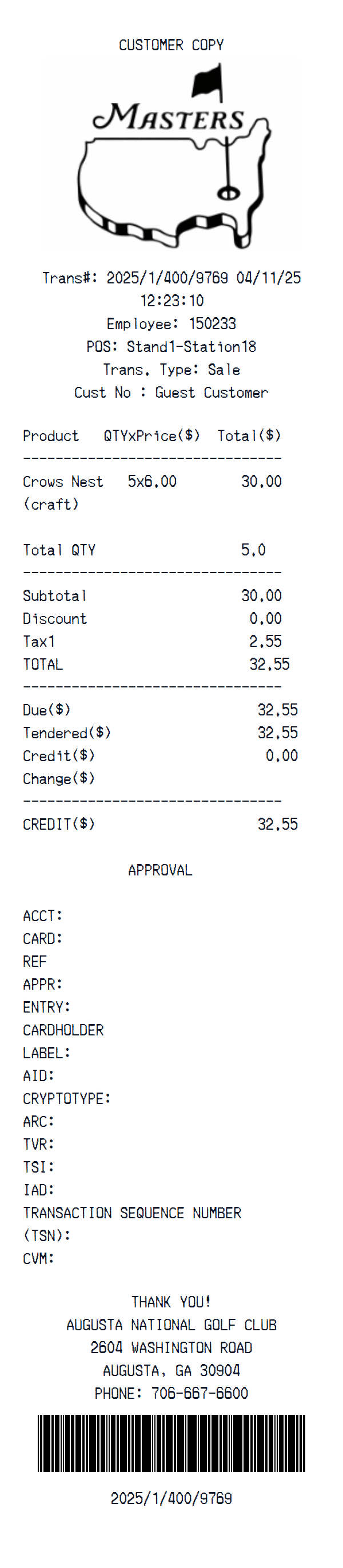
Preview of the editable Masters receipt template starting layout
Custom Logo
Edit Line Items
Payment Method
Authentic Fonts
Instant Download
Full Customization

Inspect and edit a Masters receipt layout with custom receipt text, store identity and header details, barcode or QR area, then preview your changes before export.

Start here

How to make a Masters receipt

Open this template in the generator, enter the information you need, then review the finished layout before export.

1

Open the generator

Continue with the Masters template already selected and ready to edit.

Generate Masters receipt
2

Enter your information

Replace the visible sample content, then add or remove rows and sections as needed.

3

Review and export

Check the live preview, spacing, and every visible value or reference that applies before downloading the finished receipt.

About the Masters Receipt Template

The starting Masters layout contains 6 editable content sections covering custom receipt text, store identity and header details, barcode or QR area. You can inspect the complete arrangement in the preview before opening it in the editor.

Its initial format uses editable currency, initially shown in dollars, Merchant Copy thermal font, plain paper, a replaceable header logo. The visible sample text can be replaced section by section in the editor. The sample is not a fixed structure: change the currency, add or remove item and total rows, and add, delete, or reorder complete sections in the editor.

Use this independent template for design mockups, software testing, training examples, or organizing information from records you are authorized to use. It is not affiliated with Masters and is not an official receipt or proof of purchase.

AI-Powered

Get a Masters Receipt Photo — No Printer Needed

Create a realistic photo of your Masters receipt on any surface — a desk, counter, or next to your purchase. Our AI-powered Place in Scene feature generates a photo that looks like you printed the receipt, without needing a receipt printer.
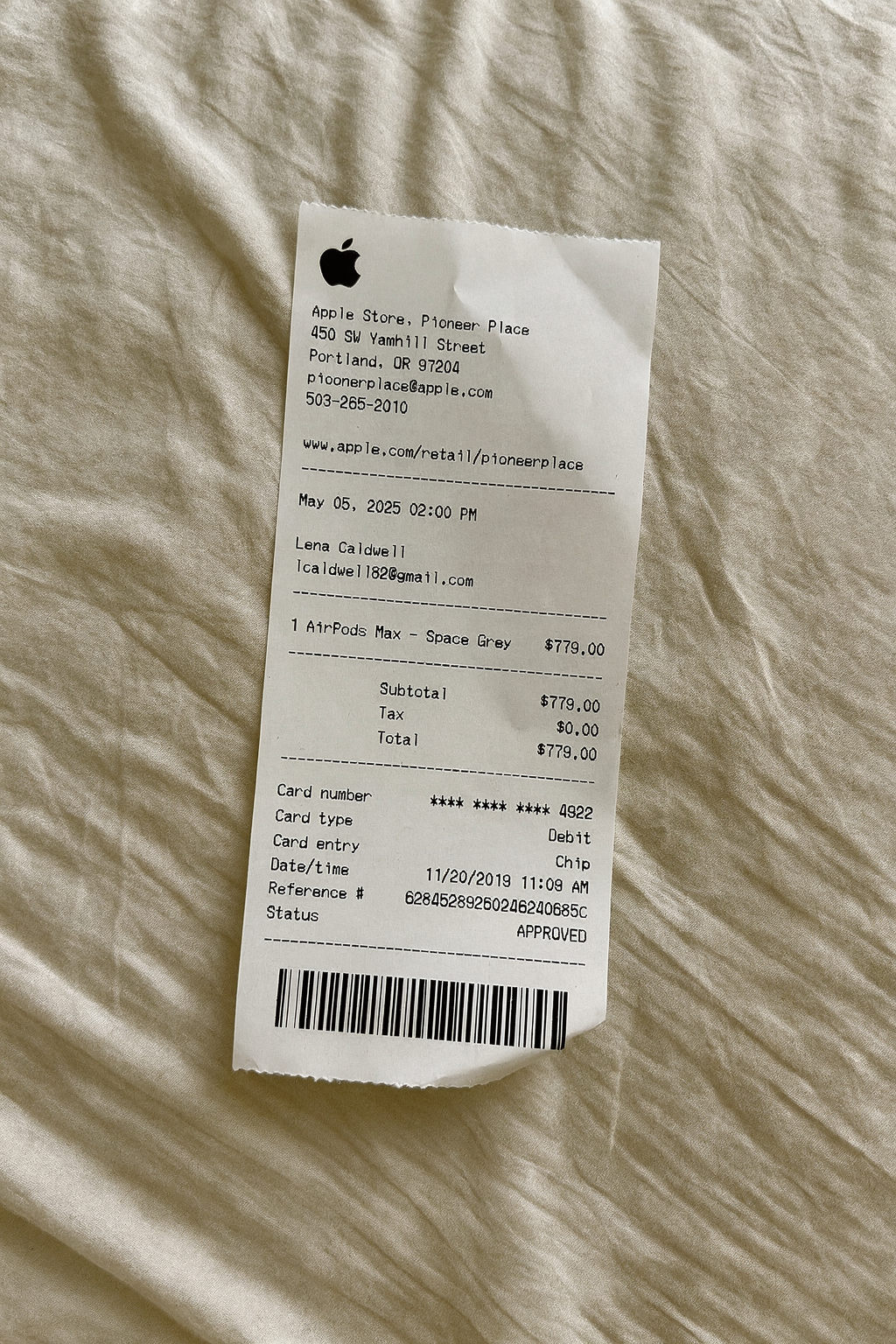
BeforeDigital receipt example
AfterReceipt on surface — AI generated

AI Place in Scene

Example output

Template structure

What is included in this Masters layout

  • Custom receipt text
  • Store identity and header details
  • Barcode or QR area

Layout facts

Format and editable fields

  • 6 editable content sections
  • editable currency, initially shown in dollars
  • Merchant Copy thermal font
  • plain paper
  • a replaceable header logo

Receipt Examples

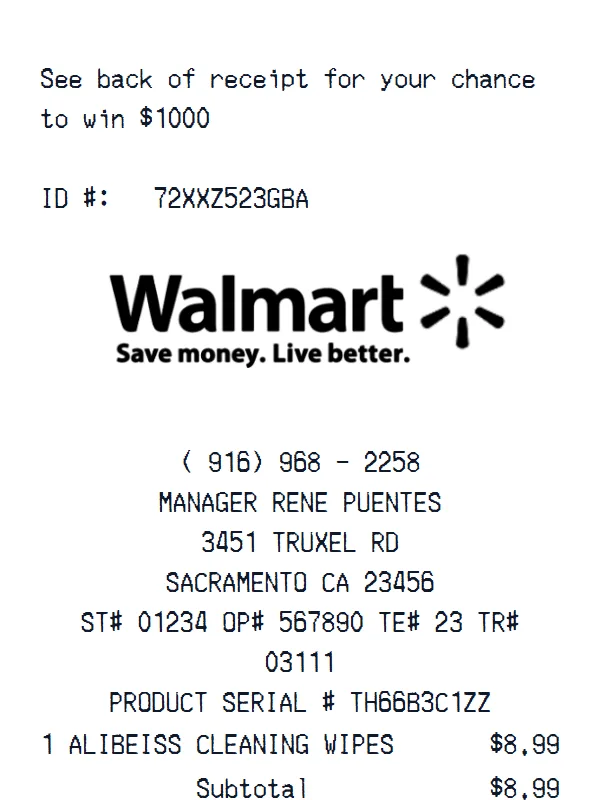
Walmart receipt example
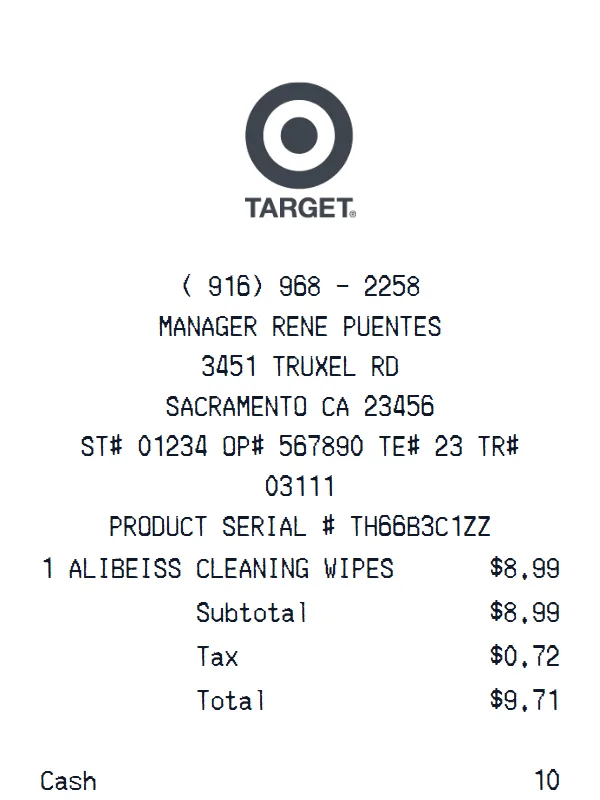
Target receipt example
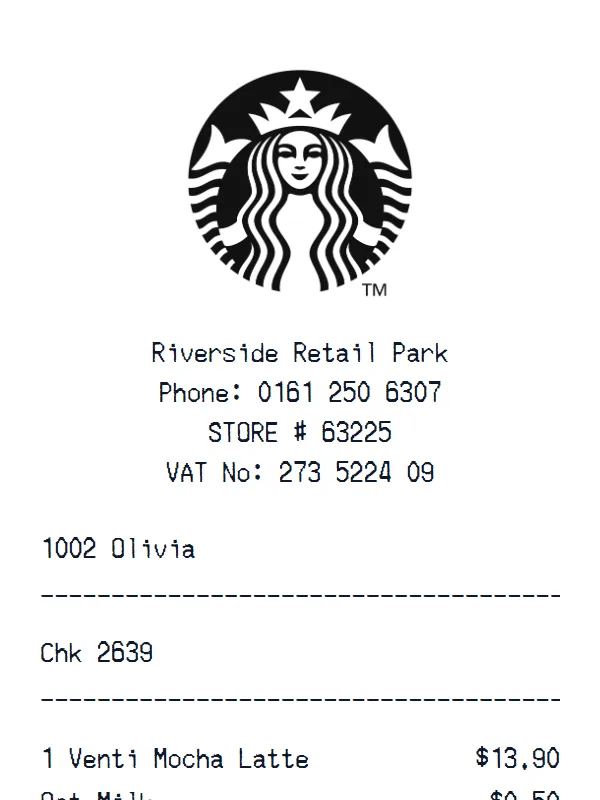
Starbucks receipt example
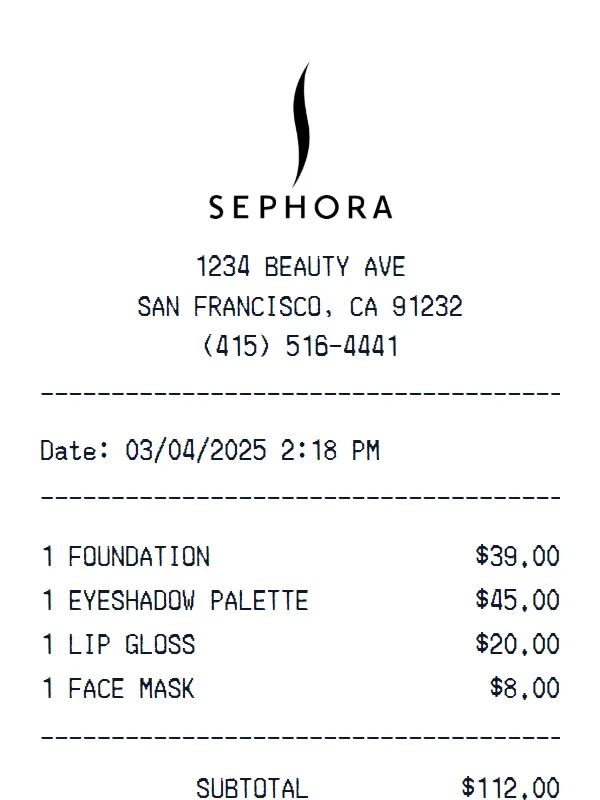
Sephora receipt receipt example
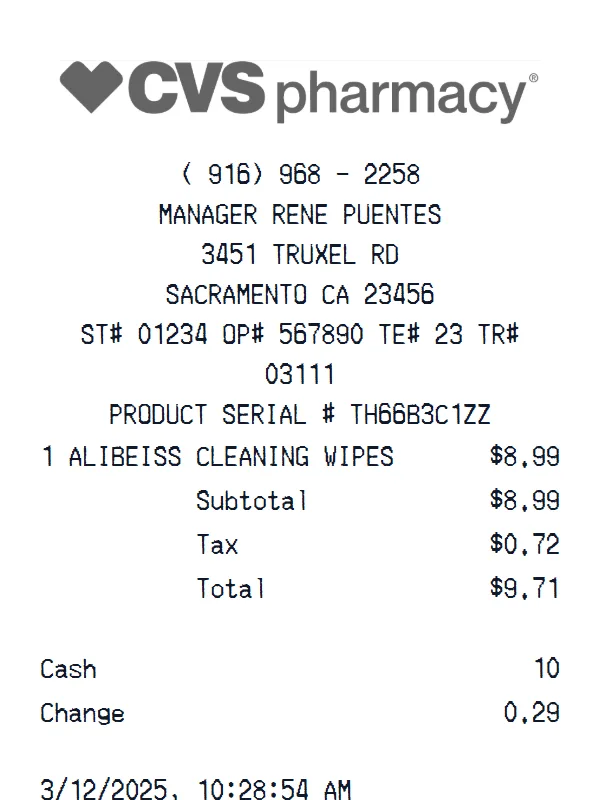
CVS Pharmacy receipt example
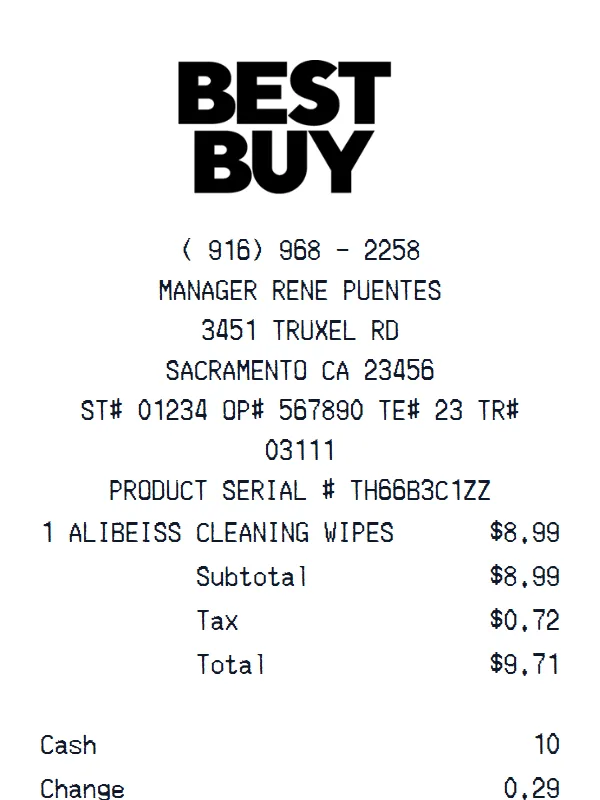
Best Buy receipt example
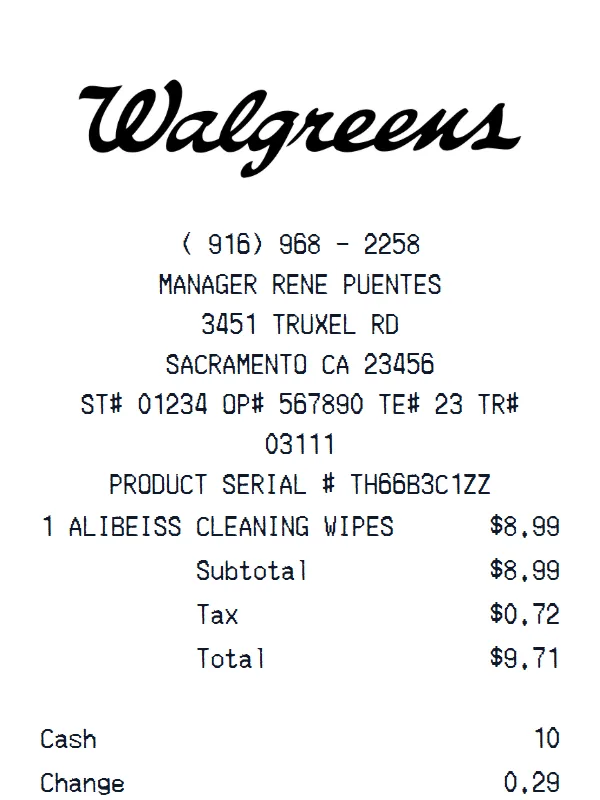
Walgreens receipt example
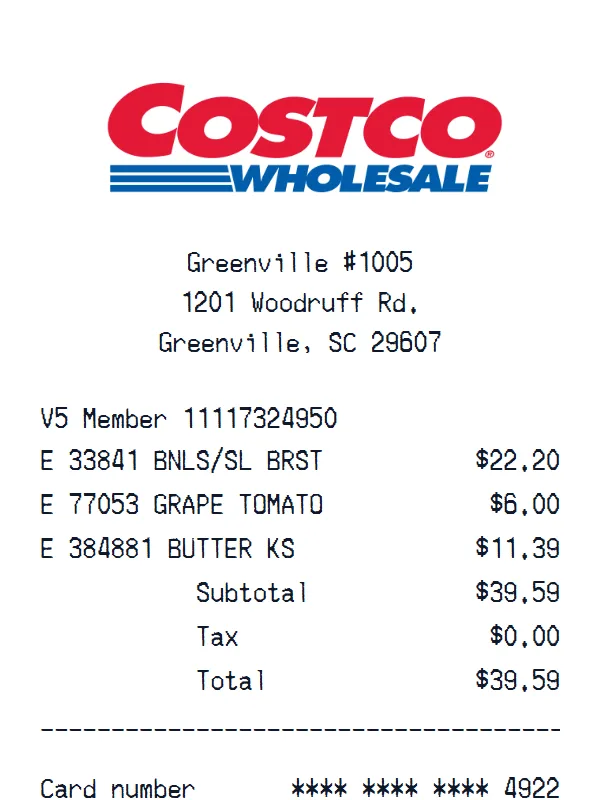
Costco receipt example
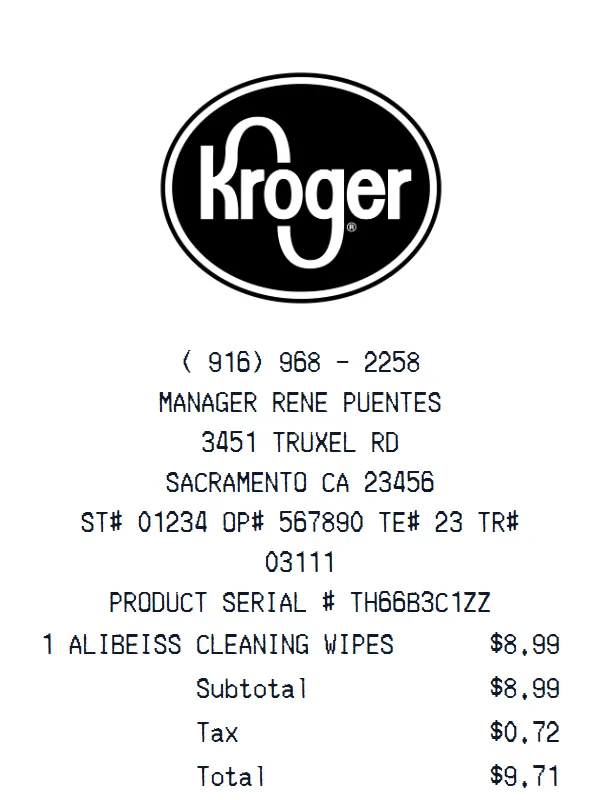
Kroger receipt example
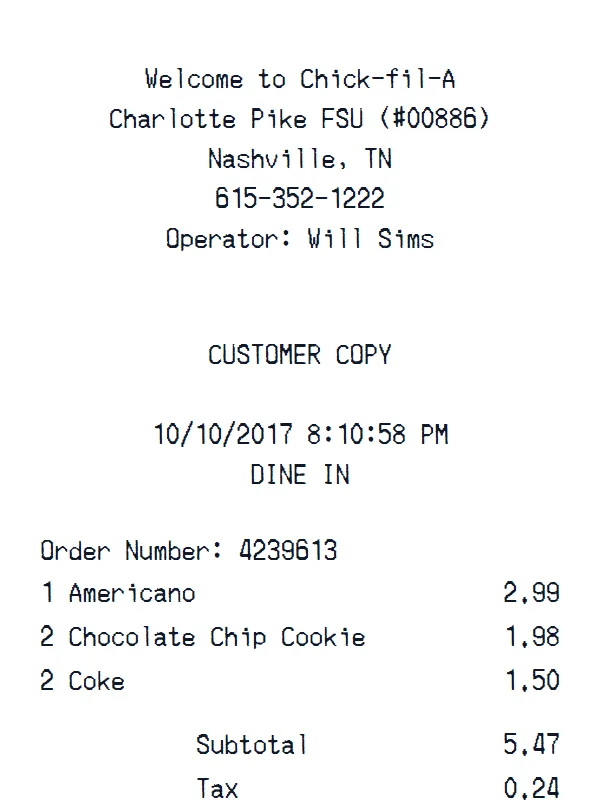
Chick fil A receipt example
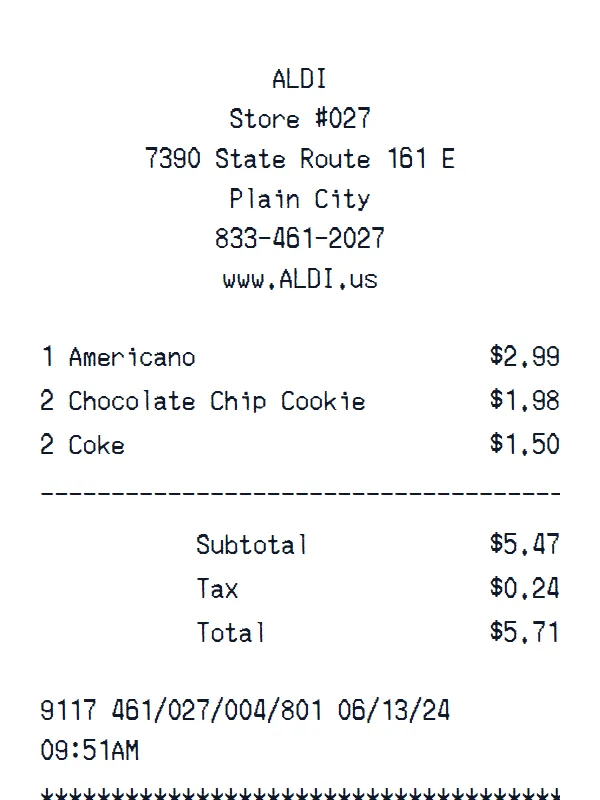
ALDI receipt example
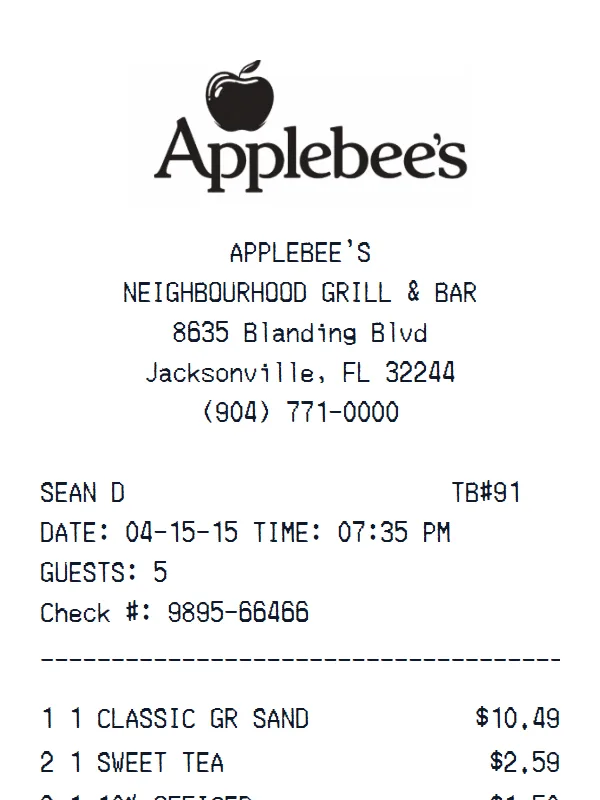
Applebee's receipt example
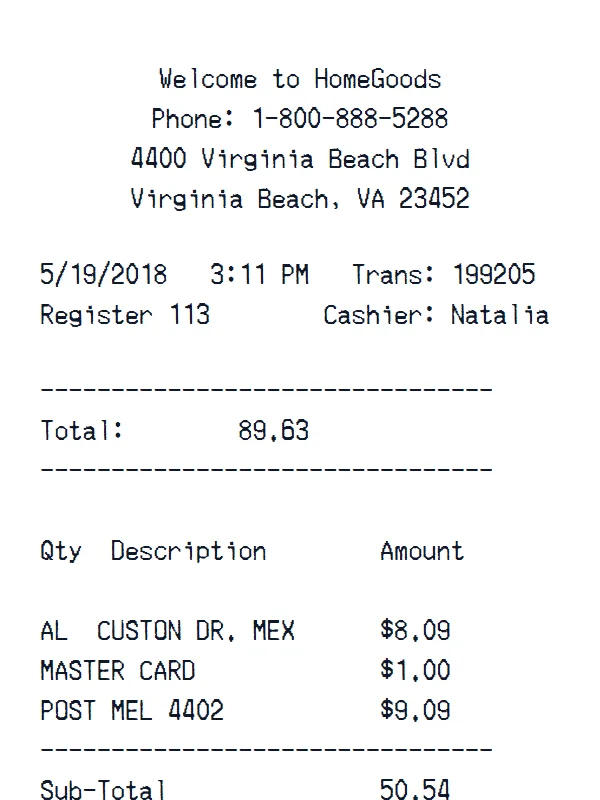
HomeGoods receipt example
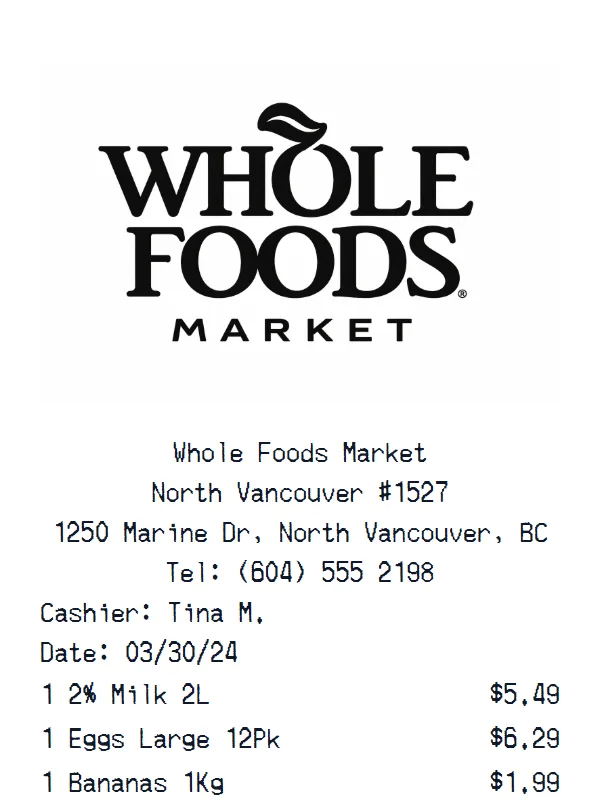
Whole Foods Market Grocery Store receipt example
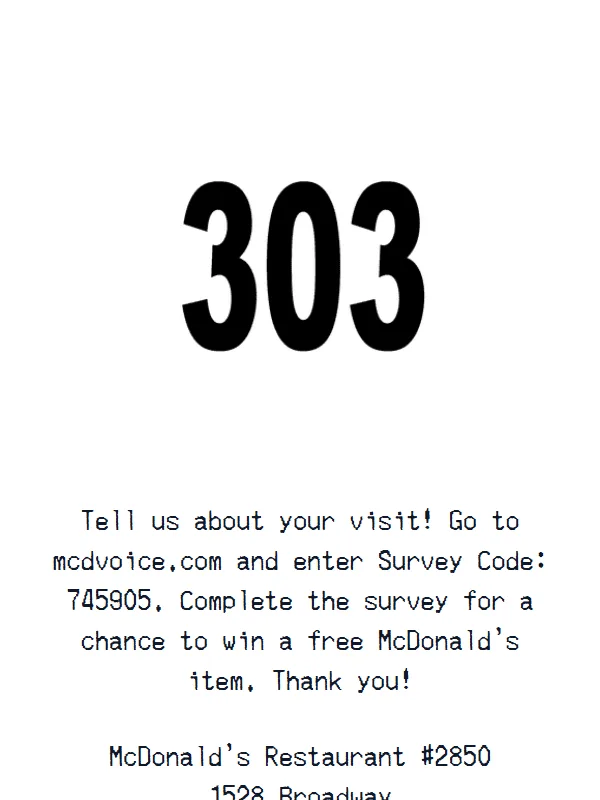
McDonald's receipt example
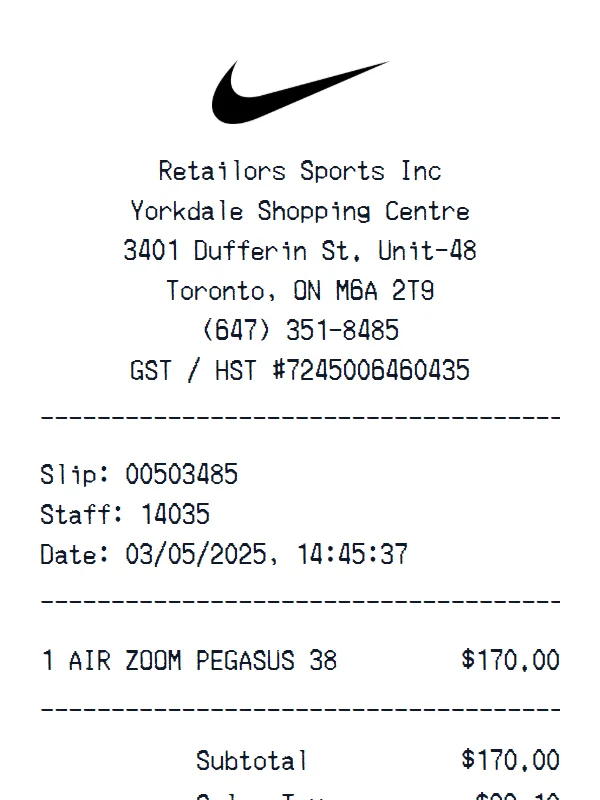
Nike Shoes receipt example
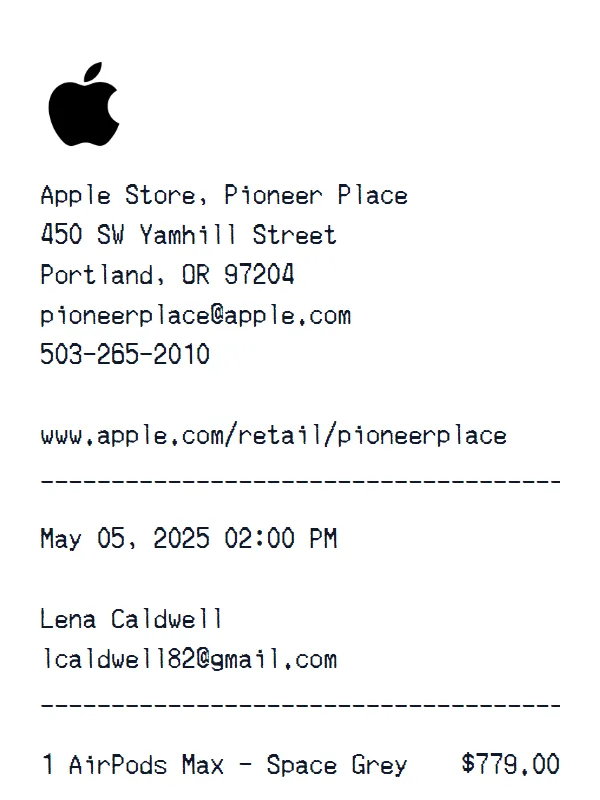
Apple receipt example
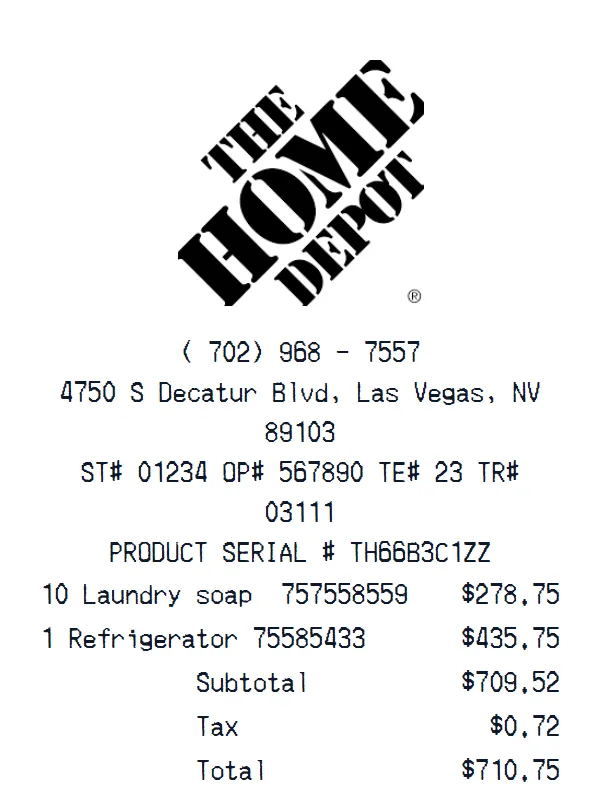
Home Depot receipt example
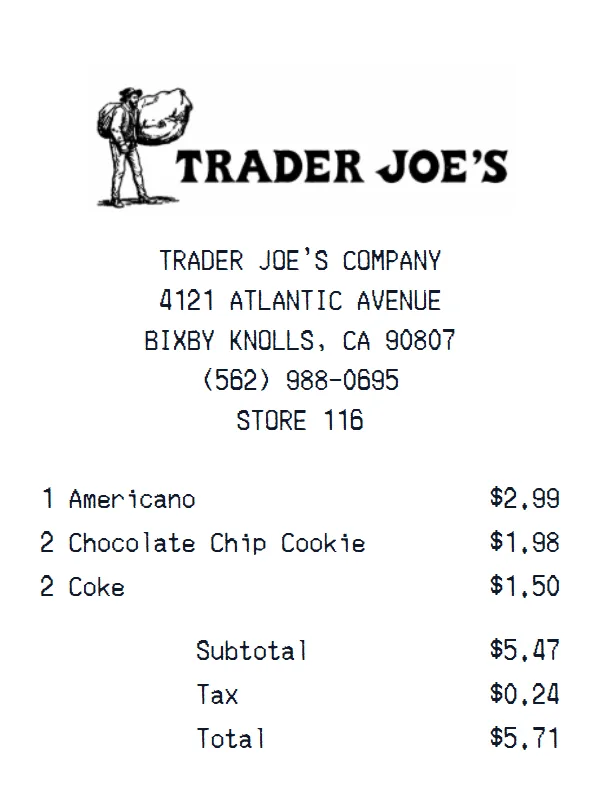
Trader Joe's receipt example
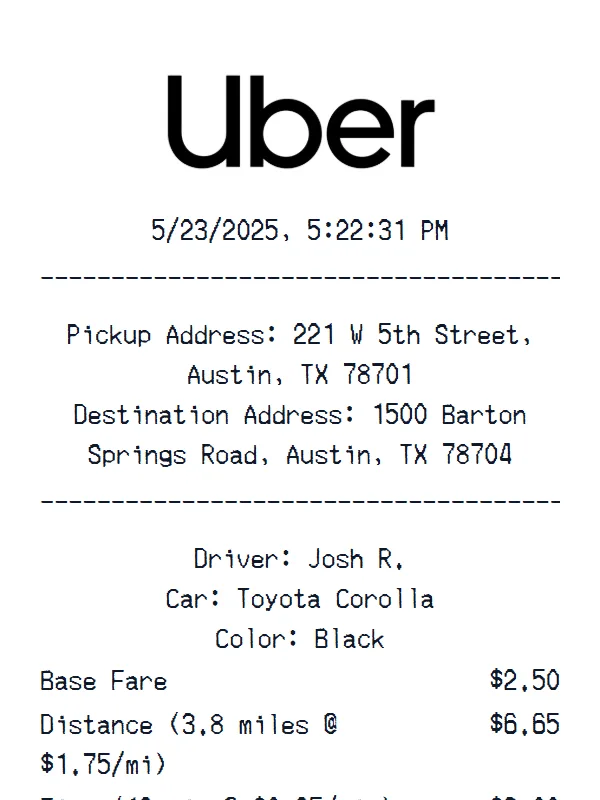
Uber receipt example
Walmart receipt example
Target receipt example
Starbucks receipt example
Sephora receipt receipt example
CVS Pharmacy receipt example
Best Buy receipt example
Walgreens receipt example
Costco receipt example
Kroger receipt example
Chick fil A receipt example
ALDI receipt example
Applebee's receipt example
HomeGoods receipt example
Whole Foods Market Grocery Store receipt example
McDonald's receipt example
Nike Shoes receipt example
Apple receipt example
Home Depot receipt example
Trader Joe's receipt example
Uber receipt example

Support

Masters Receipt Generator FAQ

Common questions about creating Masters receipts.

Is the Masters receipt generator free?
You can open and edit the Masters template without creating an account. Some export options and watermark removal require a paid plan.
What is included in this Masters template?
This starting layout contains 6 content sections covering custom receipt text, store identity and header details, barcode or QR area. The page preview shows the arrangement before you begin editing.
Can I customize the items on my Masters receipt?
Yes. The visible values and currency are editable. You can add or remove item rows and total lines, add or delete complete sections, and drag sections into a different order. The page preview is only the starting layout.
Is this an official Masters receipt?
No. Receipt Generator is independent and is not affiliated with or endorsed by Masters. This is an editable template and must not be represented as an official receipt or proof of purchase.
What can I use the Masters template for?
Appropriate uses include interface testing, design mockups, training materials, props, and organizing transaction information you are authorized to use. Do not use it to misrepresent a purchase, claim reimbursement, obtain a return, or deceive another person.

Still have questions?

Can't find the answer you're looking for? Please reach out to our friendly team.

Get in touch

Ready to create your Masters receipt?

It only takes a few seconds. No signup required.

Generate Masters Receipt