Free Sonic Drive-In Receipt Generator
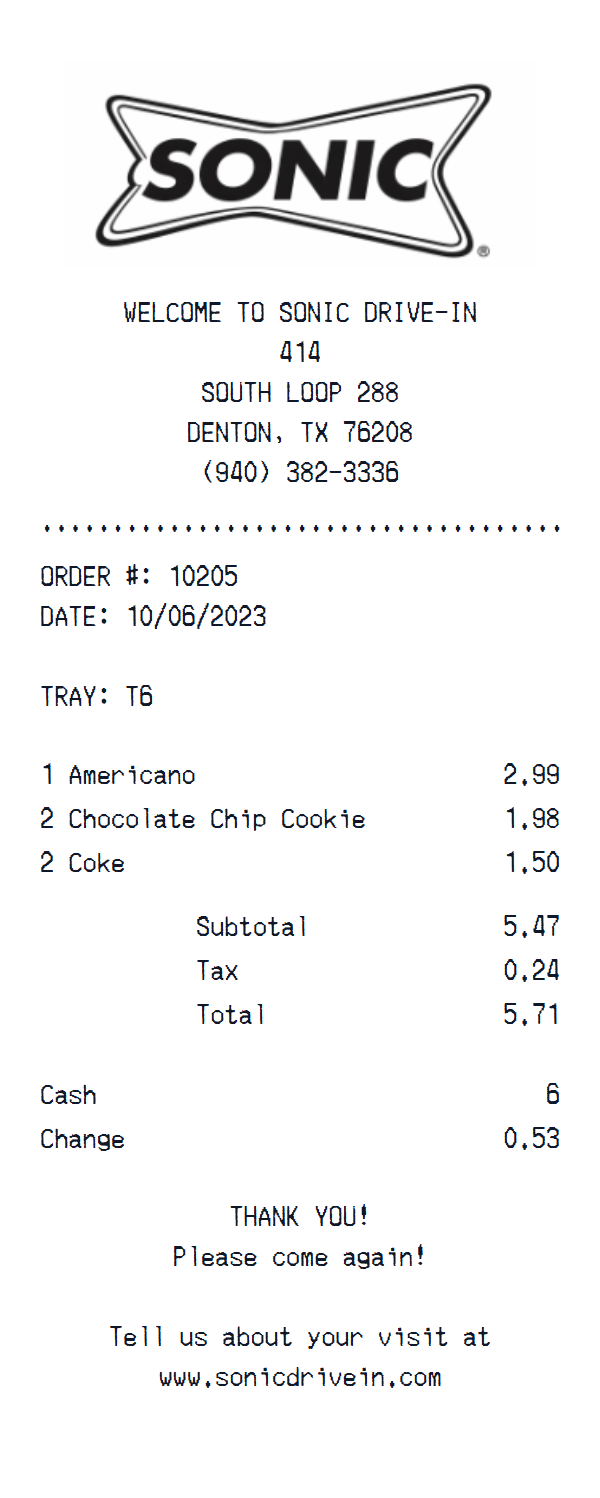
A pixel-perfect Sonic Drive-In template you can edit from top to bottom — menu items, tax, payment method, store address, and more.
About the Sonic Drive-In Receipt Template
Create a realistic Sonic Drive-In receipt with our free online generator. This fast food receipt template replicates the authentic Sonic Drive-In format, complete with the correct layout, fonts, and structure. Sample items like "Americano", "Chocolate Chip Cookie", "Coke" are pre-filled to give you a head start, but every field is fully editable.
This template includes the official store logo, automatic tax calculation, matching the authentic Sonic Drive-In receipt format. You can customize every detail — store name, address, phone number, combo meals, prices, subtotals, tax amounts, and transaction metadata. The template comes pre-configured with cash payment details including change calculation, but you can switch to credit card, debit, or any custom payment method.
Download your finished Sonic Drive-In receipt as a crisp PNG image ready for printing or digital use. No signup needed — start customizing immediately. Want a photo instead? Use Place in Scene to generate an AI-powered image of your Sonic Drive-In receipt on a real surface, without ever printing it.
Guide
How to make a Sonic Drive-In Receipt?
With our receipt maker create any bill as easy as 1, 2, 3.
1. Choose from 400+ templates
Choose from lots of different receipt templates or create your own from scratch.
2. Add your information
Easily edit all information including line items, prices, payment info, and more.
3. Export it for use
One click export to use it in your email or print it out.
Receipt Examples
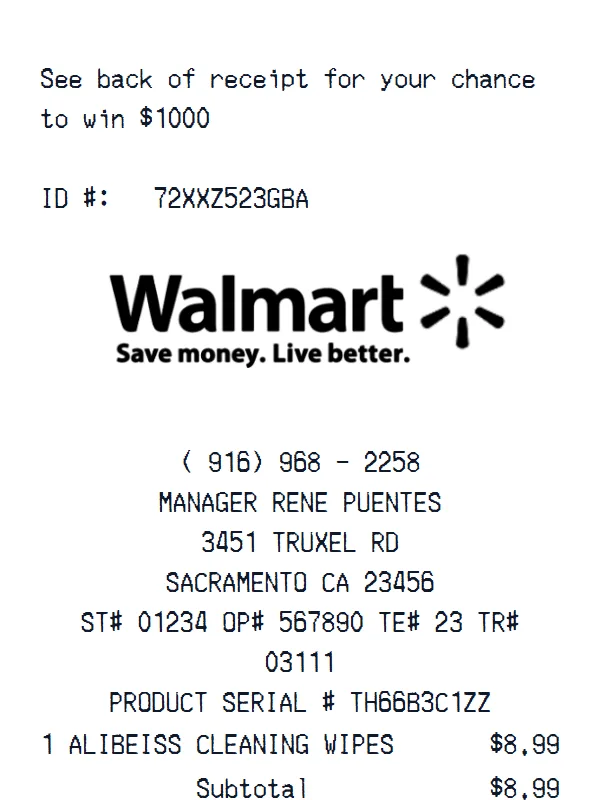
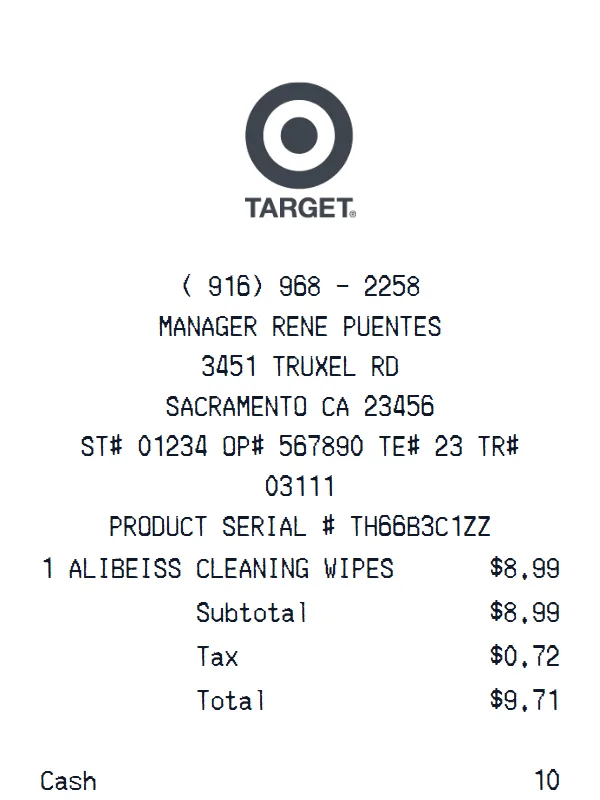
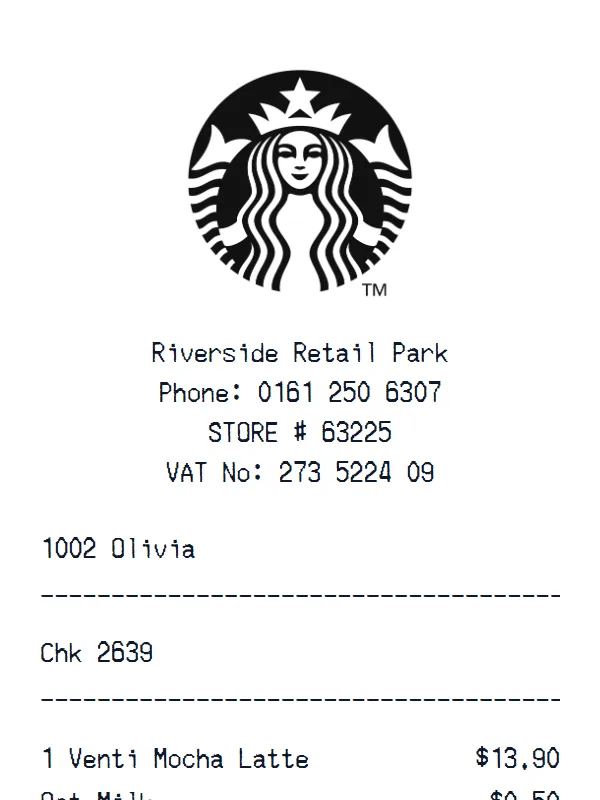
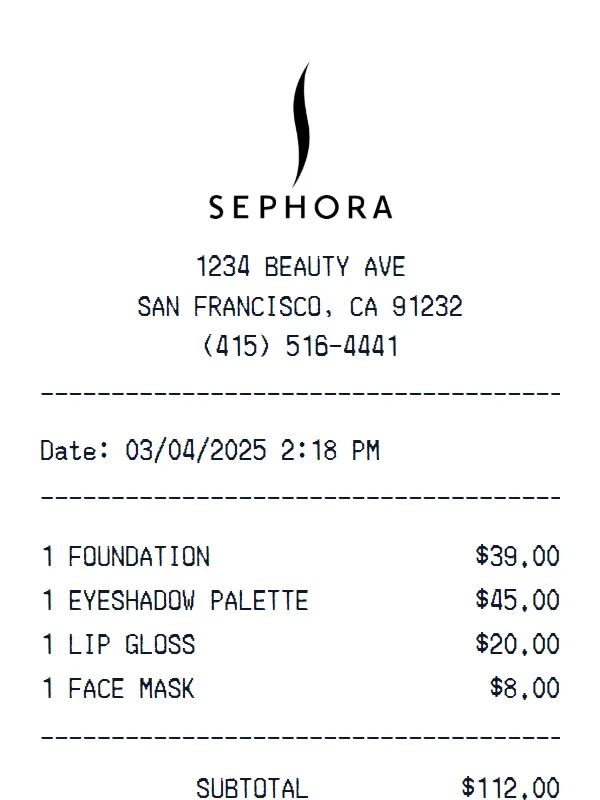
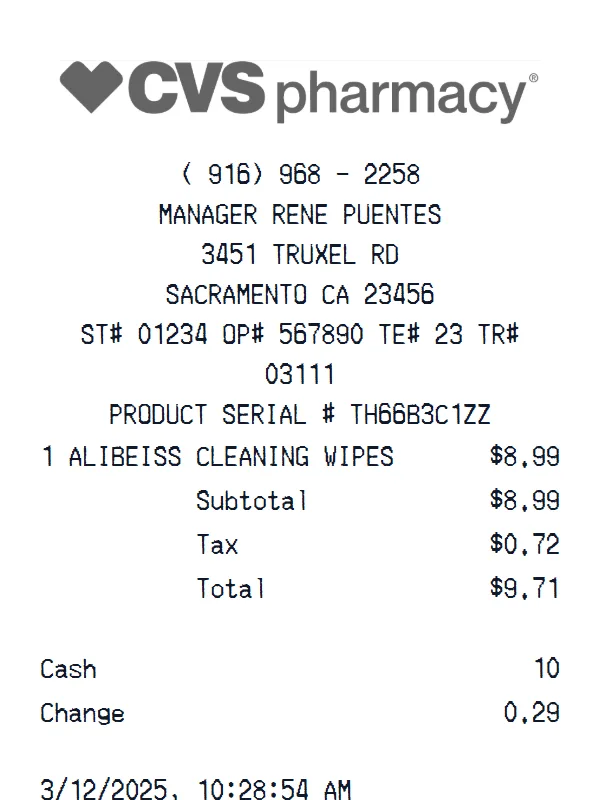
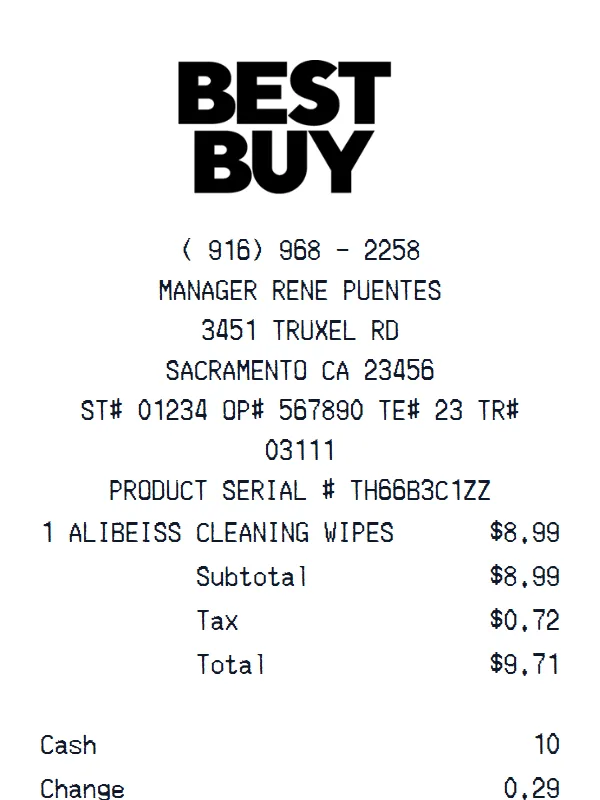
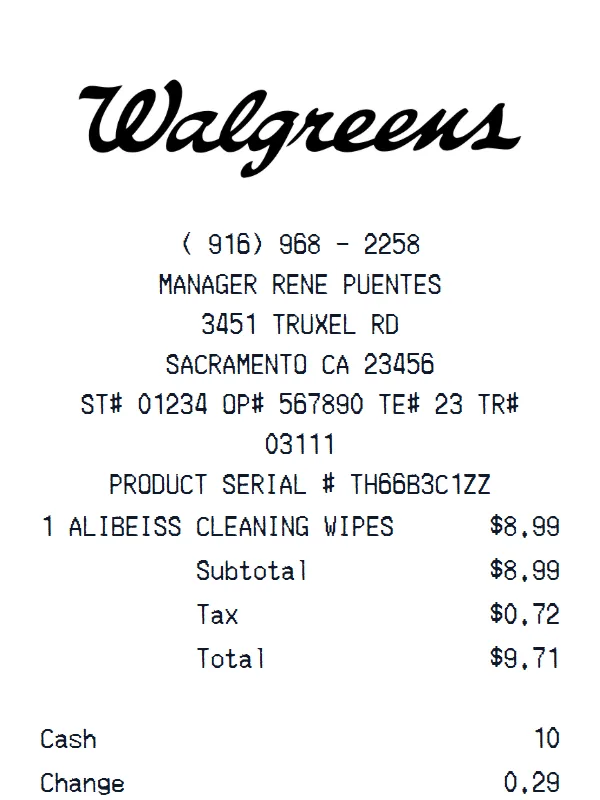
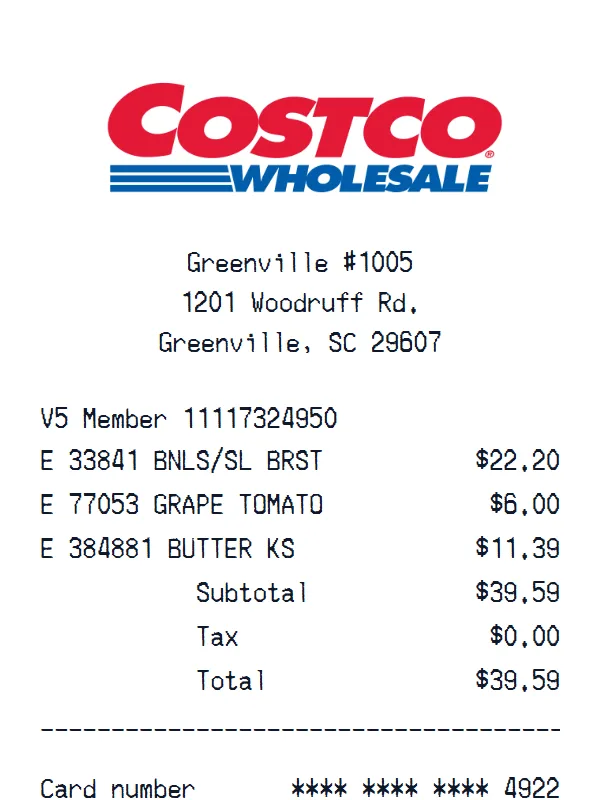
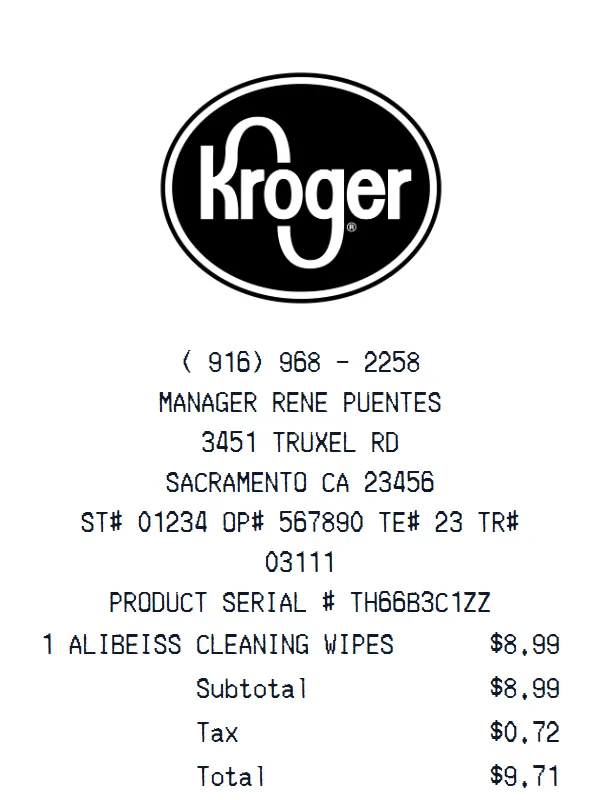
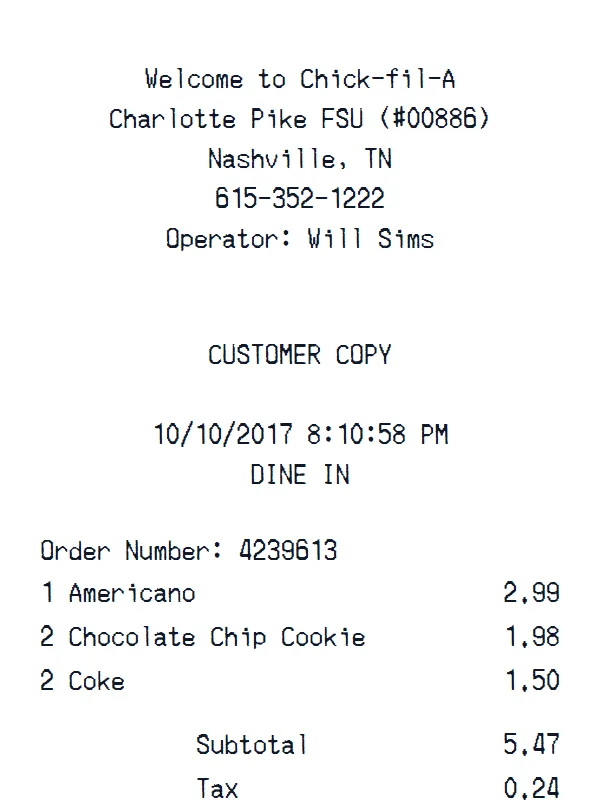
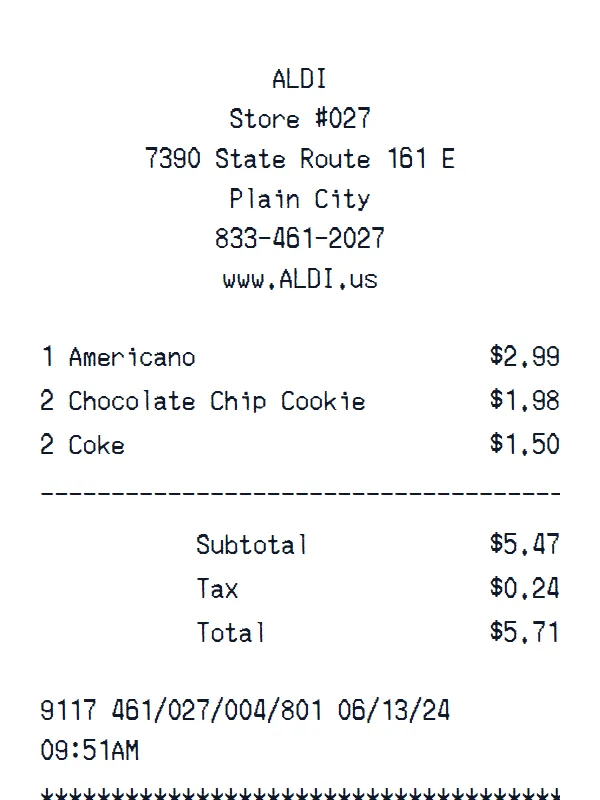
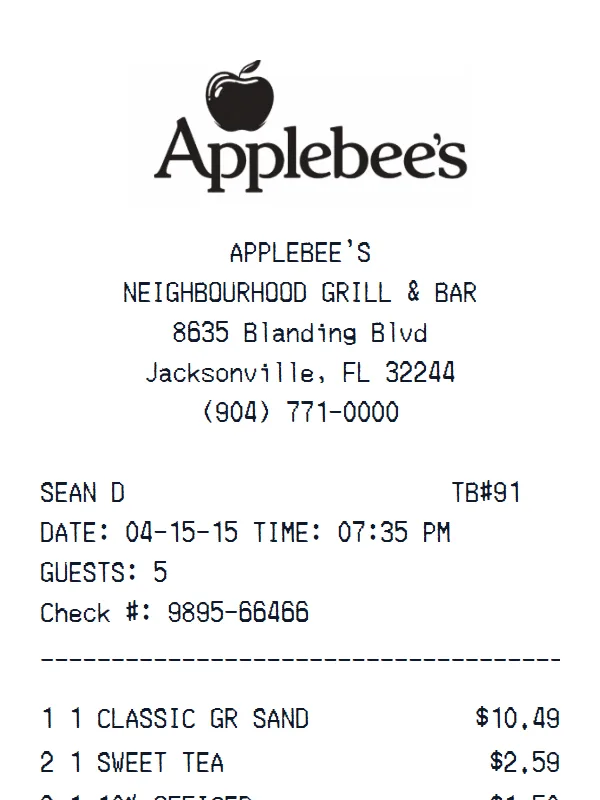
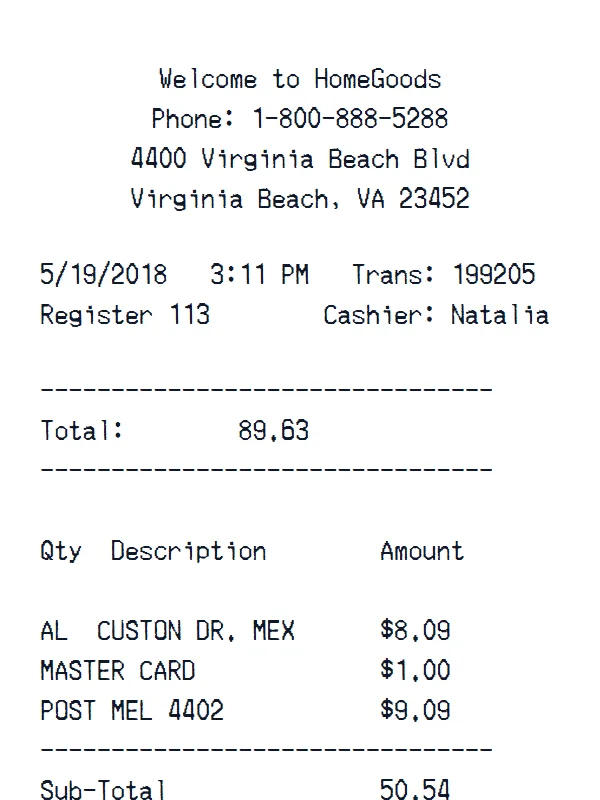
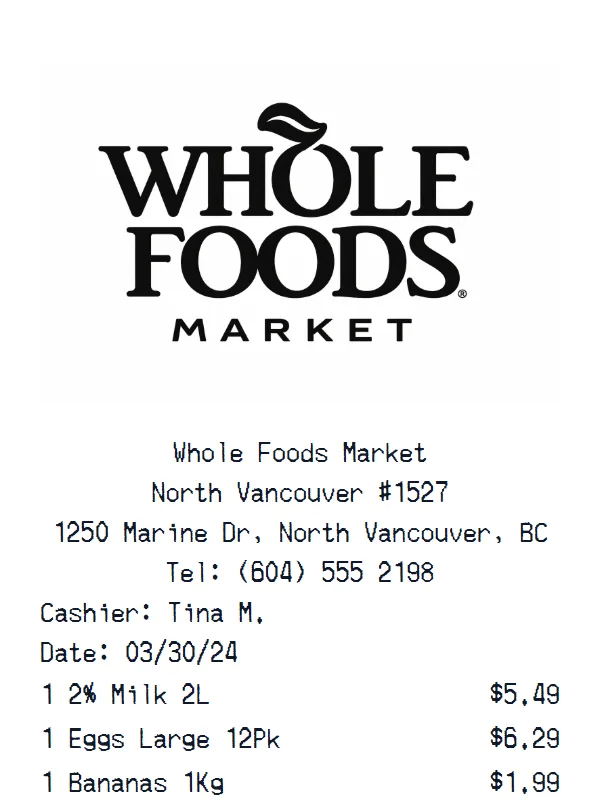
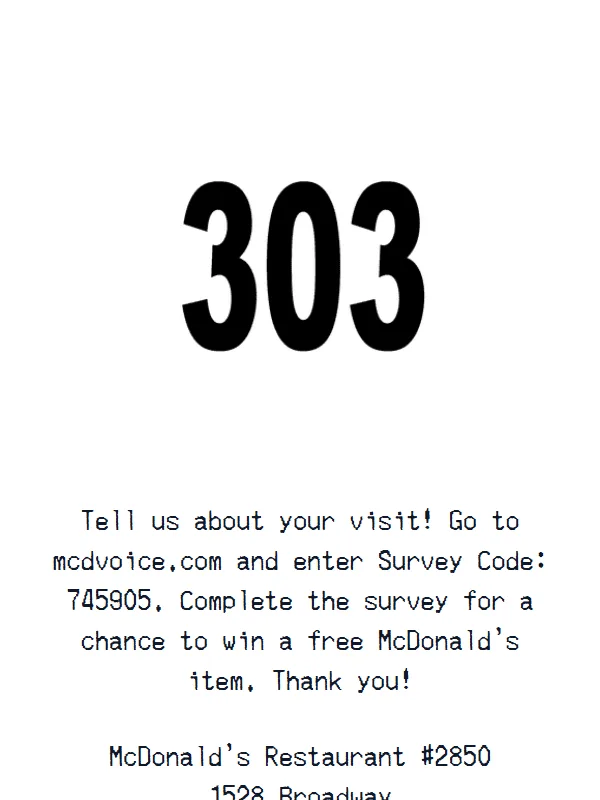
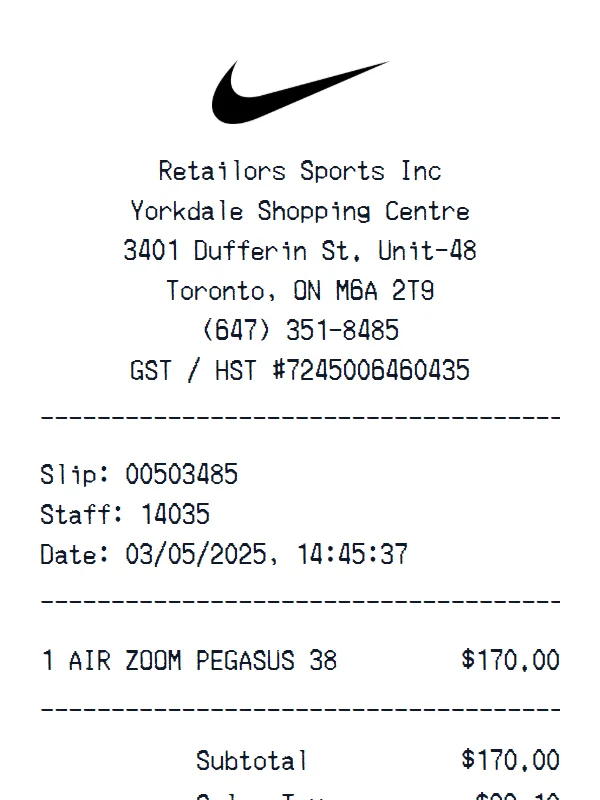
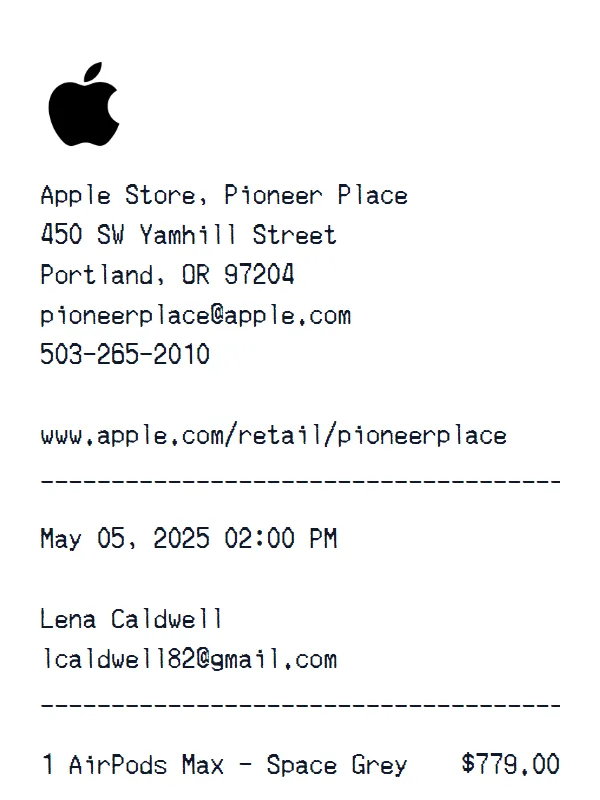
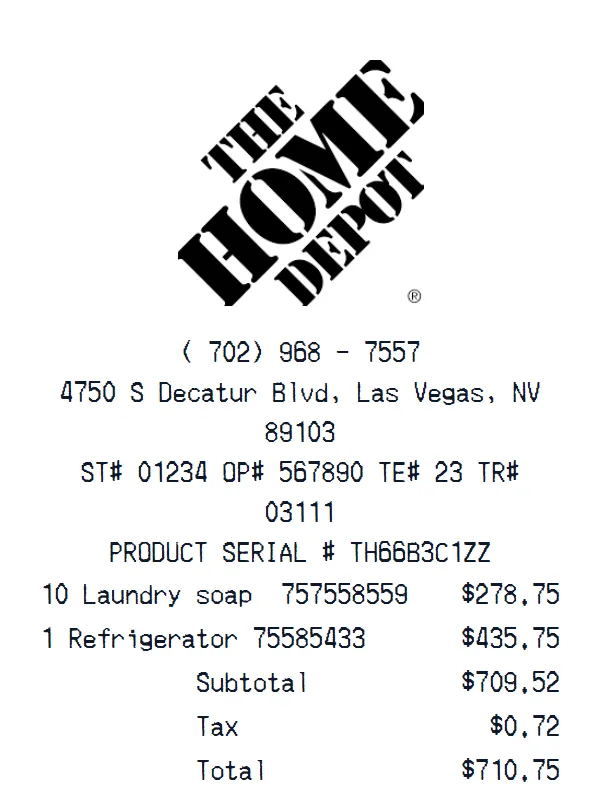
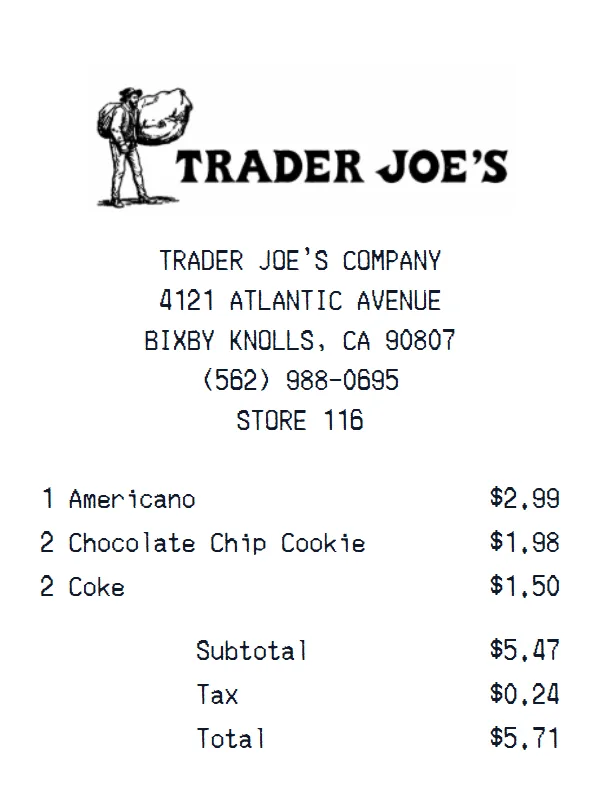
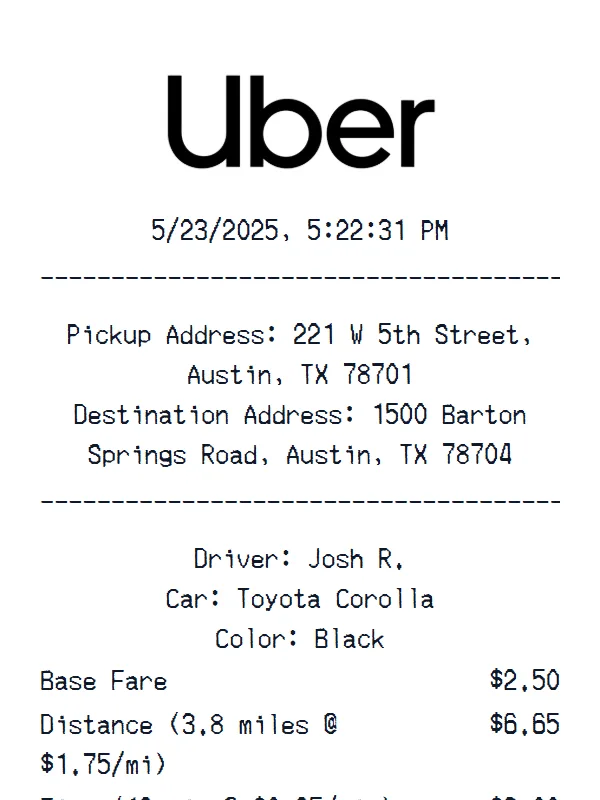
Get a Sonic Drive-In Receipt Photo — No Printer Needed
Create a realistic photo of your Sonic Drive-In receipt on any surface — a desk, counter, or next to your purchase. Our AI-powered Place in Scene feature generates a photo that looks like you printed the receipt, without needing a receipt printer.
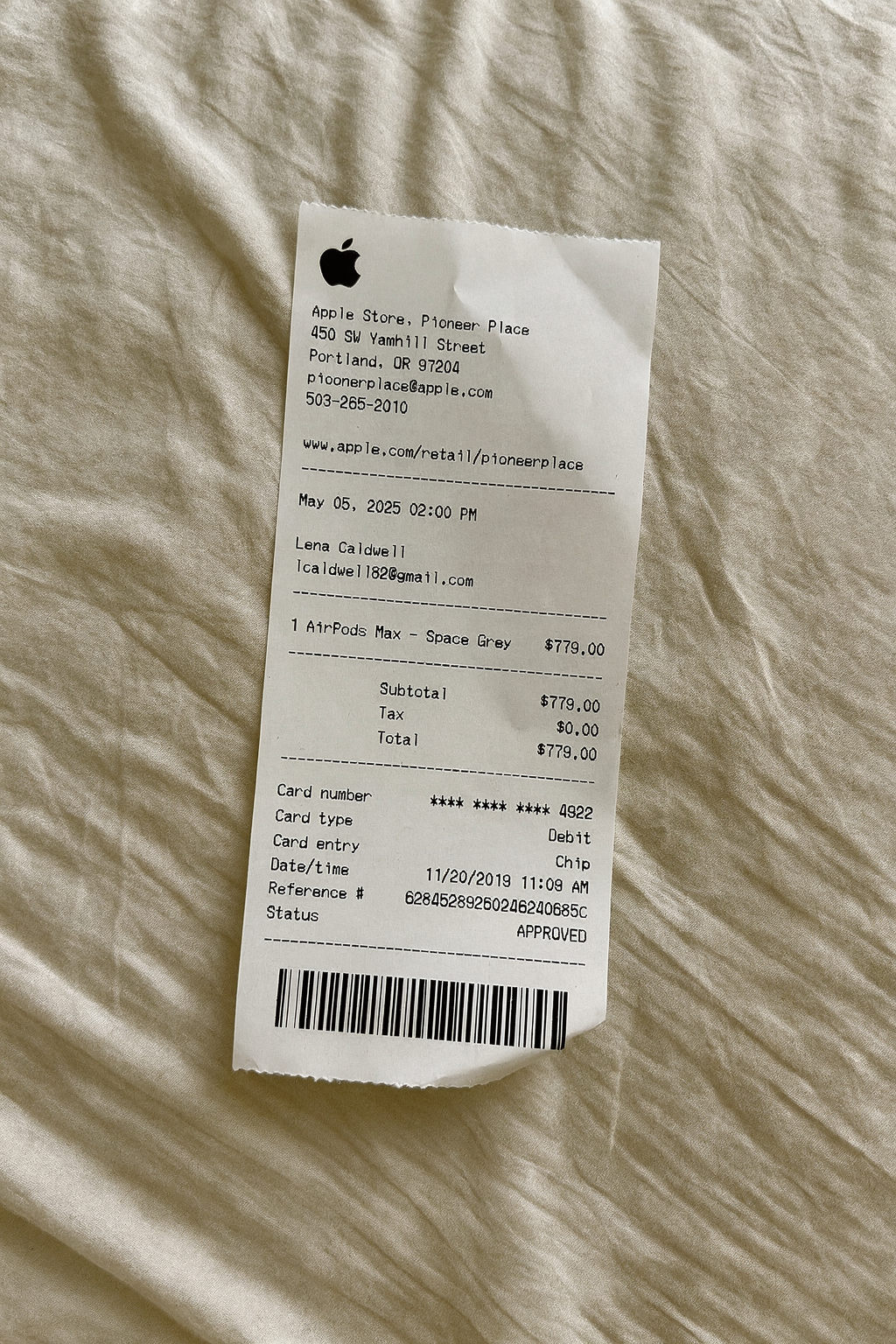
AI Place in Scene
Example outputSupport
Sonic Drive-In Receipt Generator FAQ
Common questions about creating Sonic Drive-In receipts.
Is the Sonic Drive-In receipt generator free?
How realistic are the Sonic Drive-In receipts?
Can I customize the items on my Sonic Drive-In receipt?
What payment methods can I show on a Sonic Drive-In receipt?
Can I add the Sonic Drive-In logo to my receipt?
Still have questions?
Can't find the answer you're looking for? Please reach out to our friendly team.
Get in touchSimilar Receipt Templates
Browse more receipt templates you might find useful.
Ready to create your Sonic Drive-In receipt?
It only takes a few seconds. No signup required.
Generate Sonic Drive-In Receipt