Free Walgreens Receipt Generator
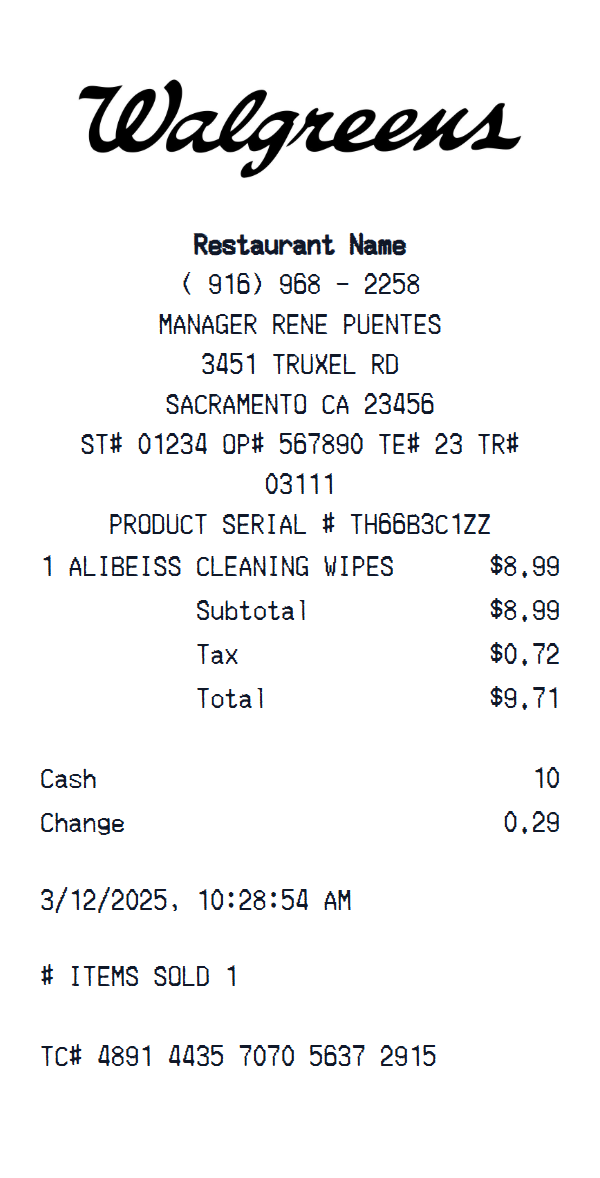
Inspect and edit a Walgreens receipt layout with store identity and header details, custom receipt text, item rows and totals, then preview your changes before export.
Start here
How to make a Walgreens receipt
Open this template in the generator, enter the information you need, then review the finished layout before export.
Open the generator
Continue with the Walgreens template already selected and ready to edit.
Generate Walgreens receiptEnter your information
Replace the visible sample content, then add or remove rows and sections as needed.
Review and export
Check the live preview, spacing, and every visible value or reference that applies before downloading the finished receipt.
About the Walgreens Receipt Template
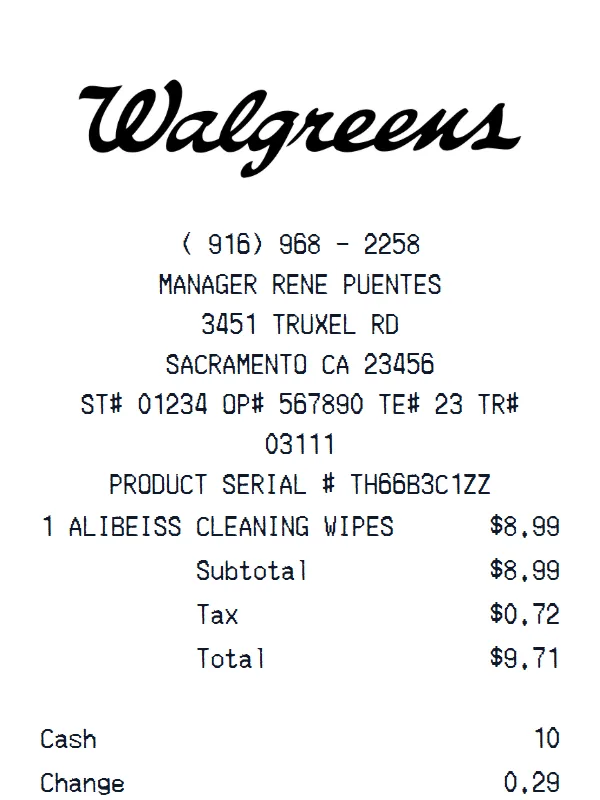
The starting Walgreens layout contains 6 editable content sections covering store identity and header details, custom receipt text, item rows and totals, payment information, transaction date and time. You can inspect the complete arrangement in the preview before opening it in the editor.
Its initial format uses editable currency, initially shown in dollars, editable receipt typography, editable receipt paper styling, a replaceable header logo. Visible field labels include Subtotal, Tax, Cash, Change, Card number, Card type. The sample is not a fixed structure: change the currency, add or remove item and total rows, and add, delete, or reorder complete sections in the editor.
Use this independent template for design mockups, software testing, training examples, or organizing information from records you are authorized to use. It is not affiliated with Walgreens and is not an official receipt or proof of purchase.
Get a Walgreens Receipt Photo — No Printer Needed
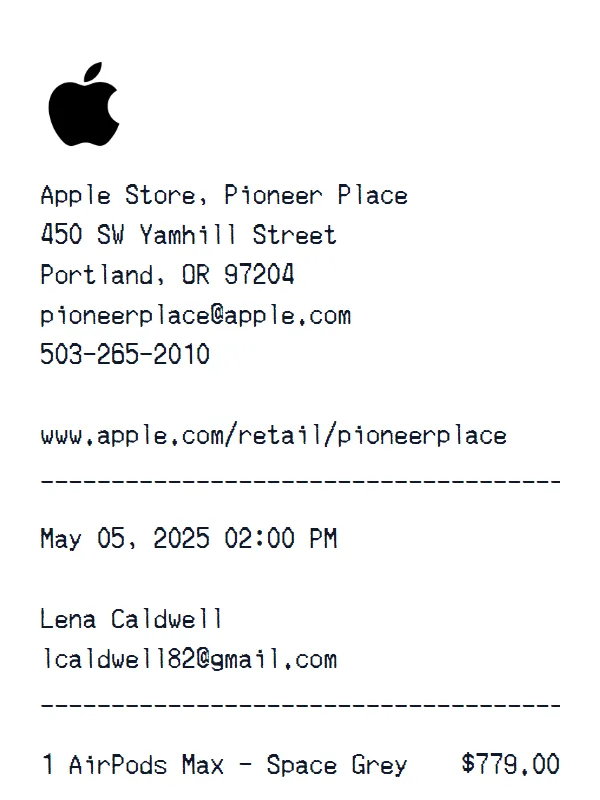
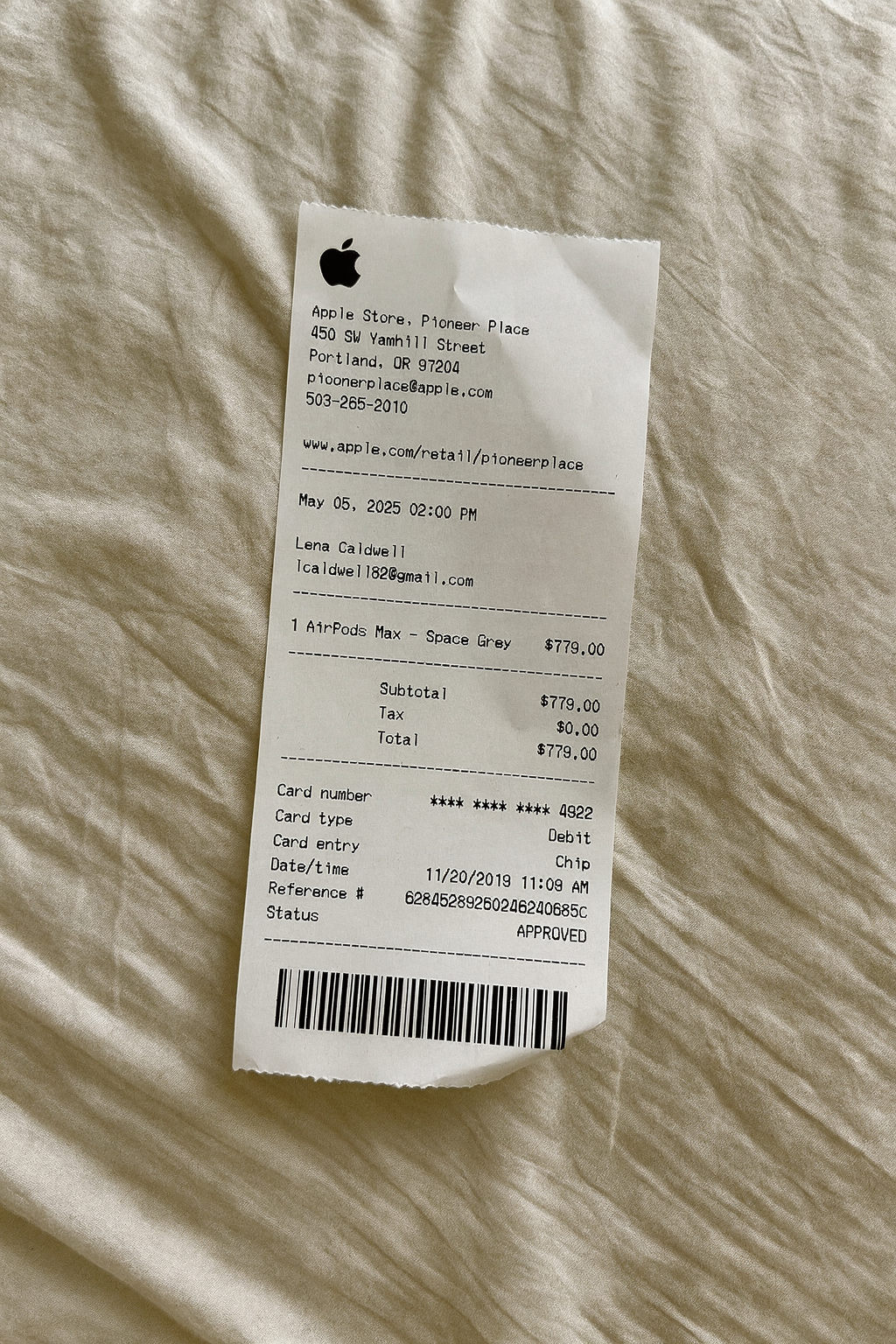
Create a realistic photo of your Walgreens receipt on any surface — a desk, counter, or next to your purchase. Our AI-powered Place in Scene feature generates a photo that looks like you printed the receipt, without needing a receipt printer.
AI Place in Scene
Example outputTemplate structure
What is included in this Walgreens layout
- Store identity and header details
- Custom receipt text
- Item rows and totals
- Payment information
- Transaction date and time
Layout facts
Format and editable fields
- 6 editable content sections
- editable currency, initially shown in dollars
- editable receipt typography
- editable receipt paper styling
- a replaceable header logo
- Fields such as Subtotal, Tax, Cash, Change
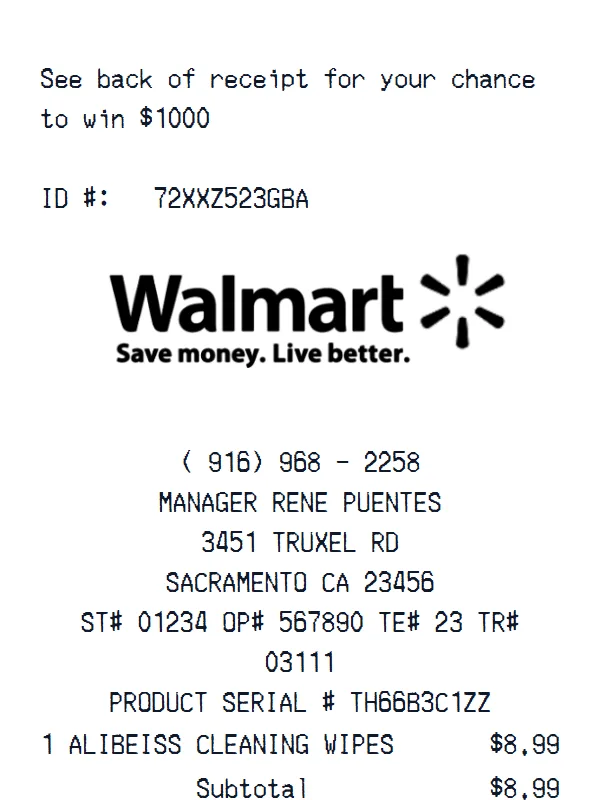
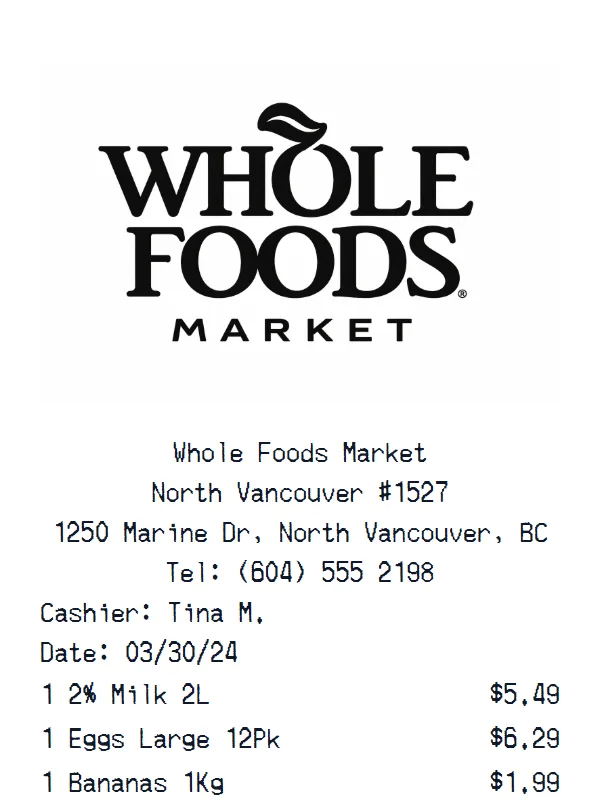
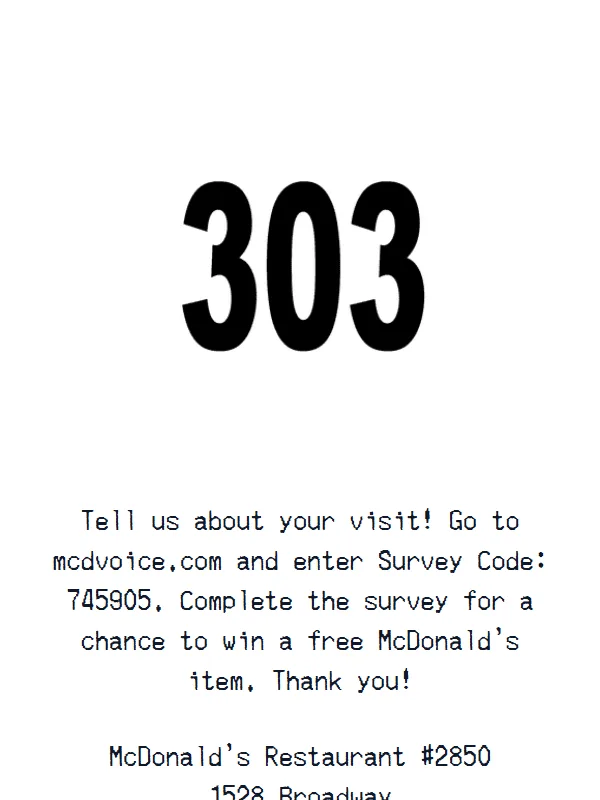
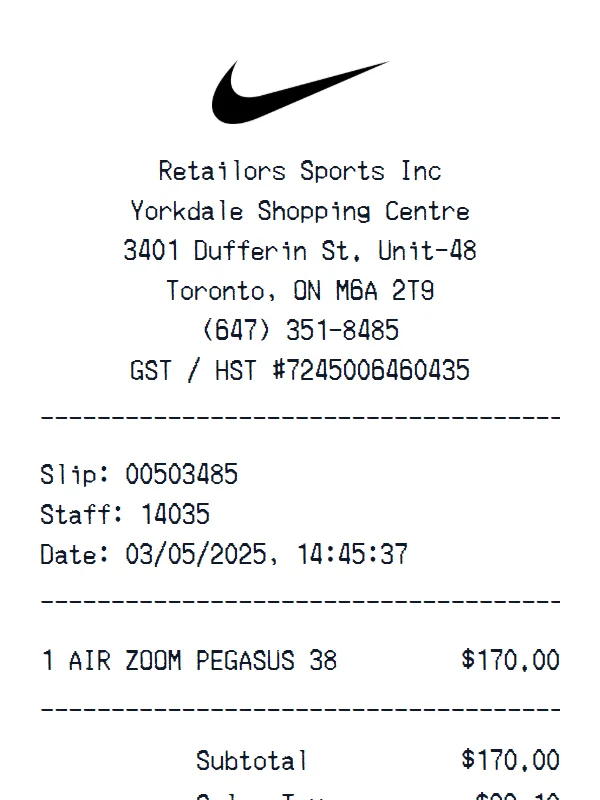
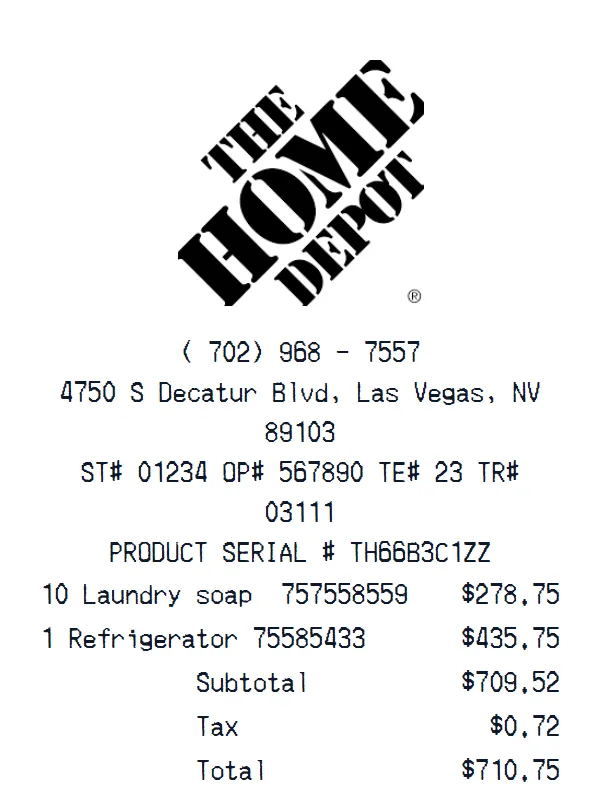
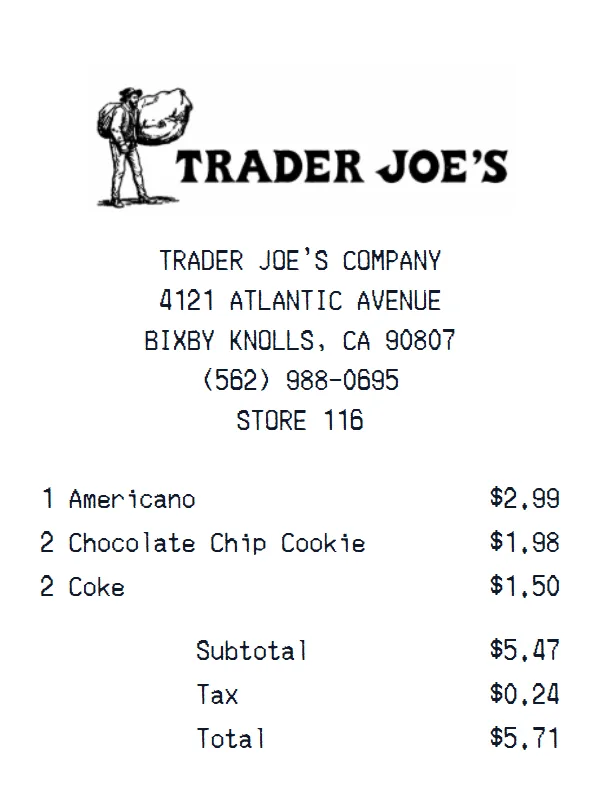
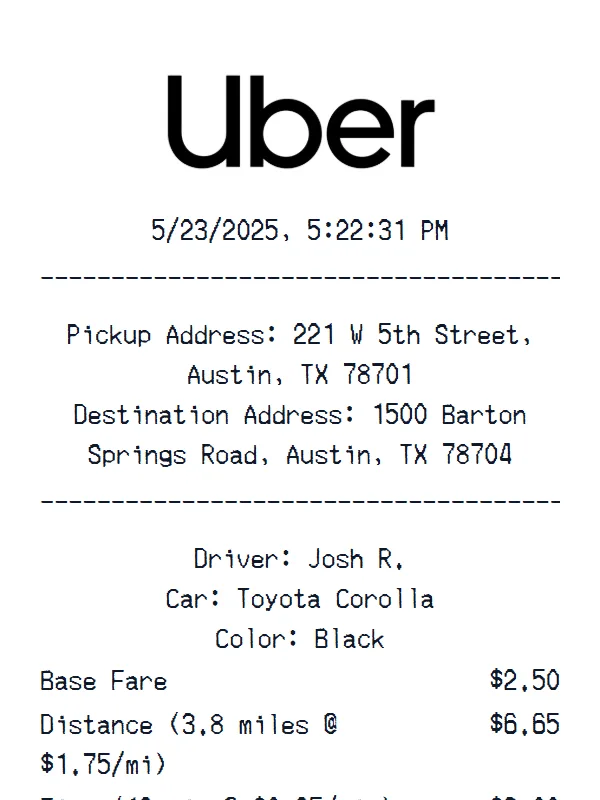
Receipt Examples
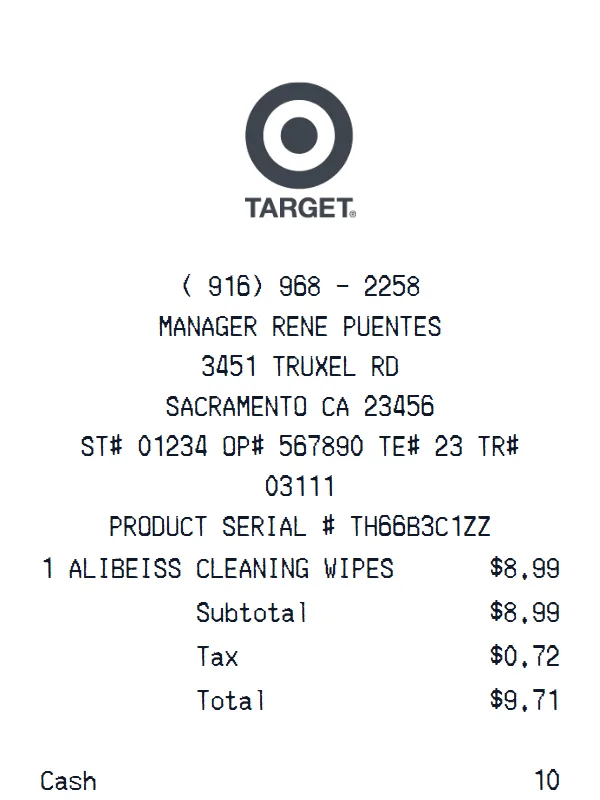
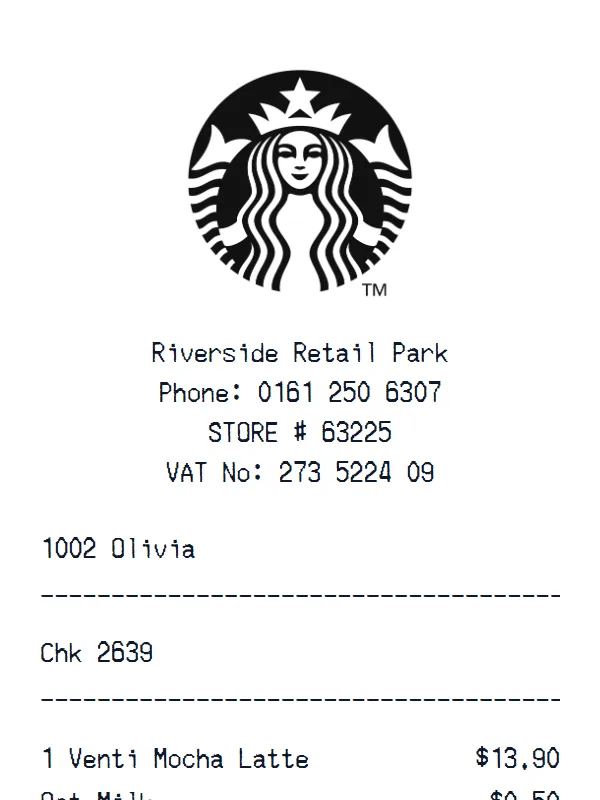
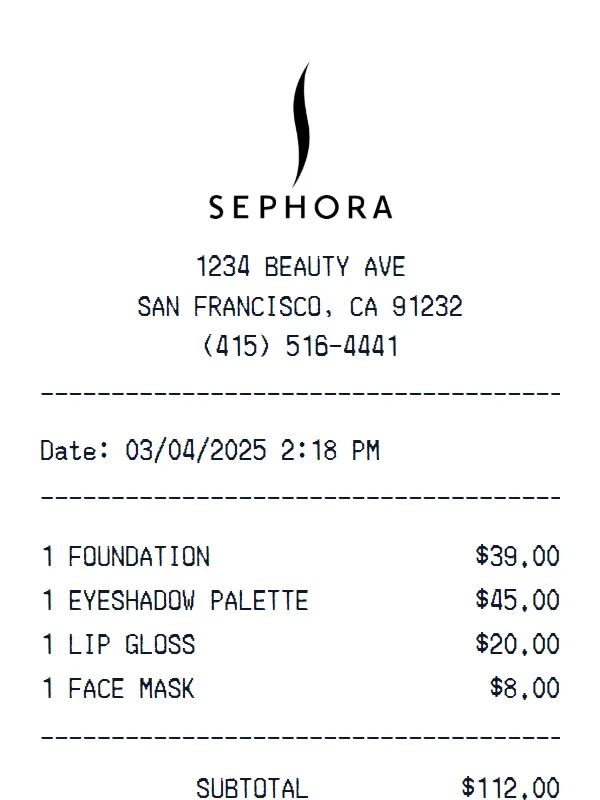
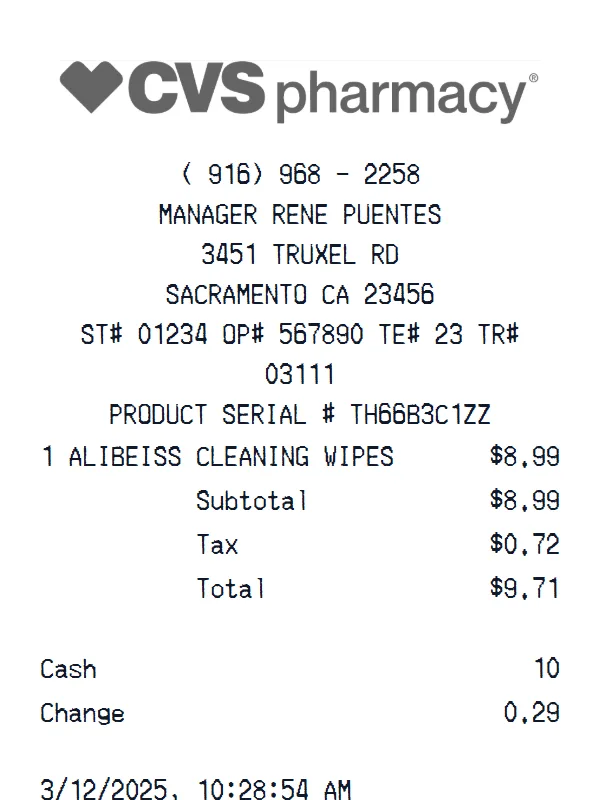
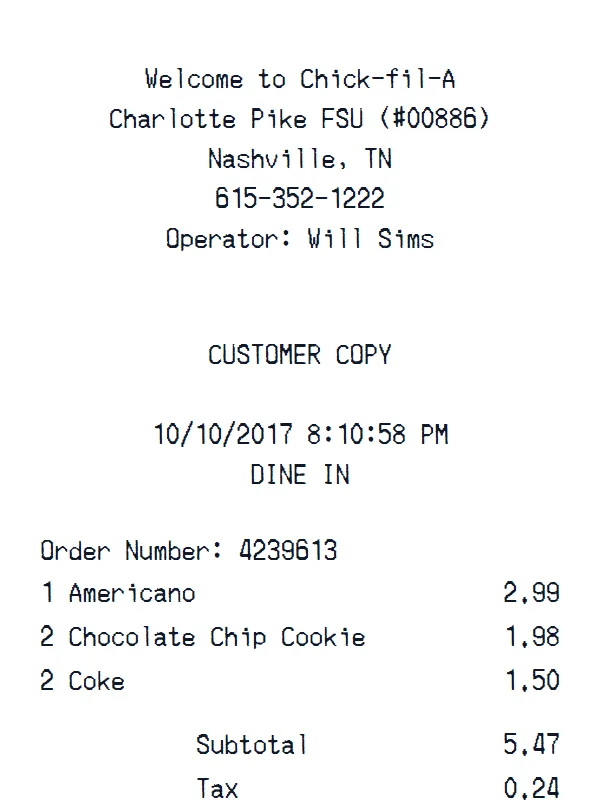
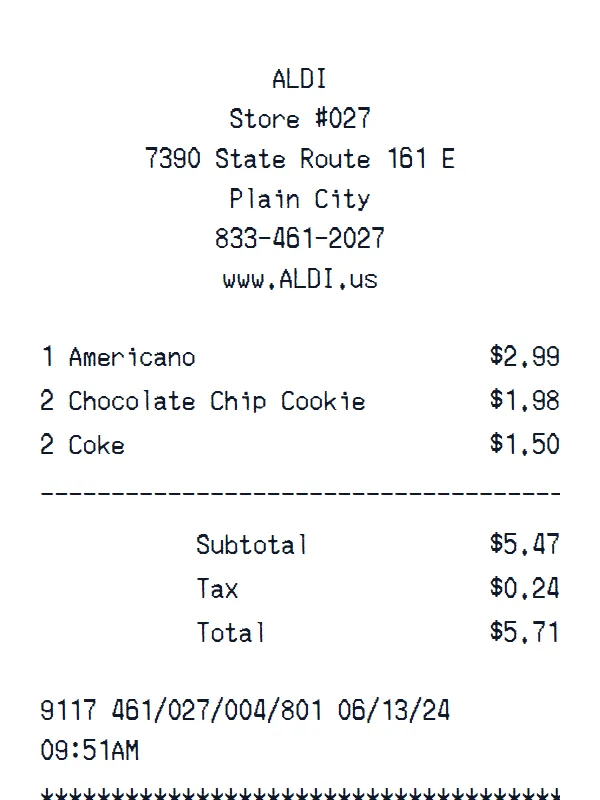
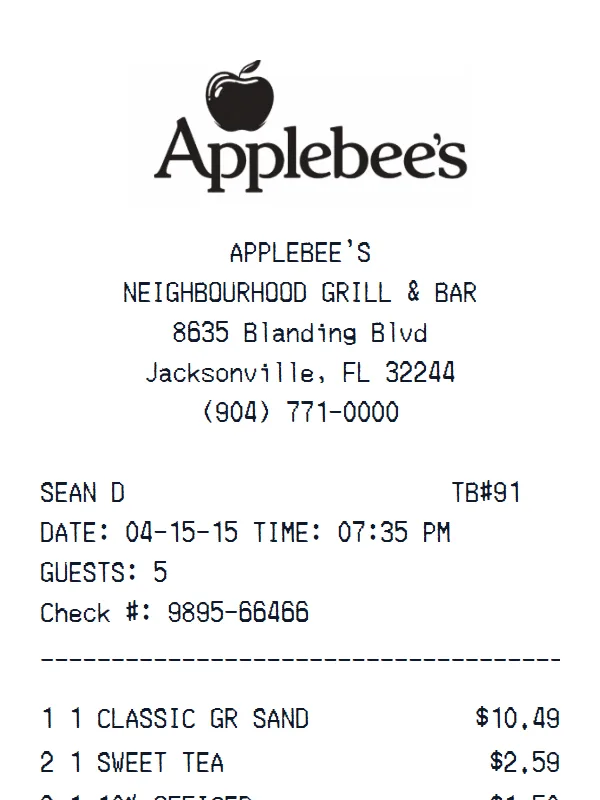
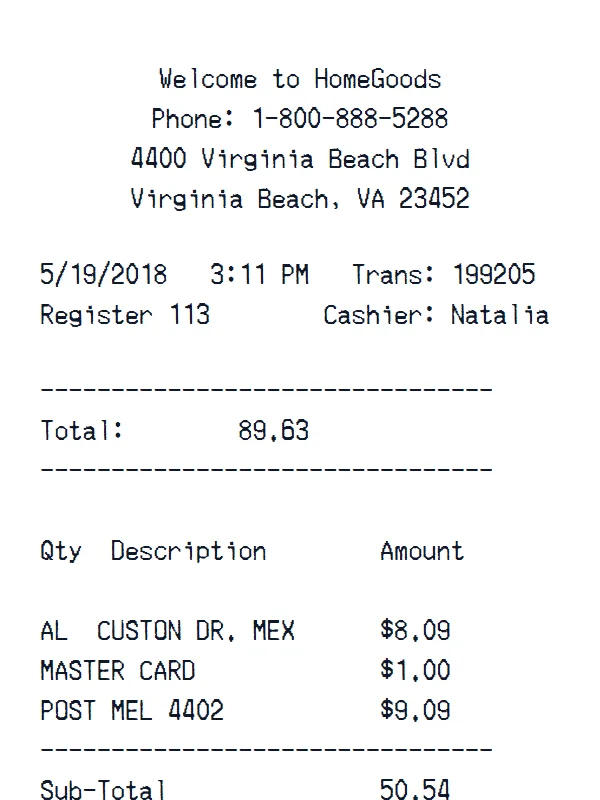
Support
Walgreens Receipt Generator FAQ
Common questions about creating Walgreens receipts.
Is the Walgreens receipt generator free?
What is included in this Walgreens template?
Can I customize the items on my Walgreens receipt?
Is this an official Walgreens receipt?
What can I use the Walgreens template for?
Still have questions?
Can't find the answer you're looking for? Please reach out to our friendly team.
Get in touchSimilar Receipt Templates
Browse more receipt templates you might find useful.
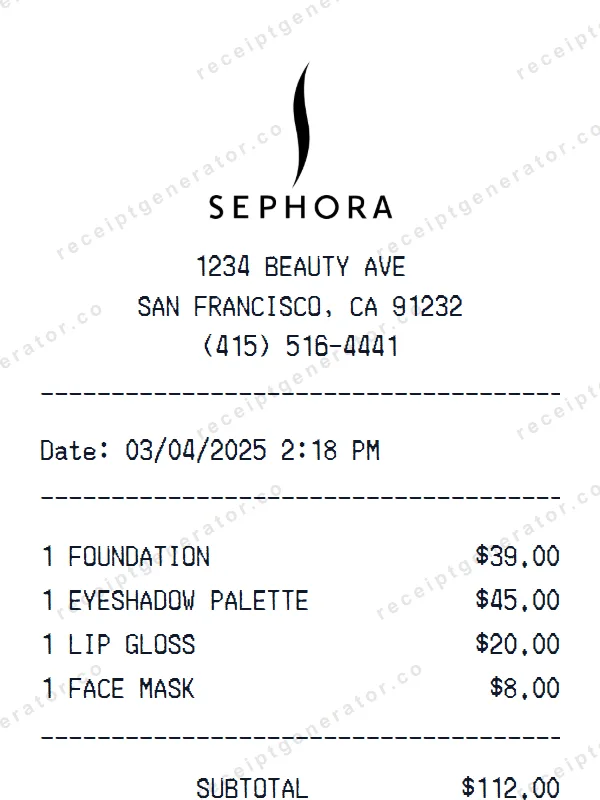
Sephora receipt
pharmacyMake a professional Sephora receipt with our easy-to-use tool. Fully editable pharmacy template with realistic formatting. No signup required to preview.
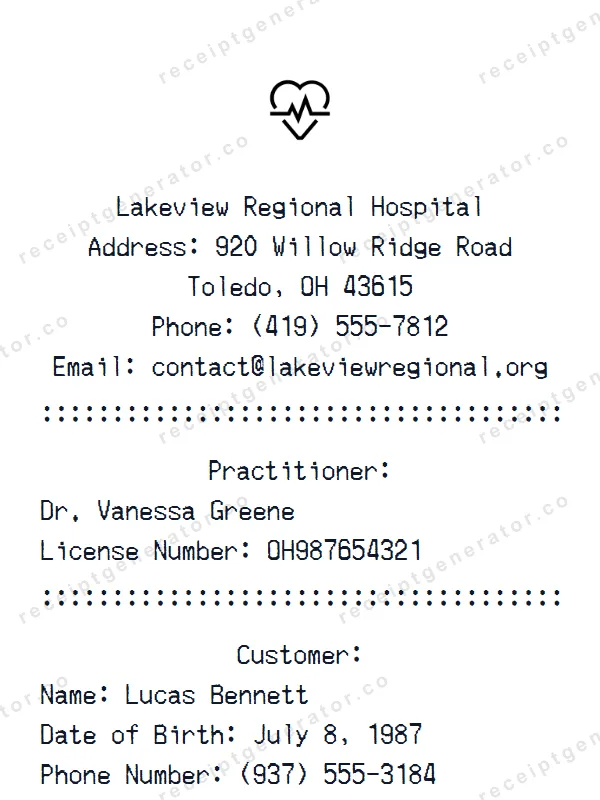
Hospital Receipt
pharmacyCreate a realistic Hospital receipt with our free generator. Add your own items, adjust totals, and download a pixel-perfect pharmacy receipt.
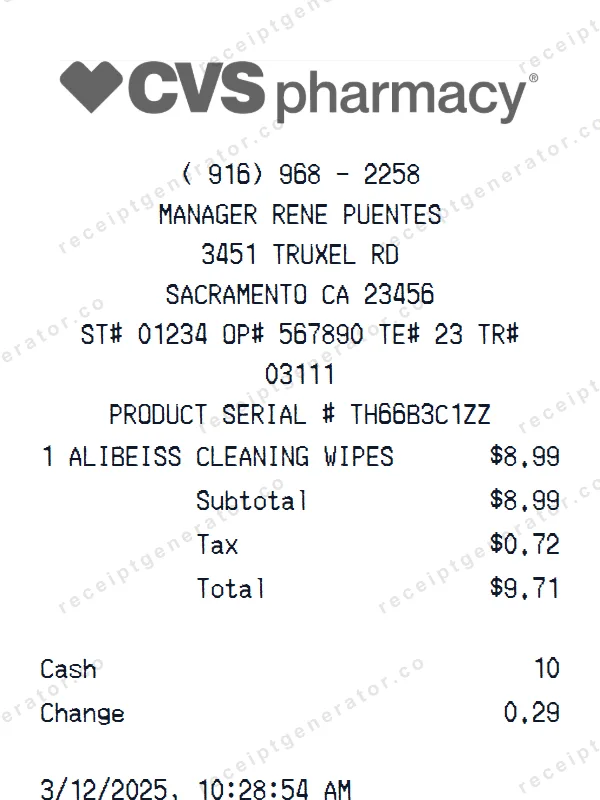
CVS Pharmacy Receipt
pharmacyGenerate a custom CVS Pharmacy receipt in seconds. Edit every detail — items, totals, dates, and more. Ready to download in one click.
-Receipt.webp)
Three (Three.co.uk) Receipt
retailBuild a detailed Three (Three.co.uk) receipt — fully customizable. Customize items, prices, tax, and payment details. Download instantly as a high-quality image.
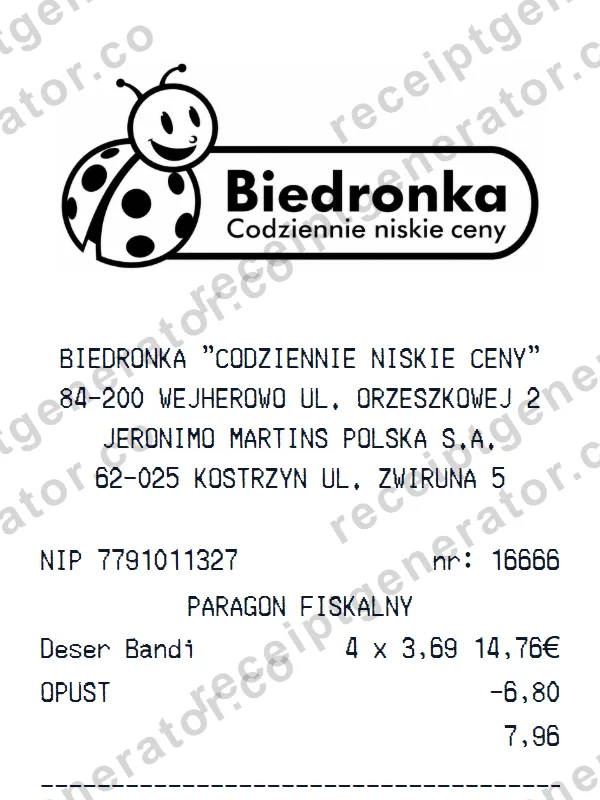
Biedronka Receipt
groceryBuild a detailed Biedronka receipt — fully customizable. Customize items, prices, tax, and payment details. Download instantly as a high-quality image.
Ready to create your Walgreens receipt?
It only takes a few seconds. No signup required.
Generate Walgreens Receipt