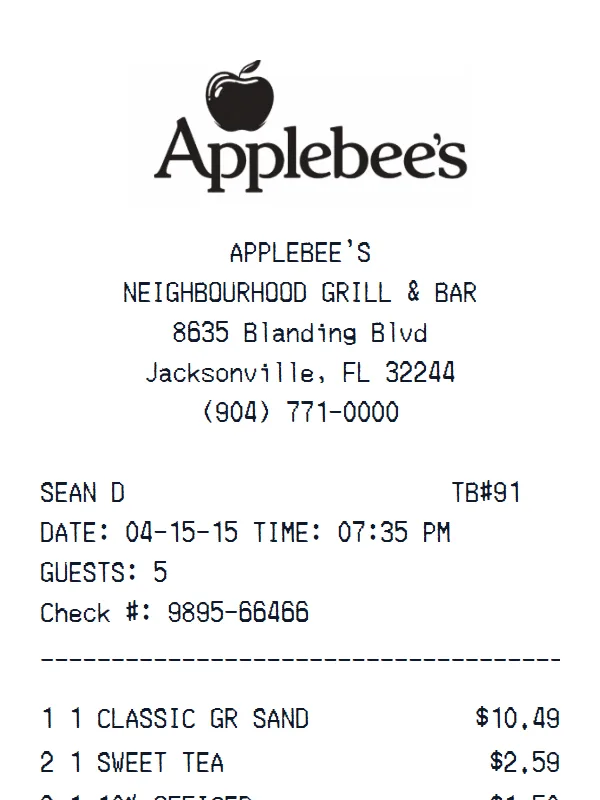
Applebee’s Receipt
A customizable starting layout with store identity and header details and transaction date and time, with editable visible fields and sections.
Edit this exampleFor legitimate business, creative, and personal use only. See our Terms of Service
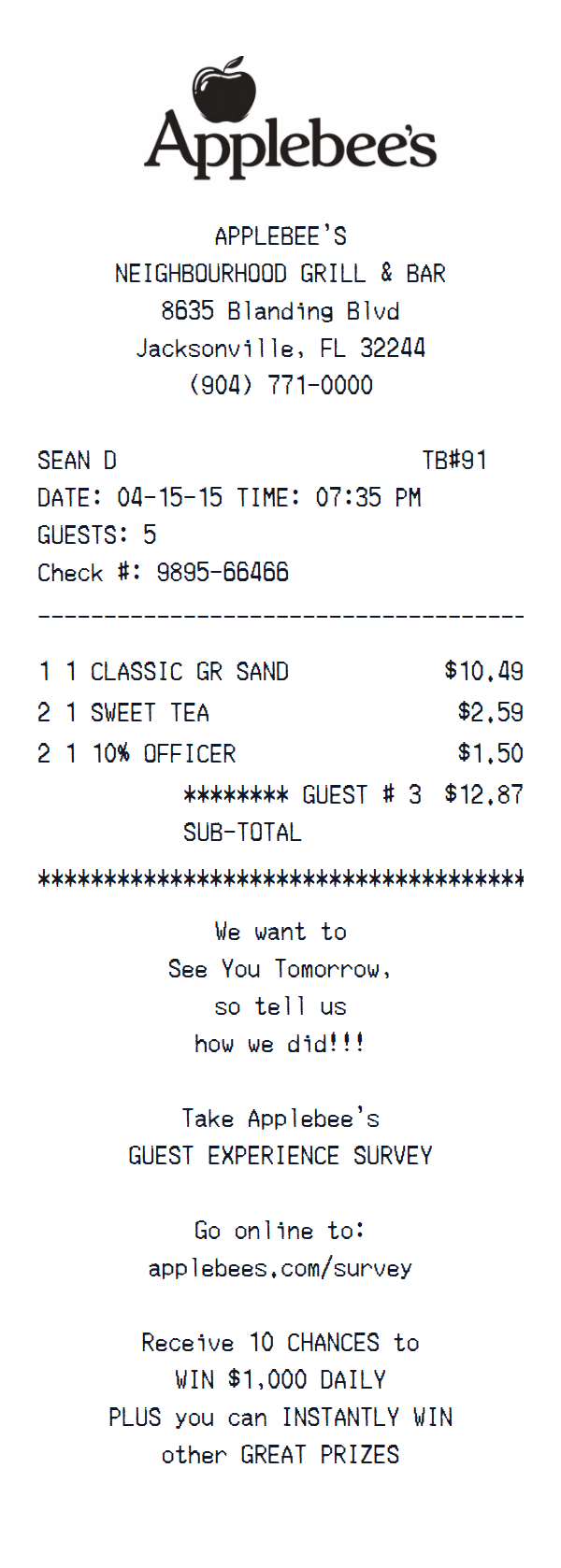
Create an Applebee's-style guest check with editable server, table, guest count, check reference, order lines, subtotal, and survey message.
Start here
Open this template in the generator, enter the information you need, then review the finished layout before export.
Continue with the Applebee’s template already selected and ready to edit.
Generate Applebee’s receiptEdit the exact starting sections described below, then add, remove, or reorder sections when your document needs a different structure.
Check the live preview, spacing, and every visible value or reference that applies before downloading the finished receipt.
Applebee's guest-check anatomy
The Jacksonville location is followed by server, table, date, guest count, and check number, then three order lines, the guest subtotal, and a separate survey message.
Jacksonville location, server, table 91, guest count, date, and check number
Three editable food and beverage order lines
Guest subtotal followed by a separate survey-message footer
Field-by-field editing
Edit the server, table, date, time, guest count, and check number first, then replace the printed order lines and guest subtotal while keeping the survey copy separate.
This template is fully customizable. The preview shows the starting layout, not a limit: change the currency, add or delete sections, drag sections into a different order, and add or remove item rows and total lines to fit the receipt you need.
This Applebee's starting check connects the Jacksonville restaurant and server with table 91, guest 3, the date, and a check number. Three editable food and beverage lines lead to a guest subtotal.
A separate survey message closes the current layout. Tax, gratuity, and payment are not included in this starting file, but the generator can add the sections needed for a longer guest check.
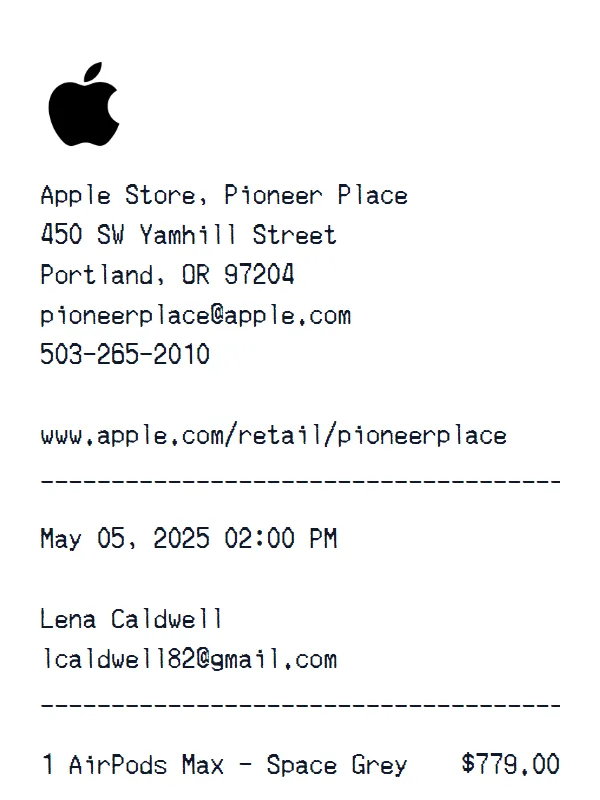
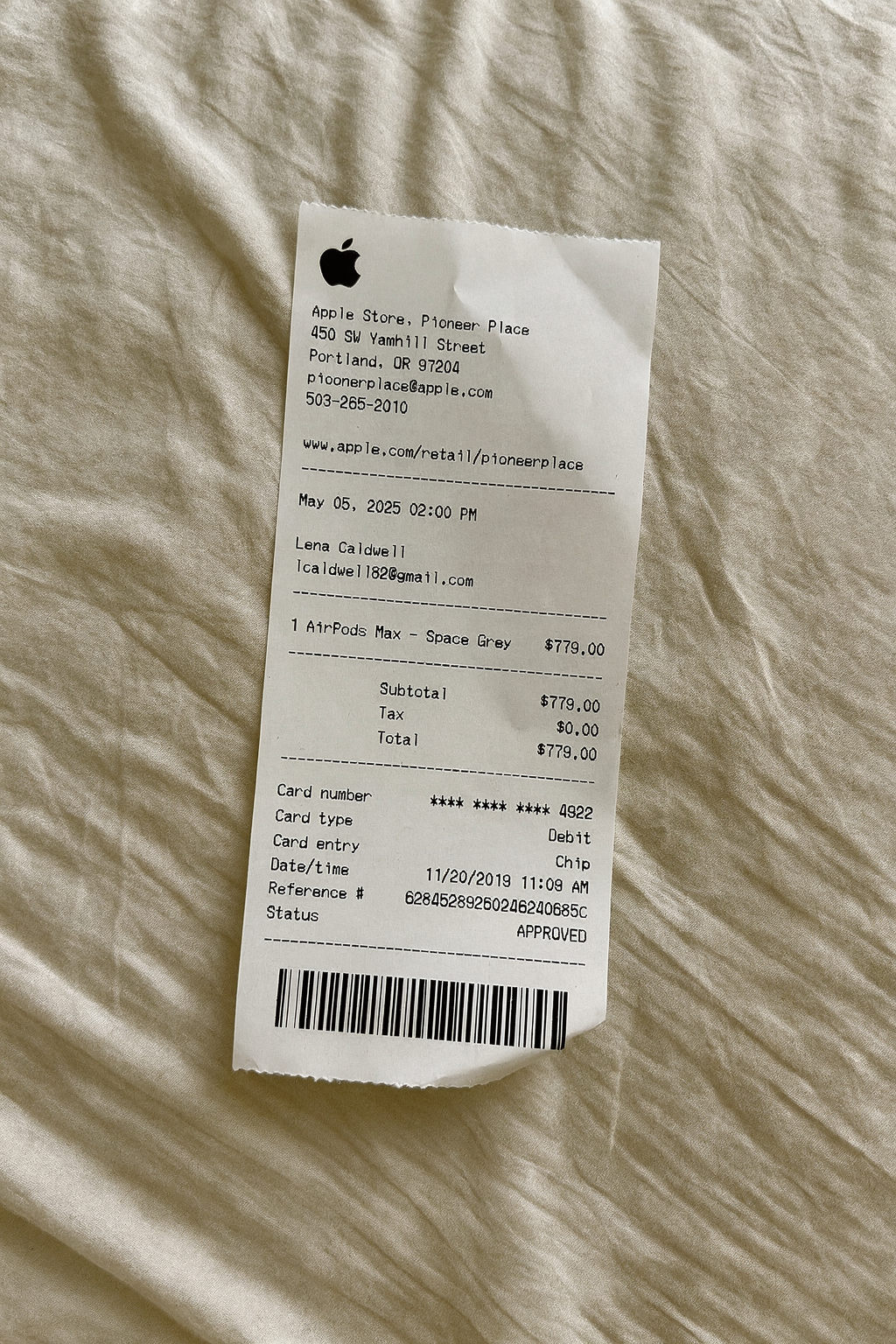
Create a realistic photo of your Applebee’s receipt on any surface — a desk, counter, or next to your purchase. Our AI-powered Place in Scene feature generates a photo that looks like you printed the receipt, without needing a receipt printer.
AI Place in Scene
Example outputDining receipt examples
Review formats for table service, pickup orders, delivery records, and itemized food purchases.
A customizable starting layout with store identity and header details and transaction date and time, with editable visible fields and sections.
Edit this example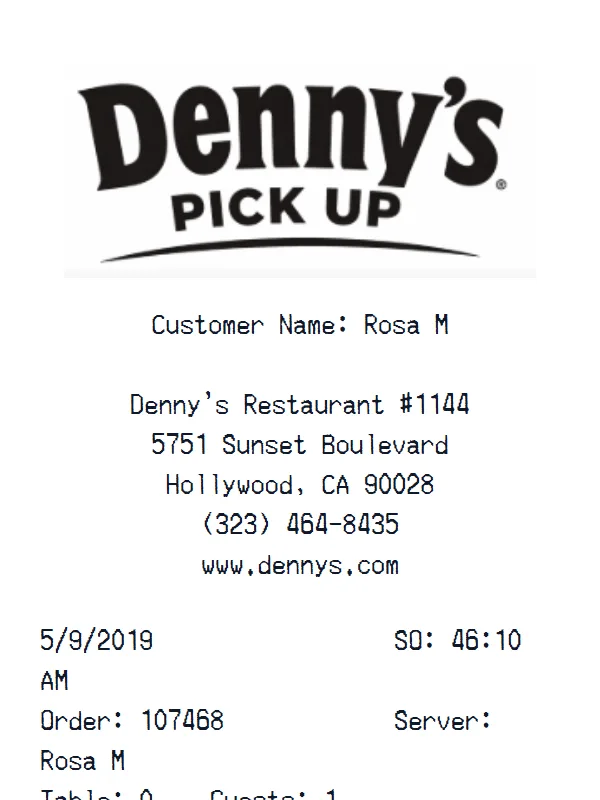
A customizable starting layout with store identity and header details and transaction date and time, including editable Subtotal and Tax fields.
Edit this example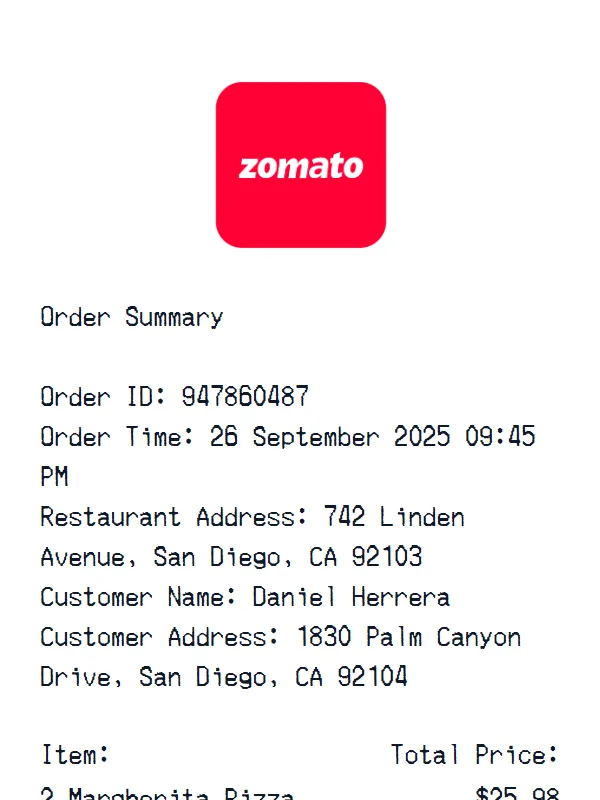
A customizable starting layout with store identity and header details and order, table, or service details, including editable Item and Total Price fields.
Edit this example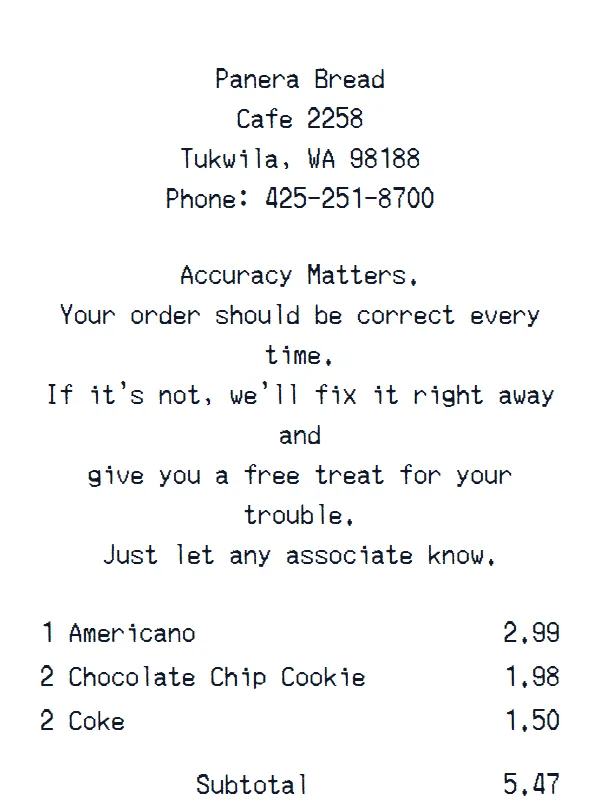
A customizable starting layout with store identity and header details and custom receipt text, including editable Subtotal and Tax fields.
Edit this exampleSupport
Common questions about creating Applebee’s receipts.
Can't find the answer you're looking for? Please reach out to our friendly team.
Get in touchBrowse more receipt templates you might find useful.
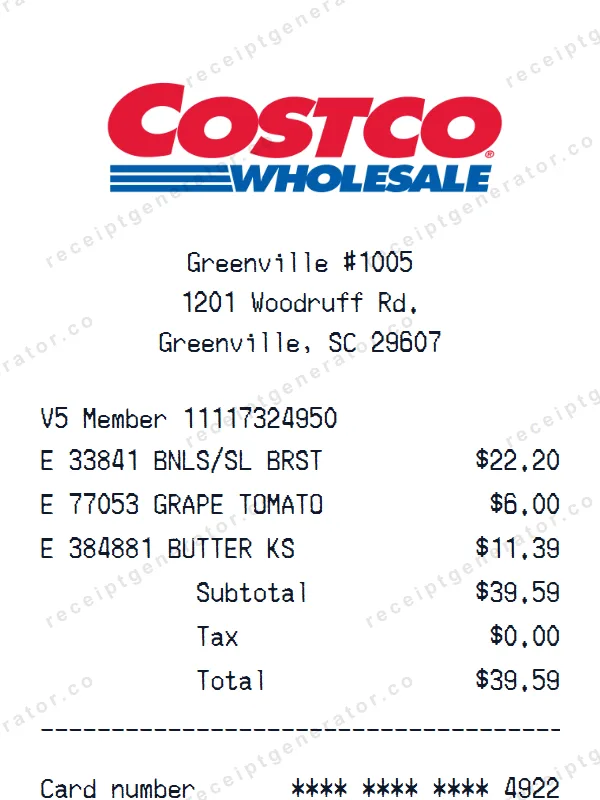
Build a detailed Costco receipt — fully customizable. Customize items, prices, tax, and payment details. Download instantly as a high-quality image.
Make a professional REI Co-op receipt with our easy-to-use tool. Fully editable retail store template with realistic formatting. No signup required to preview.
-Receipt.webp)
Build a detailed Three (Three.co.uk) receipt — fully customizable. Customize items, prices, tax, and payment details. Download instantly as a high-quality image.
Make a professional Summer Camp receipt with our easy-to-use tool. Fully editable template with realistic formatting. No signup required to preview.
Make a professional ALDI receipt with our easy-to-use tool. Fully editable grocery store template with realistic formatting. No signup required to preview.
It only takes a few seconds. No signup required.
Generate Applebee’s Receipt