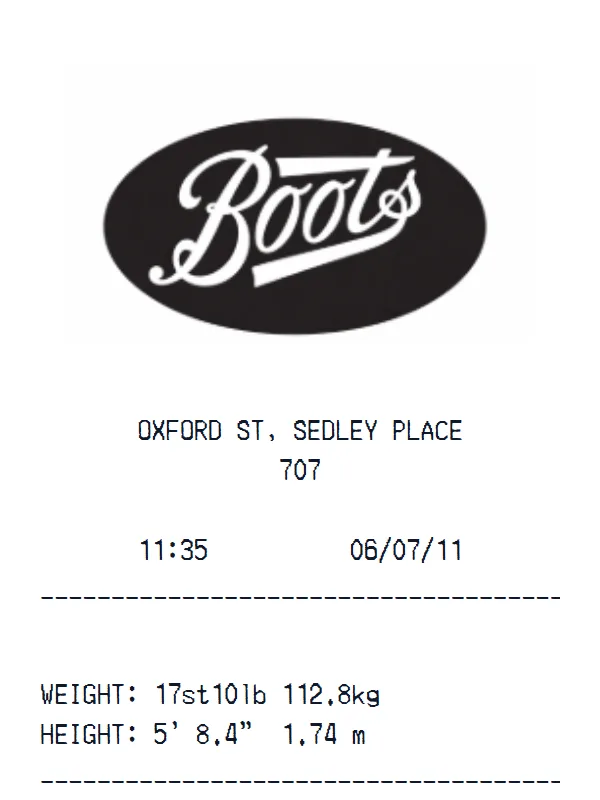
Boots Receipt
A customizable starting layout with store identity and header details and custom receipt text, with editable visible fields and sections.
Edit this exampleFor legitimate business, creative, and personal use only. See our Terms of Service
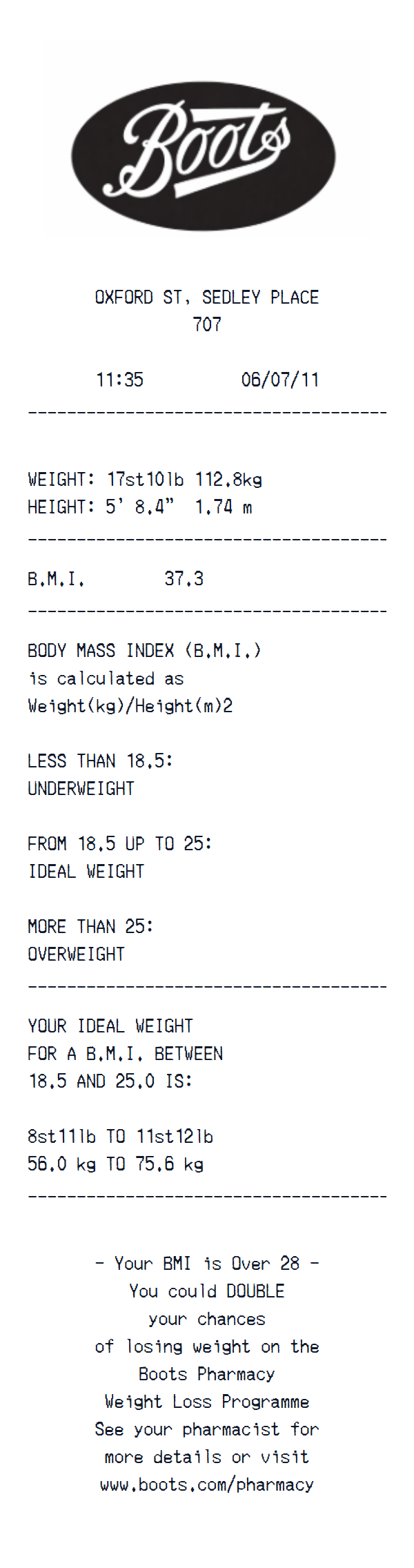
Edit a Boots health-measurement printout with location and time, dual-unit weight and height, BMI, guidance ranges, and service text.
Start here
Open this template in the generator, enter the information you need, then review the finished layout before export.
Continue with the Boots template already selected and ready to edit.
Generate Boots receiptEdit the exact starting sections described below, then add, remove, or reorder sections when your document needs a different structure.
Check the live preview, spacing, and every visible value or reference that applies before downloading the finished receipt.
Boots editable BMI printout anatomy
Editable location and date details lead to weight, height, and BMI fields, followed by independent category guidance, ideal-weight ranges, and pharmacy-program copy.
Editable location, store reference, time, date, weight, and height text
Editable BMI value, calculation wording, and category thresholds
Editable ideal-weight range and pharmacy weight-program message
Editing workflow
Update location and time details, enter authorized weight and height values, recalculate BMI and the related range, then review the category and program language instead of leaving stale guidance.
All measurements and guidance are editable text, not a clinical calculation or medical assessment. Avoid real health data unless you are authorized to handle it, verify changed values with an appropriate health source, and do not use this generated printout to claim a diagnosis, treatment outcome, or Boots affiliation.
This Boots starting layout is a health-measurement printout rather than a sales receipt. Editable custom-text sections hold weight in imperial and metric units, height in both units, BMI, category explanations, an ideal-weight range, and a closing pharmacy-program message beneath the editable location, time, and date header.
The starting metric measurements are consistent with the displayed BMI after rounding, but every value and guidance line is independent text and will not recalculate when weight or height changes. The file has no item rows, prices, total, payment method, transaction number, customer identity, or clinician field.
Create a realistic photo of your Boots receipt on any surface — a desk, counter, or next to your purchase. Our AI-powered Place in Scene feature generates a photo that looks like you printed the receipt, without needing a receipt printer.
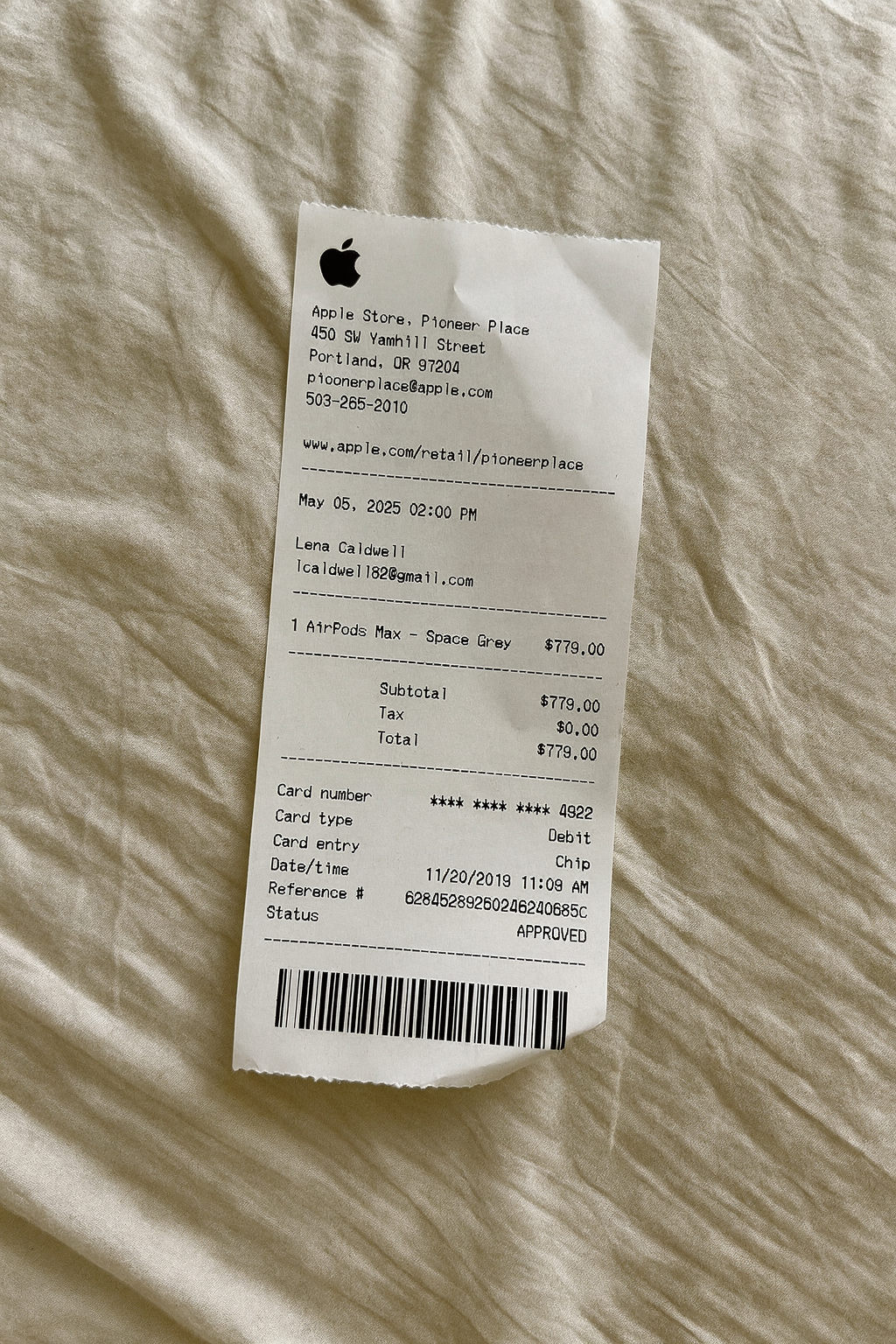
AI Place in Scene
Example outputHealthcare receipt examples
Choose a starting format based on whether the record is for pharmacy items, patient services, or health and beauty retail.
A customizable starting layout with store identity and header details and custom receipt text, with editable visible fields and sections.
Edit this example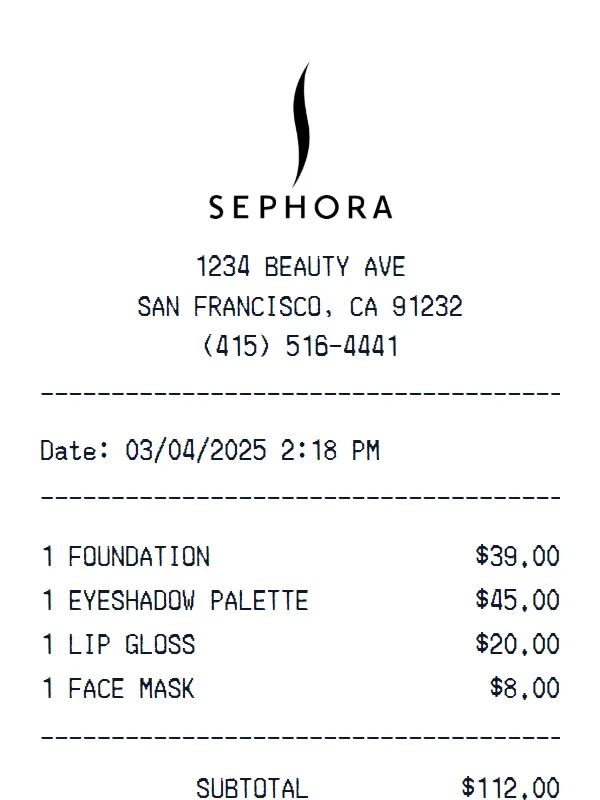
A customizable starting layout with store identity and header details and transaction date and time, including editable SUBTOTAL and SALES TAX fields.
Edit this example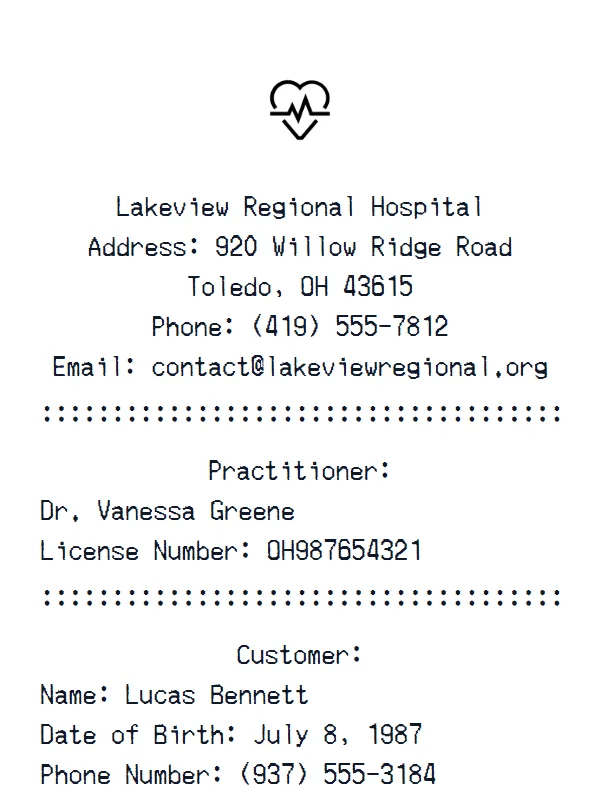
A customizable starting layout with store identity and header details and custom receipt text, including editable Subtotal and Tax fields.
Edit this example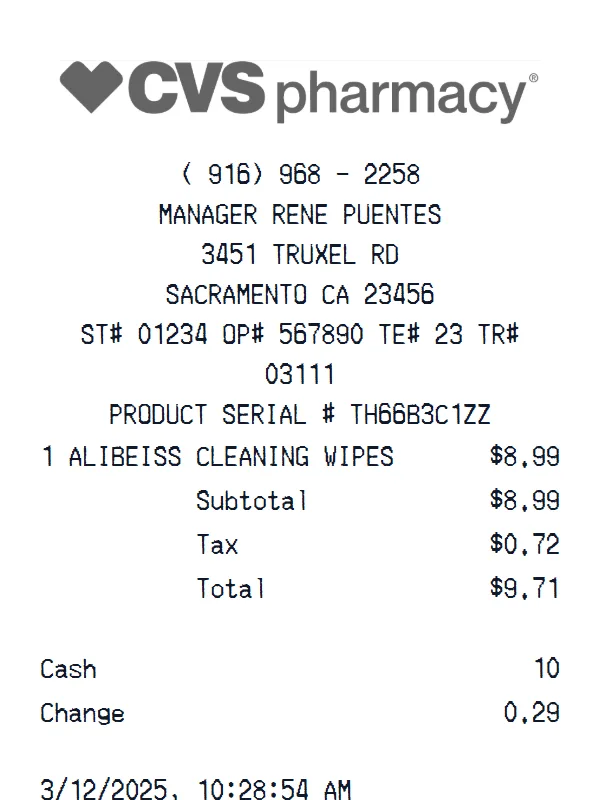
A customizable starting layout with store identity and header details and custom receipt text, including editable Subtotal and Tax fields.
Edit this exampleSupport
Common questions about creating Boots receipts.
Can't find the answer you're looking for? Please reach out to our friendly team.
Get in touchBrowse more receipt templates you might find useful.
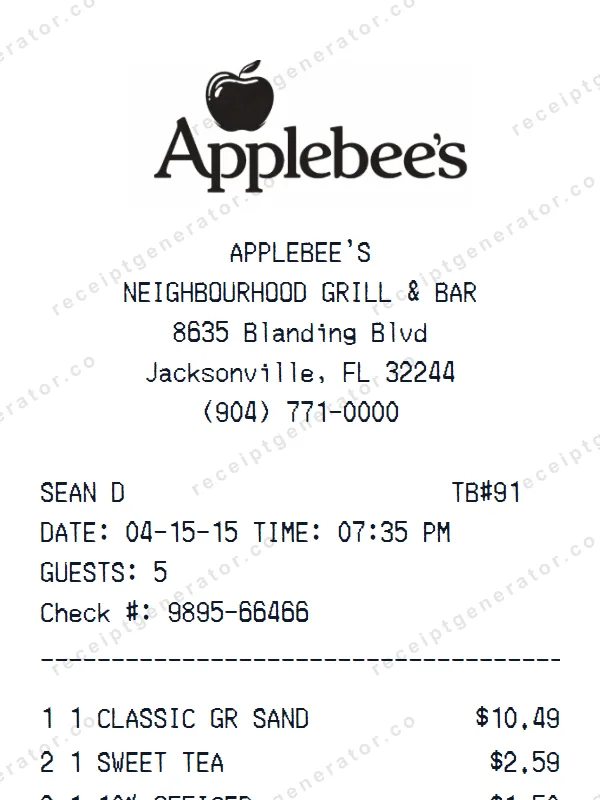
Make a professional Applebee’s receipt with our easy-to-use tool. Fully editable retail store template with realistic formatting. No signup required to preview.
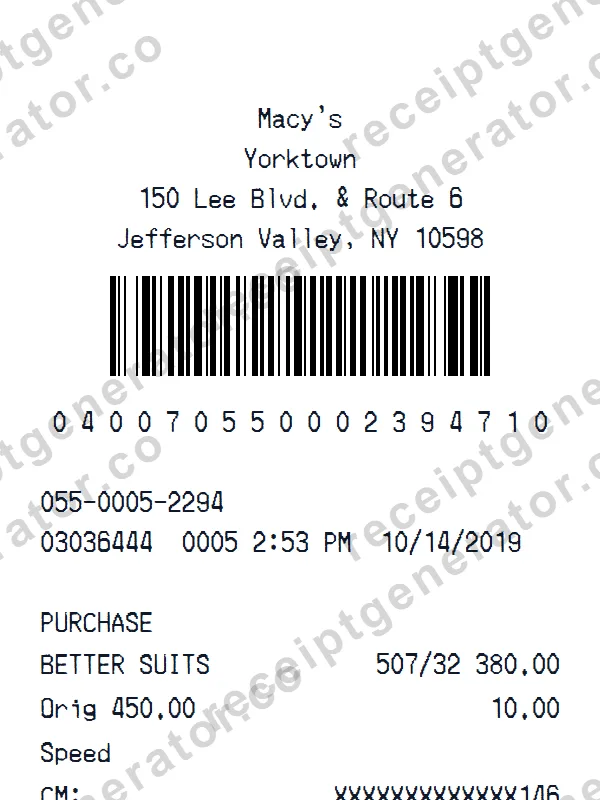
Make a professional Macy’s receipt with our easy-to-use tool. Fully editable retail store template with realistic formatting. No signup required to preview.
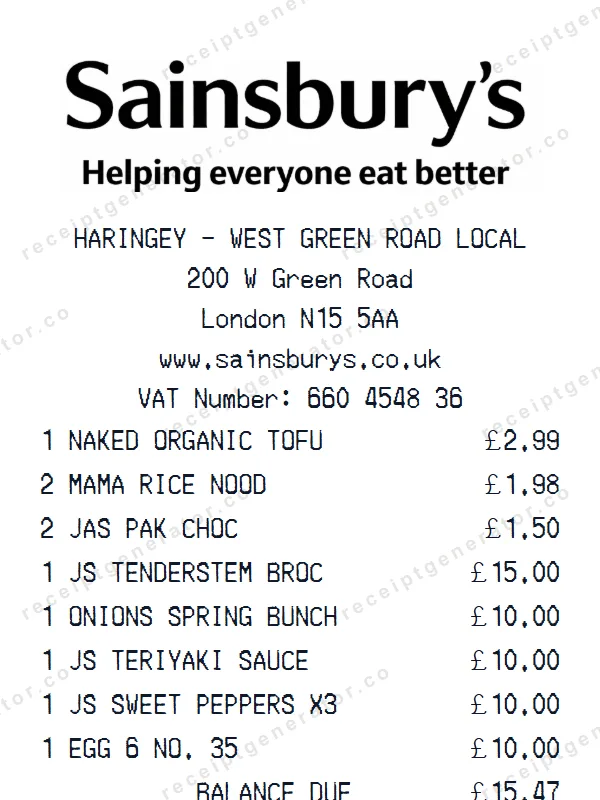
Create a realistic Sainsbury’s receipt with our free generator. Add your own items, adjust totals, and download a pixel-perfect retail store receipt.
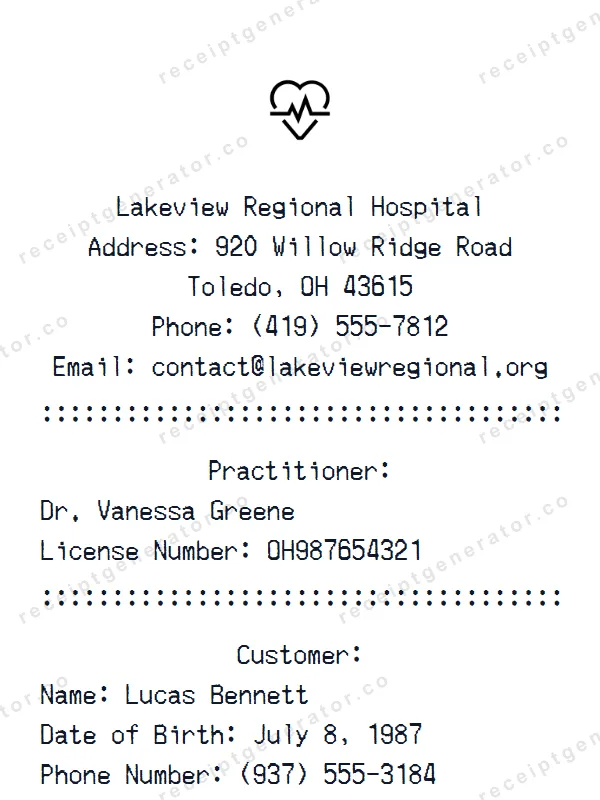
Create a realistic Hospital receipt with our free generator. Add your own items, adjust totals, and download a pixel-perfect pharmacy receipt.
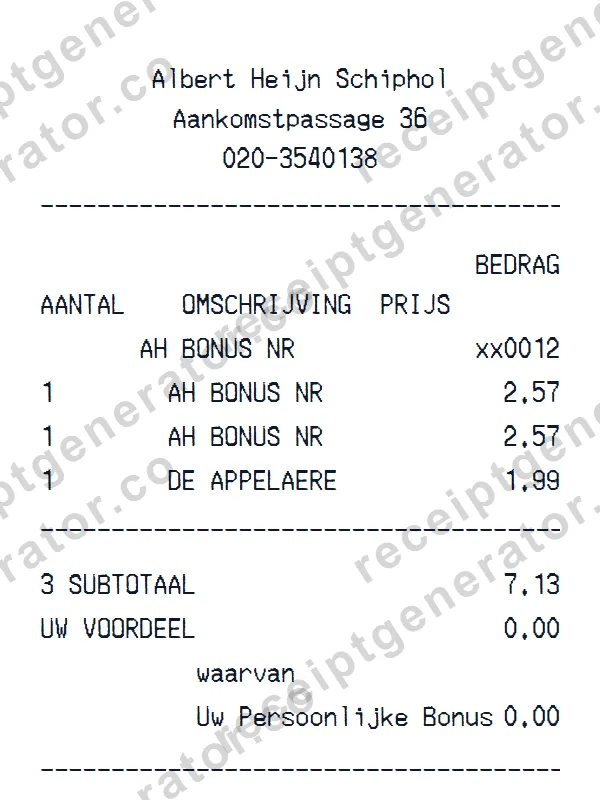
Create a realistic Albert Heijn receipt with our free generator. Add your own items, adjust totals, and download a pixel-perfect grocery store receipt.
It only takes a few seconds. No signup required.
Generate Boots Receipt