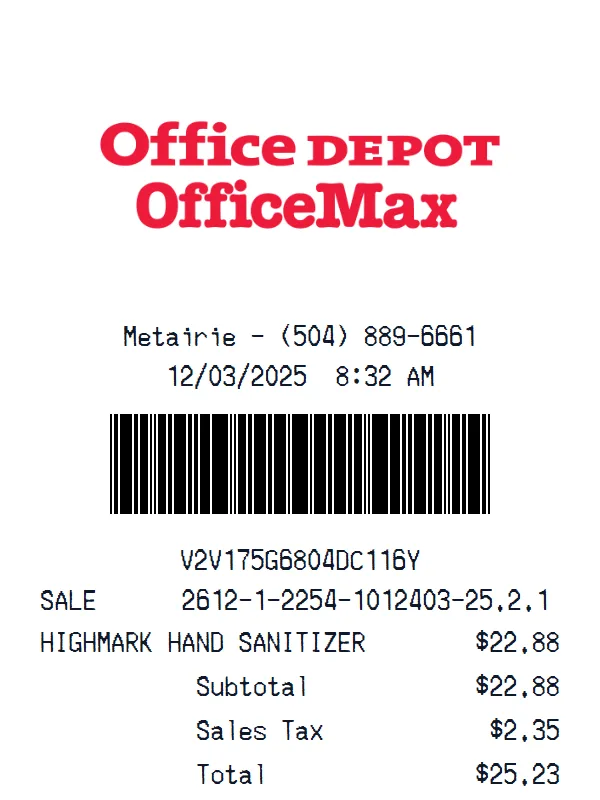
Office Depot / OfficeMax Receipt
A customizable starting layout with store identity and header details and barcode or QR area, including editable Subtotal and Sales Tax fields.
Edit this exampleFor legitimate business, creative, and personal use only. See our Terms of Service
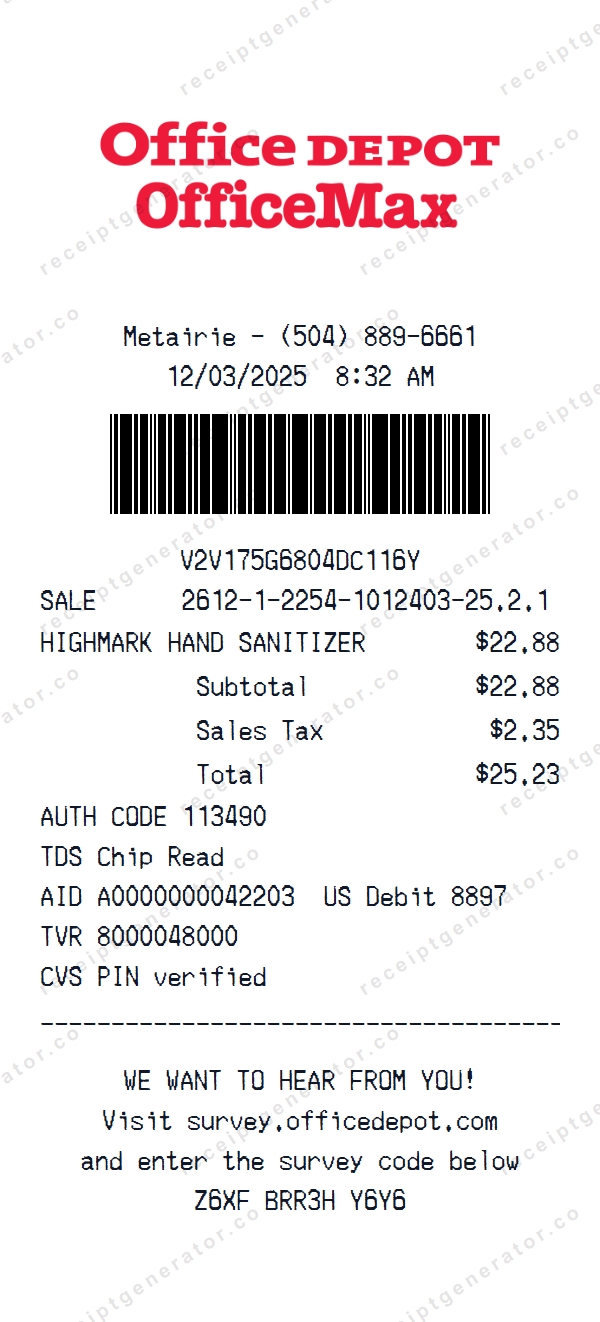
Edit an Office Depot OfficeMax receipt with location and timestamp details, barcode references, one item row, totals, debit data, and survey text.
Start here
Open this template in the generator, enter the information you need, then review the finished layout before export.
Continue with the Office Depot / OfficeMax template already selected and ready to edit.
Generate Office Depot / OfficeMax receiptEdit the exact starting sections described below, then add, remove, or reorder sections when your document needs a different structure.
Check the live preview, spacing, and every visible value or reference that applies before downloading the finished receipt.
Office Depot OfficeMax transaction flow
Editable location and time fields lead to a barcode and sale reference, then one item with totals, a separate chip-detail block, and an editable survey footer.
Editable location, date and time, barcode, printed barcode code, and sale reference
Editable one-row item table with subtotal, sales tax, and total
Editable authorization and chip text followed by a separate survey invitation and code
Transaction walkthrough
Update the location, timestamp, barcode text, and sale reference first; edit the item and totals next; then replace the authorization, chip, debit, and survey values without assuming missing payment fields.
The payment block has no tender amount or separate timestamp, and its authorization, AID, TVR, debit digits, barcode, and survey code are editable text. Replace them with fictional or authorized values, mask sensitive identifiers, and do not use the output as payment, return, warranty, or retailer verification.
Labels found in this starting template
This Office Depot OfficeMax layout makes the location and timestamp editable above a barcode and its printed code. Separate sections provide an editable sale reference, one structured merchandise row, subtotal, sales tax, and total.
The basket arithmetic in the starting sample reconciles. Payment data is a custom block for authorization, chip, AID, debit digits, TVR, and the literal text CVS PIN verified; it has no payment amount or separate payment timestamp. The final custom block contains an editable survey URL and code, while no street address, customer, quantity, or change field is present.
Create a realistic photo of your Office Depot / OfficeMax receipt on any surface — a desk, counter, or next to your purchase. Our AI-powered Place in Scene feature generates a photo that looks like you printed the receipt, without needing a receipt printer.
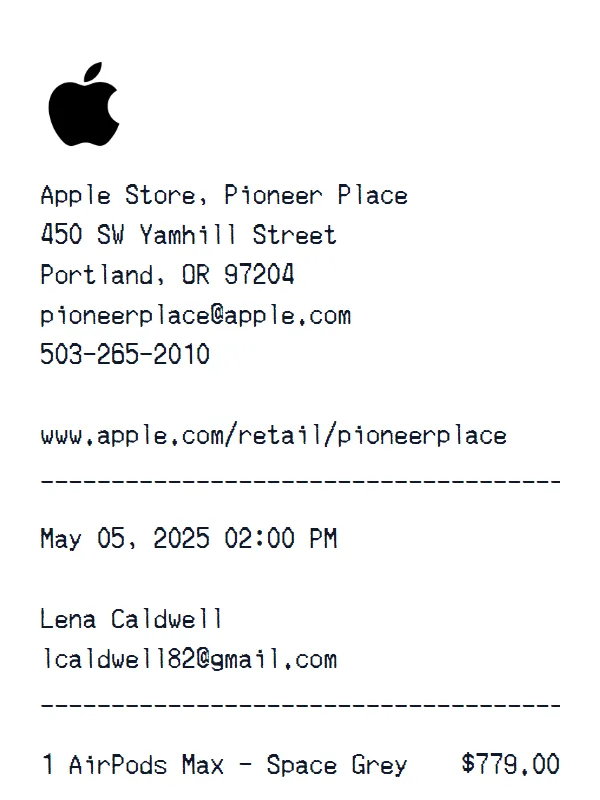
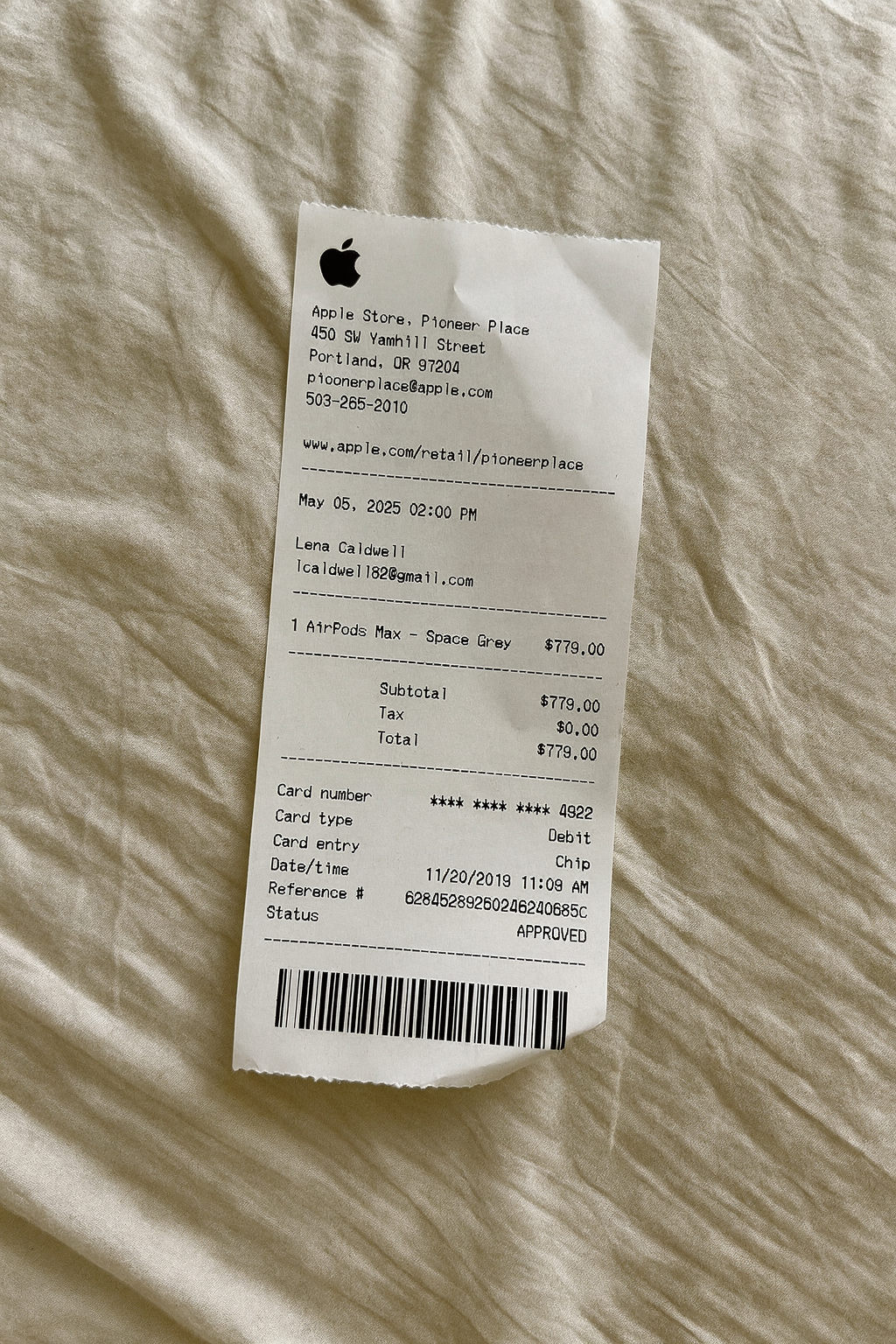
AI Place in Scene
Example outputHome and general retail examples
Review formats for electronics, home goods, office supplies, hardware, and general merchandise.
A customizable starting layout with store identity and header details and barcode or QR area, including editable Subtotal and Sales Tax fields.
Edit this example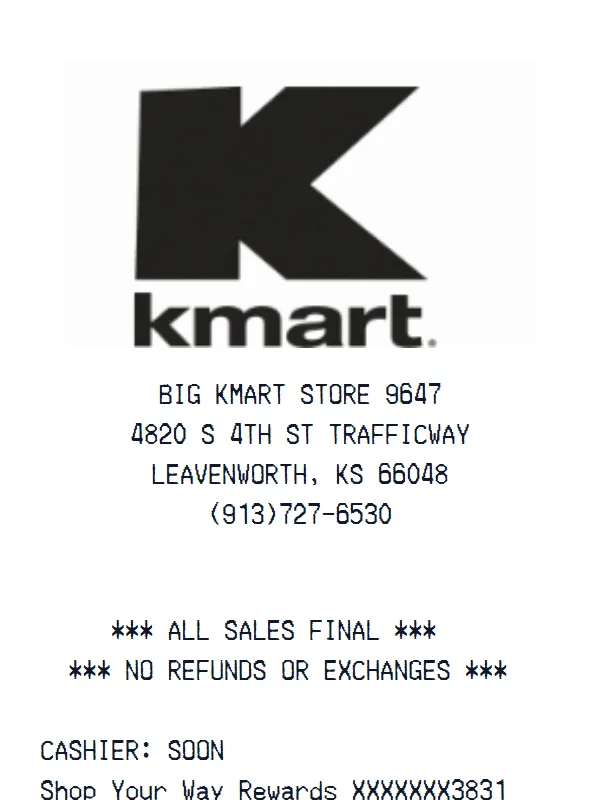
A customizable starting layout with store identity and header details and custom receipt text, with editable visible fields and sections.
Edit this example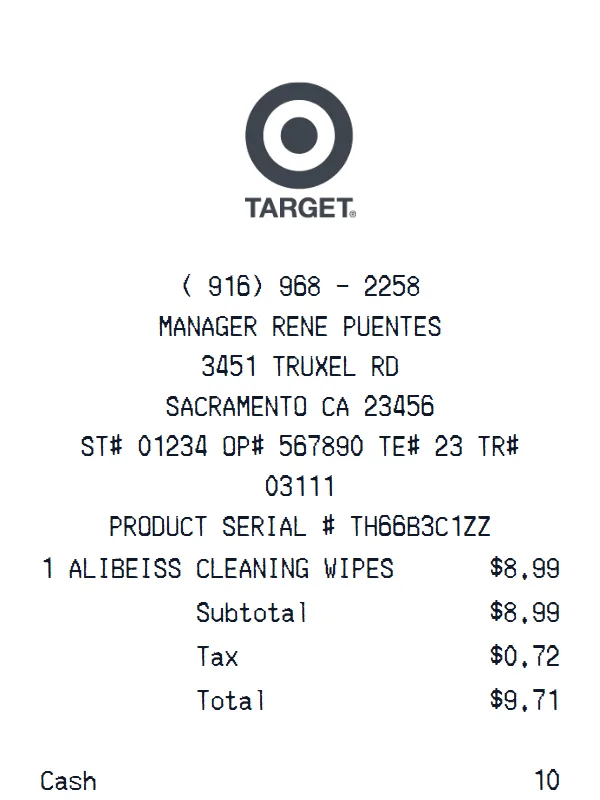
A customizable starting layout with store identity and header details and custom receipt text, including editable Subtotal and Tax fields.
Edit this example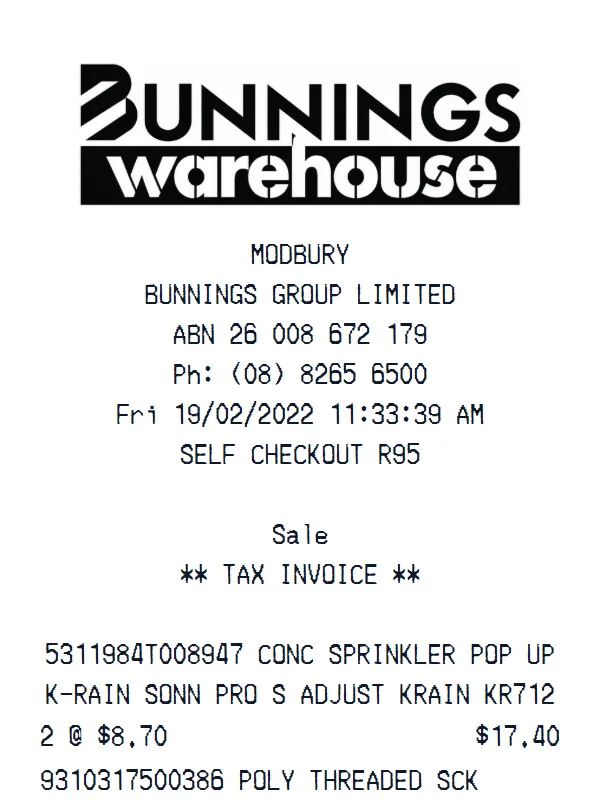
A customizable starting layout with store identity and header details and custom receipt text, with editable visible fields and sections.
Edit this exampleSupport
Common questions about creating Office Depot / OfficeMax receipts.
Can't find the answer you're looking for? Please reach out to our friendly team.
Get in touchBrowse more receipt templates you might find useful.
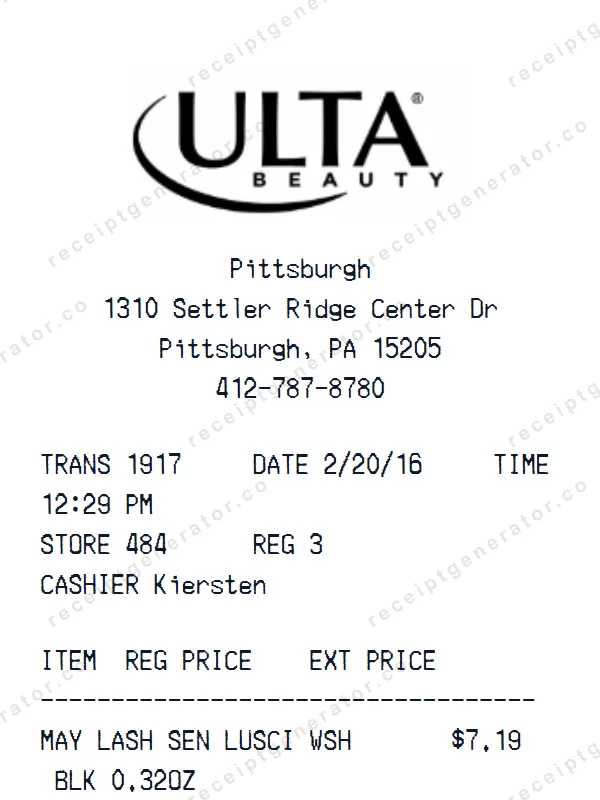
Create a realistic Ulta Beauty receipt with our free generator. Add your own items, adjust totals, and download a pixel-perfect retail store receipt.
Create a realistic Cabela’s receipt with our free generator. Add your own items, adjust totals, and download a pixel-perfect retail store receipt.
Build a detailed Zadig & Voltaire receipt — fully customizable. Customize items, prices, tax, and payment details. Download instantly as a high-quality image.
Create a realistic StockX receipt with our free generator. Add your own items, adjust totals, and download a pixel-perfect online retailer receipt.
Make a professional Uber receipt with our easy-to-use tool. Fully editable online retailer template with realistic formatting. No signup required to preview.
It only takes a few seconds. No signup required.
Generate Office Depot / OfficeMax Receipt