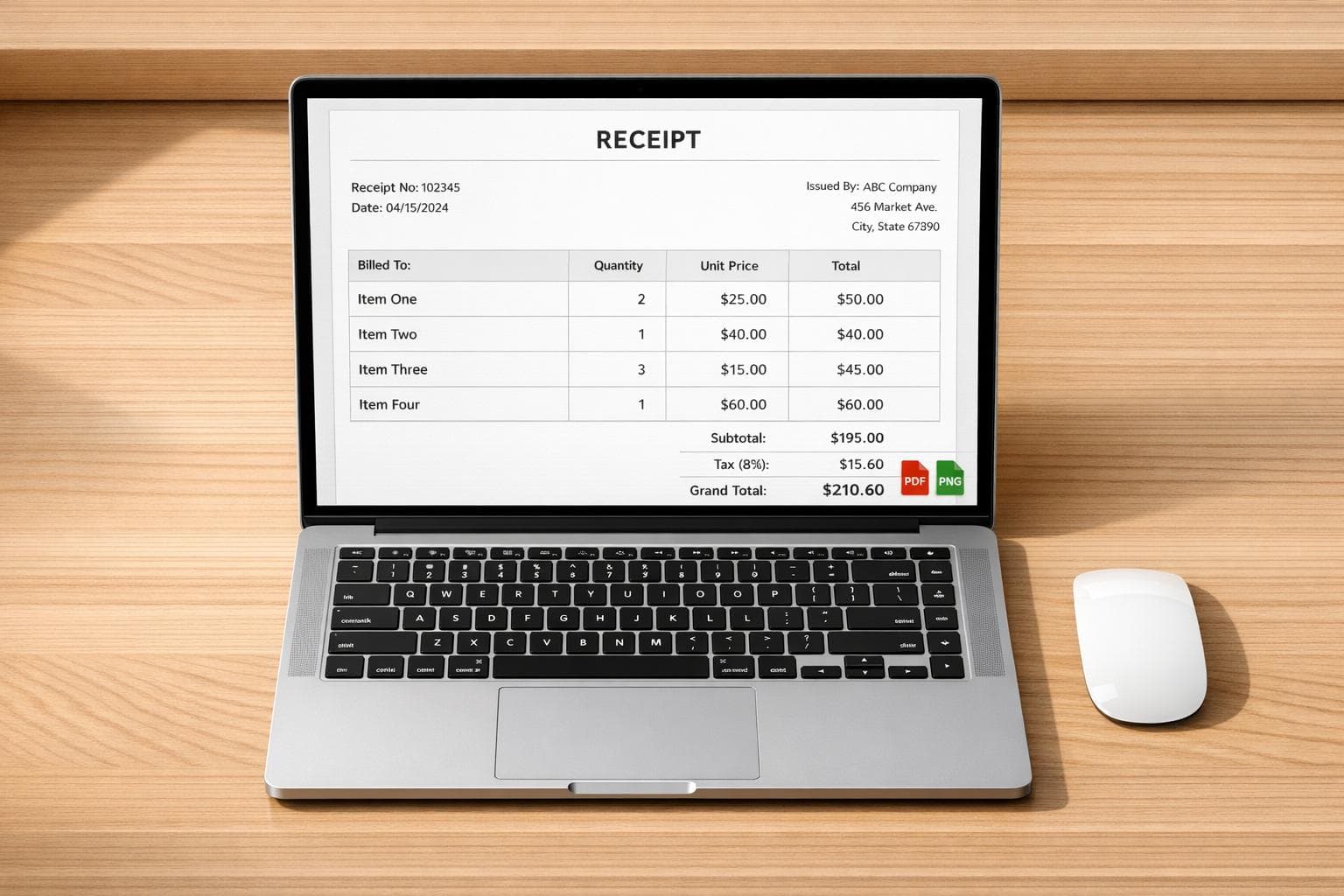
Free Receipt Generators with High-Resolution Exports
Need a professional receipt fast? Free receipt generators let you create detailed, polished receipts online in just minutes. They’re perfect for replacing lost receipts, organizing tax records, or submitting expense claims. The best tools offer high-resolution, watermark-free exports, ensuring clarity for audits, reimbursements, and more.
Key Features:
- High-Resolution Exports: Crisp PNG and PDF formats for printing or digital use.
- Watermark-Free: Clean receipts ready for professional submission.
- Customizable Templates: Over 400 designs mimicking U.S. stores like Walmart and Starbucks.
- Ease of Use: No signups required; create receipts in under a minute.
Why it matters: Blurry or watermarked receipts can cause delays or rejections in audits and claims. Tools like Receipt Generator ensure your receipts look sharp, professional, and ready for use.
Why High-Resolution and Watermark-Free Exports Matter
When creating a receipt, the quality of the export makes all the difference. A blurry or watermarked receipt can lead to rejection - whether you're dealing with an IRS audit, employer reimbursement, or an FSA/HSA claim. These situations require clear, itemized documentation, making high-resolution exports an absolute must.
Benefits of High-Resolution Exports
High-resolution PNG and PDF exports ensure that text remains sharp and readable, no matter the scale. This becomes especially important when receipts are printed, scanned, or closely inspected during an audit. Plus, high-resolution files work seamlessly with OCR (Optical Character Recognition) tools found in expense apps like Expensify and Concur. These tools can automatically extract key details, like store names, dates, and totals, saving you from manual data entry.
Receipt Generator offers high-resolution, watermark-free exports, so every detail is professional and easy to read.
"PDF download is perfect for record keeping - and it's actually free!" - Maria L., Small Business Owner
For those who need physical copies, high-quality exports replicate the look of genuine thermal printouts, with sharp fonts that print perfectly on U.S. Letter or 80mm receipt paper.
How Watermarks Affect Professional Use
While high resolution ensures clarity, watermark-free exports are just as important. A watermark can instantly signal that a document is not original, which can be a red flag when submitting receipts for business records, client reimbursements, or official documentation. This can lead to questions about authenticity and even rejection.
Watermarks also interfere with OCR accuracy, often causing expense apps to misinterpret or skip important fields. For FSA or HSA claims, where clear, itemized details like service dates and payment amounts are mandatory, even a partially obscured receipt can result in delays or denials. By removing watermarks, you eliminate these hurdles, ensuring your receipts are clean, professional, and ready for any purpose.
sbb-itb-2232899
Key Features to Look for in a Free Receipt Generator
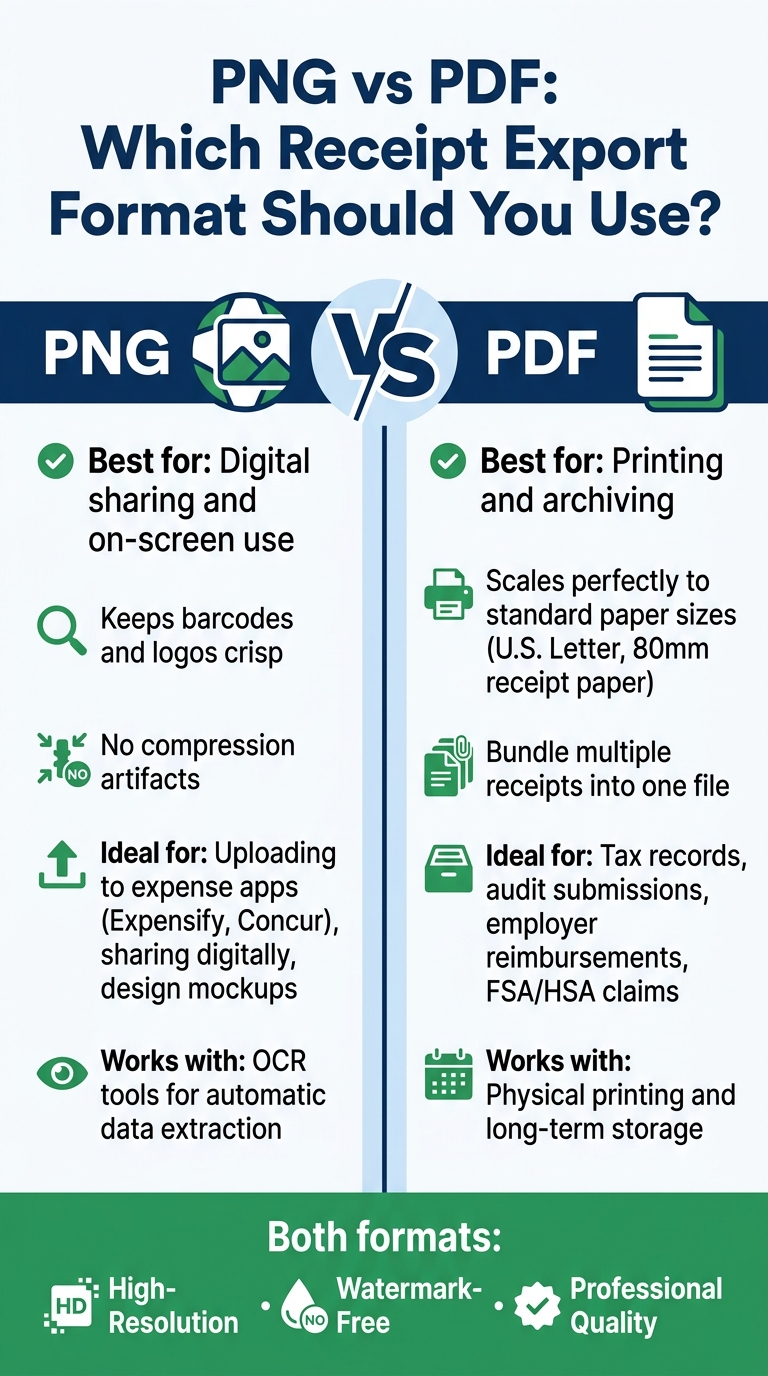
PNG vs PDF: Which Receipt Export Format Should You Use?
When choosing a receipt generator, it's not just about creating a document - it’s about ensuring the receipts look professional, are easy to customize, and meet specific needs. High-quality exports and realistic templates are non-negotiable if you want receipts that hold up to scrutiny.
Export Formats and Quality
For flexible use, the generator should support PNG for digital sharing and PDF for printing or archiving. The export quality must be sharp enough to handle printing, scanning, and even automatic data extraction by expense apps. Poor quality can lead to errors when apps try to interpret receipt data. Beyond clarity, the availability of realistic templates and easy-to-use customization tools play a big role in making the process seamless.
Template Realism and Customization
A good receipt generator offers templates that closely resemble actual receipts. Think thermal paper textures, authentic fonts, and layouts inspired by well-known U.S. retailers like Walmart, Target, or Costco. Customization is equally critical - being able to edit store names, adjust line items, set accurate tax rates, choose payment methods, and even upload a logo ensures the receipt looks polished and professional, not generic.
"The best free receipt maker I've ever used. I needed to make a receipt for a client reimbursement and it took me under a minute. The receipt templates look incredibly professional and realistic." - Sarah M., Freelance Designer
Ease of Use
Creating a receipt should be quick and hassle-free. Features like a live preview editor, automatic calculations for subtotals and taxes, and no need for signups make the process efficient. Ideally, you should be able to generate a receipt in less than a minute, saving valuable time while ensuring accuracy.
Receipt Generator: A Free Tool for High-Resolution Receipt Exports
If you’re looking for a way to create high-resolution, watermark-free receipts, Receipt Generator has you covered. This free online tool lets you generate PNG receipts in seconds, making it ideal for replacing lost receipts, preparing expense documentation, or even designing mockups for creative projects.
400+ Store and Restaurant Templates
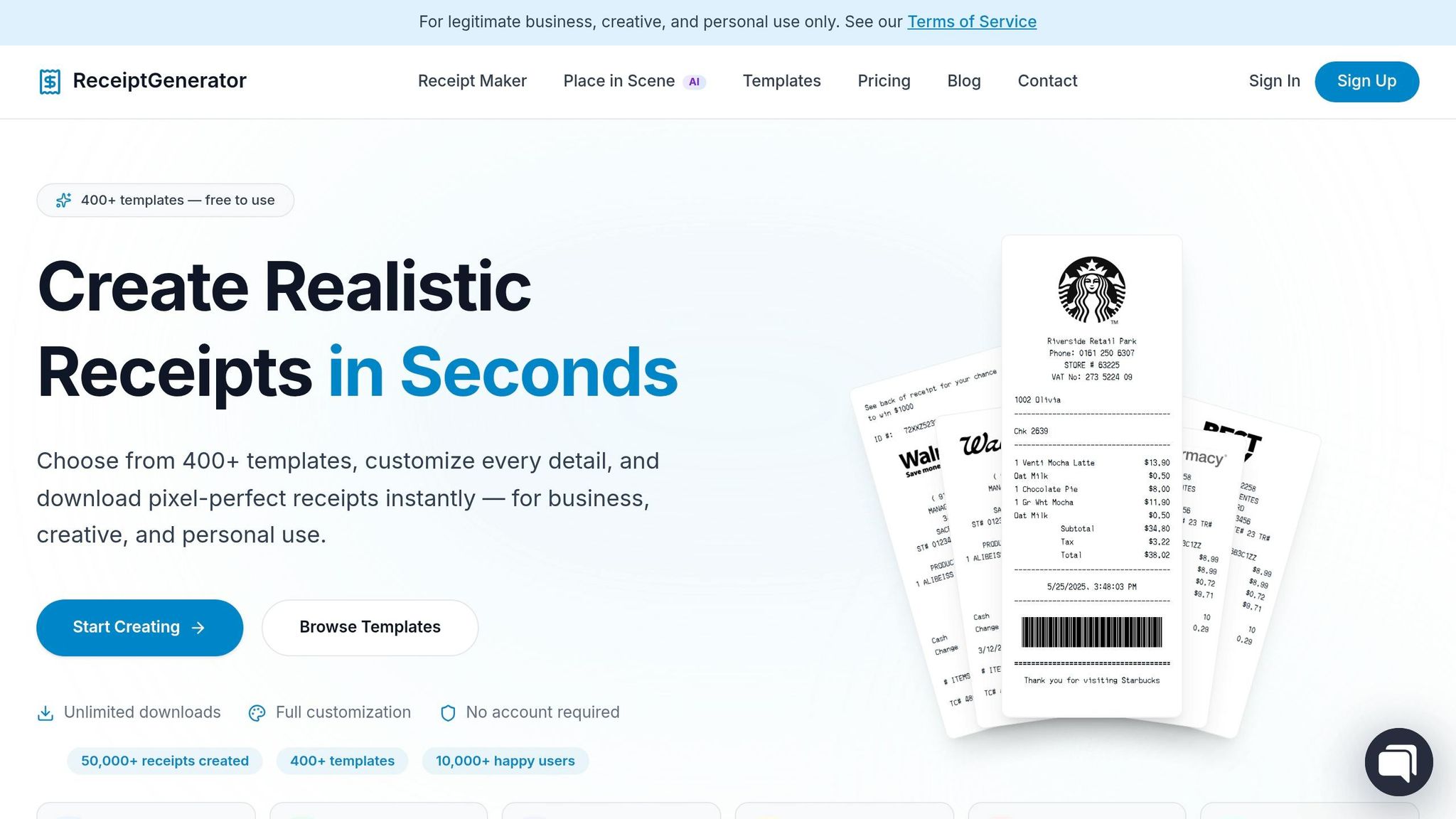
With over 400 templates, Receipt Generator offers designs inspired by real U.S. stores like Walmart, Target, Starbucks, McDonald's, Best Buy, and CVS. These templates are crafted to replicate authentic receipts, featuring details like monospace fonts and the classic thermal paper texture you’d find in most U.S. point-of-sale systems.
"The thermal paper texture and real store receipt templates make our scenes look 100% authentic. Way better than any fake receipt generator we tried before." - James T., Film Producer
Customization Options for U.S. Users
You can edit every detail of the receipt to meet your needs. From the store name and address to tax rates, line items, and totals, everything is fully adjustable. Tax rates can be manually set, which is especially useful in the U.S., where rates differ by state and county. Dates are formatted in the MM/DD/YYYY style commonly used in the United States, and payment methods include Visa, Mastercard, and Amex. You can even add the last four digits of a card number for an extra touch of realism. These features ensure the receipts look professional and meet documentation standards.
AI Place in Scene Feature
The AI Place in Scene feature takes things up a notch. It allows you to place your generated receipt into a realistic setting, like on a wooden desk or marble countertop, making it look like a photograph of an actual printed receipt. This is particularly handy for filmmakers, content creators, or anyone needing to add realistic receipts to their visuals. You can even upload your own background photo, and the AI will seamlessly integrate the receipt with accurate lighting and perspective adjustments.
Tips for Getting the Most Out of Free Receipt Generators
Make the most of Receipt Generator's high-resolution, watermark-free exports with these helpful strategies.
Picking the Right Export Format
Choosing the right format can make a big difference. PNG works best for on-screen use, as it keeps details like barcodes and logos crisp without introducing compression issues. This format is great for uploading to expense apps, sharing digitally, or even creating design mockups. On the other hand, PDF is ideal for printing or archiving. It scales perfectly to standard paper sizes and allows you to bundle multiple receipts into a single file for easy handling.
Keeping Receipt Details Accurate and Readable
Accuracy matters when creating receipts. Double-check every field before exporting to avoid common mistakes like misplaced decimals, incorrect tax rates, or formatting errors. For U.S. users, remember to:
- Use the MM/DD/YYYY date format.
- Include the $ symbol for dollar amounts, with a period as the decimal separator (e.g., $24.99).
- Apply the correct sales tax rate for your state or county.
If the tool offers auto-calculation for subtotals and taxes, take advantage of it to minimize math errors. Once you've ensured accuracy, organize your receipts for easy access later.
Organizing Your Digital Receipts
After exporting, proper organization is key. A consistent file naming system can save you time during tax season. Try using a format like MM-DD-YYYY_Store_Amount (e.g., 06-04-2026_Target_47.83) to make files easy to sort and search without opening them. Store receipts in folders labeled by month or category, such as "Travel", "Office Supplies", or "Meals." If you're using expense management tools like Expensify or Concur, upload your high-resolution exports directly to ensure your records stay up-to-date.
"PDF download is perfect for record keeping - and it's actually free!" - Maria L., Small Business Owner
Conclusion
When it comes to creating professional receipts, Receipt Generator checks all the boxes. With over 400 store-specific templates for popular brands like Walmart, Target, Starbucks, and Best Buy, it offers unmatched flexibility. Every receipt detail is fully customizable, and you can export high-resolution PNG files without needing to sign up.
One feature that truly stands out is the AI Place in Scene tool. This lets you create a photorealistic image of your receipt on surfaces like a wooden desk or marble counter - no printer required. It's a simple way to add an extra layer of realism.
Whether you're rebuilding records as an accountant, submitting reimbursements as a freelancer, or crafting realistic content as a creator, Receipt Generator makes the process effortless. With free and enhanced export options, it’s a practical solution for anyone who needs polished, professional-looking receipts at a moment’s notice.
FAQs
Are generated receipts legal to use?
Using receipt generators is perfectly legal when used responsibly and for legitimate purposes. For instance, you might use them to recreate lost receipts, digitize your records, design business mockups, or even for creative props in projects.
However, it’s important to note that using these tools for fraudulent activities is illegal. This includes actions like falsifying returns or committing expense fraud. Ultimately, users bear full responsibility for ensuring that any receipts they generate are accurate and used lawfully.
Will high-res exports work with Expensify or Concur OCR?
High-resolution exports from Receipt Generator are crafted to work seamlessly with OCR software such as Expensify and Concur. Thanks to the sharp text, precise formatting, and standard receipt layouts, these exports are easily scannable and processable. Whether you choose images or PDFs, the output ensures clear, readable data that's ideal for bookkeeping, expense reporting, or testing.
How can I make the receipt look realistic when printed?
To craft a realistic receipt, Receipt Generator offers over 190 store-specific templates designed with authentic layouts and fonts that mirror real retail receipts. You can personalize details like the store name, items, prices, and payment information. Once done, export your receipt as a high-resolution PNG file. For an even more lifelike touch, make use of the AI-powered Place in Scene feature. This tool creates a photo of your receipt placed on surfaces such as a desk or counter, eliminating the need for printing.