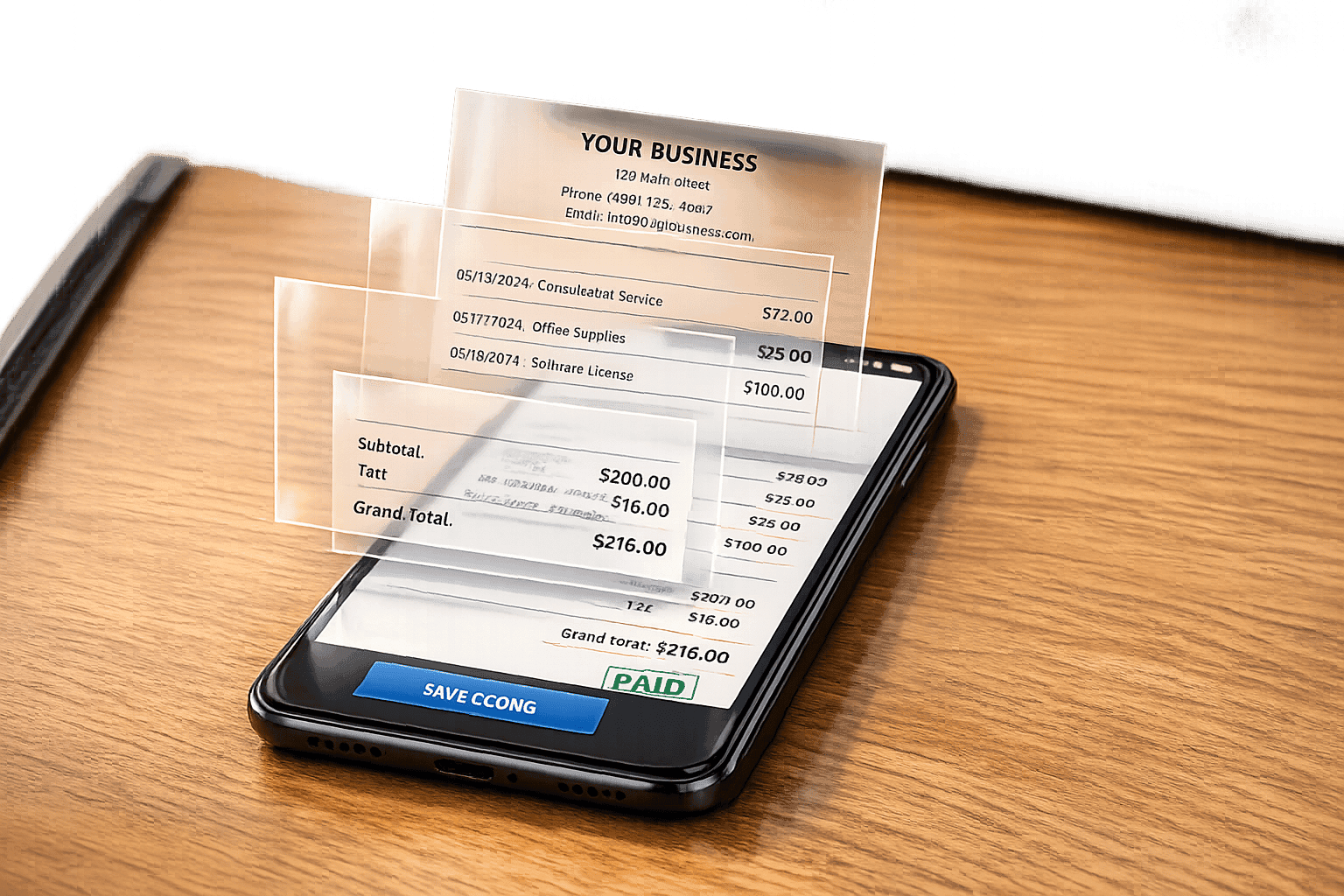
How to Make a Receipt Without a Receipt Printer
You don’t need a receipt printer to create professional receipts. Whether you’re replacing a lost receipt, documenting a payment, or managing business transactions, digital tools make it easy to generate receipts that meet U.S. standards. Here's how you can do it:
- Use online receipt generators with customizable templates for various industries (e.g., retail, restaurants, services).
- Add essential details like business name, tax ID, itemized list, and payment method.
- Save receipts as PNG files for digital storage or sharing.
- For a realistic touch, use an AI receipt photo generator to create images that simulate printed receipts.
Digital receipts are durable, easy to organize, and compliant with tax requirements. They eliminate the need for bulky printers while ensuring accurate records for personal or professional use.
How to Use Receipt Generator
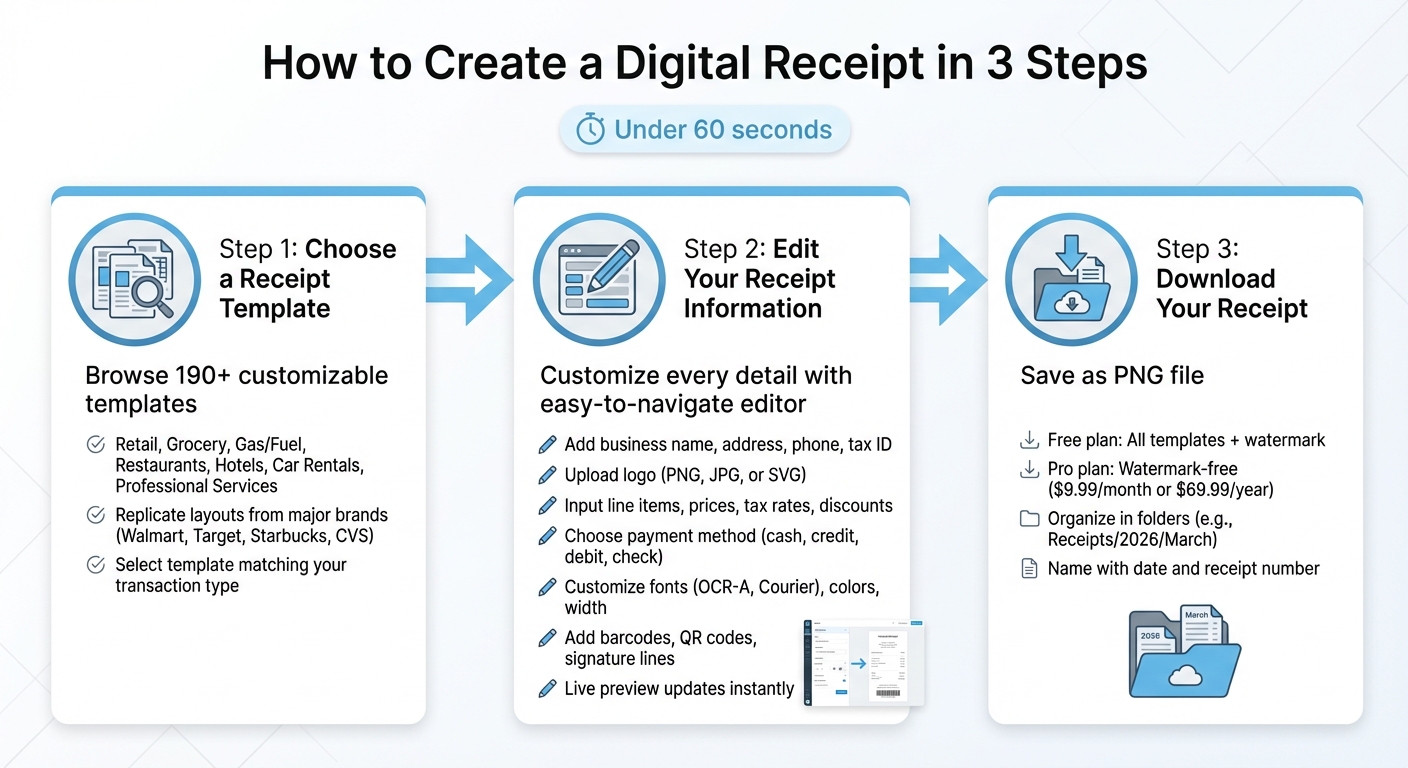
How to Create a Digital Receipt in 3 Simple Steps
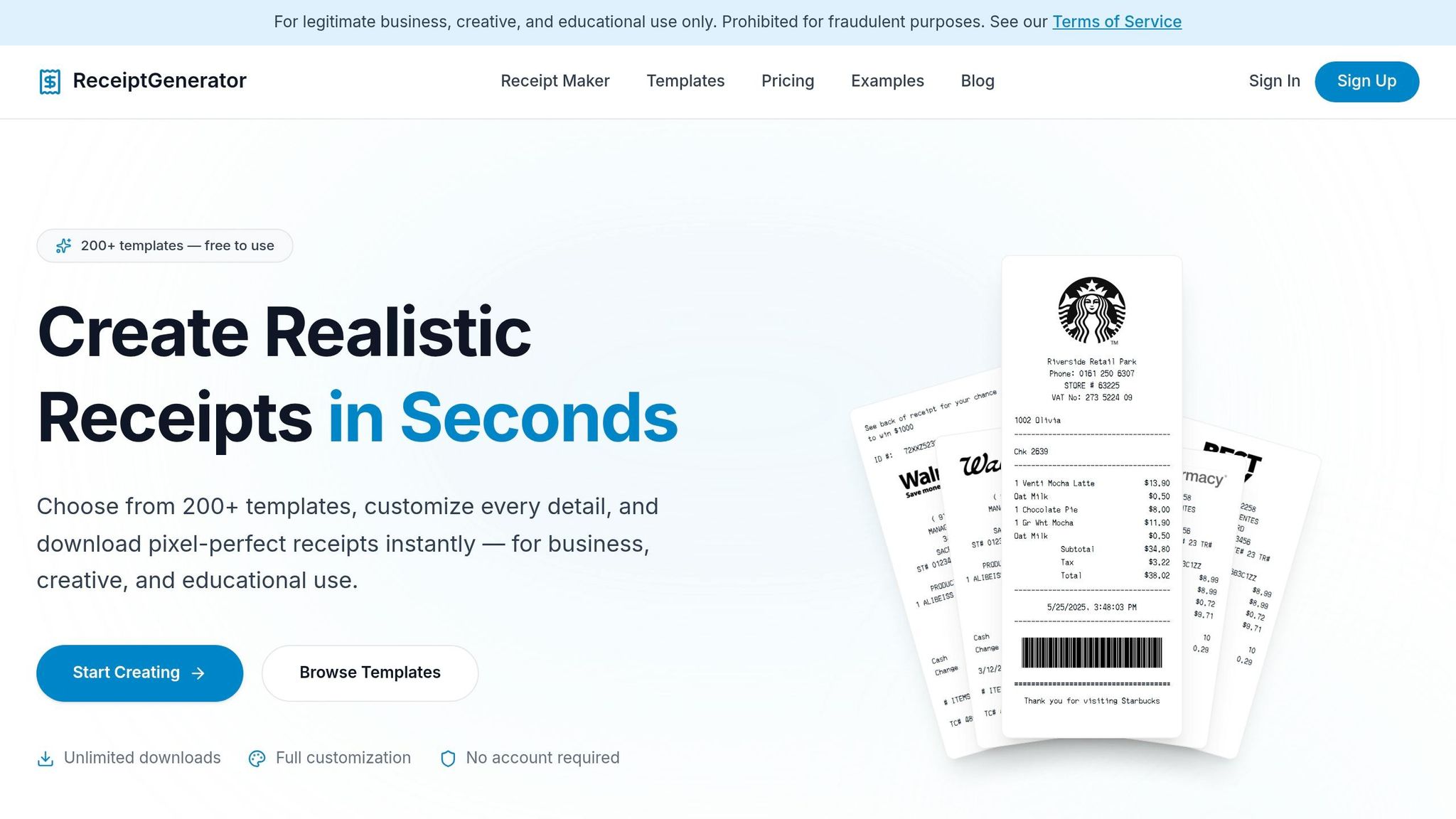
Creating digital receipts is a smart way to streamline record-keeping and stay organized. Receipt Generator makes it simple to produce professional-looking receipts without the hassle of setting up an account. With 190+ customizable templates from well-known retailers like Walmart, Target, Starbucks, and CVS, as well as general-purpose designs, you can easily find one that fits your needs. Here’s how to get started:
Choose a Receipt Template
Start by browsing the available templates, which are grouped by business type: Retail, Grocery, Gas/Fuel, Restaurants, Hotels, Car Rentals, and Professional Services. If you need a receipt from a specific retailer, you can select templates that replicate the exact layout of major brands. These templates are designed to include all the necessary fields for your transaction type.
For example, retail receipts typically require detailed itemized lists, while service-based receipts might only need a description of the service and the total amount. Once you’ve identified the right template for your needs, you’re ready to move on to customization.
Edit Your Receipt Information
After selecting a template, use the easy-to-navigate editor to personalize every detail. Add your business name, address, phone number, and tax ID in the header section. You can also upload your logo in PNG, JPG, or SVG format, adjusting its size or converting it to black and white for a more traditional thermal receipt look.
Next, input line items and payment details. The tool automatically updates totals as you add prices, tax rates, and discounts. You can specify the payment method - cash, credit card, debit card, or check - and include details like the last four digits of a card number for credit transactions.
You can also tweak the appearance of your receipt. Choose fonts like OCR-A for a thermal receipt style or Courier for a more formal invoice. Adjust text colors, receipt width, and even add advanced elements like barcodes, QR codes, signature lines, or footer messages for policies or notes. The live preview updates instantly, so you can see exactly how your receipt will look before finalizing it.
Download Your Receipt
Once you’re satisfied with your receipt, review the live preview one last time and click 'Download' to save it as a PNG file. The free plan gives access to all templates and editing tools, but downloads will include a watermark. If you want watermark-free receipts and the ability to save them for future use, the Pro plan is available for $9.99 per month or $69.99 per year.
PNG files are perfect for storing digital records, attaching to emails, or including in presentations. Before downloading, double-check all details like store information, prices, and tax amounts. Keep your receipts organized by saving them in folders labeled by year and month (e.g., "Receipts/2026/March") and naming them with the date and receipt number. This simple system makes it easy to locate receipts later and ensures your records are always in order.
sbb-itb-2232899
Creating Realistic Receipt Photos with AI
Sometimes you need a receipt that looks like it’s been printed and placed in the real world. Receipt Generator’s Place in Scene feature uses AI to create a realistic photo of your digital receipt, making it appear as though it’s sitting on a physical surface.
How Place in Scene Works
The Place in Scene feature brings your digital receipts to life. After designing your receipt with the template editor, this tool can generate a photo that feels authentic. The AI adds realistic lighting, shadows, and perspective, seamlessly integrating the receipt into your chosen background.
You can pick from a variety of pre-made backgrounds or upload your own image. Want your receipt to look like it’s sitting next to a purchase? Just upload a photo of the item, and the AI will blend the receipt into the scene. This gives you a professional-looking result without needing an actual receipt printer - perfect for digital records or presentations.
When to Use Receipt Photos
Realistic receipt photos aren’t just visually appealing - they’re incredibly practical. If you’re working on UI/UX mockups for apps or websites, these photos provide lifelike assets that feel more natural than flat digital files. Developers can also use them to test OCR and receipt-scanning tools, ensuring their software works with real-world textures and angles.
For small businesses, especially at farmers markets or pop-up events, creating a receipt photo is a quick and professional alternative to setting up a full point-of-sale system. These photos are also handy for replacing lost records, offering a visual option for bookkeeping or expense tracking. And if you’re creating tutorials, educational content, or social media posts, a realistic receipt photo adds a polished, lifestyle-oriented touch that a basic digital receipt can’t match.
Plus, with formatting tailored to US standards, these receipt photos combine visual appeal with compliance, making them a versatile tool for both personal and professional use.
US Receipt Formatting Standards
Digital receipts in the US must adhere to specific legal and tax standards. It's also important to keep these records for at least three years from the date you file your taxes.
Tax and Pricing Calculations
Receipts should present a clear and transparent financial breakdown. Start with the subtotal, which reflects the total cost of all items before applying taxes or discounts. Sales tax must appear as a separate line item, including the rate and amount (e.g., "Sales Tax (8.25%): $1.65"), allowing customers to easily verify the calculation. Discounts or promotions should be listed between the subtotal and tax, showing both the original price and any savings. The total amount should represent the final amount paid by the customer. For cash transactions, also include the amount given by the customer and any change returned, all in one line.
This level of detail ensures receipts meet legal standards and provide clarity for customers.
US Date, Currency, and Number Formats
Using the correct date and monetary formats is crucial for compliance and readability. Dates should follow the MM/DD/YYYY format (e.g., 03/28/2026). Currency should include a dollar sign, with periods used as decimal points and commas to separate thousands (e.g., $1,250.00). These conventions align with US financial practices and make receipts easier to understand.
Business Details to Include
To ensure compliance, receipts must include essential business information. A unique, sequential receipt number is required, as gaps in numbering can raise concerns during audits. Include your Tax Identification Number (TIN) or state seller’s permit number if applicable. Each item sold should be clearly itemized with details such as quantity, unit price, and total price. For example, "2 x Widget A @ $10.00" provides far more clarity than vague terms like "Item A".
These practices not only meet legal requirements but also enhance transparency for customers.
Conclusion
This guide has walked you through the process of creating and personalizing digital receipts quickly and efficiently. With Receipt Generator, you can skip the hassle of thermal printers, pricey POS systems, or handwritten receipt books. In just under 60 seconds, you can craft a polished, professional receipt right from your device.
By following the simple three-step process - choosing a template, editing the details, and downloading - you’ll have everything you need at your fingertips. With more than 190 templates tailored to various industries, finding the perfect format for your business is effortless.
Digital receipts offer several advantages over traditional thermal paper. They’re durable, easy to share or store, and meet IRS legal standards.
The tool’s AI-powered Place in Scene feature even allows you to create lifelike receipt images in any setting - whether it’s on a desk, counter, or next to your products.
Whether you’re a freelancer tracking expenses, a small business owner handling transactions, or someone needing to recreate a lost receipt, Receipt Generator delivers a free, professional solution that works seamlessly on any device. It’s a reliable, compliant, and efficient way to manage all your receipt needs.
FAQs
Will the IRS accept a digital receipt?
Yes, the IRS accepts digital receipts as valid proof, provided they meet the agency's standards for authenticity and proper storage. To stay on the safe side during audits, make sure your digital receipts are clear, accurate, and stored in a way that complies with IRS guidelines.
What info must a US receipt include?
A typical receipt in the US usually lists the business name, the product or service provided, the date of supply (formatted as MM/DD/YYYY), and the price. To make it more professional and meet compliance standards, additional details like the receipt number, payment method, and contact information are often included.
Can I make a receipt photo look printed?
Yes, it's possible to make a receipt photo look like a printed one using digital editing tools. Options like online receipt generators, mobile apps, or software programs allow you to create realistic-looking receipts. These tools often include features such as customizable templates, tax calculations, and the ability to add logos. By carefully adjusting these details, you can craft a receipt image that mimics the appearance of a printed document, perfect for digital use or presentations.