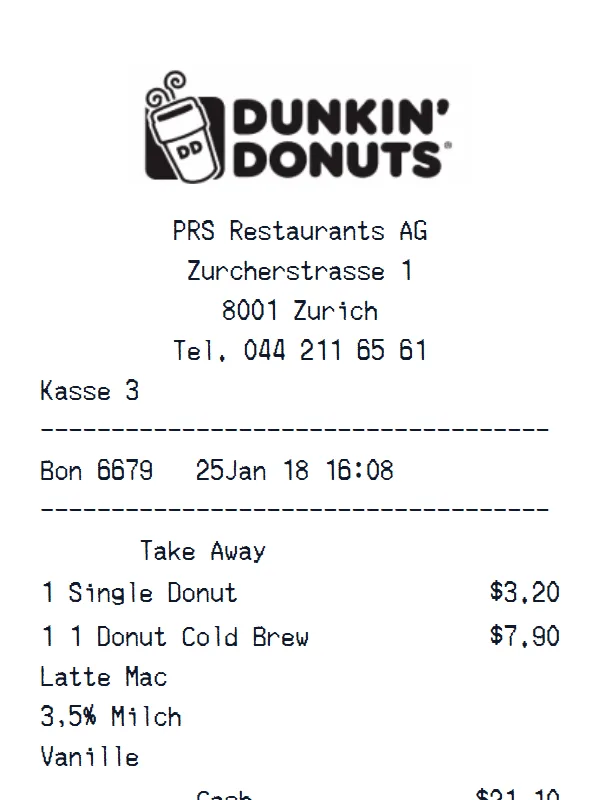
Dunkin’ Donuts Receipt
A customizable starting layout with store identity and header details and custom receipt text, including editable Cash and Total → fields.
Edit this exampleFor legitimate business, creative, and personal use only. See our Terms of Service
Create a Dunkin'-style order receipt with editable drinks, donuts, sizes, modifiers, totals, and payment information.
Start here
Open this template in the generator, enter the information you need, then review the finished layout before export.
Continue with the Dunkin’ Donuts template already selected and ready to edit.
Generate Dunkin’ Donuts receiptEdit the exact starting sections described below, then add, remove, or reorder sections when your document needs a different structure.
Check the live preview, spacing, and every visible value or reference that applies before downloading the finished receipt.
Dunkin takeaway transaction flow
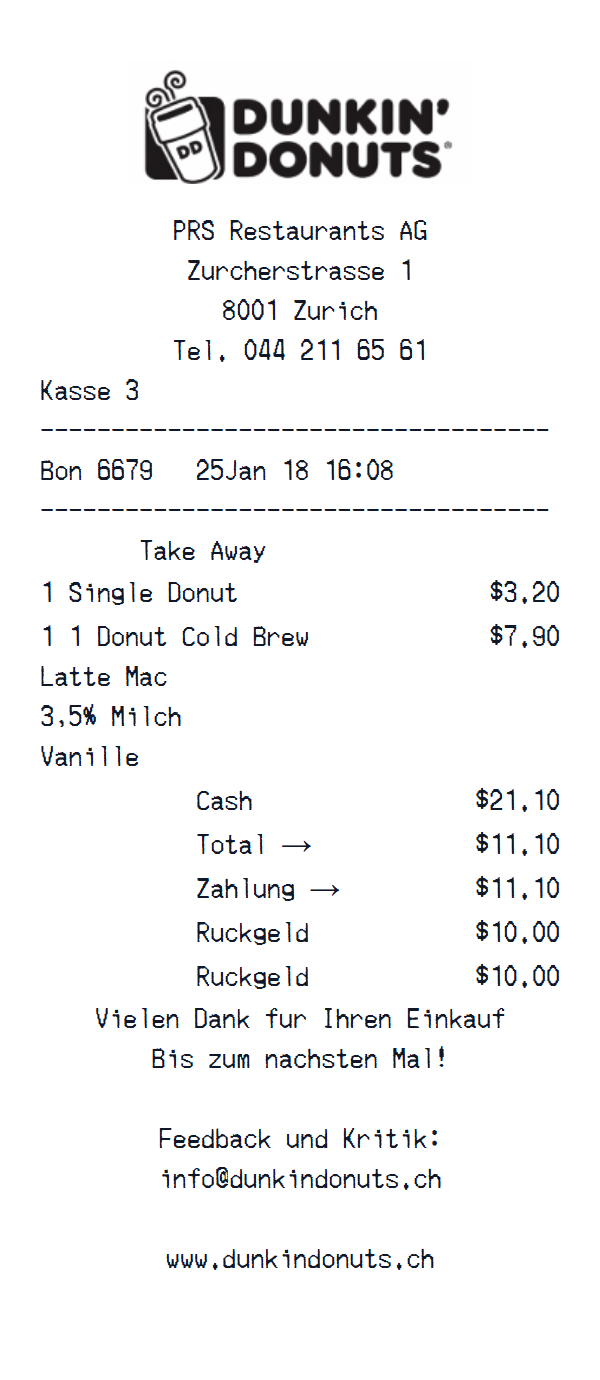
The Zurich preview places Kasse 3, Bon 6679, its timestamp, and Take Away above a donut and a multiline cold-brew order, then closes with payment, change, and contact text.
Zurich location, Kasse 3, Bon 6679, timestamp, and Take Away service text
Donut and cold-brew rows with multiline modifiers
Cash, total, payment, change, and contact text
Transaction walkthrough
Update the location, Kasse, Bon, timestamp, and service text before editing item quantities, descriptions, prices, and the Cash, Total, Zahlung, and Ruckgeld lines.
This template is fully customizable. The preview shows the starting layout, not a limit: change the currency, add or delete sections, drag sections into a different order, and add or remove item rows and total lines to fit the receipt you need.
Labels found in this starting template
A Dunkin'-style receipt is organized around the shop and order reference, beverage sizes, milk and flavour modifiers, donuts or food, promotions, tax, total, rewards, and tender.
Enter drinks, bakery items, sandwiches, quantities, and modifications, then update the location, date, order number, discounts, tax, total, payment, and optional loyalty information.
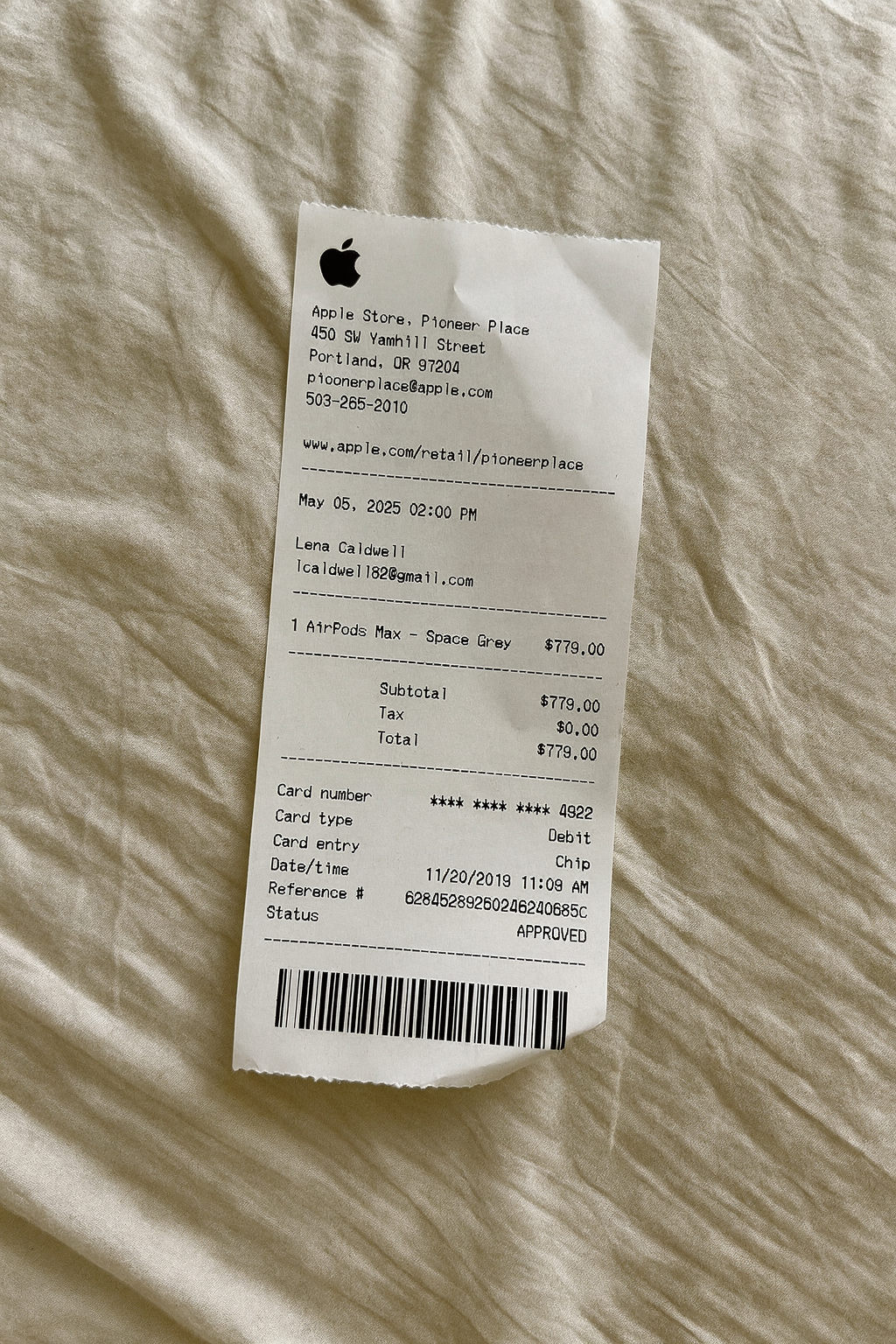
Create a realistic photo of your Dunkin’ Donuts receipt on any surface — a desk, counter, or next to your purchase. Our AI-powered Place in Scene feature generates a photo that looks like you printed the receipt, without needing a receipt printer.
AI Place in Scene
Example outputFood and coffee receipt examples
See how related food and coffee formats organize order items, modifiers, totals, and payment details.
A customizable starting layout with store identity and header details and custom receipt text, including editable Cash and Total → fields.
Edit this example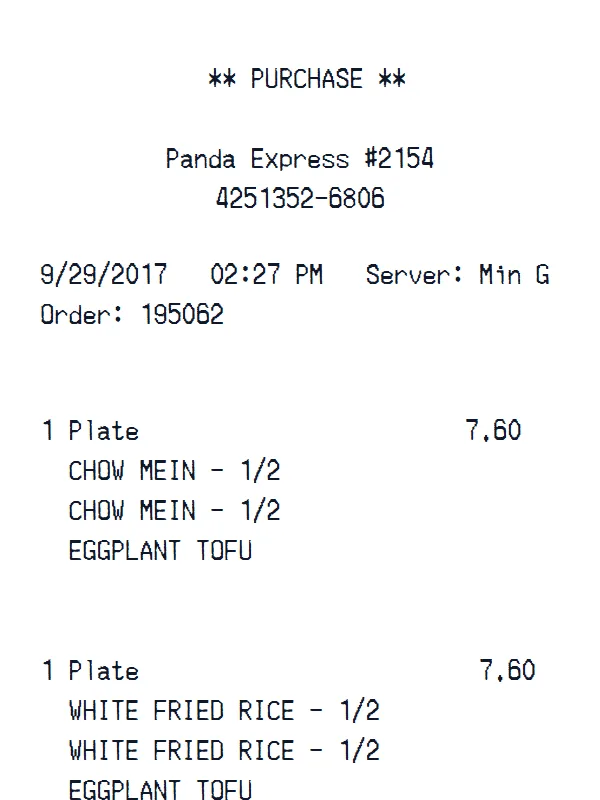
A customizable starting layout with store identity and header details and custom receipt text, with editable visible fields and sections.
Edit this example
A customizable starting layout with store identity and header details and transaction date and time, including editable Subtotal and Tax fields.
Edit this example
A customizable starting layout with store identity and header details and custom receipt text, including editable Subtotal and Tax fields.
Edit this exampleSupport
Common questions about creating Dunkin’ Donuts receipts.
Can't find the answer you're looking for? Please reach out to our friendly team.
Get in touchBrowse more receipt templates you might find useful.
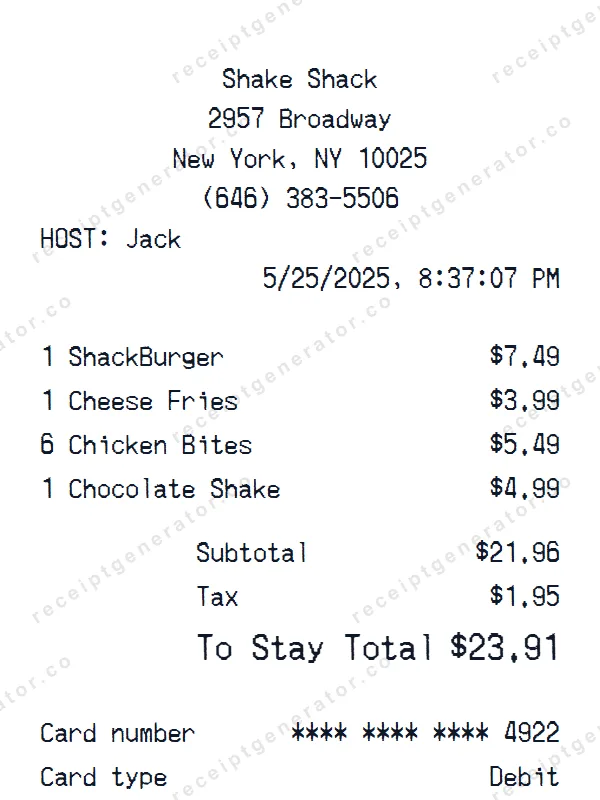
Make a professional Shake Shack receipt with our easy-to-use tool. Fully editable fast food template with realistic formatting. No signup required to preview.
Create a realistic Whataburger receipt with our free generator. Add your own items, adjust totals, and download a pixel-perfect fast food receipt.
Build a detailed ampm receipt — fully customizable. Customize items, prices, tax, and payment details. Download instantly as a high-quality image.
Generate a custom CVS Pharmacy receipt in seconds. Edit every detail — items, totals, dates, and more. Ready to download in one click.
Create a realistic Transportation receipt with our free generator. Add your own items, adjust totals, and download a pixel-perfect receipt.
It only takes a few seconds. No signup required.
Generate Dunkin’ Donuts Receipt