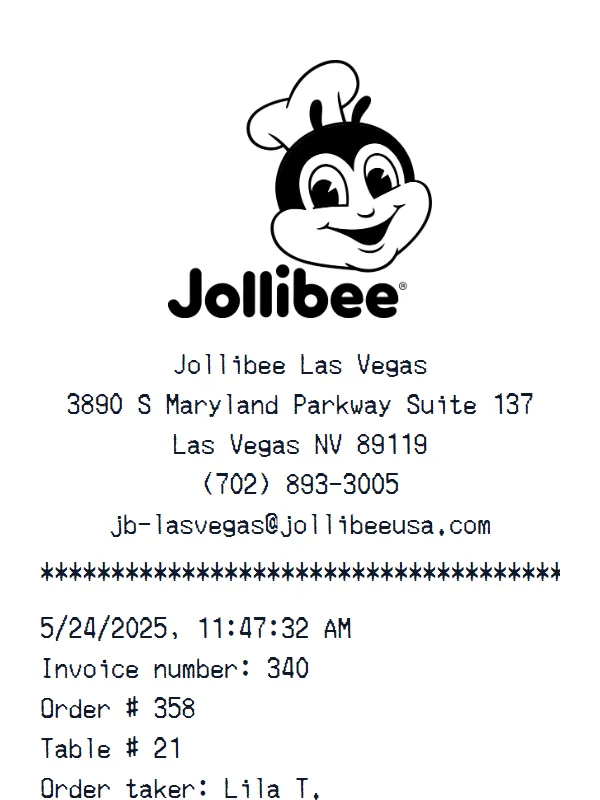
Jollibee Receipt
A customizable starting layout with store identity and header details and transaction date and time, including editable Subtotal and Tax fields.
Edit this exampleFor legitimate business, creative, and personal use only. See our Terms of Service
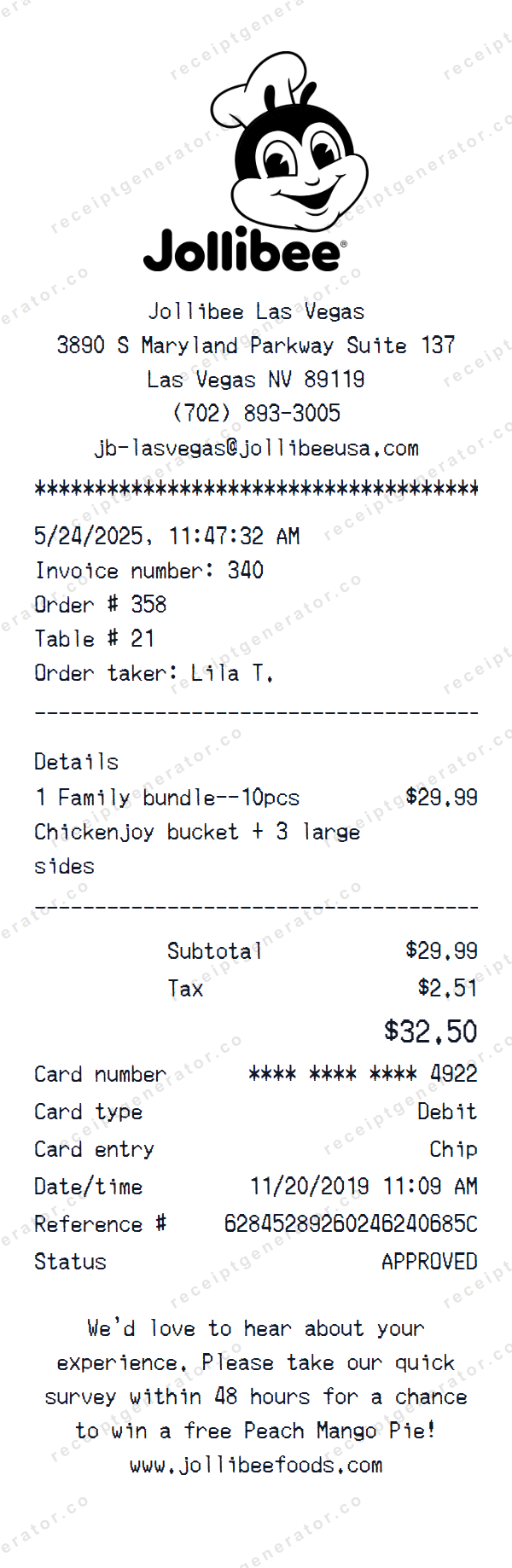
Edit a Jollibee quick-service receipt with order references, a multiline menu item, tax and total fields, masked card details, and a survey footer.
Start here
Open this template in the generator, enter the information you need, then review the finished layout before export.
Continue with the Jollibee template already selected and ready to edit.
Generate Jollibee receiptEdit the exact starting sections described below, then add, remove, or reorder sections when your document needs a different structure.
Check the live preview, spacing, and every visible value or reference that applies before downloading the finished receipt.
Jollibee order editing flow
The editable layout moves from location, date, invoice, order, table, and order-taker fields to one multiline menu row, totals, masked payment details, and survey copy.
Edit the location, contact, date and time, invoice, order, table, and order-taker fields
Edit the single multiline menu row plus subtotal, tax, and total
Edit the masked card fields, payment references, status, and survey footer
Transaction walkthrough
Update the location and order fields first, replace the multiline item and reconcile subtotal, tax, and total, then align the masked card timestamp and reference before reviewing the survey footer.
The starting order and card dates conflict. Use fictional or authorized data, align both timestamps, keep account and reference values masked, and remove the survey offer unless it is current and applicable. Editable status text is not payment verification, and the output is not a merchant-issued record or evidence of brand affiliation.
Labels found in this starting template
This starting layout separates an editable logo and location header from the date and time, then uses a custom block for invoice number, order number, table number, and order taker. A Details label introduces one structured item row with a multiline description, followed by Subtotal, Tax, and Total.
The active payment section exposes editable masked card, card type, entry method, payment date and time, reference, and status fields before a custom survey footer. In the starting sample, the order date is 5/24/2025 while the card date is 11/20/2019; there are no separate modifier, discount, gratuity, or loyalty fields.
Create a realistic photo of your Jollibee receipt on any surface — a desk, counter, or next to your purchase. Our AI-powered Place in Scene feature generates a photo that looks like you printed the receipt, without needing a receipt printer.
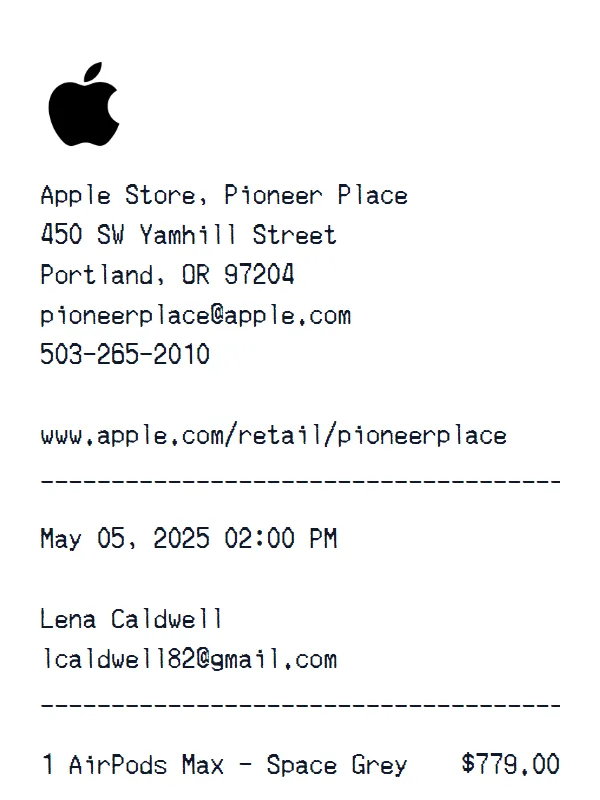
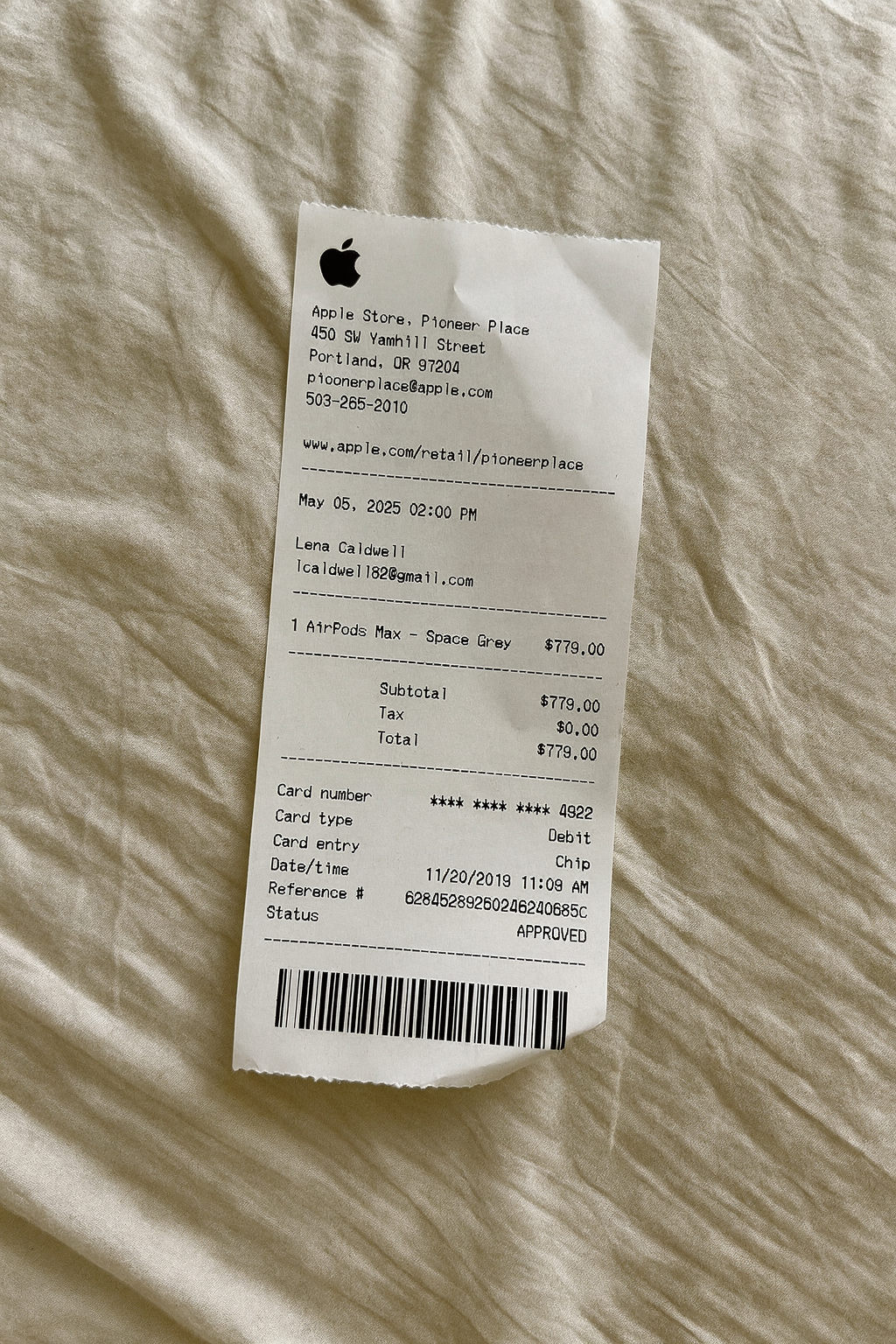
AI Place in Scene
Example outputFood and coffee receipt examples
See how related food and coffee formats organize order items, modifiers, totals, and payment details.
A customizable starting layout with store identity and header details and transaction date and time, including editable Subtotal and Tax fields.
Edit this example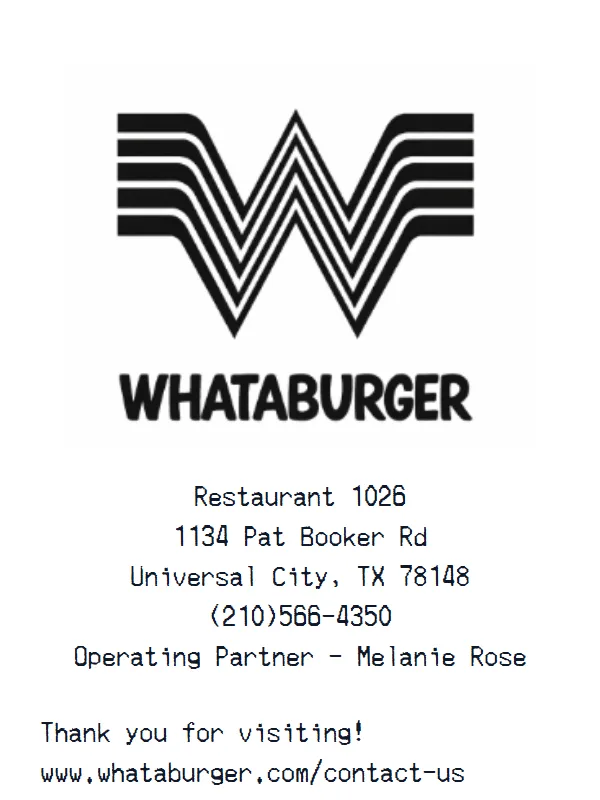
A customizable starting layout with store identity and header details and custom receipt text, including editable Subtotal and Tax fields.
Edit this example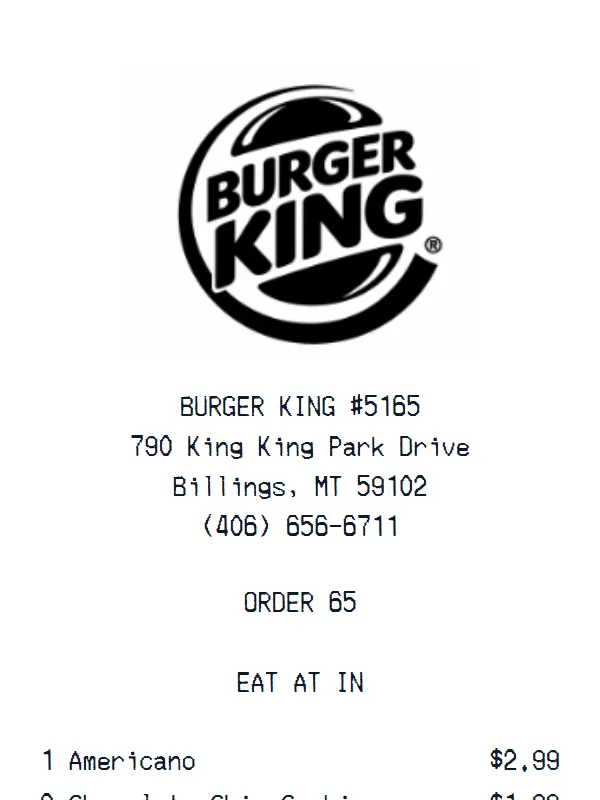
A customizable starting layout with store identity and header details and transaction date and time, including editable Subtotal and Tax fields.
Edit this example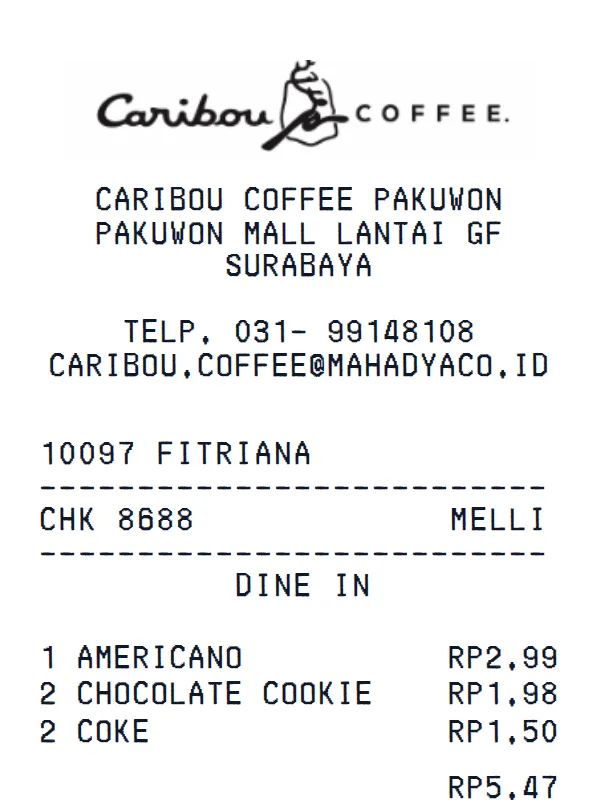
A customizable starting layout with store identity and header details and transaction date and time, including editable Subtotal and Tax fields.
Edit this exampleSupport
Common questions about creating Jollibee receipts.
Can't find the answer you're looking for? Please reach out to our friendly team.
Get in touchBrowse more receipt templates you might find useful.
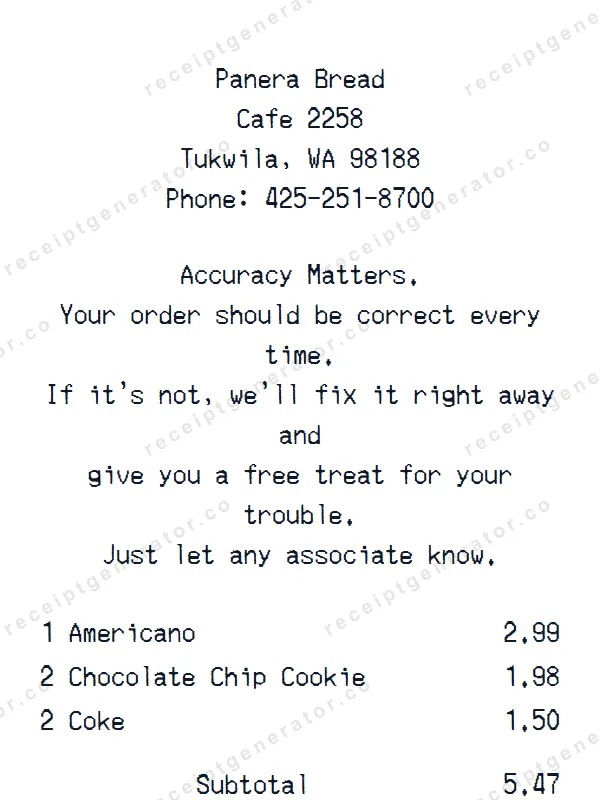
Generate a custom Panera Bread receipt in seconds. Edit every detail — items, totals, dates, and more. Ready to download in one click.
Build a detailed ampm receipt — fully customizable. Customize items, prices, tax, and payment details. Download instantly as a high-quality image.
Make a professional Taco Bell receipt with our easy-to-use tool. Fully editable fast food template with realistic formatting. No signup required to preview.
Generate a custom JD Sports receipt in seconds. Edit every detail — items, totals, dates, and more. Ready to download in one click.
Make a professional Ralphs receipt with our easy-to-use tool. Fully editable grocery store template with realistic formatting. No signup required to preview.
It only takes a few seconds. No signup required.
Generate Jollibee Receipt