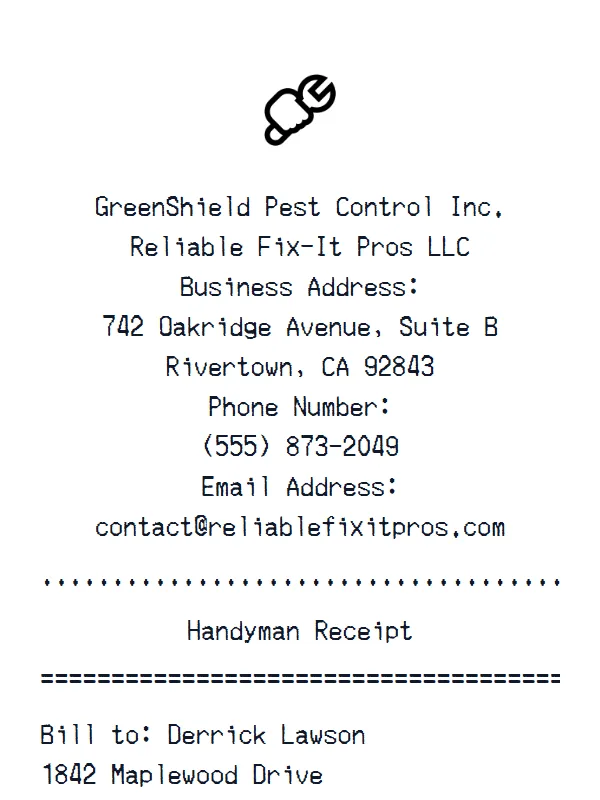
Handyman Receipt
A customizable starting layout with store identity and header details and custom receipt text, including editable Subtotal and Tax fields.
Edit this exampleFor legitimate business, creative, and personal use only. See our Terms of Service
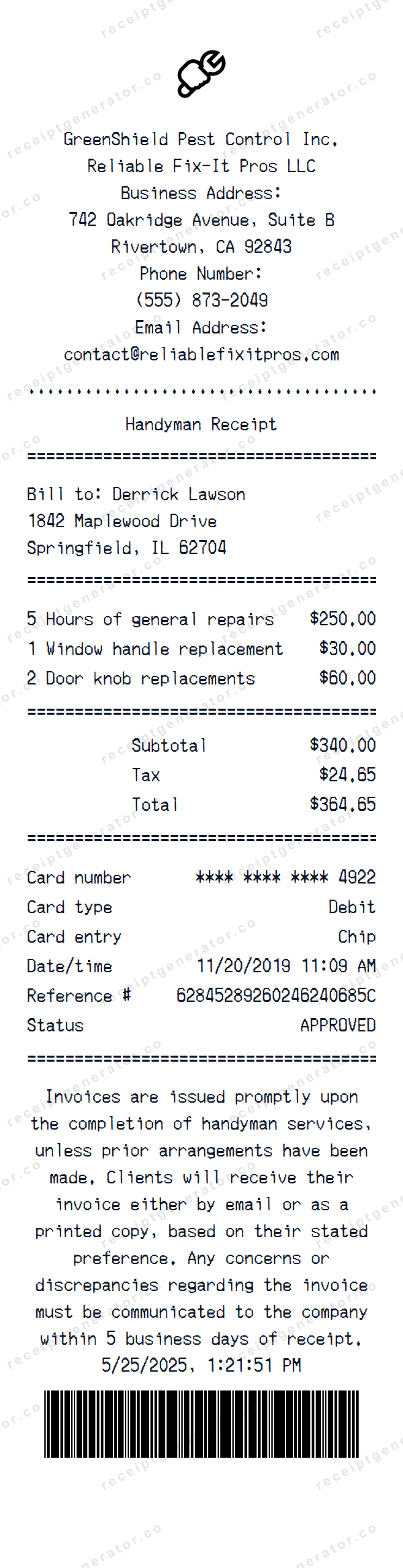
Customize a handyman-service layout with editable business, billing, work-item, total, payment, policy, date, and barcode fields.
Start here
Open this template in the generator, enter the information you need, then review the finished layout before export.
Continue with the Handyman template already selected and ready to edit.
Generate Handyman receiptEdit the exact starting sections described below, then add, remove, or reorder sections when your document needs a different structure.
Check the live preview, spacing, and every visible value or reference that applies before downloading the finished receipt.
Handyman service receipt anatomy
The editable business and Bill to blocks lead to three labor and replacement rows with totals, then masked card fields, invoice terms, a separate date, and barcode.
Editable business contact block, Handyman Receipt heading, and Bill to name and address
Three editable labor and replacement rows with quantities, subtotal, tax, and total
Masked card fields followed by editable invoice terms, receipt date, and barcode
Editing workflow
Confirm one consistent business identity and billing address, edit all three work rows and totals, then align the masked payment and receipt dates before tailoring the invoice-delivery and discrepancy wording.
The starting header contains two unrelated business names and its dates conflict. Replace them with one authorized provider record, keep client and card data masked, use the five-business-day policy only when it reflects actual terms, and do not treat the editable approval text or barcode as proof that work was completed, licensed, or paid.
Labels found in this starting template
This Handyman Receipt separates an editable business contact header, receipt heading, and Bill to address. Three editable work rows cover general-repair hours and two replacement tasks, followed by Subtotal, Tax, and Total.
A masked debit-card section is followed by editable invoice-delivery and discrepancy wording, a separate receipt date, and a barcode. The starting header includes both GreenShield Pest Control and Reliable Fix-It Pros, while its 2019 card timestamp conflicts with the 2025 receipt date. There is no receipt number, job-site field, completion date, hourly rate, contractor-license field, or separate parts-and-labor breakdown.
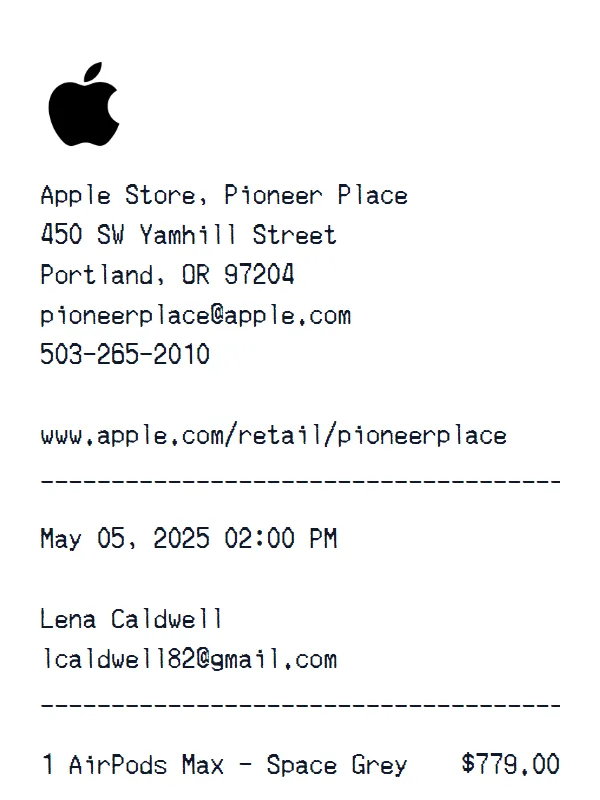
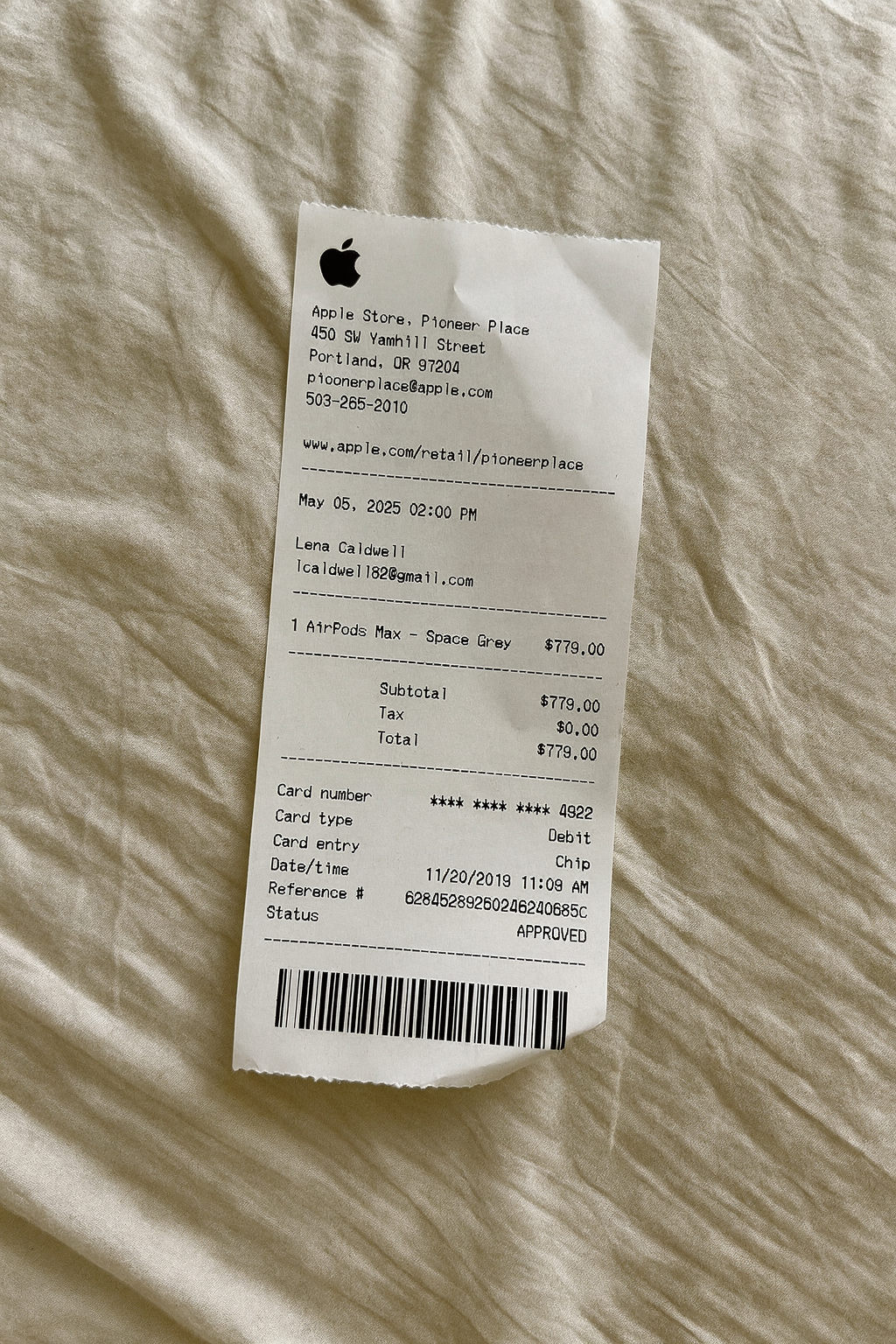
Create a realistic photo of your Handyman receipt on any surface — a desk, counter, or next to your purchase. Our AI-powered Place in Scene feature generates a photo that looks like you printed the receipt, without needing a receipt printer.
AI Place in Scene
Example outputAutomotive receipt examples
Use the format that best matches a parts purchase, repair visit, or itemized service record.
A customizable starting layout with store identity and header details and custom receipt text, including editable Subtotal and Tax fields.
Edit this example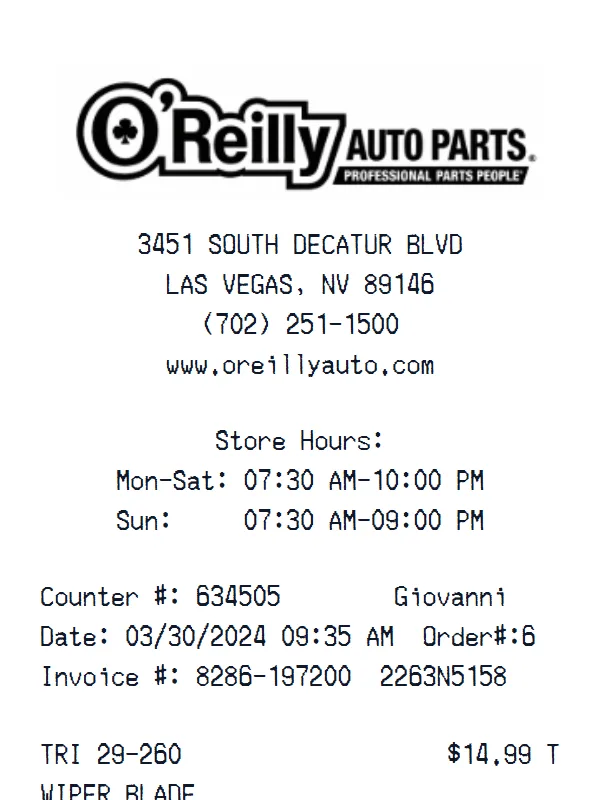
A customizable starting layout with store identity and header details and transaction date and time, including editable Subtotal and Tax fields.
Edit this example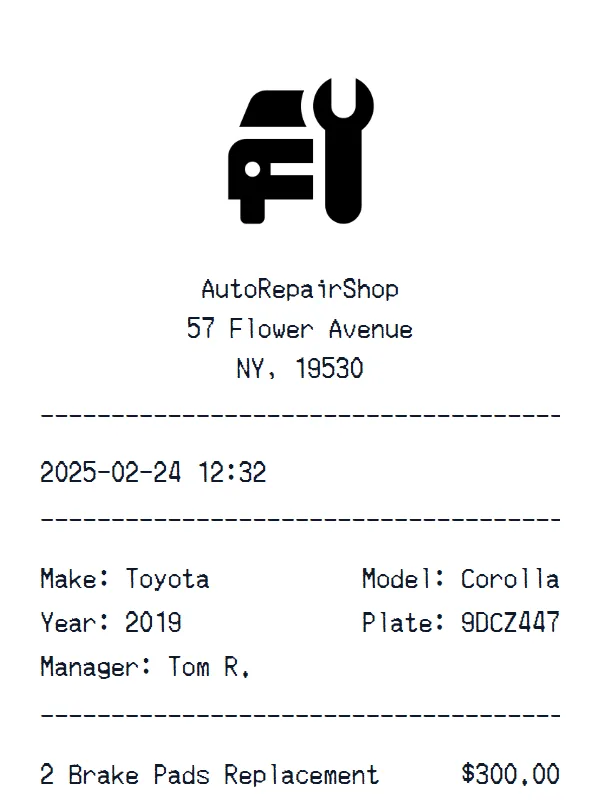
A customizable starting layout with store identity and header details and transaction date and time, including editable Make and Year fields.
Edit this example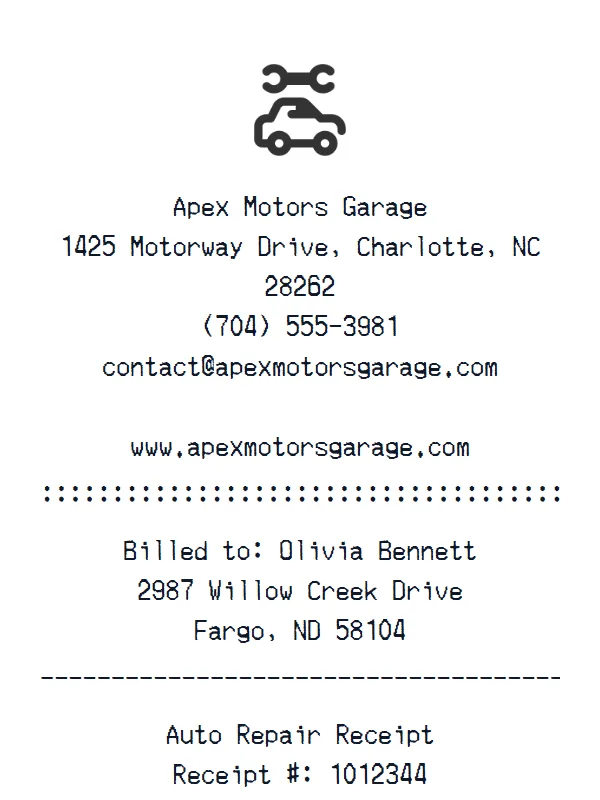
A customizable starting layout with store identity and header details and custom receipt text, including editable Subtotal and Tax (8.25%) fields.
Edit this exampleSupport
Common questions about creating Handyman receipts.
Can't find the answer you're looking for? Please reach out to our friendly team.
Get in touchBrowse more receipt templates you might find useful.
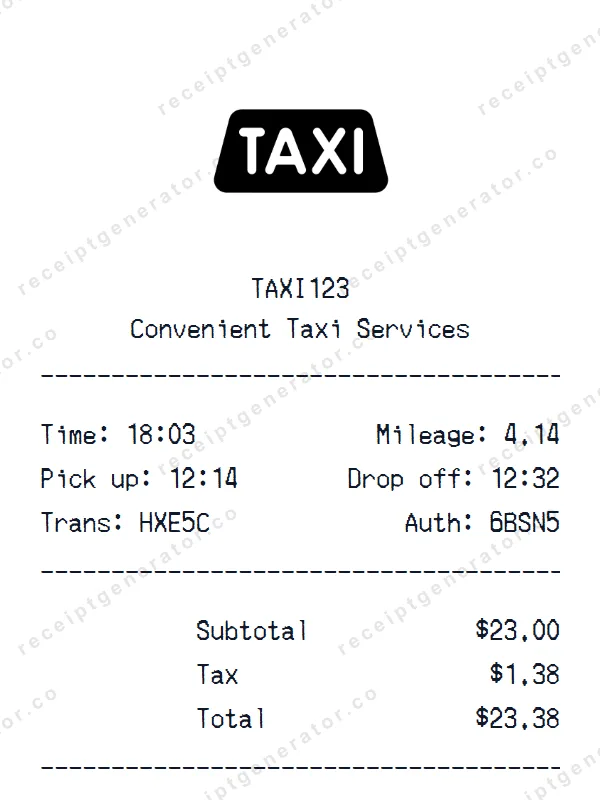
Make a professional Taxi Ride receipt with our easy-to-use tool. Fully editable template with realistic formatting. No signup required to preview.
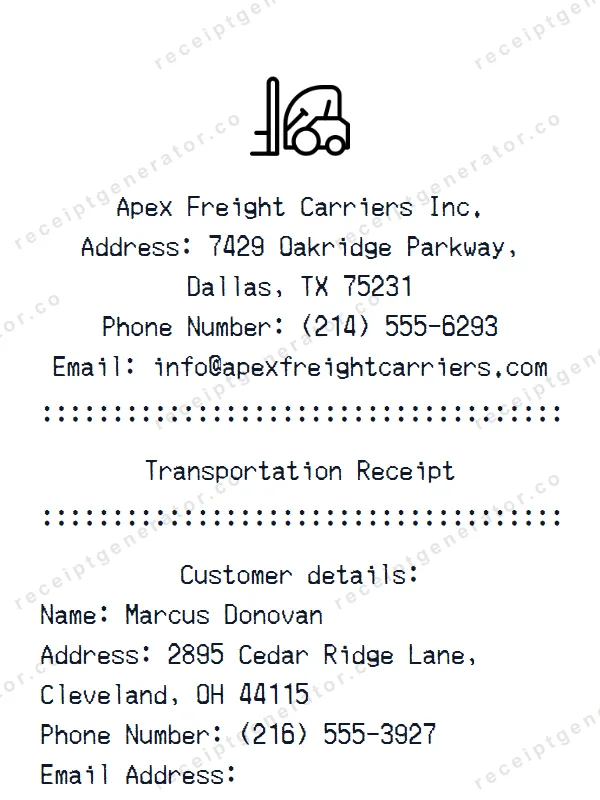
Create a realistic Transportation receipt with our free generator. Add your own items, adjust totals, and download a pixel-perfect receipt.
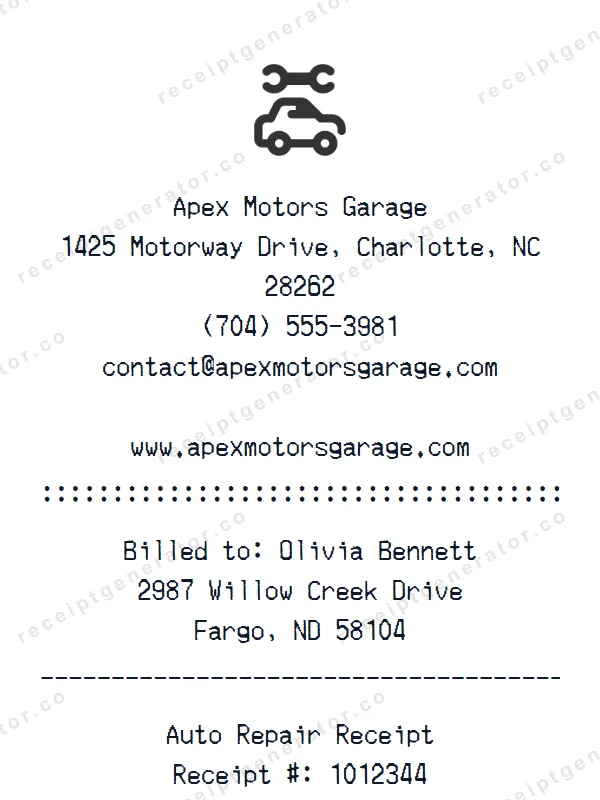
Create a realistic Auto Repair receipt with our free generator. Add your own items, adjust totals, and download a pixel-perfect receipt.
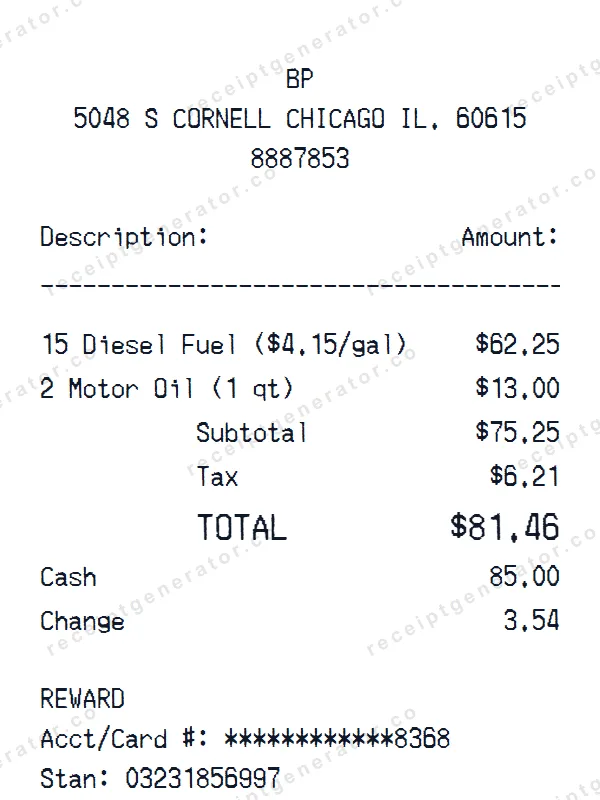
Make a professional BP receipt with our easy-to-use tool. Fully editable gas station & convenience store template with realistic formatting. No signup required to preview.
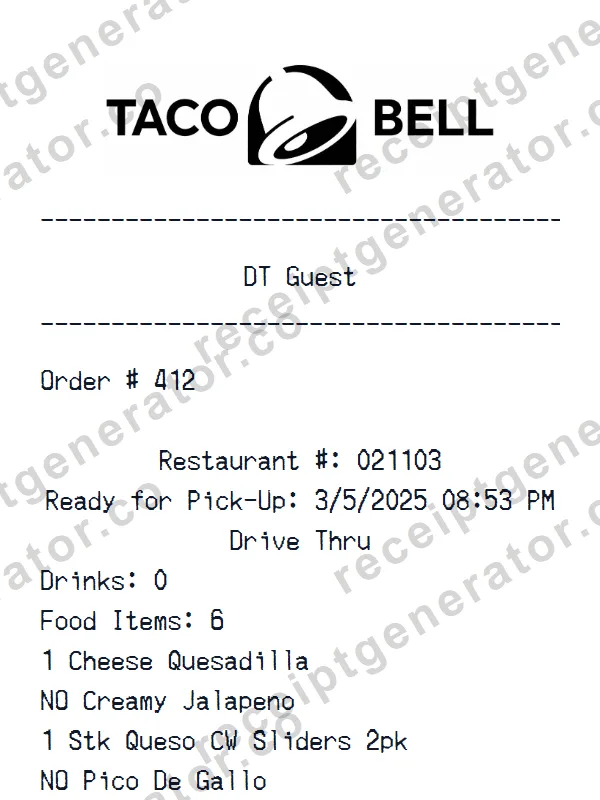
Make a professional Taco Bell receipt with our easy-to-use tool. Fully editable fast food template with realistic formatting. No signup required to preview.
It only takes a few seconds. No signup required.
Generate Handyman Receipt