Free Spirit Halloween Receipt Generator

Inspect and edit a Spirit Halloween receipt layout with store identity and header details, custom receipt text, item rows and totals, then preview your changes before export.
Start here
How to make a Spirit Halloween receipt
Open this template in the generator, enter the information you need, then review the finished layout before export.
Open the generator
Continue with the Spirit Halloween template already selected and ready to edit.
Generate Spirit Halloween receiptEnter your information
Replace the visible sample content, then add or remove rows and sections as needed.
Review and export
Check the live preview, spacing, and every visible value or reference that applies before downloading the finished receipt.
About the Spirit Halloween Receipt Template
The starting Spirit Halloween layout contains 8 editable content sections covering store identity and header details, custom receipt text, item rows and totals, payment information, barcode or QR area. You can inspect the complete arrangement in the preview before opening it in the editor.
Its initial format uses editable currency, initially shown in dollars, Merchant Copy thermal font, plain paper, a replaceable header logo. Visible field labels include Subtotal, TX Taxable Amount, TX (10.000%) Tax, Total, CASH, Cash. The sample is not a fixed structure: change the currency, add or remove item and total rows, and add, delete, or reorder complete sections in the editor.
Use this independent template for design mockups, software testing, training examples, or organizing information from records you are authorized to use. It is not affiliated with Spirit Halloween and is not an official receipt or proof of purchase.
Get a Spirit Halloween Receipt Photo — No Printer Needed
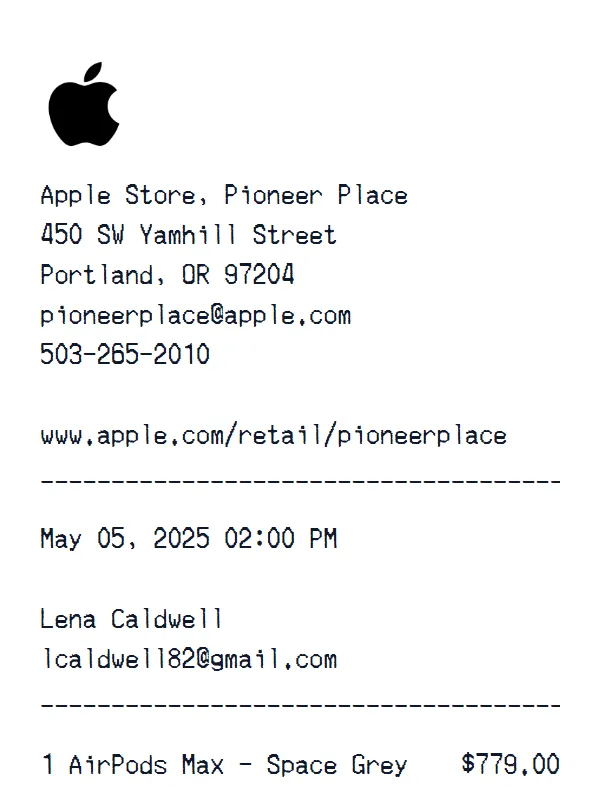
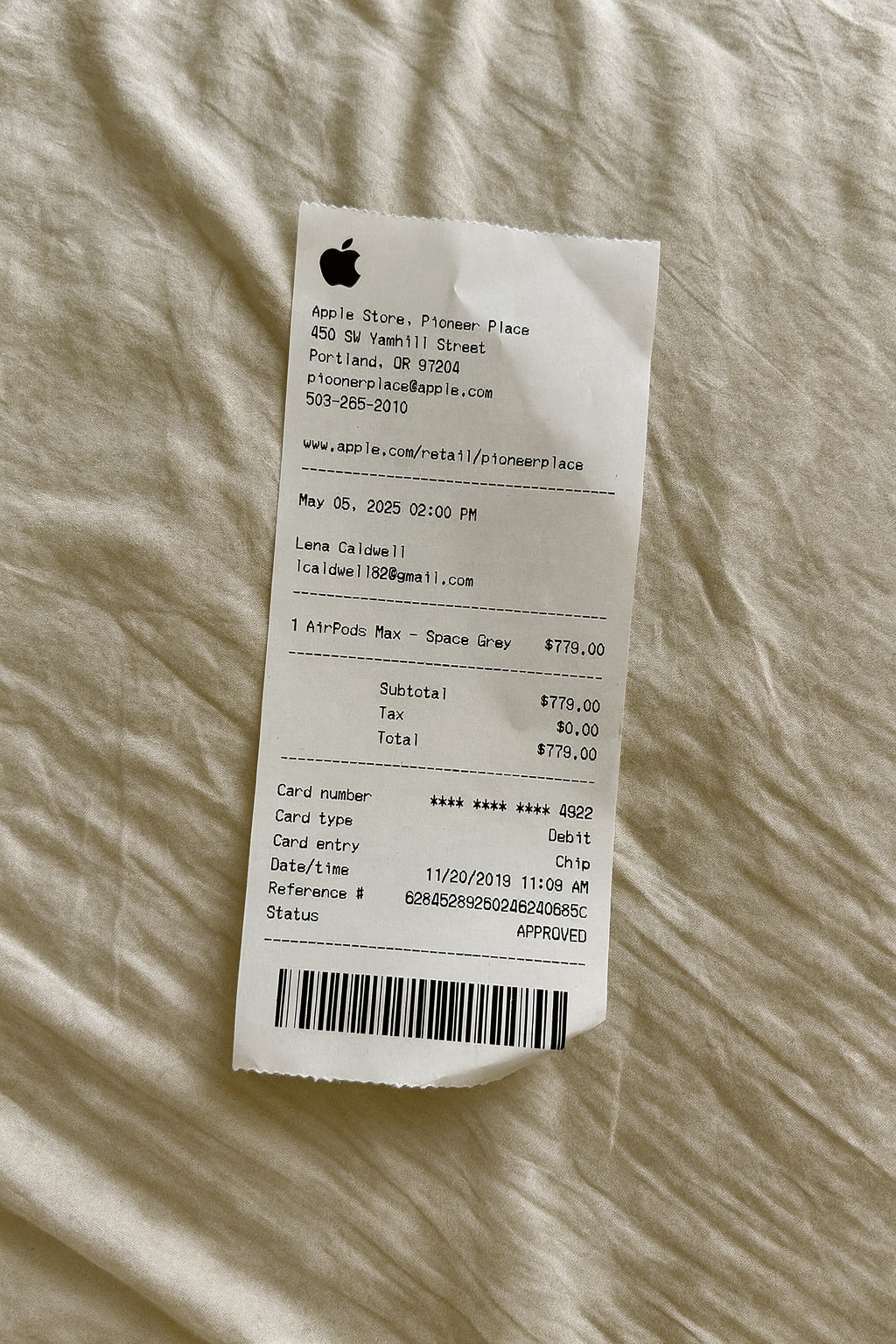
Create a realistic photo of your Spirit Halloween receipt on any surface — a desk, counter, or next to your purchase. Our AI-powered Place in Scene feature generates a photo that looks like you printed the receipt, without needing a receipt printer.
AI Place in Scene
Example outputTemplate structure
What is included in this Spirit Halloween layout
- Store identity and header details
- Custom receipt text
- Item rows and totals
- Payment information
- Barcode or QR area
Layout facts
Format and editable fields
- 8 editable content sections
- editable currency, initially shown in dollars
- Merchant Copy thermal font
- plain paper
- a replaceable header logo
- Fields such as Subtotal, TX Taxable Amount, TX (10.000%) Tax, Total
Receipt Examples
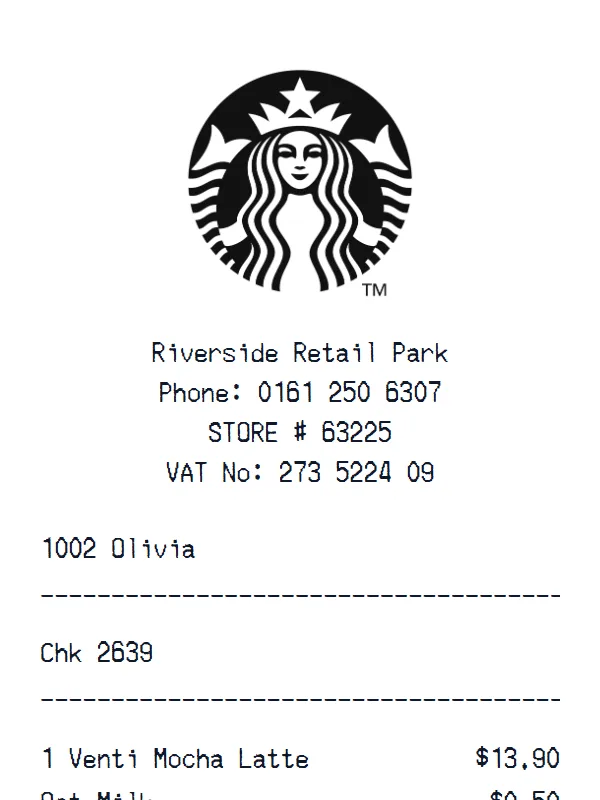
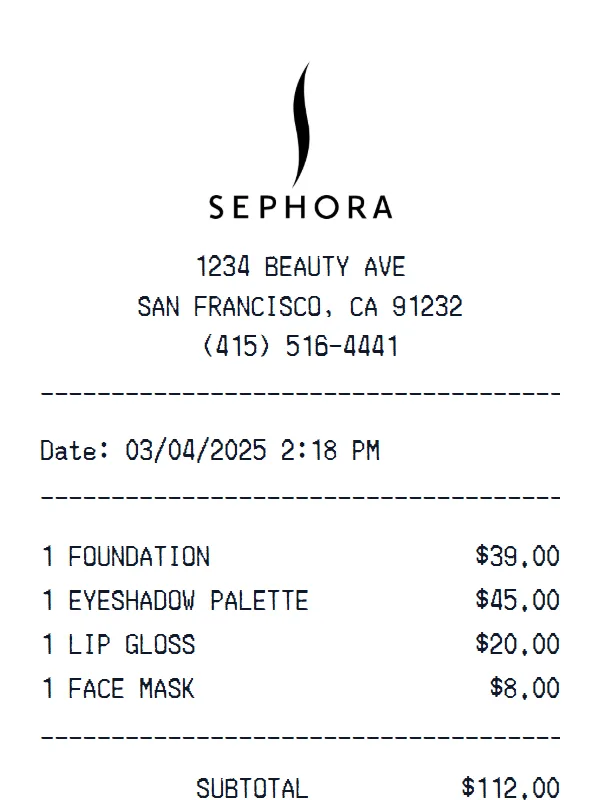
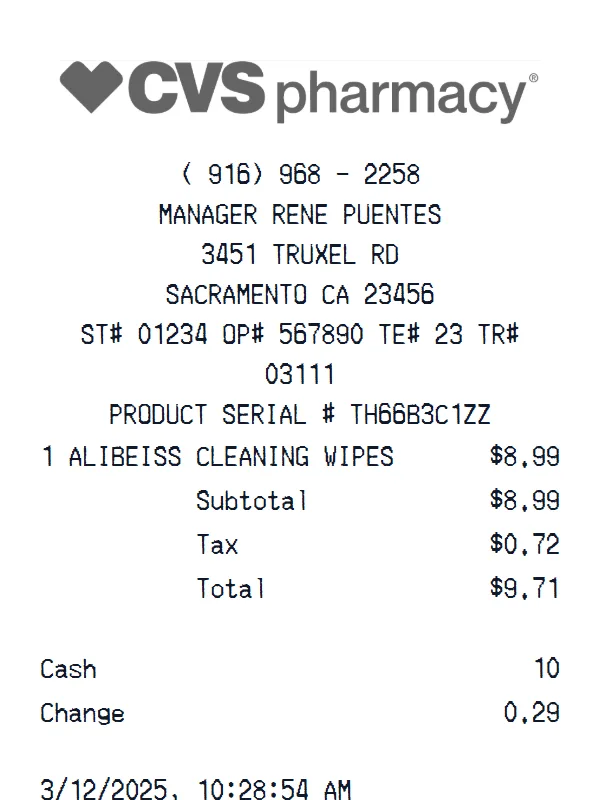
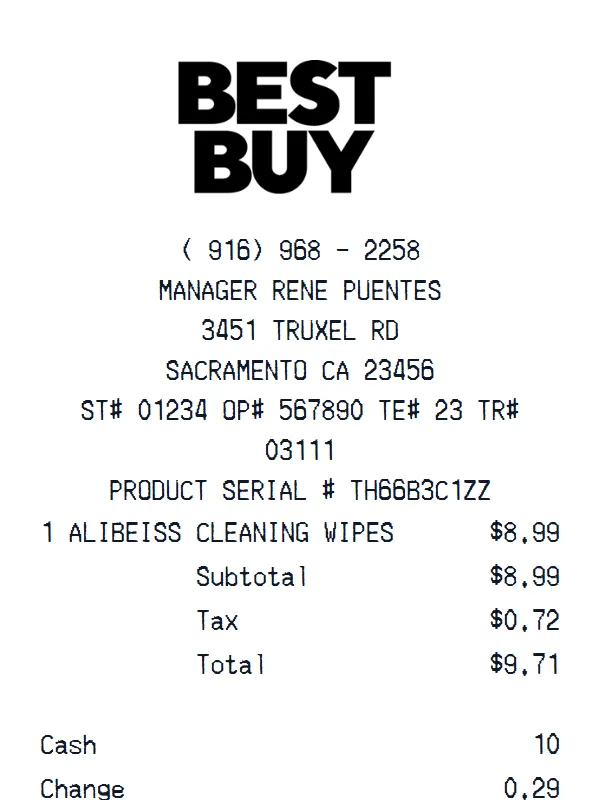
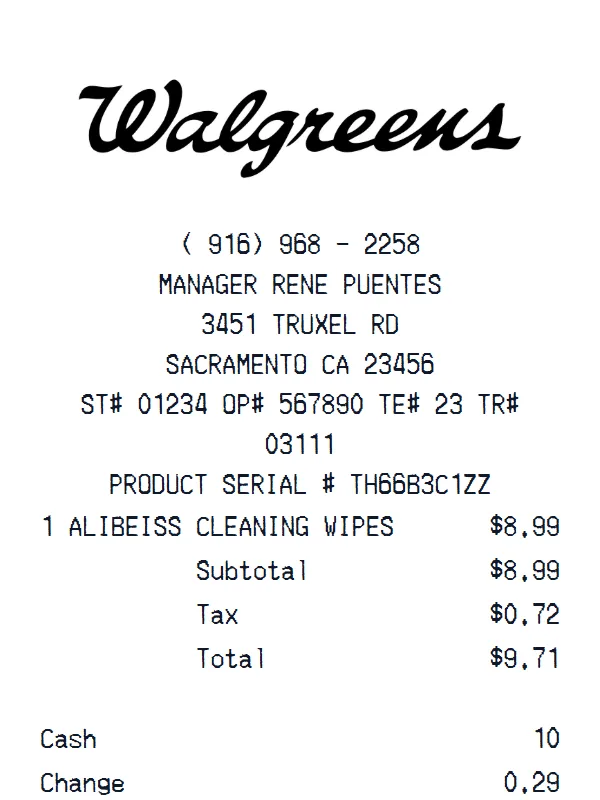
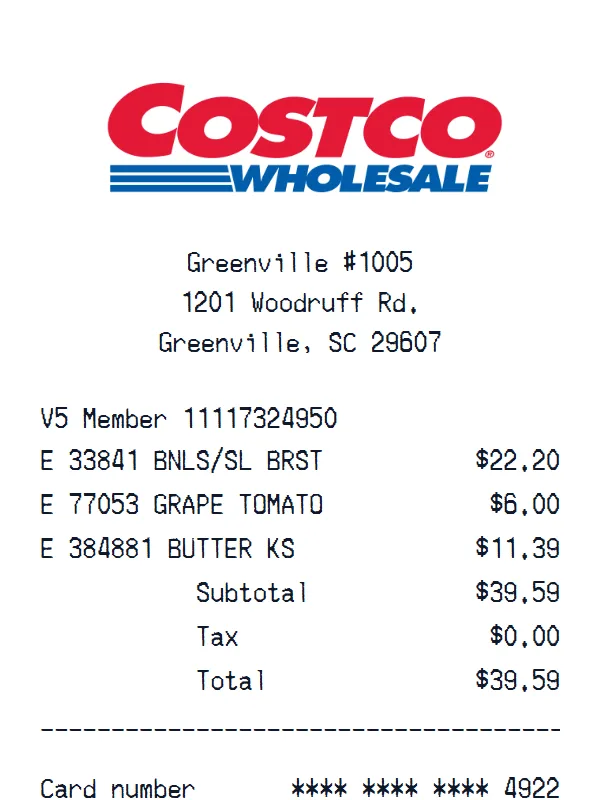
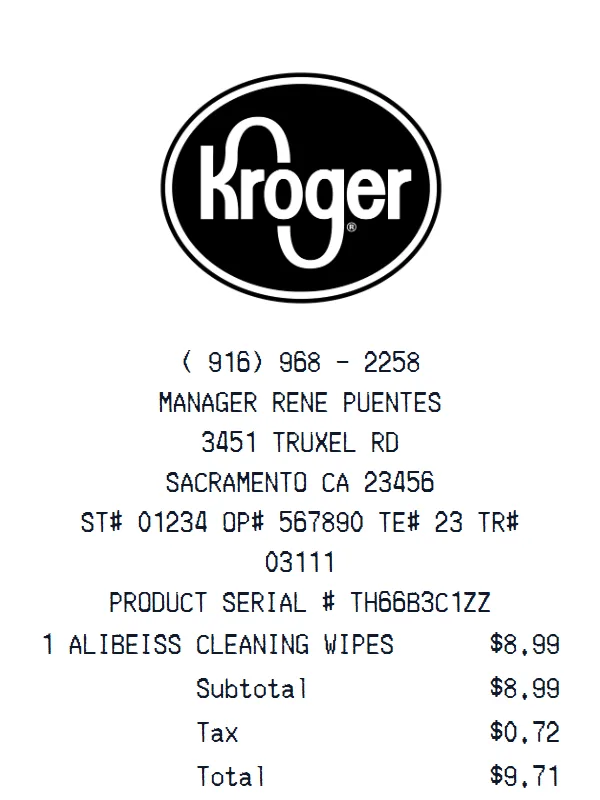
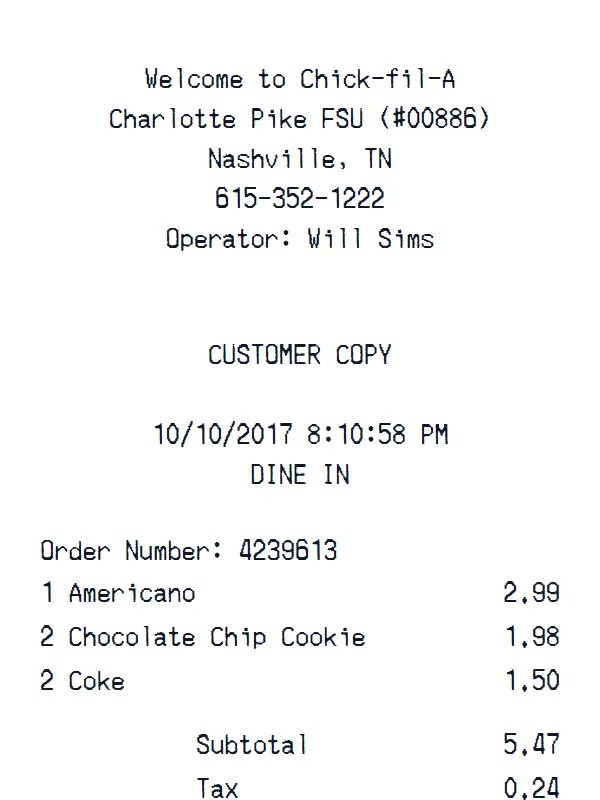
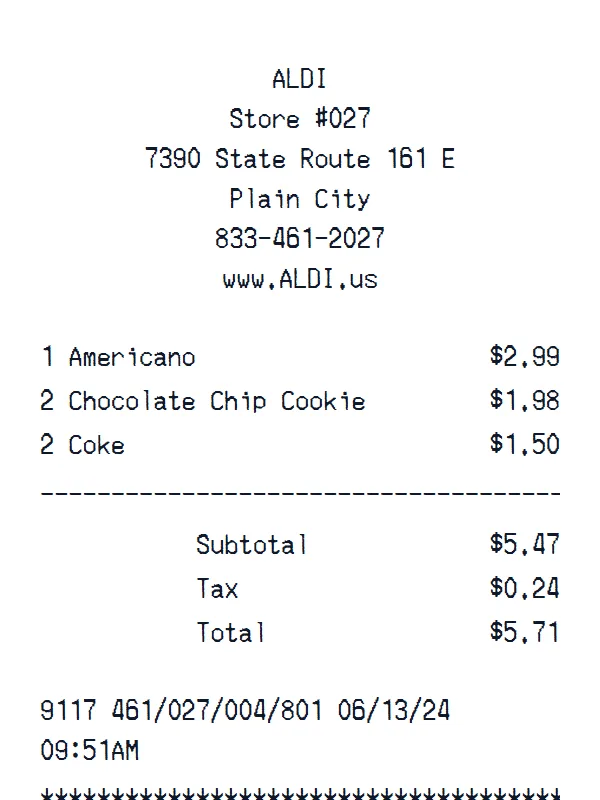
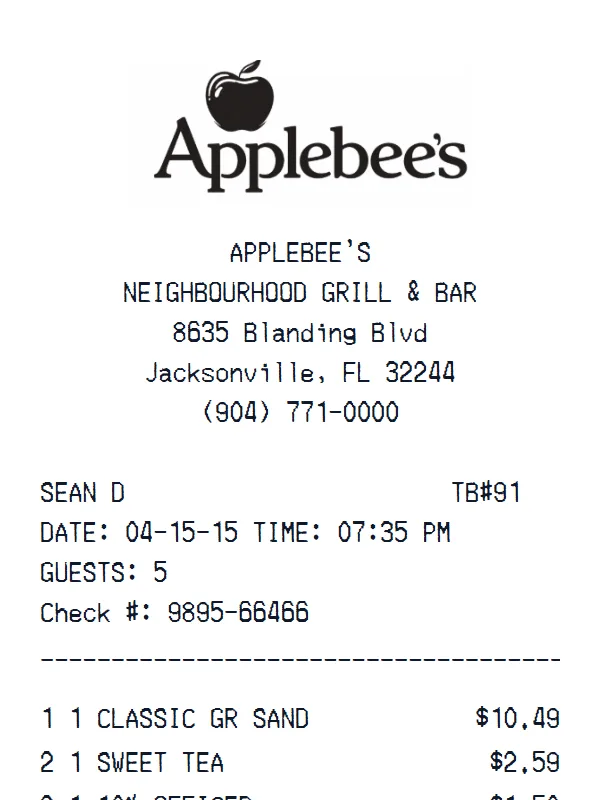
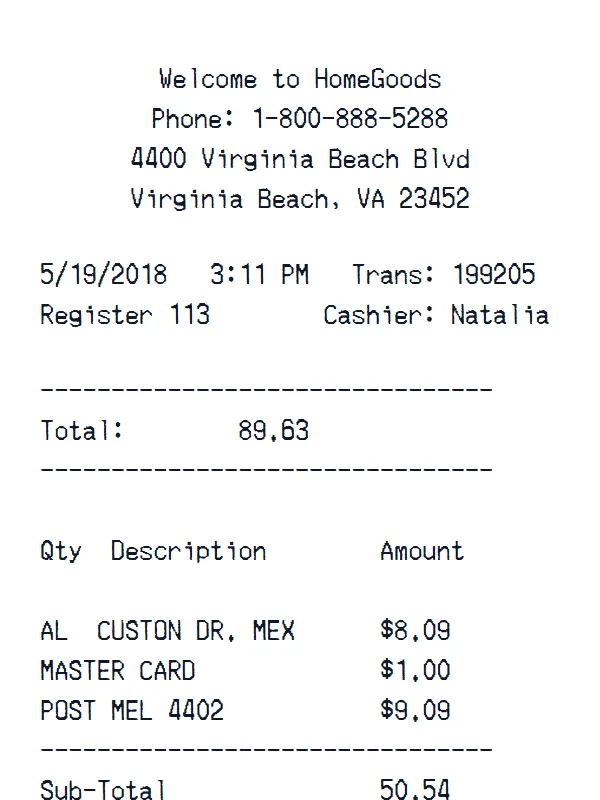
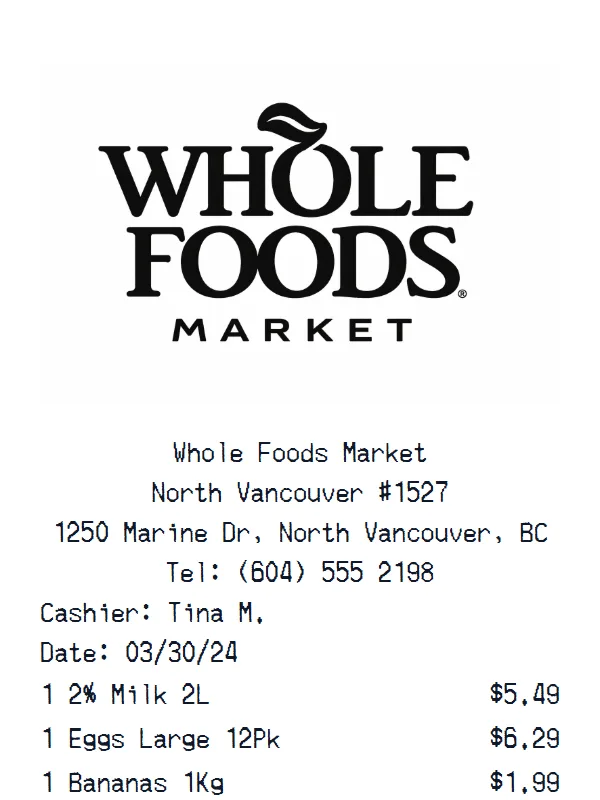
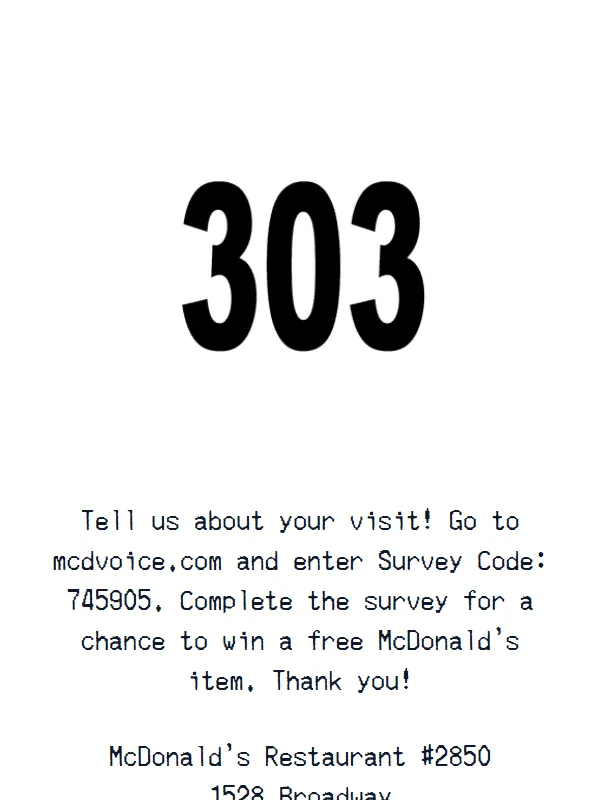
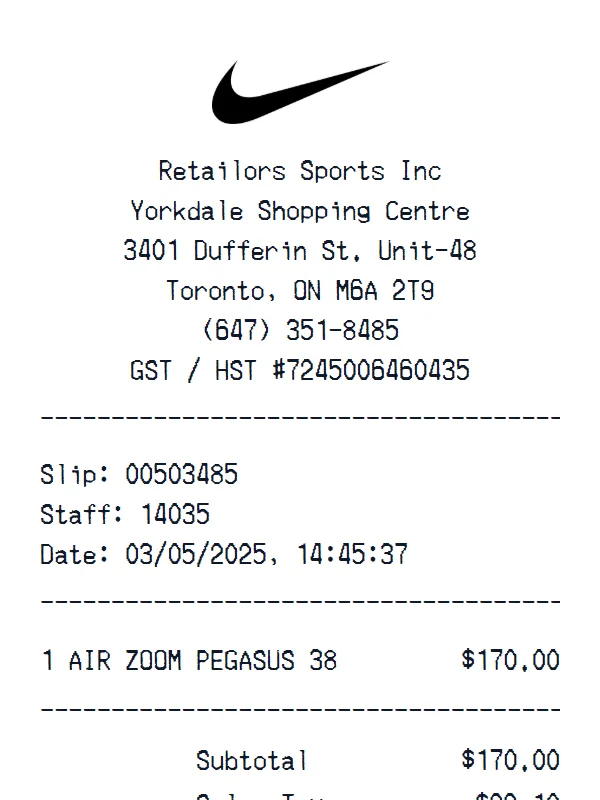
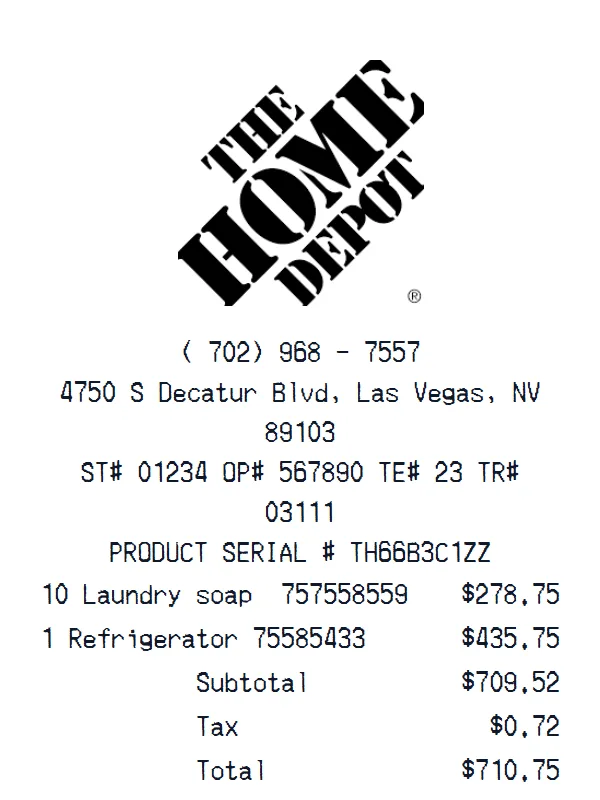
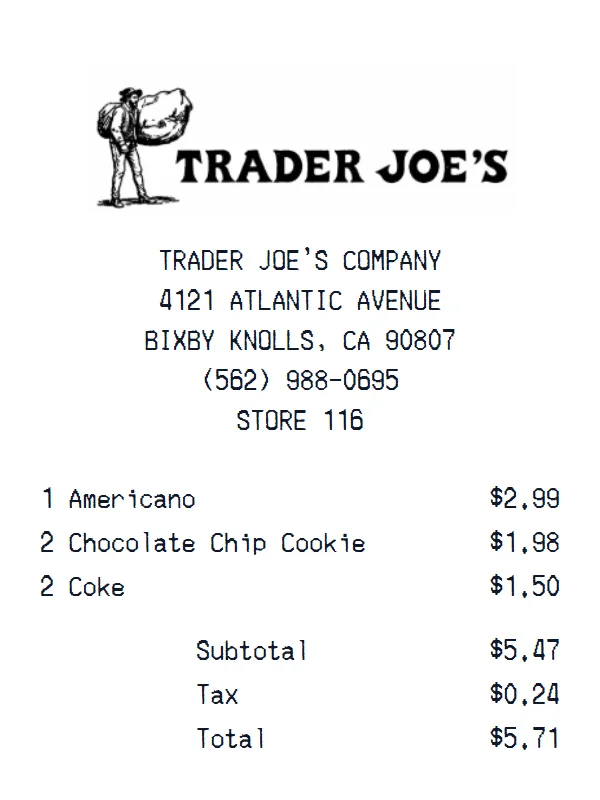
Support
Spirit Halloween Receipt Generator FAQ
Common questions about creating Spirit Halloween receipts.
Is the Spirit Halloween receipt generator free?
What is included in this Spirit Halloween template?
Can I customize the items on my Spirit Halloween receipt?
Is this an official Spirit Halloween receipt?
What can I use the Spirit Halloween template for?
Still have questions?
Can't find the answer you're looking for? Please reach out to our friendly team.
Get in touchSimilar Receipt Templates
Browse more receipt templates you might find useful.
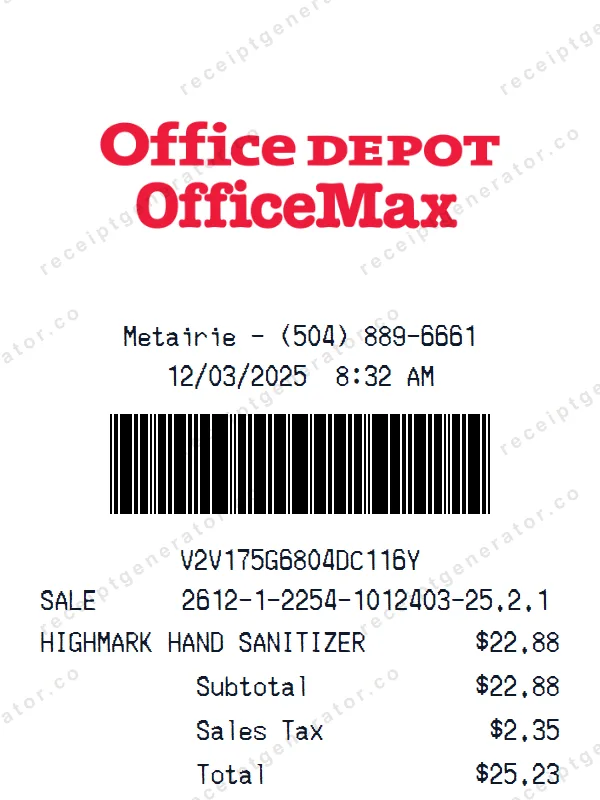
Office Depot / OfficeMax Receipt
retailGenerate a custom Office Depot / OfficeMax receipt in seconds. Edit every detail — items, totals, dates, and more. Ready to download in one click.
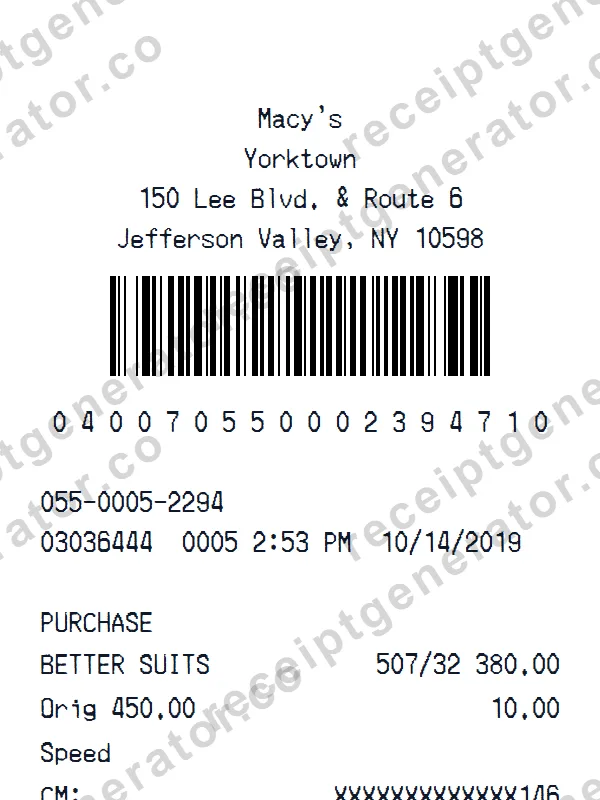
Macy’s Receipt
retailMake a professional Macy’s receipt with our easy-to-use tool. Fully editable retail store template with realistic formatting. No signup required to preview.
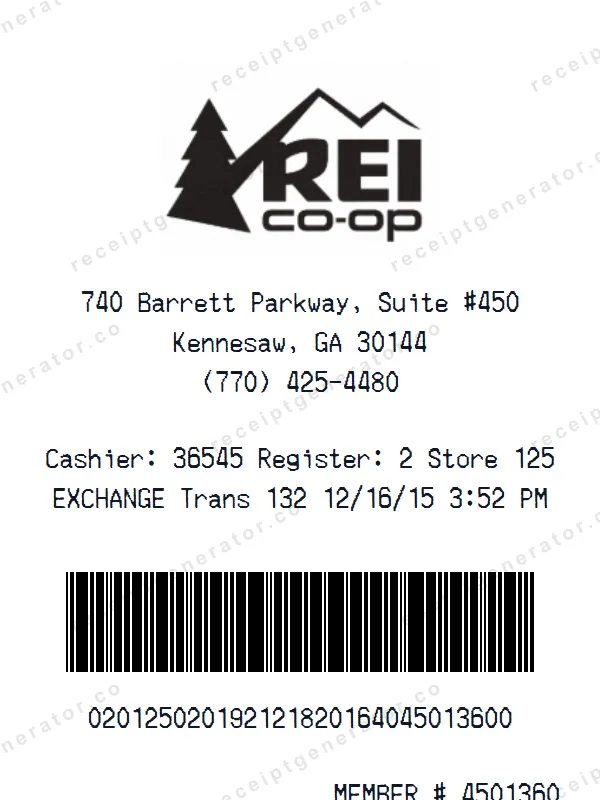
REI Co-op Receipt
retailMake a professional REI Co-op receipt with our easy-to-use tool. Fully editable retail store template with realistic formatting. No signup required to preview.
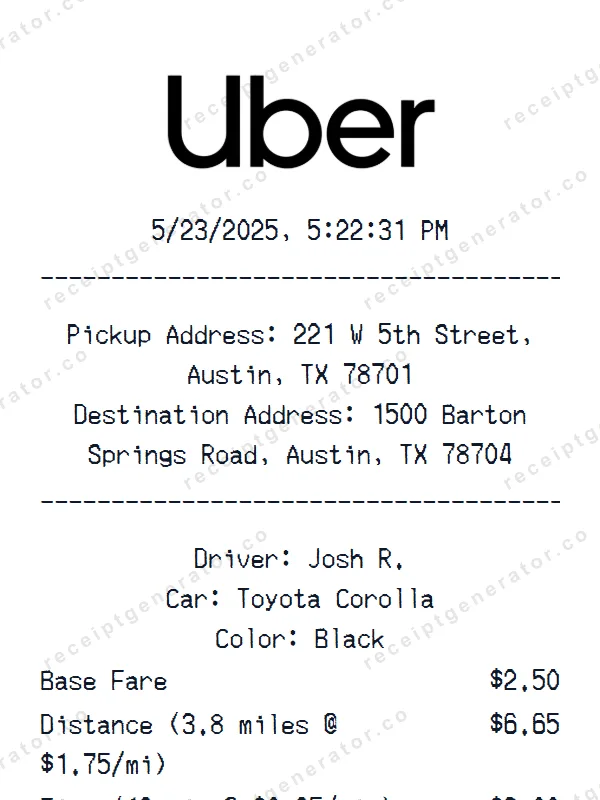
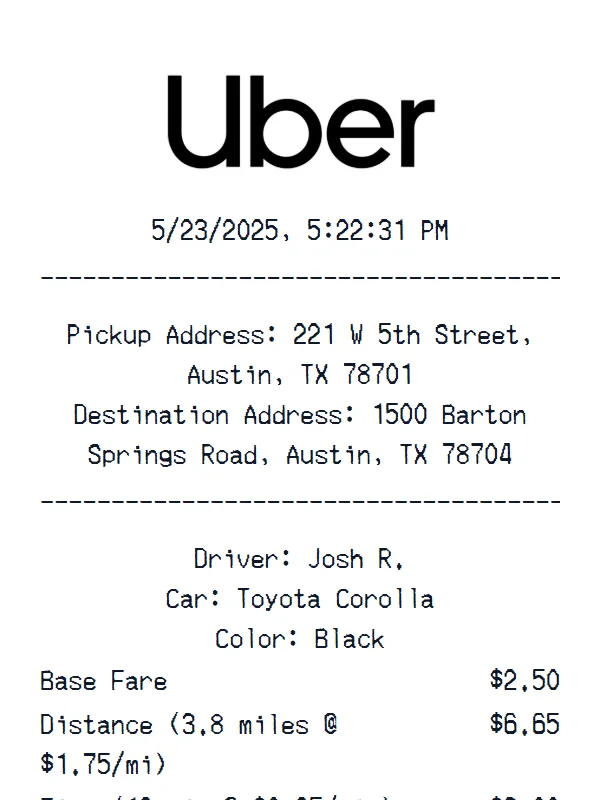
Uber Receipt
onlineMake a professional Uber receipt with our easy-to-use tool. Fully editable online retailer template with realistic formatting. No signup required to preview.
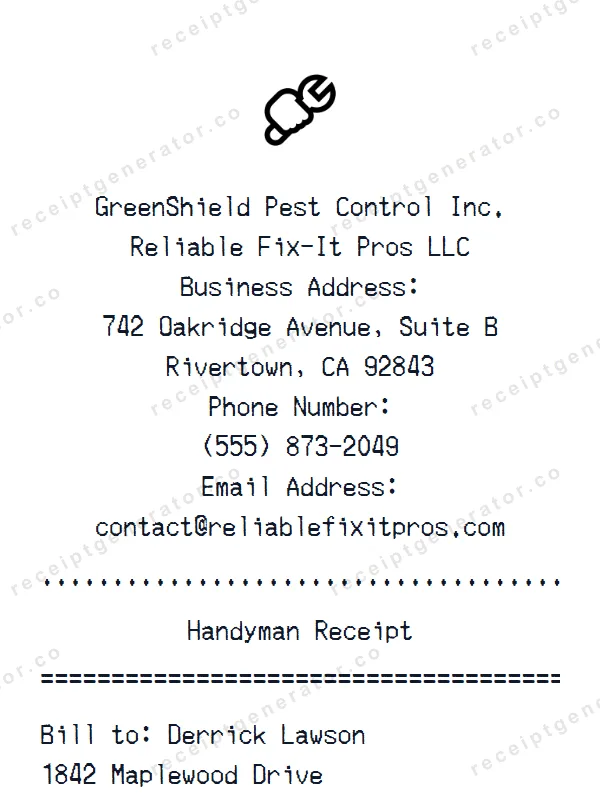
Handyman Receipt
genericCreate a realistic Handyman receipt with our free generator. Add your own items, adjust totals, and download a pixel-perfect receipt.
Ready to create your Spirit Halloween receipt?
It only takes a few seconds. No signup required.
Generate Spirit Halloween Receipt