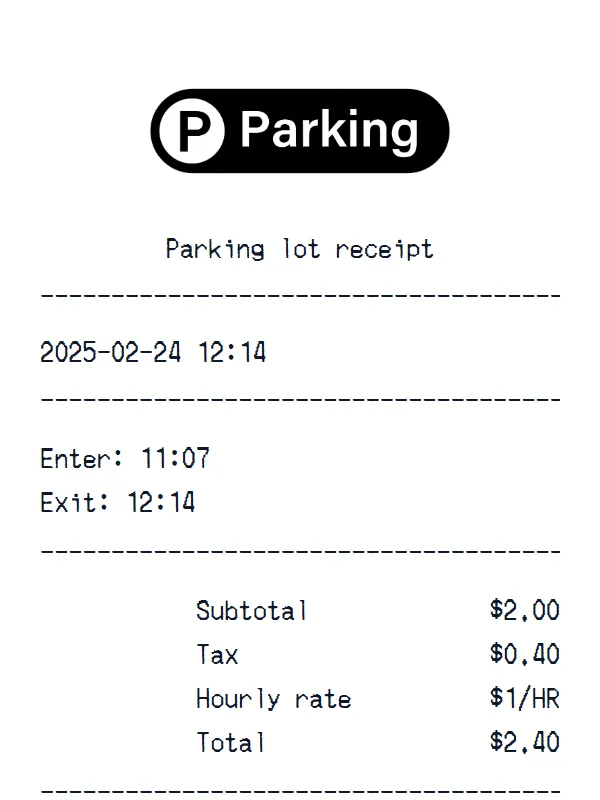
Parking lot receipt
A customizable starting layout with store identity and header details and transaction date and time, including editable Enter and Exit fields.
Edit this exampleFor legitimate business, creative, and personal use only. See our Terms of Service
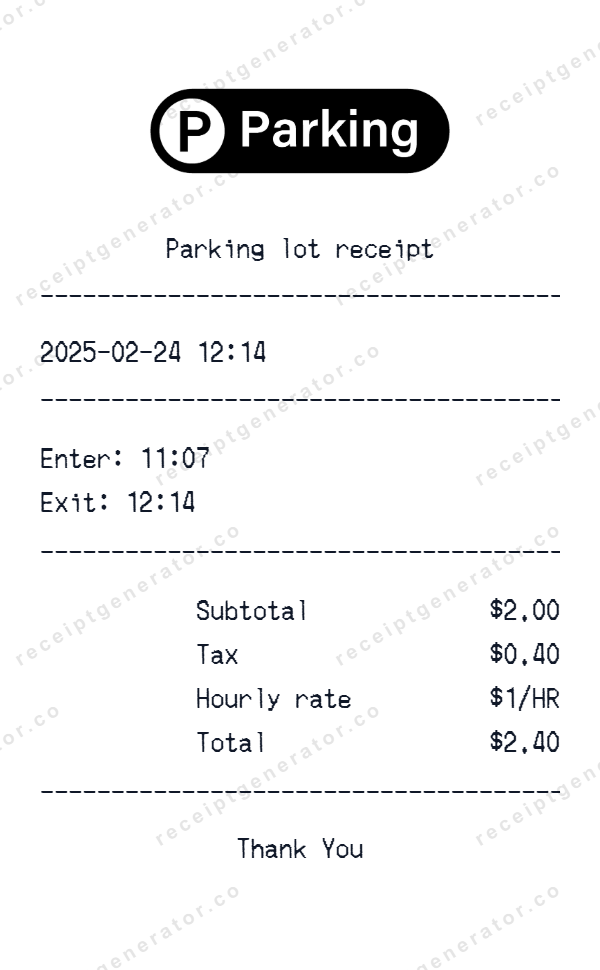
Customize a compact parking record that moves from date and entry or exit times to hourly-rate text, tax, and total.
Start here
Open this template in the generator, enter the information you need, then review the finished layout before export.
Continue with the Parking Lot template already selected and ready to edit.
Generate Parking Lot receiptEdit the exact starting sections described below, then add, remove, or reorder sections when your document needs a different structure.
Check the live preview, spacing, and every visible value or reference that applies before downloading the finished receipt.
Parking time-and-fee flow
Set the transaction date and separate entry and exit times, then customize the hourly-rate wording, currency, subtotal, tax, total, and closing line.
Editable parking logo, title, date, and time
Set separate entry and exit times or add fields for duration, ticket, or vehicle details
Edit the hourly-rate wording, subtotal, tax, total, and closing message
Transaction walkthrough
Edit the date and separate entry and exit fields first, add a duration or ticket reference when needed, then confirm that the rate wording and fee totals reflect the parking record you are documenting.
This starting file has no location address, ticket number, vehicle details, duration, item rows, or payment section. Add only fields supported by an authorized record, and do not present the generated document as proof that parking occurred or that a fee was paid.
Labels found in this starting template
Change the parking title and transaction date, then set separate entry and exit times for the record you are documenting. The fee area lets you edit the hourly-rate wording, currency, subtotal, tax, and total.
You can rewrite or remove the closing message and add rows or sections for information your record actually needs. The starting layout has no lot address, ticket number, vehicle or license-plate field, calculated duration, payment method, barcode, or authorization reference.
Create a realistic photo of your Parking Lot receipt on any surface — a desk, counter, or next to your purchase. Our AI-powered Place in Scene feature generates a photo that looks like you printed the receipt, without needing a receipt printer.
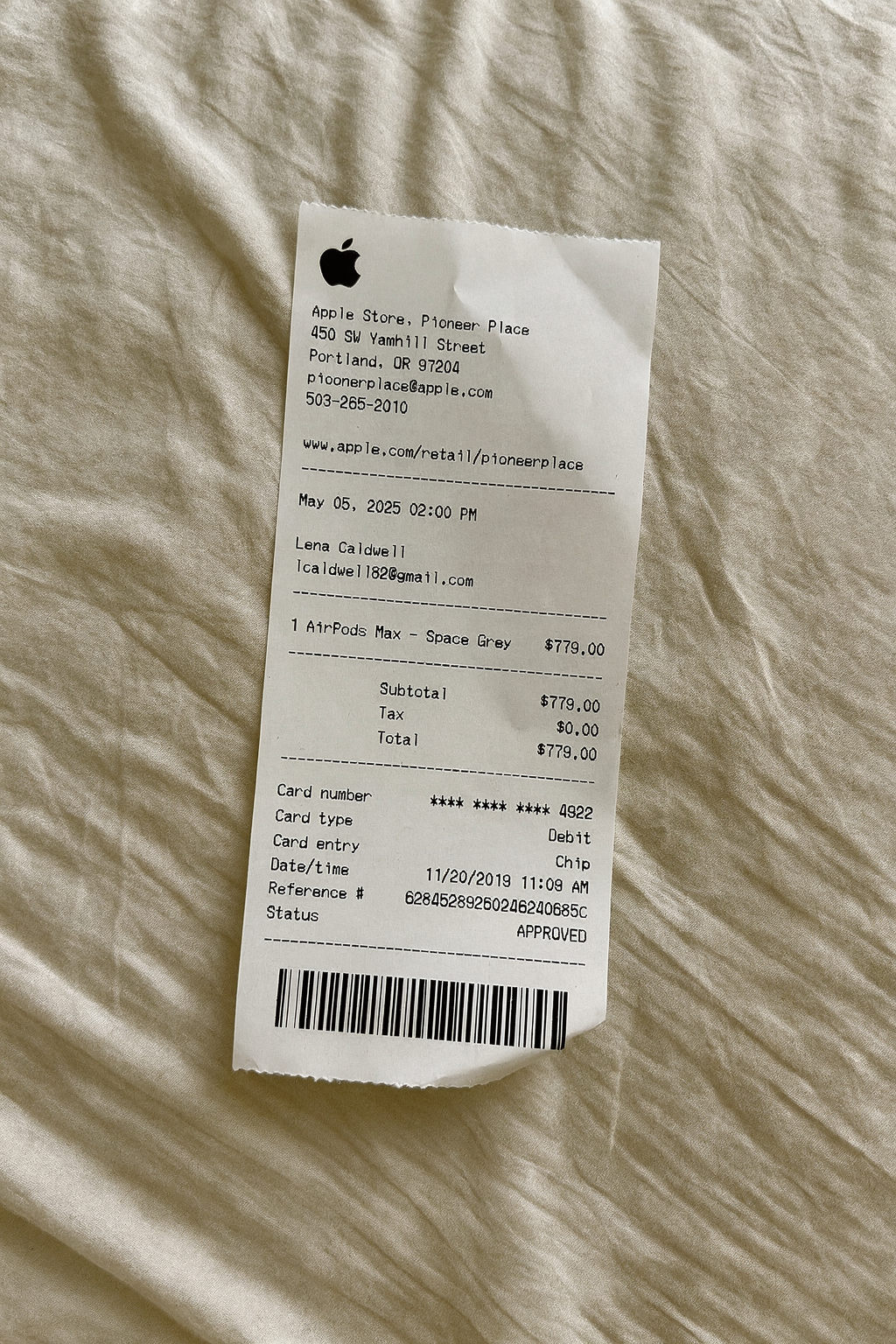
AI Place in Scene
Example outputParking receipt examples
Start with the structure that matches the parking transaction, then edit every visible field in the generator.
A customizable starting layout with store identity and header details and transaction date and time, including editable Enter and Exit fields.
Edit this example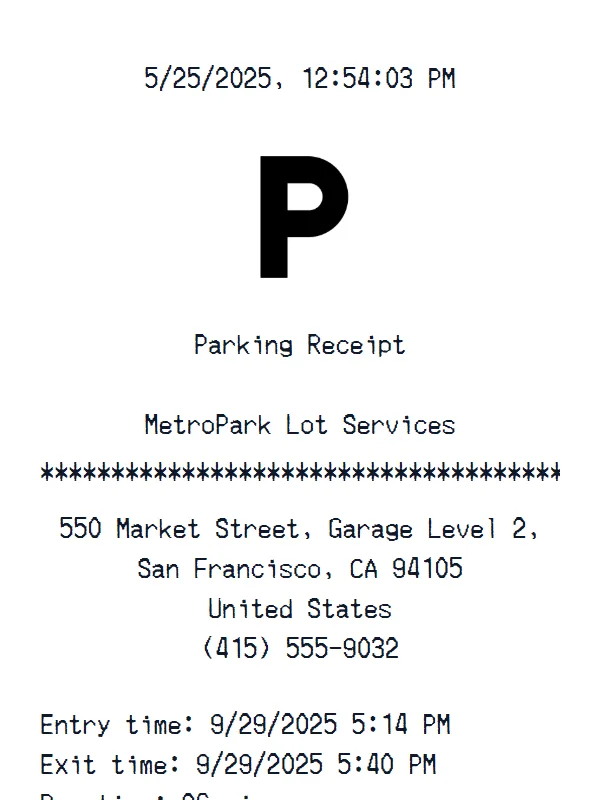
A customizable starting layout with transaction date and time and store identity and header details, including editable Subtotal and Tax fields.
Edit this example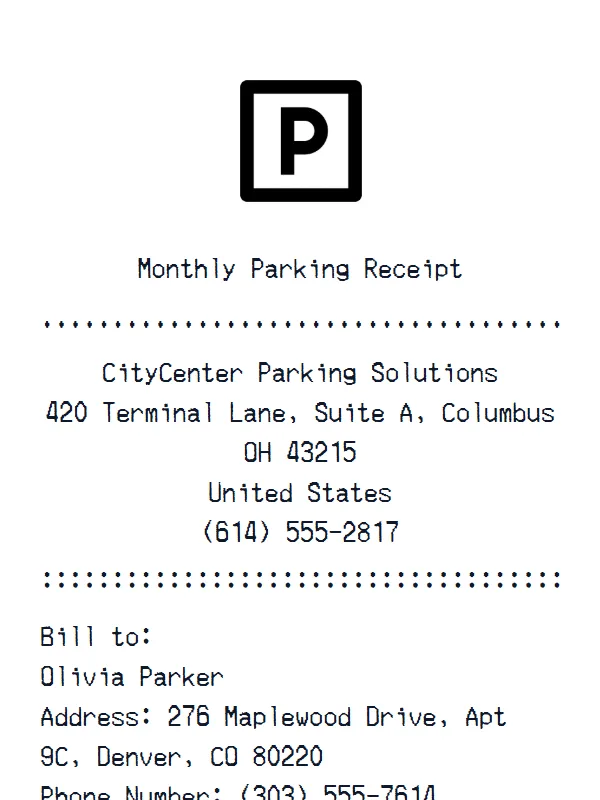
A customizable starting layout with store identity and header details and custom receipt text, including editable Subtotal and Tax fields.
Edit this example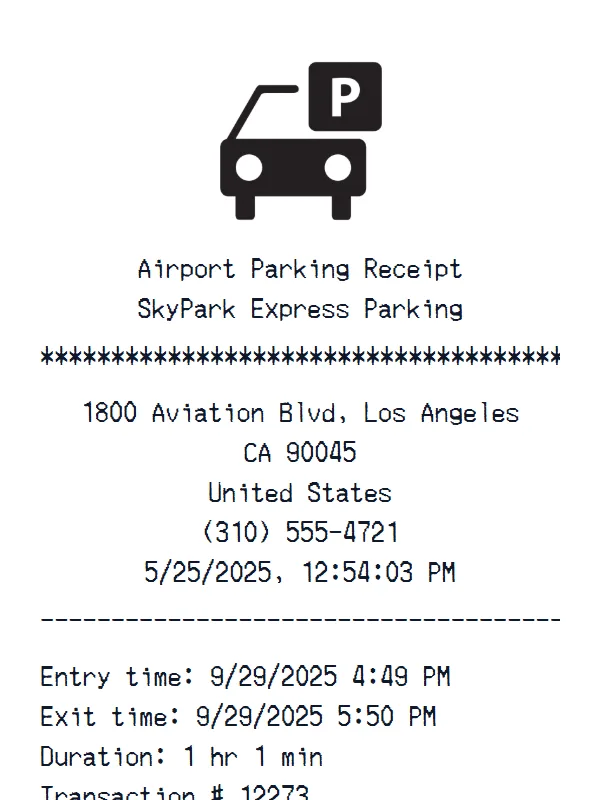
A customizable starting layout with store identity and header details and custom receipt text, including editable Subtotal and Tax fields.
Edit this exampleSupport
Common questions about creating Parking Lot receipts.
Can't find the answer you're looking for? Please reach out to our friendly team.
Get in touchBrowse more receipt templates you might find useful.
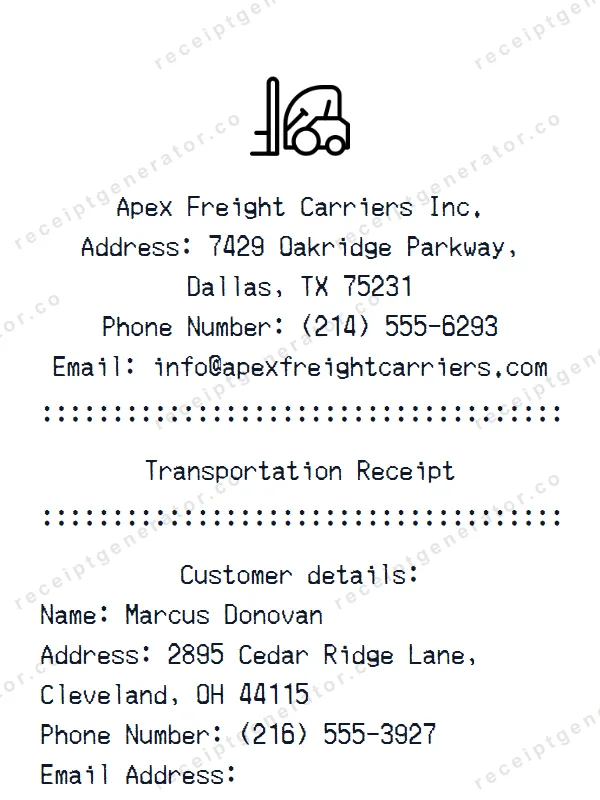
Create a realistic Transportation receipt with our free generator. Add your own items, adjust totals, and download a pixel-perfect receipt.
Create a realistic Auto Repair receipt with our free generator. Add your own items, adjust totals, and download a pixel-perfect receipt.
Generate a custom Car Repair receipt in seconds. Edit every detail — items, totals, dates, and more. Ready to download in one click.
Generate a custom Waffle House receipt in seconds. Edit every detail — items, totals, dates, and more. Ready to download in one click.
Make a professional Primark receipt with our easy-to-use tool. Fully editable retail store template with realistic formatting. No signup required to preview.
It only takes a few seconds. No signup required.
Generate Parking Lot Receipt