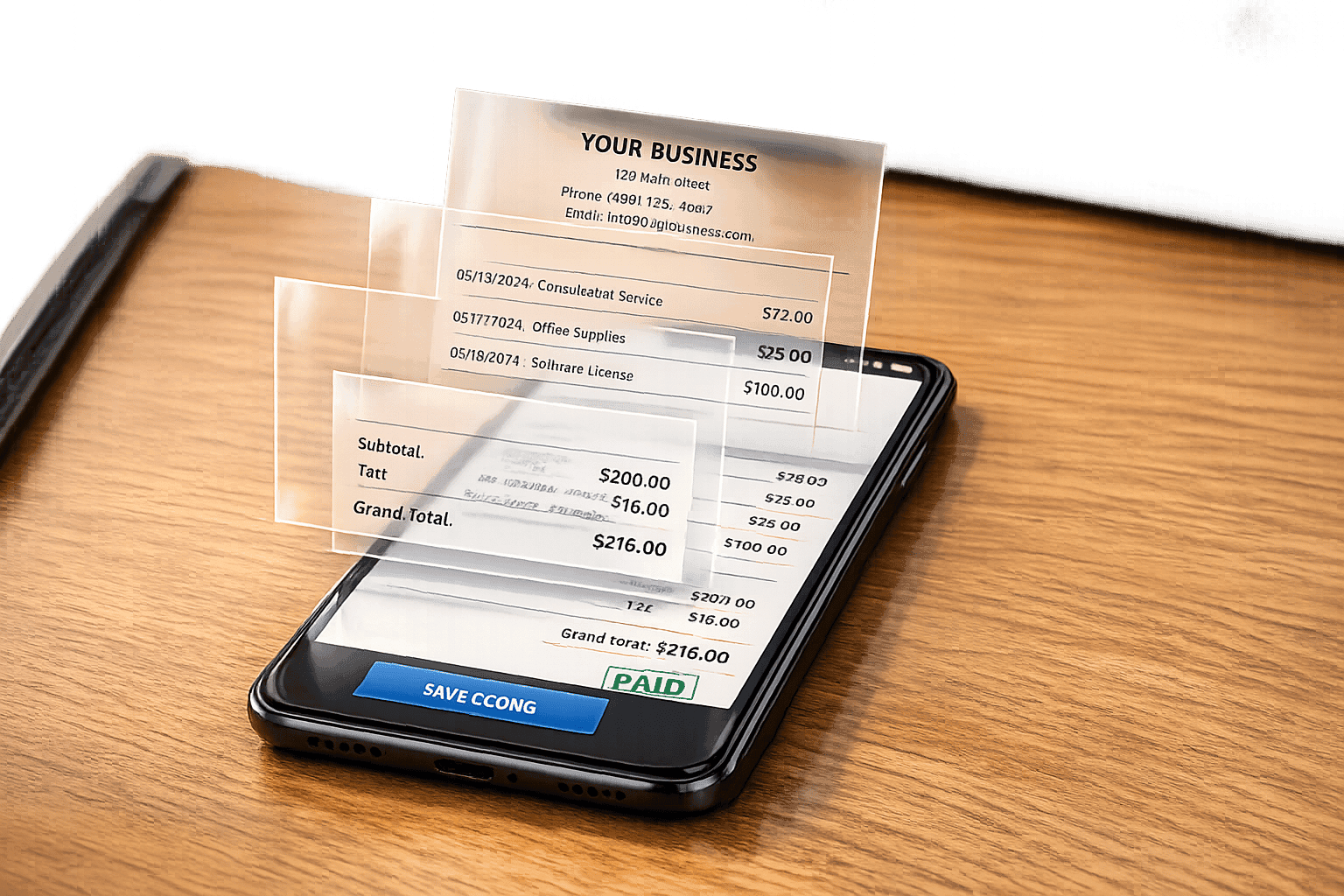
How to Make a Receipt Without a Receipt Printer
Make professional, IRS-compliant digital receipts without a printer using editable templates, PNG downloads, tax formatting, and AI scene photos.
For legitimate business, creative, and personal use only. See our Terms of Service
Our Blog
Learn about receipt design, digital record keeping, template customization, and responsible document workflows.
Make professional, IRS-compliant digital receipts without a printer using editable templates, PNG downloads, tax formatting, and AI scene photos.
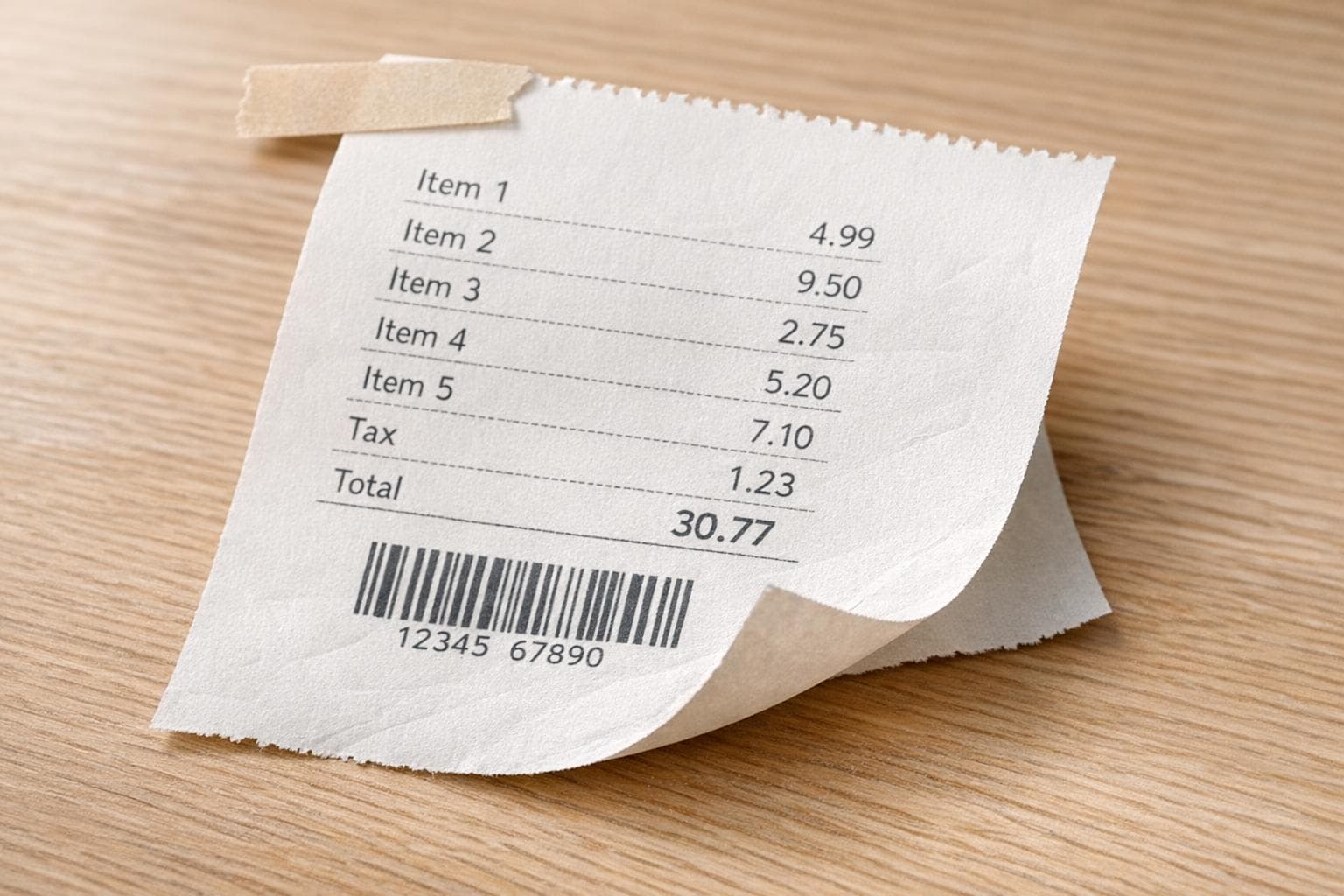
Five practical ways to make realistic, physical-looking receipt images using AI, templates, photo editors, and mockup tools.
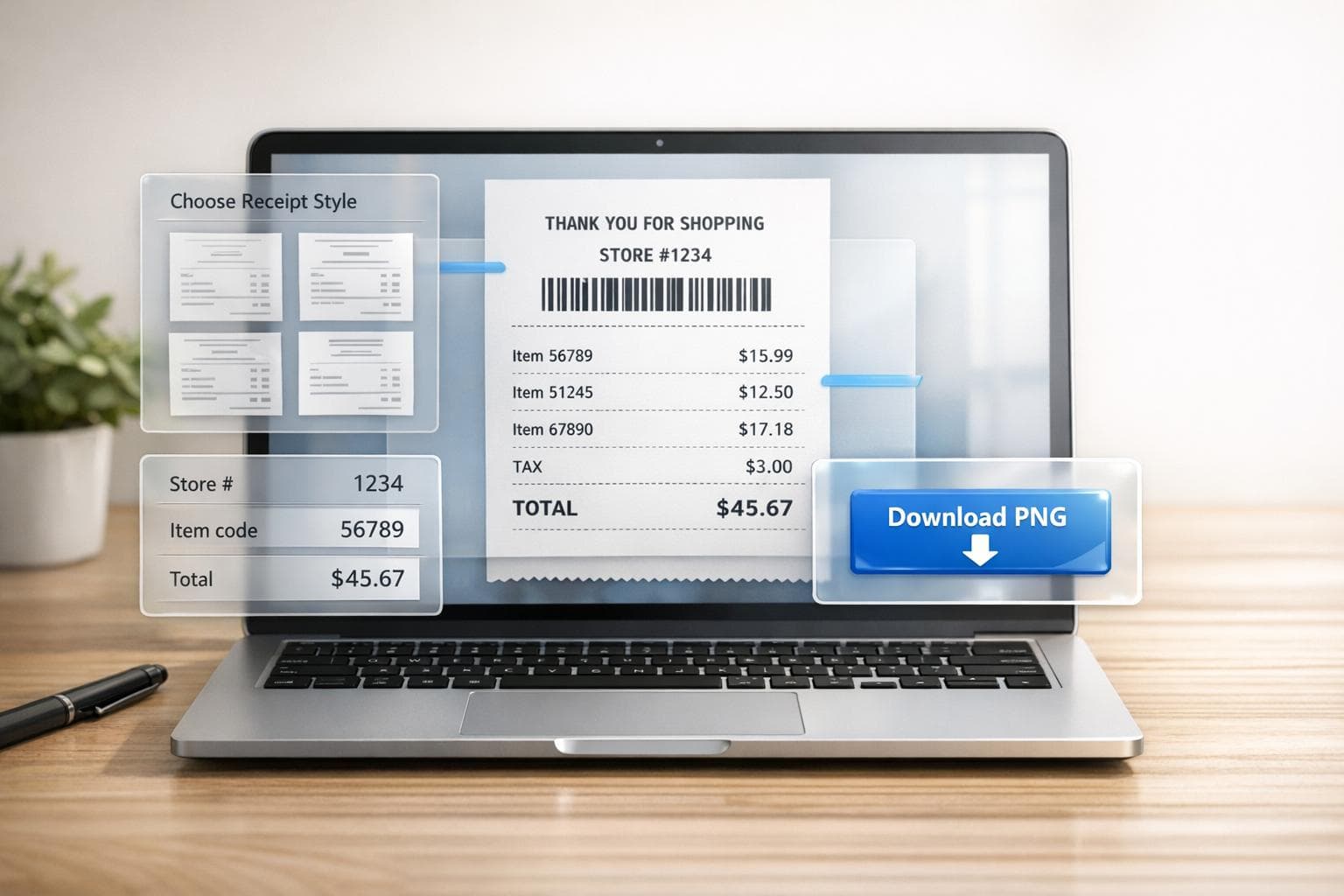
Step-by-step instructions to create a realistic Walmart receipt online: pick a template, enter store/item codes, and download a PNG.
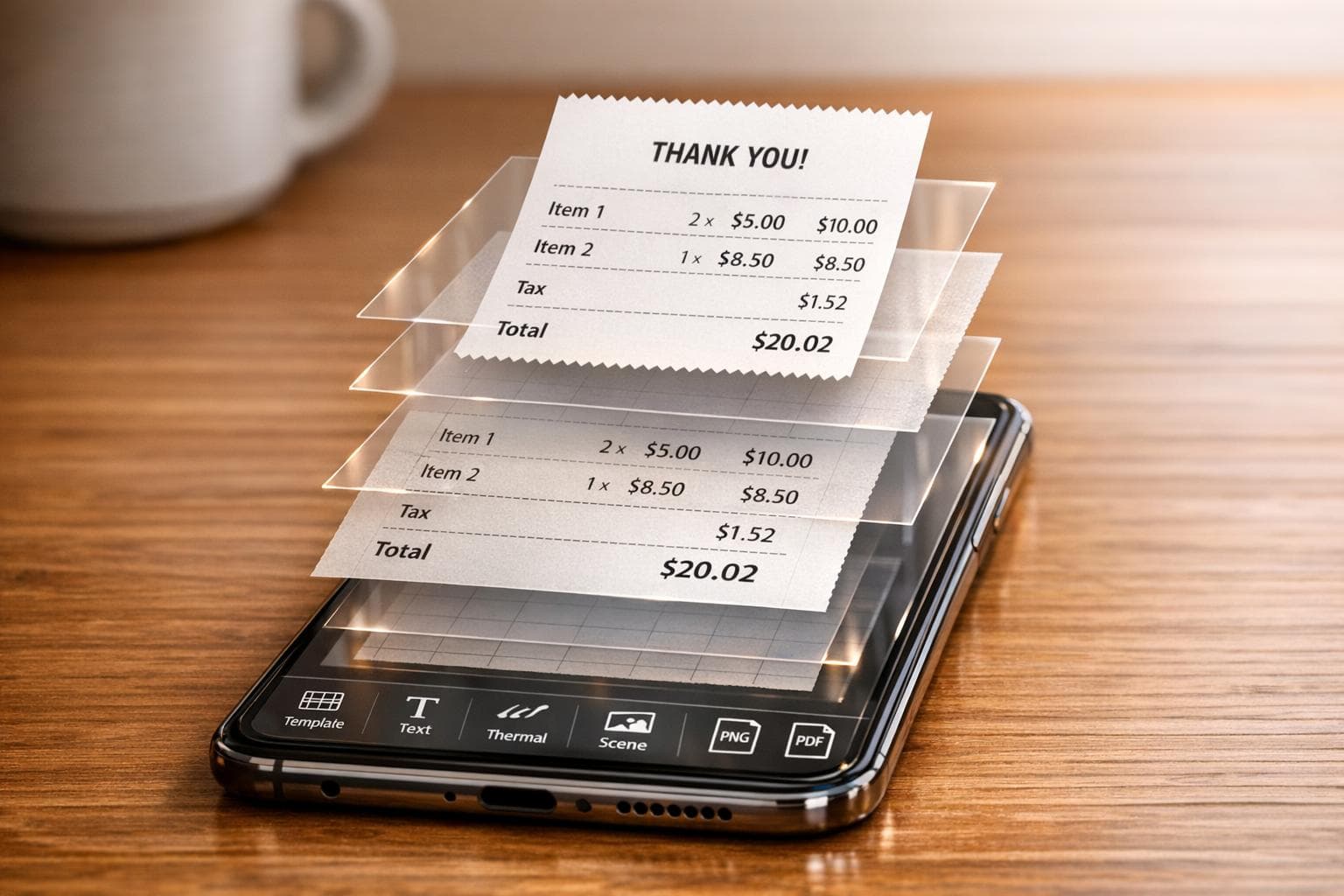
Create lifelike receipt images on your device: pick templates, edit details, add thermal effects, place in scenes, export PNG/PDF.
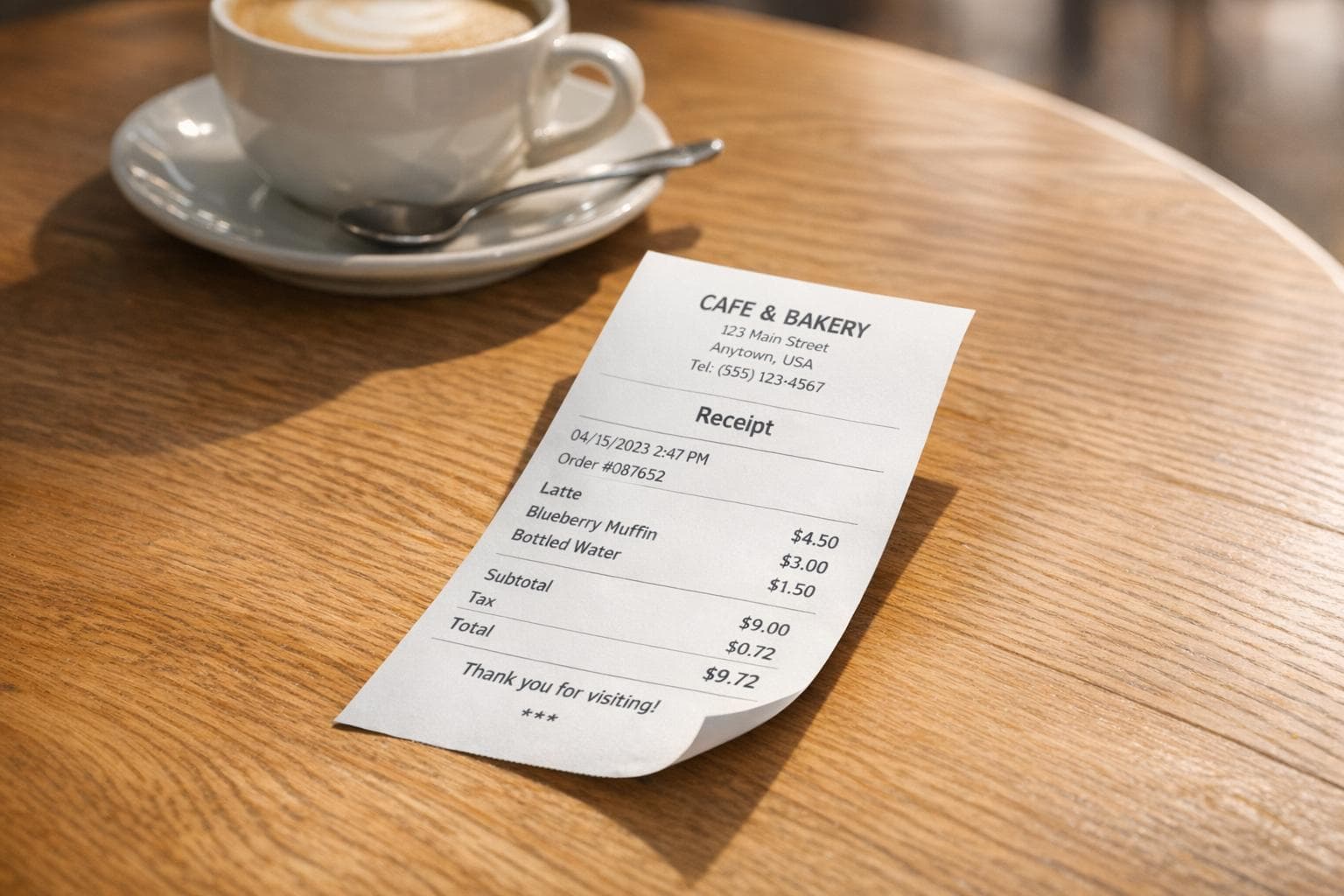
Generate realistic receipt images and seamlessly place them into photos with adjustable perspective and lighting.
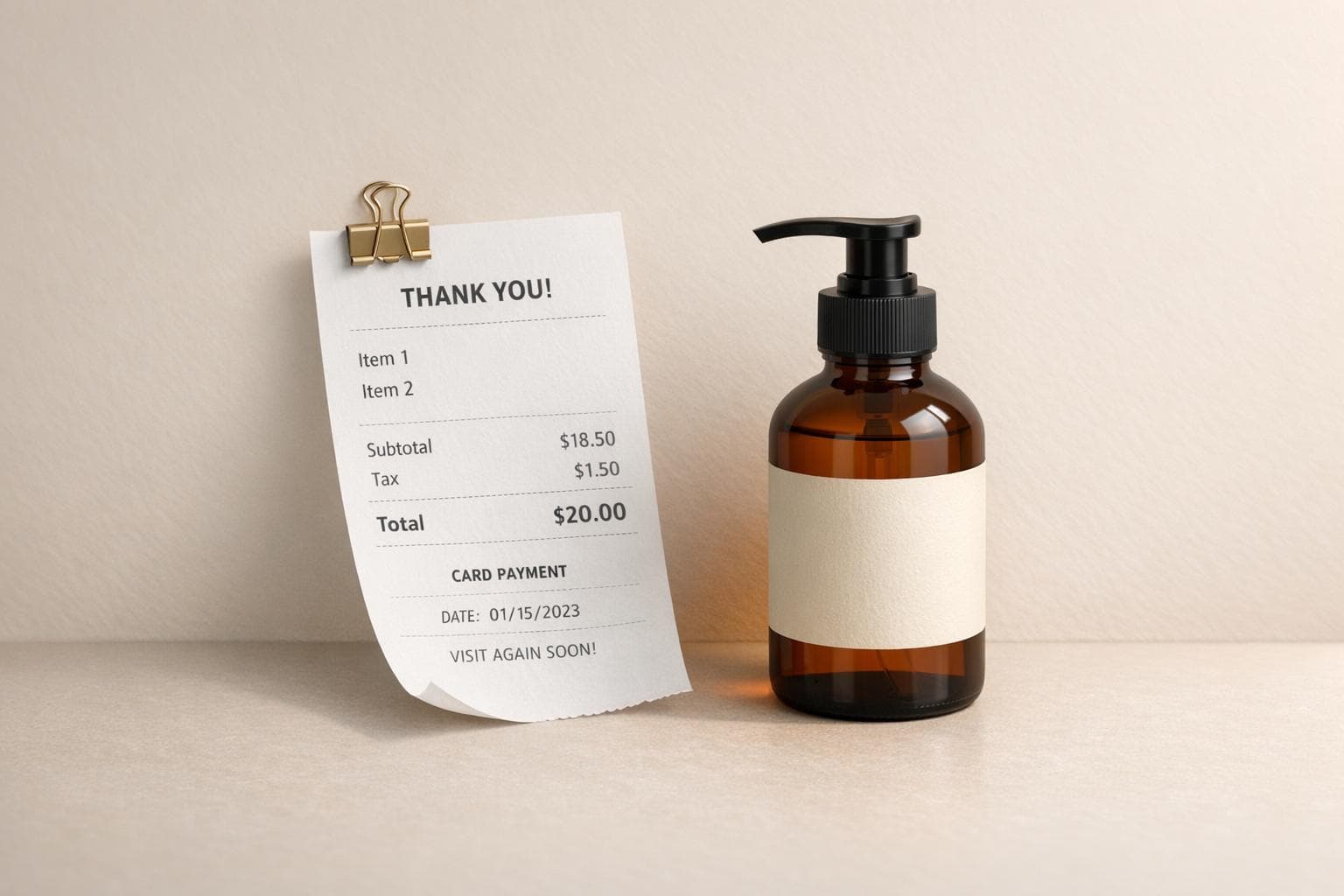
Create realistic receipt mockups, place them in scenes with AI, and export high-res product photos in minutes.
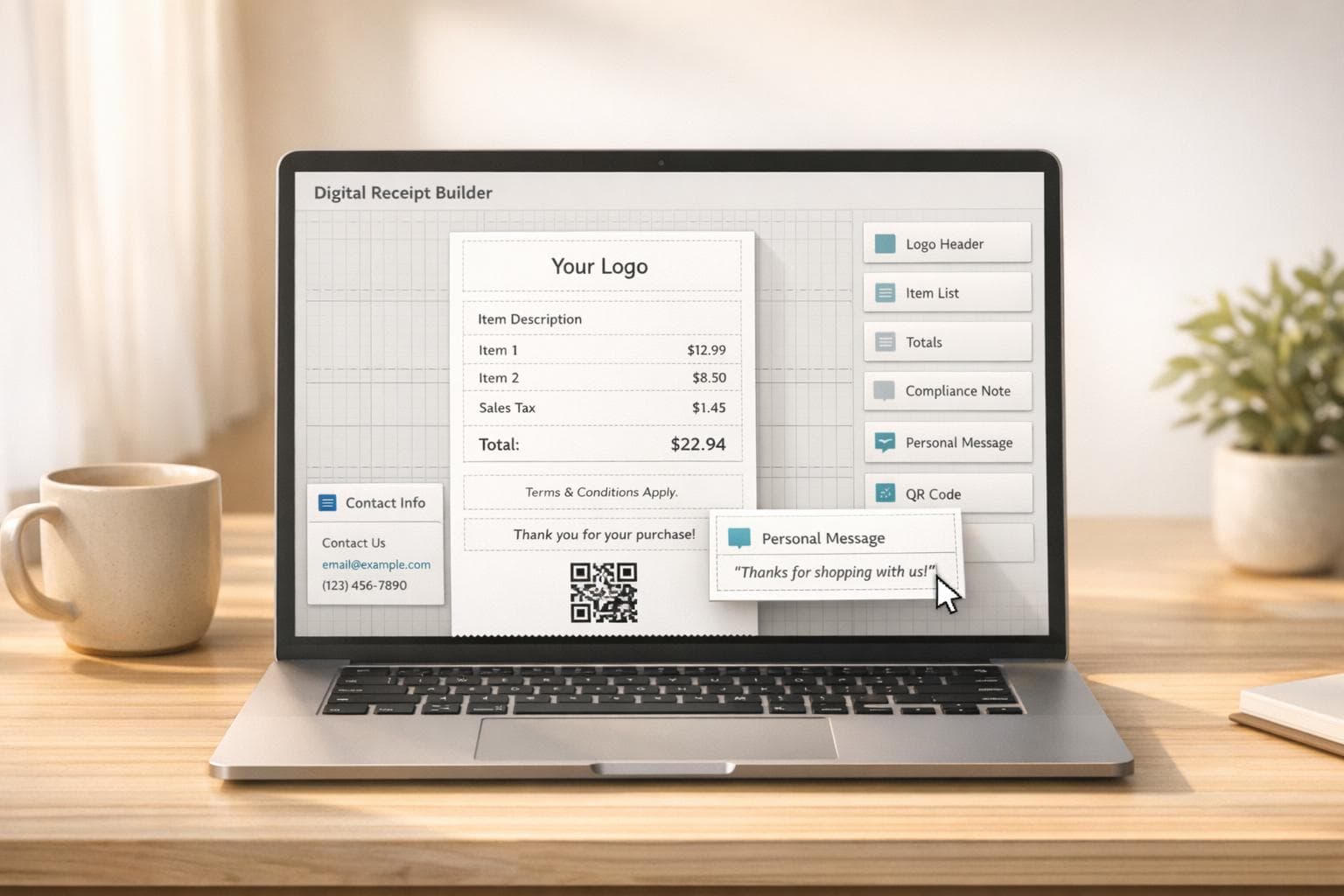
Turn digital receipts into branded, compliant tools with logos, itemized taxes, personalized messages, and drag-and-drop layout.
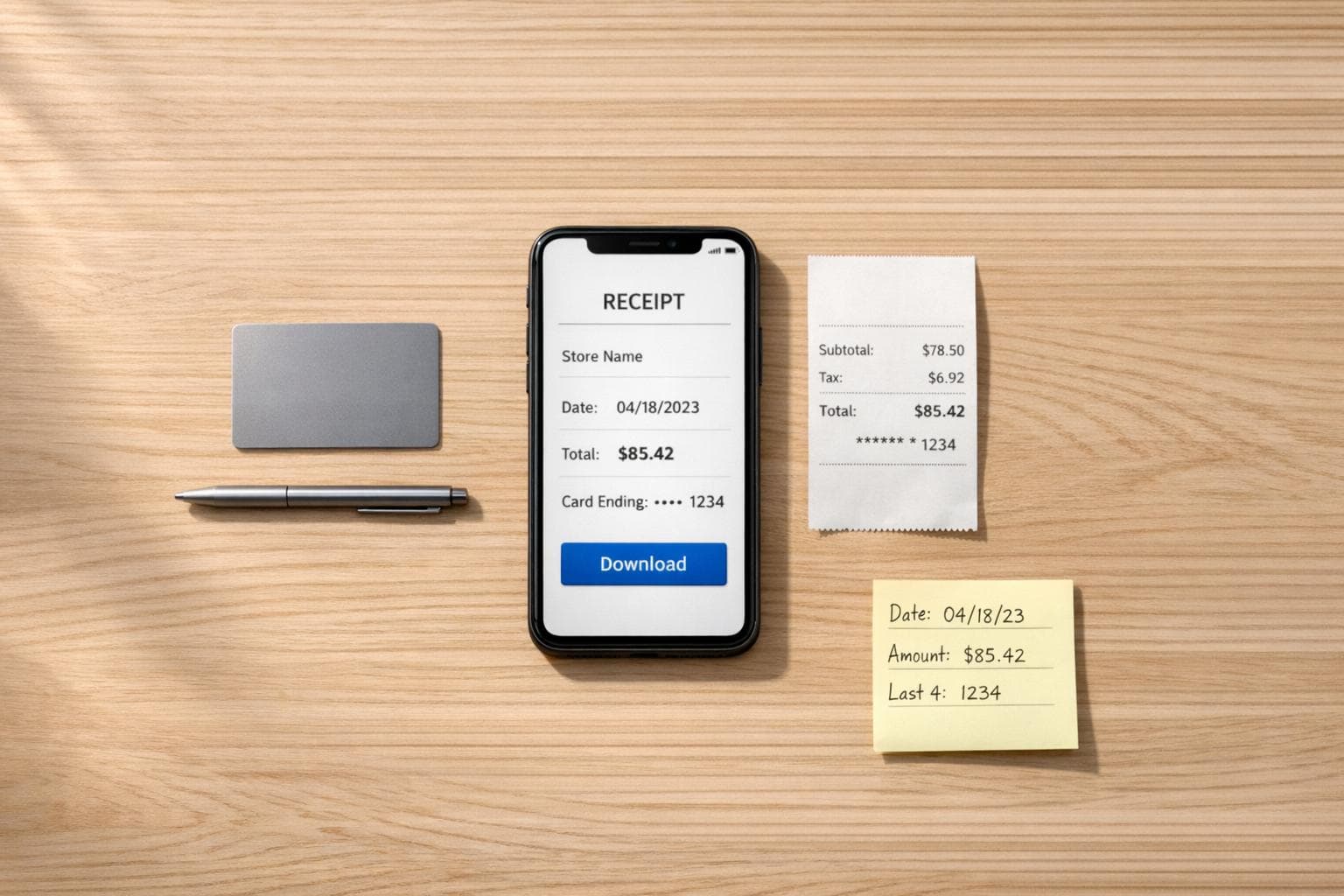
Steps to recreate a lost receipt fast: gather transaction details, pick a template, customize, and download.
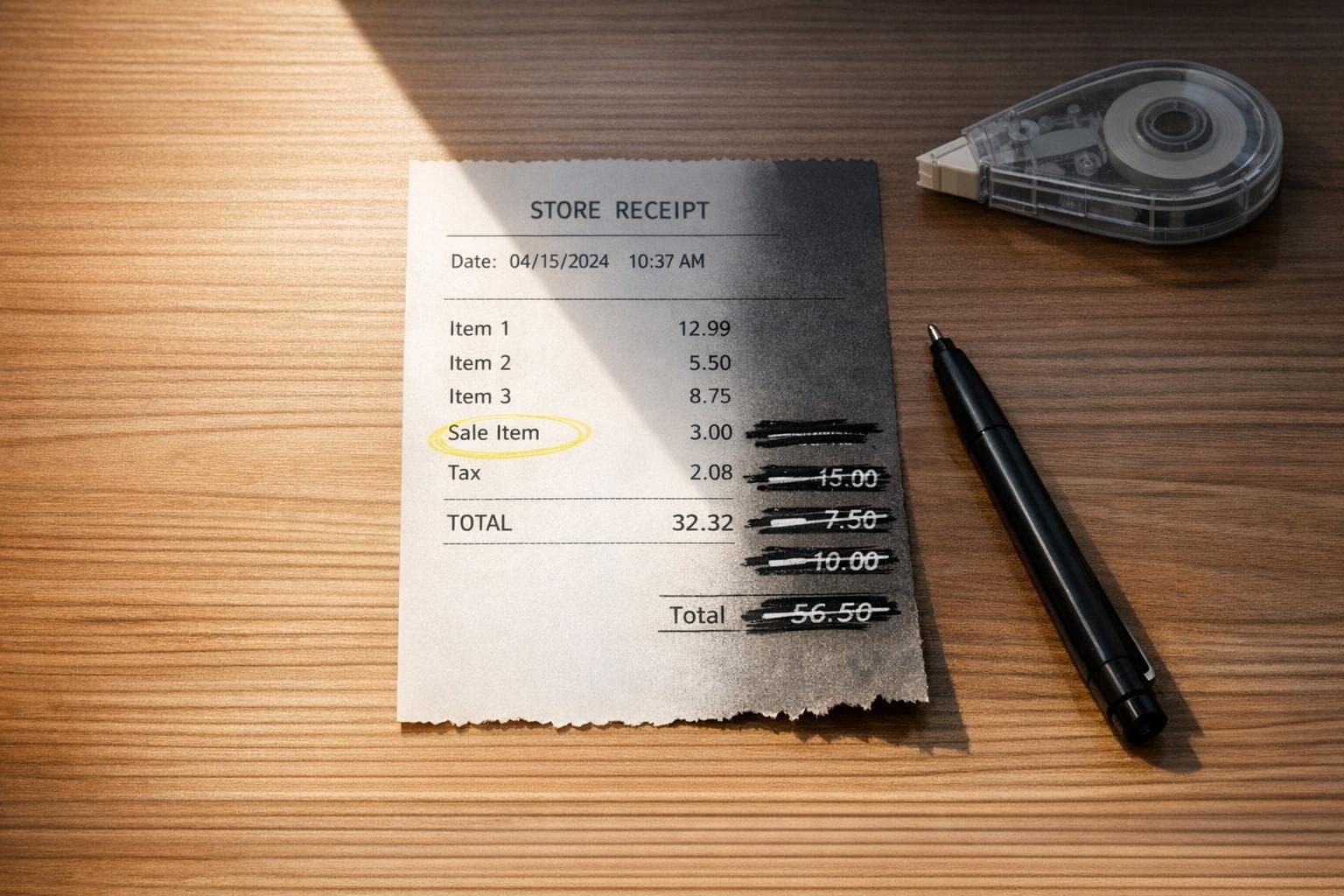
Editing receipts is legal only to correct honest errors — falsifying receipts is fraud and can carry heavy penalties.
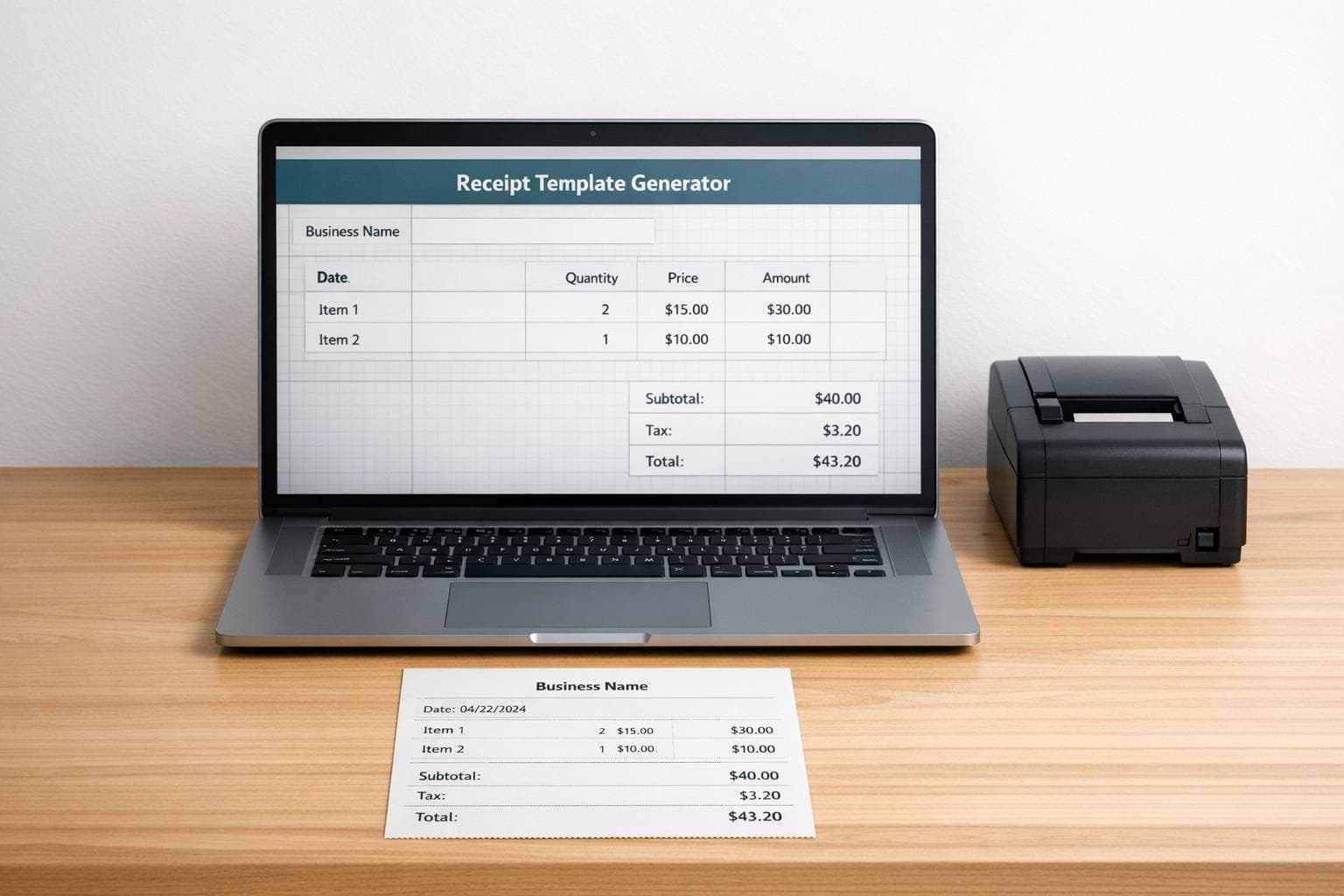
Need a professional receipt fast? Use our free Receipt Template Generator to create custom receipts for your business or personal use in minutes!
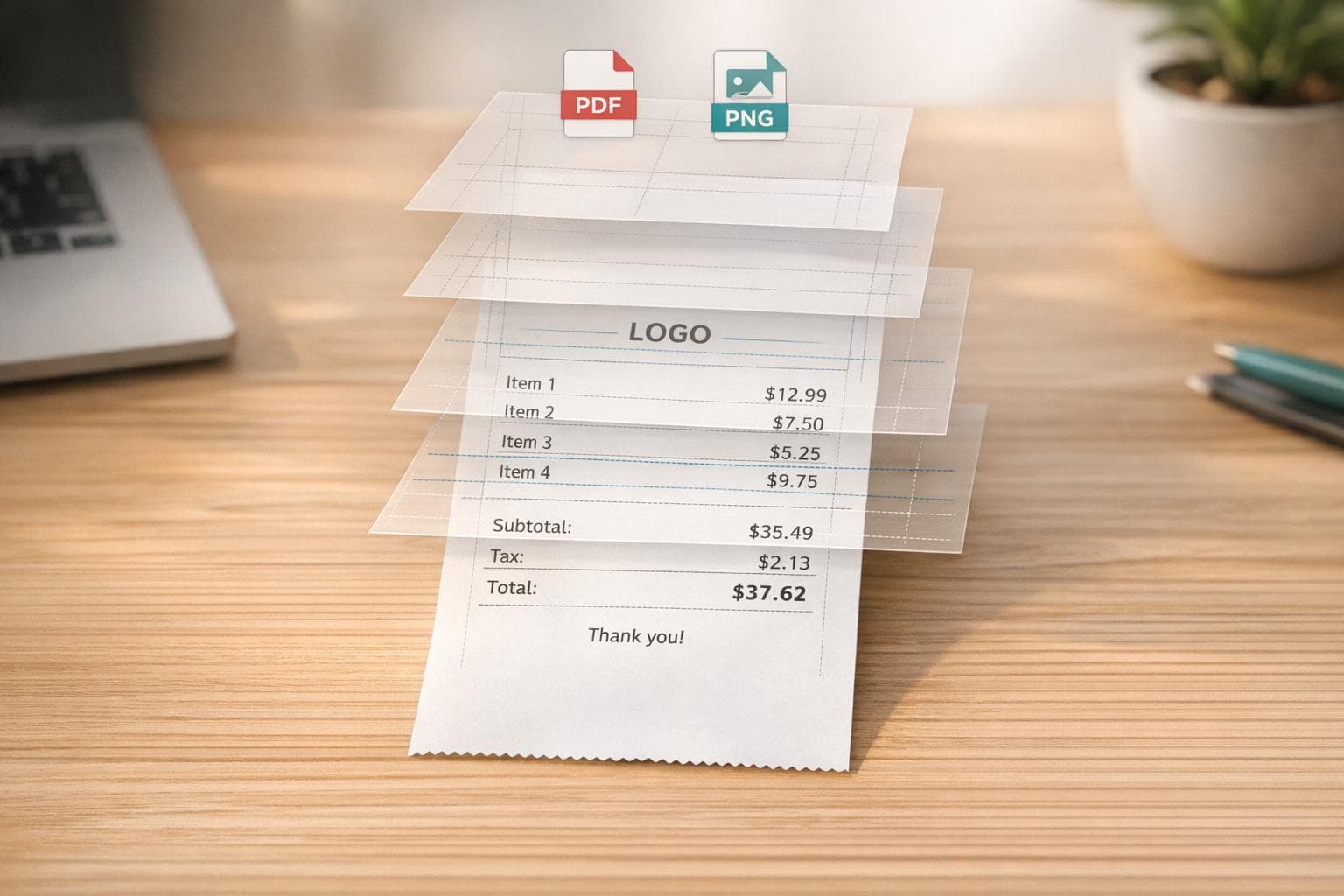
Step-by-step guide to generate realistic receipts: pick templates, add items and taxes, customize layout, then export PDF or PNG.