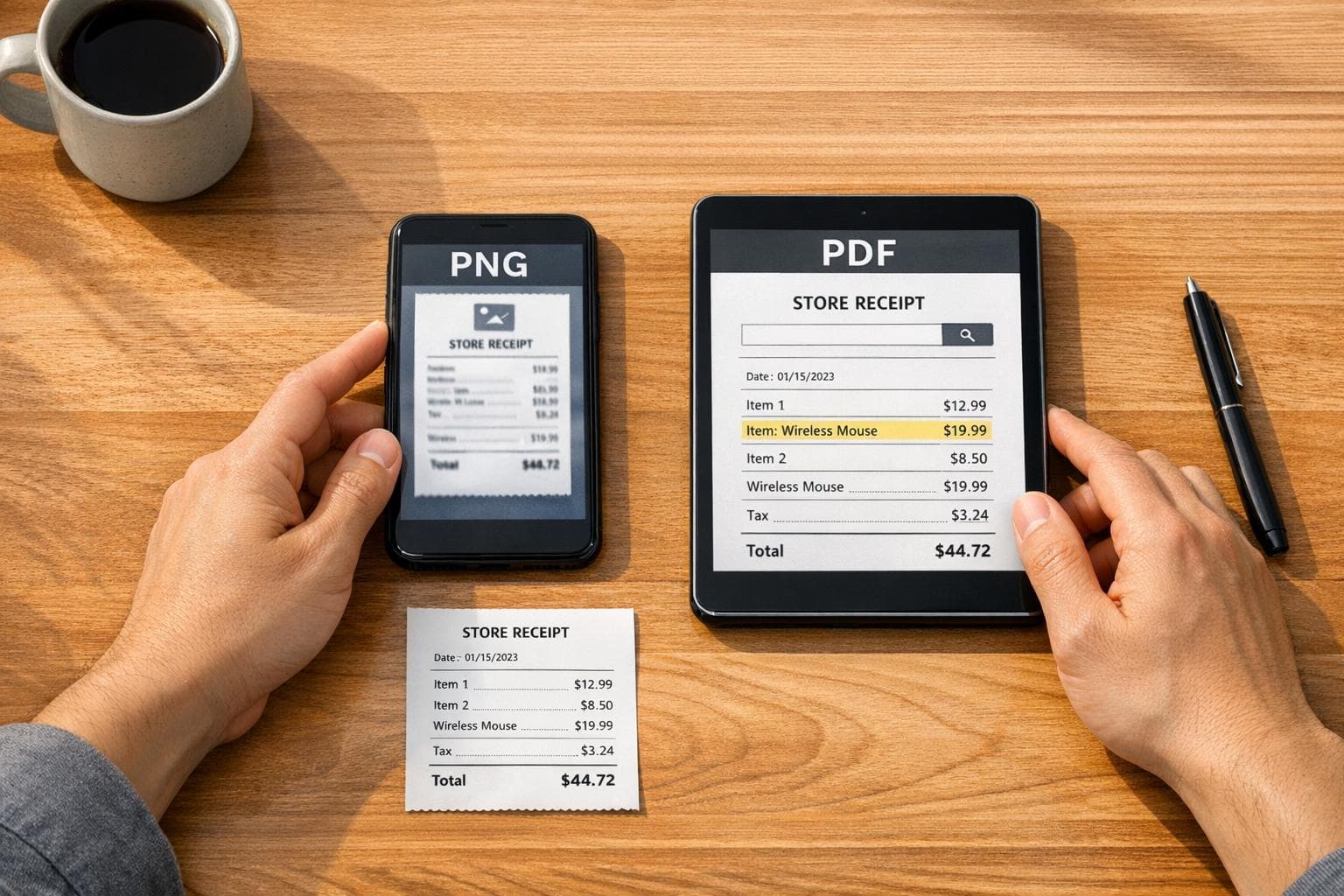
PNG vs PDF Receipts: Best Format for Your Needs
Compare PNG and PDF receipts for sharing, searchability, printing, and long-term storage to choose the right format.
For legitimate business, creative, and personal use only. See our Terms of Service
Compare PNG and PDF receipts for sharing, searchability, printing, and long-term storage to choose the right format.
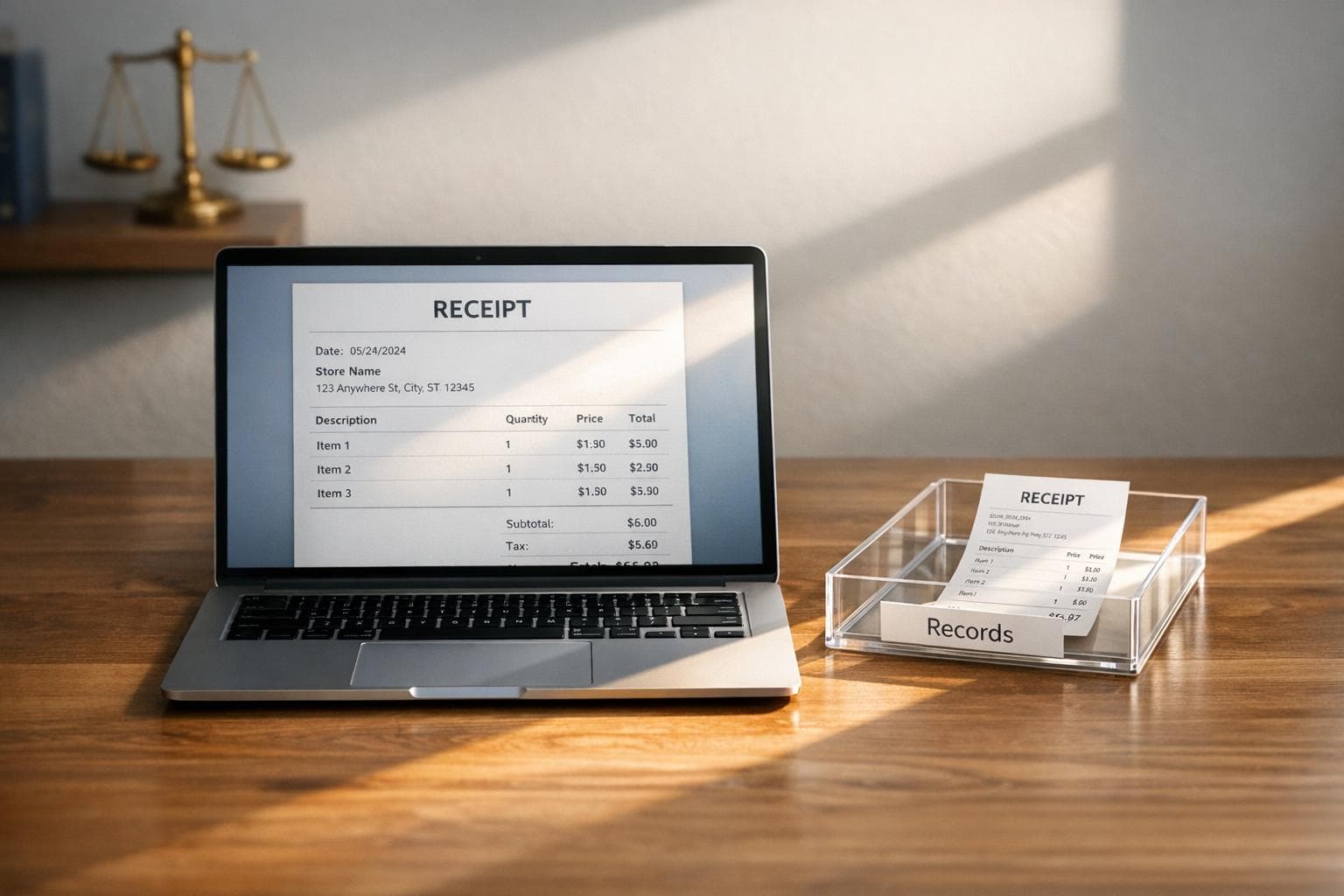
Ethical use of receipt generators prevents fraud: recreate lost receipts, test templates, and keep clear records to avoid legal penalties.
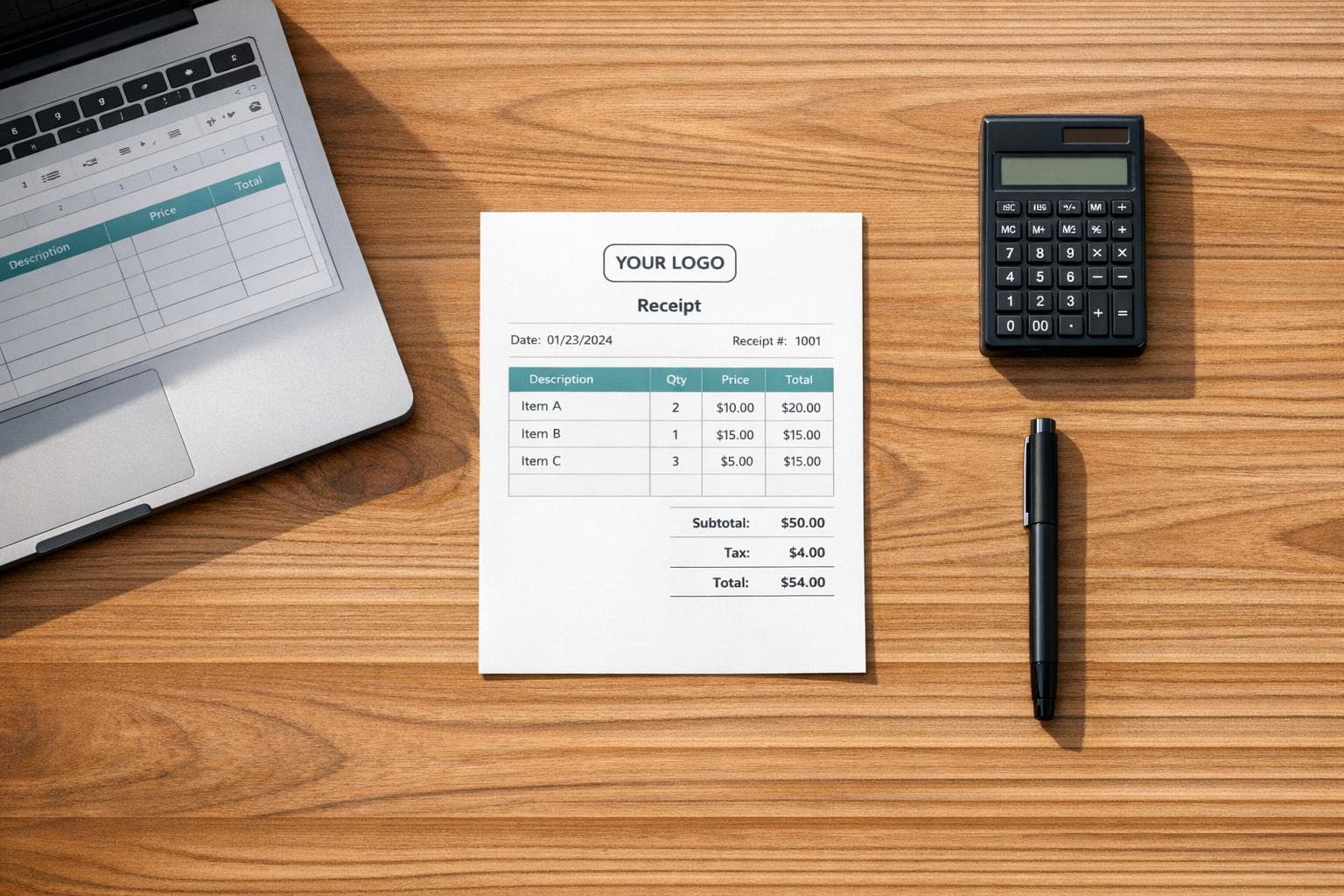
Create professional, audit-ready receipts without a POS using templates, Excel, Word, or a receipt generator—branding, taxes, and compliance included.
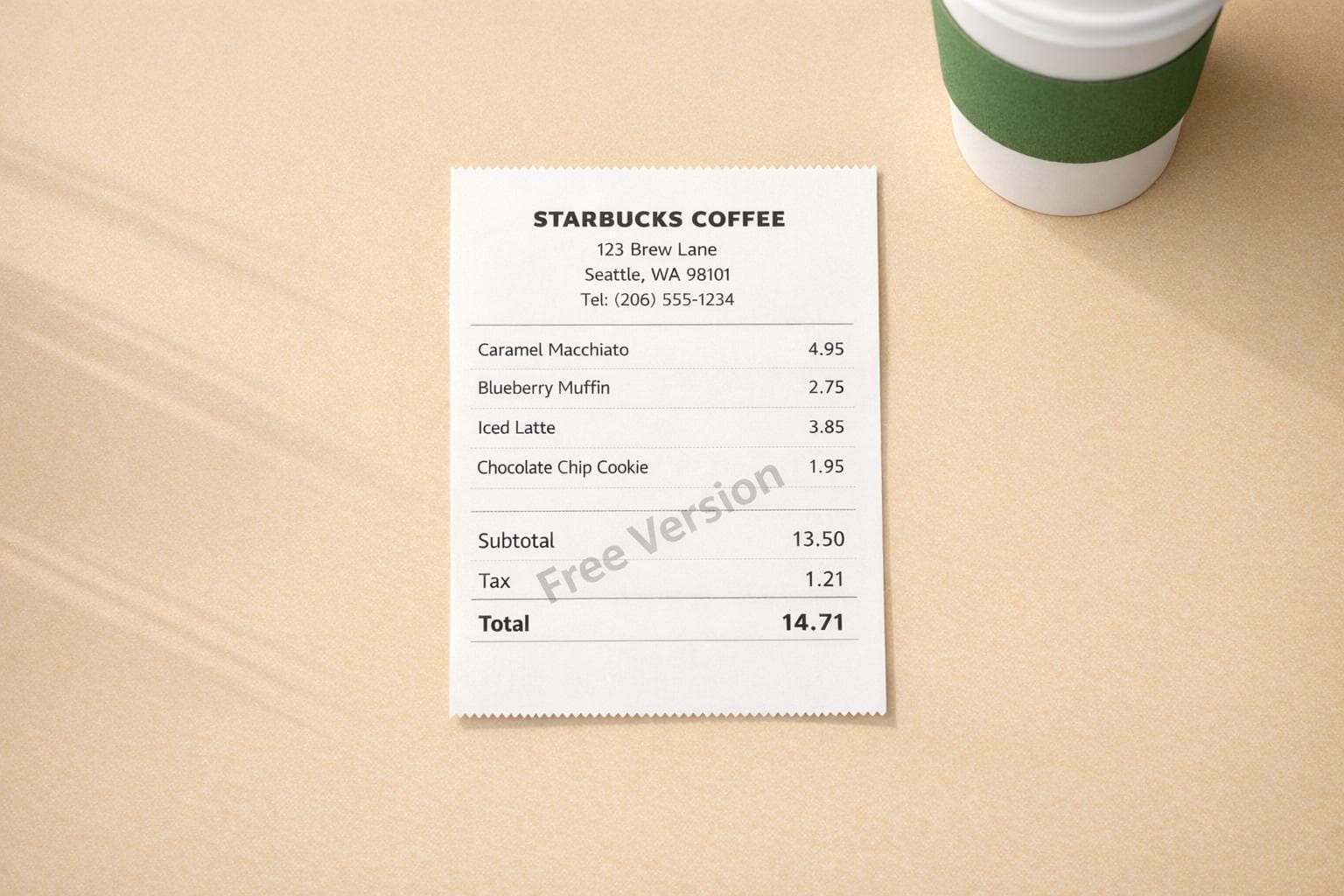
Create realistic Starbucks receipts fast—customize store, items, tax, and download high-res PNG or PDF; free version includes a watermark.
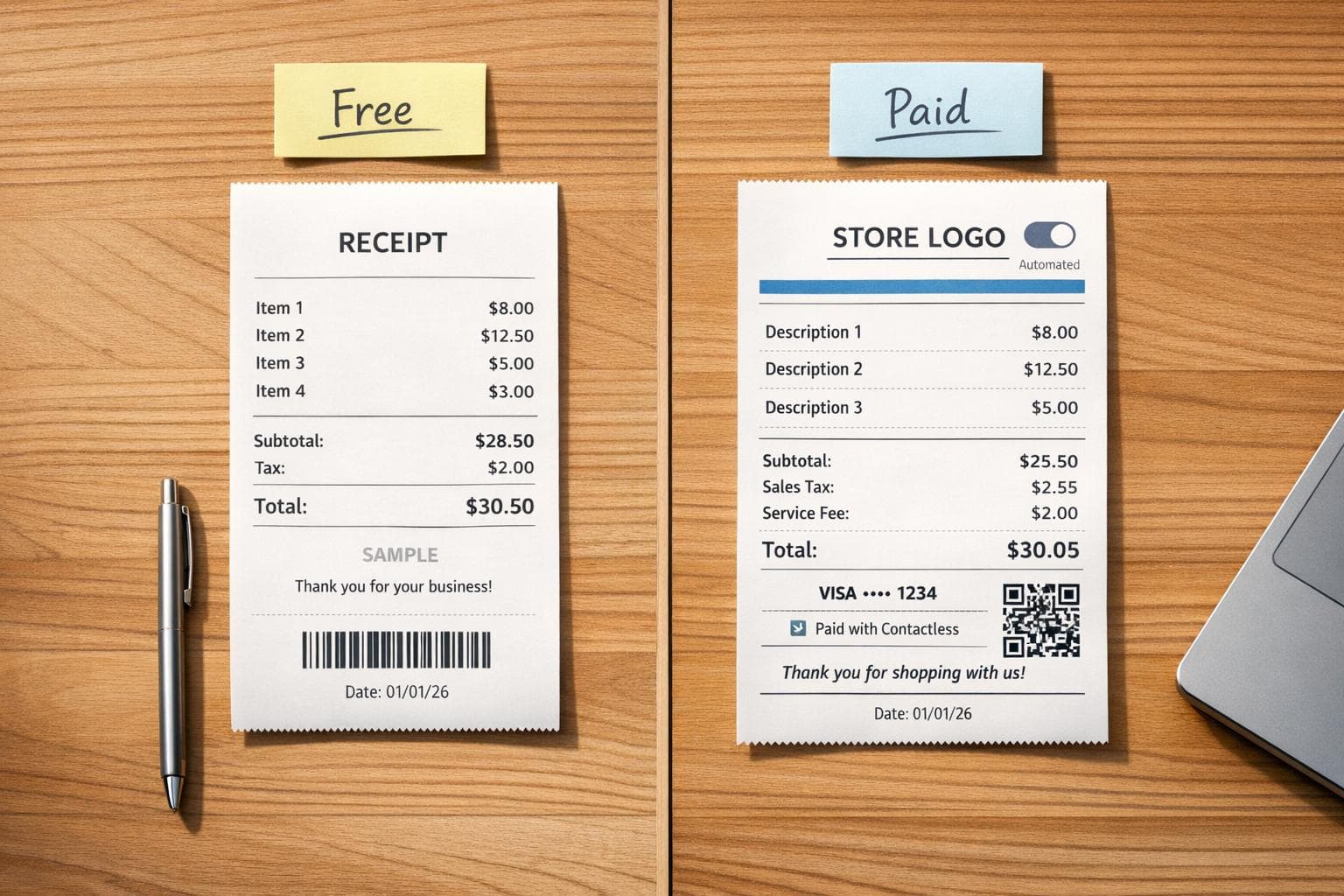
Compare free and paid receipt makers for freelancers and businesses—features, limits, pricing, automation, and branding.

How to return purchases without a receipt: ID and payment lookup, store credit rules, and retailer-specific tips.
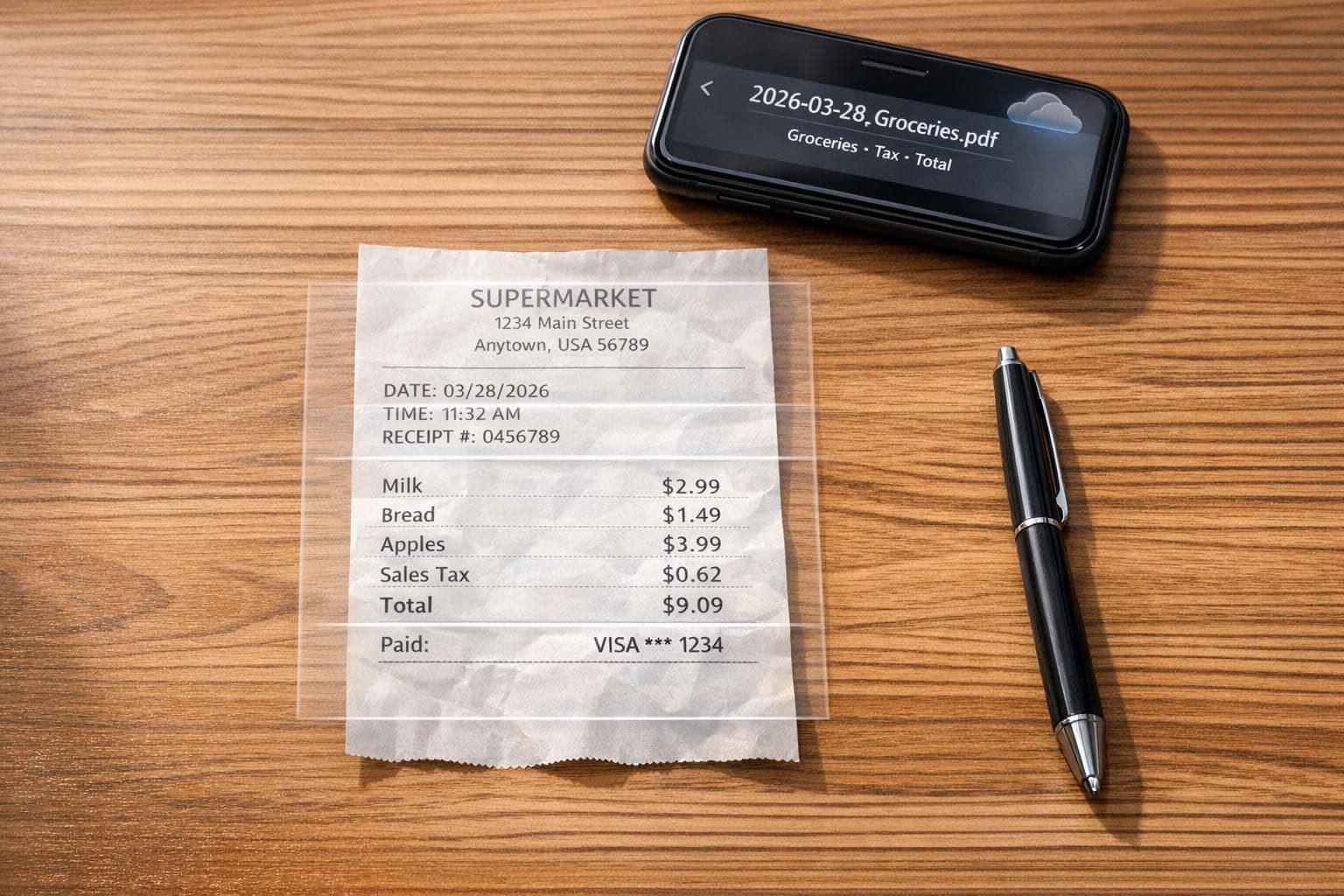
Scan and OCR paper receipts, recreate faded ones, and store searchable, organized files with clear naming and cloud backups.
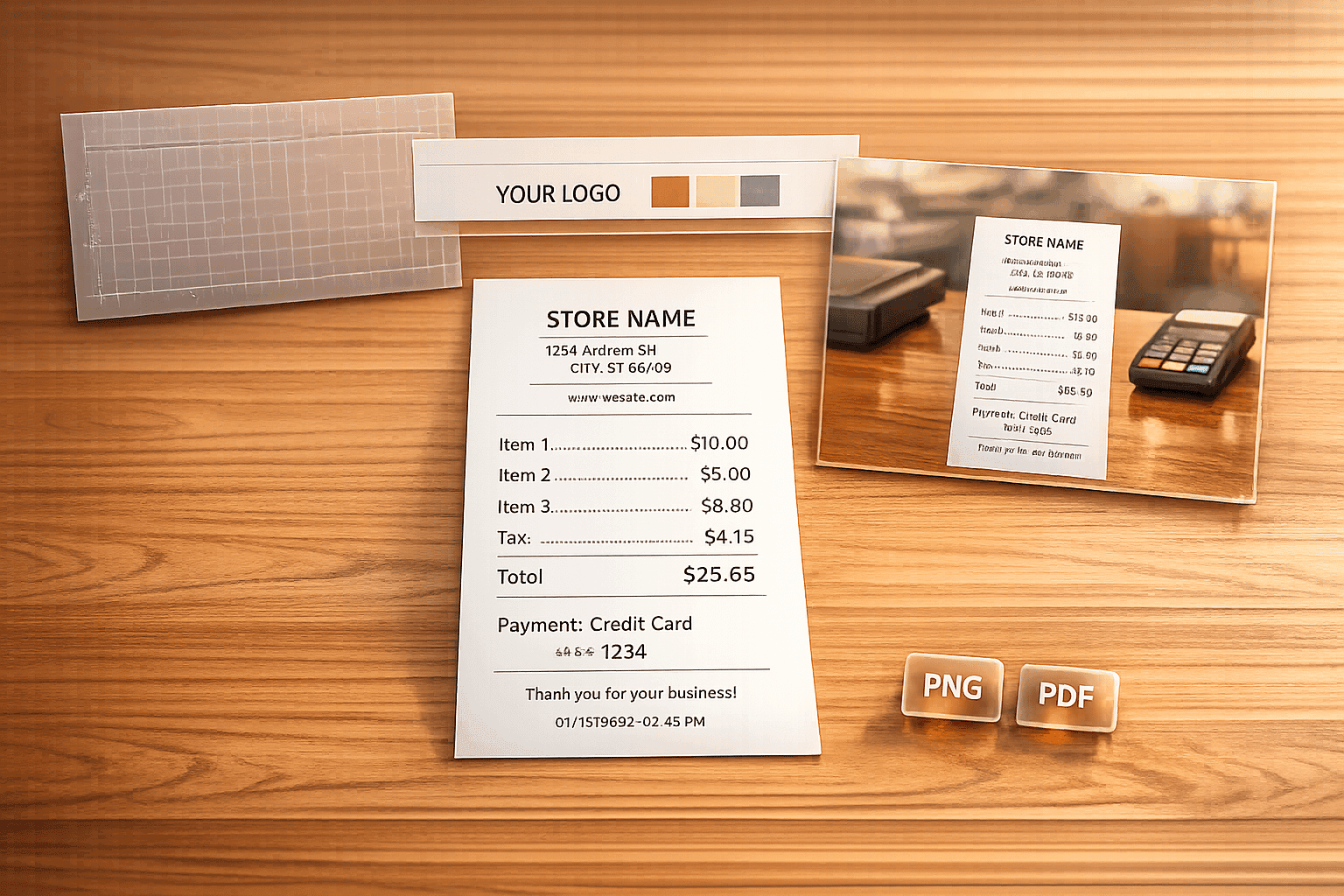
Step-by-step guide to designing professional store receipts with templates, branding, AI scene mockups, and PNG/PDF export.
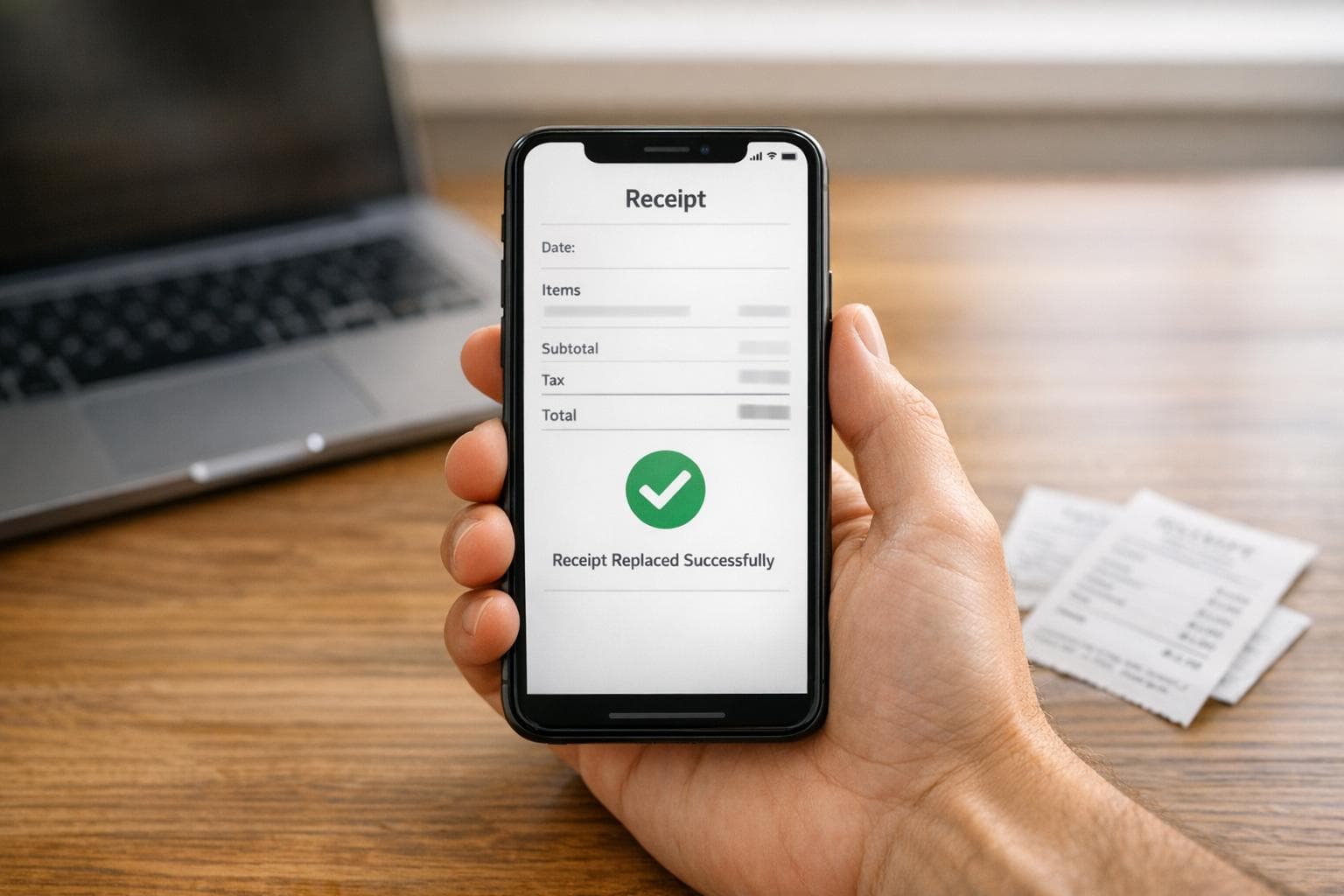
Find duplicate receipts, search digital records, or create realistic replacements fast using Receipt Generator.
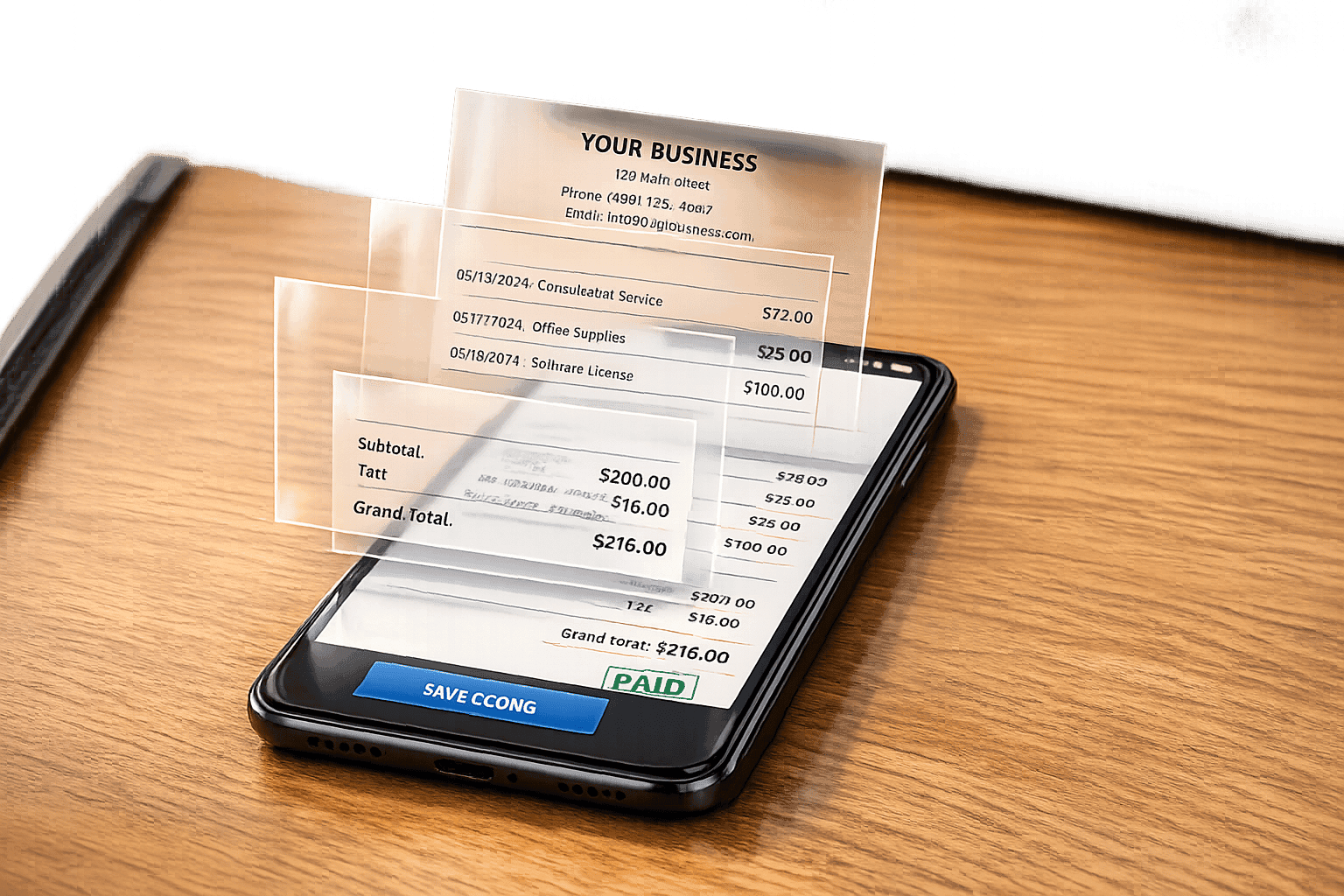
Make professional, IRS-compliant digital receipts without a printer using editable templates, PNG downloads, tax formatting, and AI scene photos.
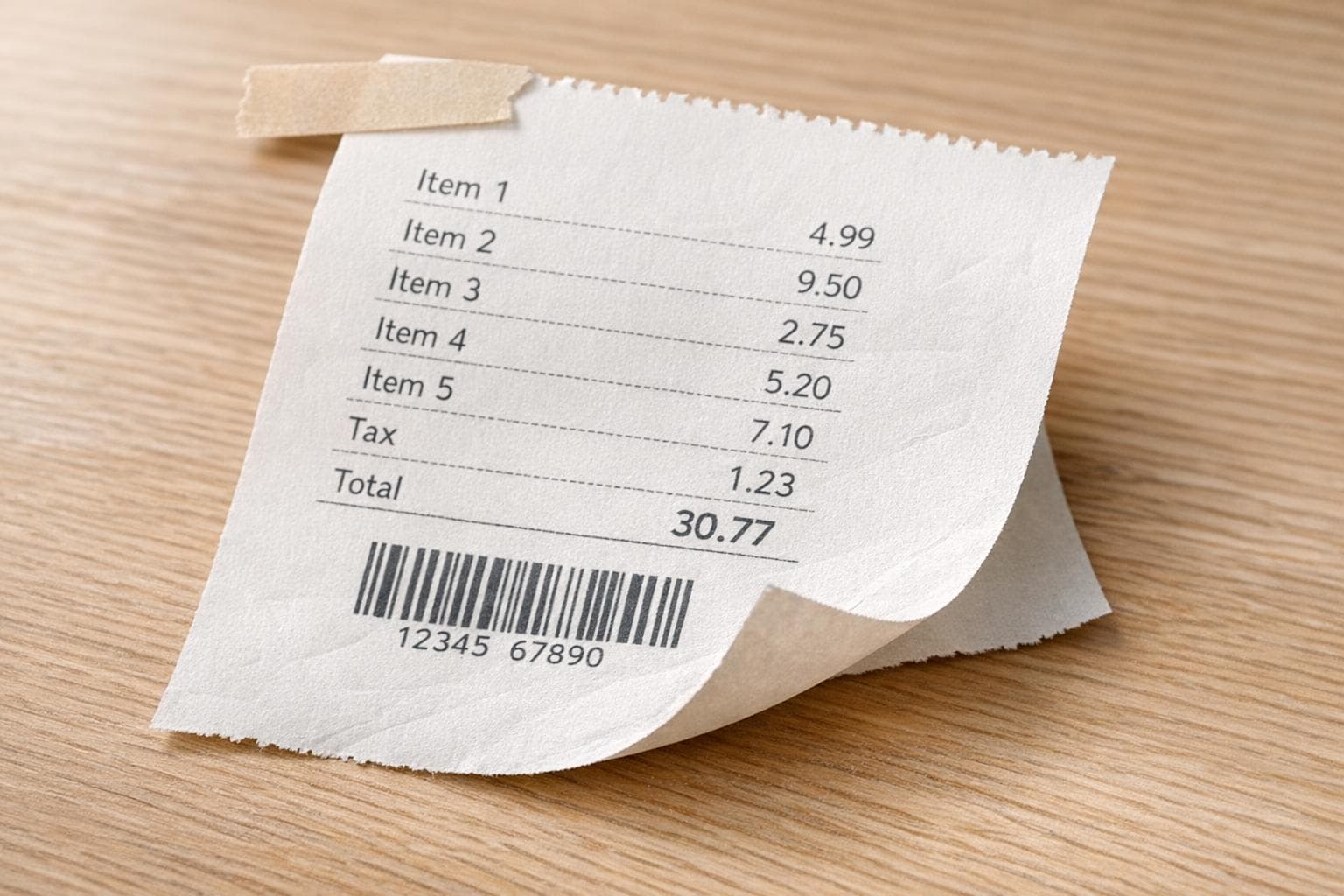
Five practical ways to make realistic, physical-looking receipt images using AI, templates, photo editors, and mockup tools.
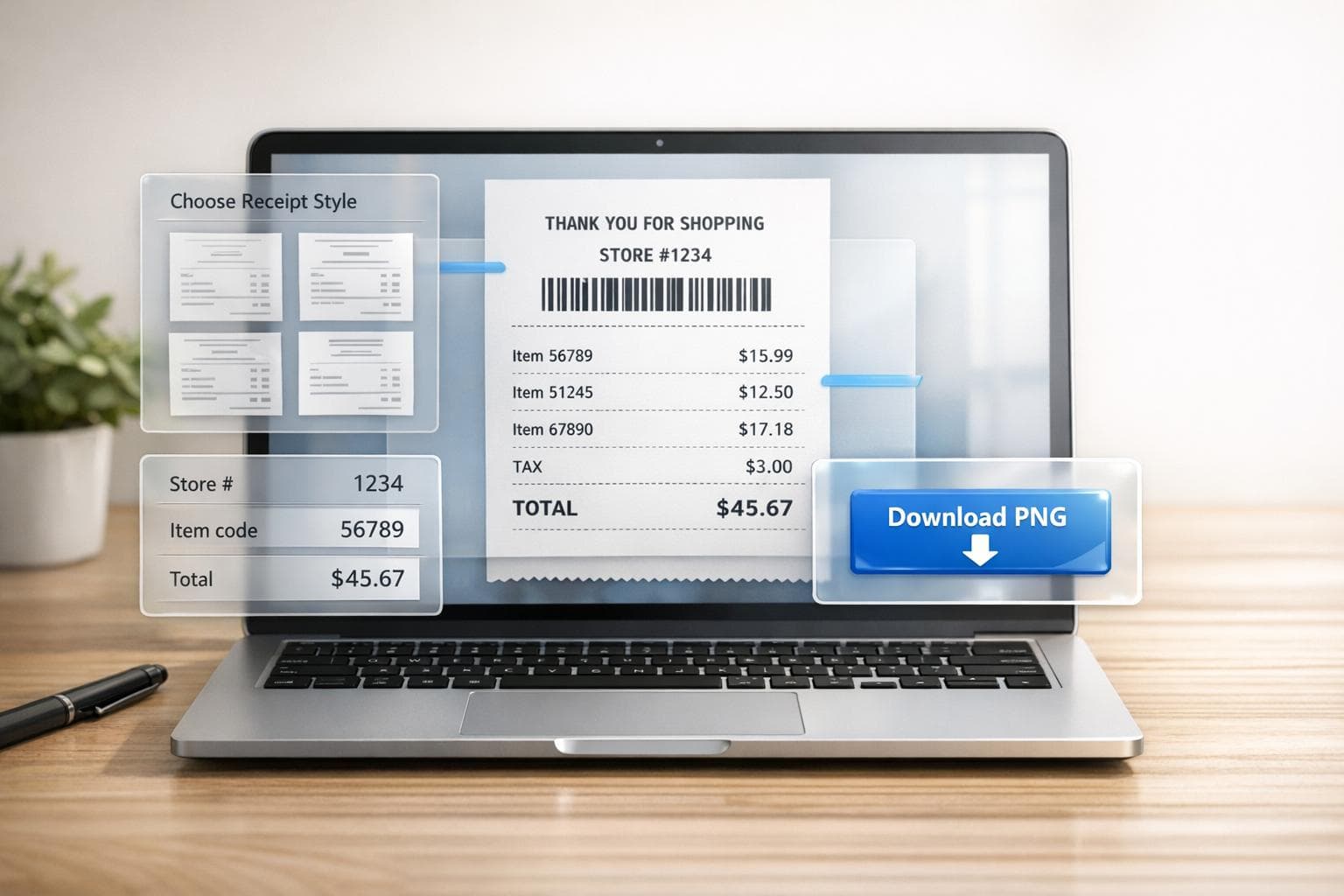
Step-by-step instructions to create a realistic Walmart receipt online: pick a template, enter store/item codes, and download a PNG.