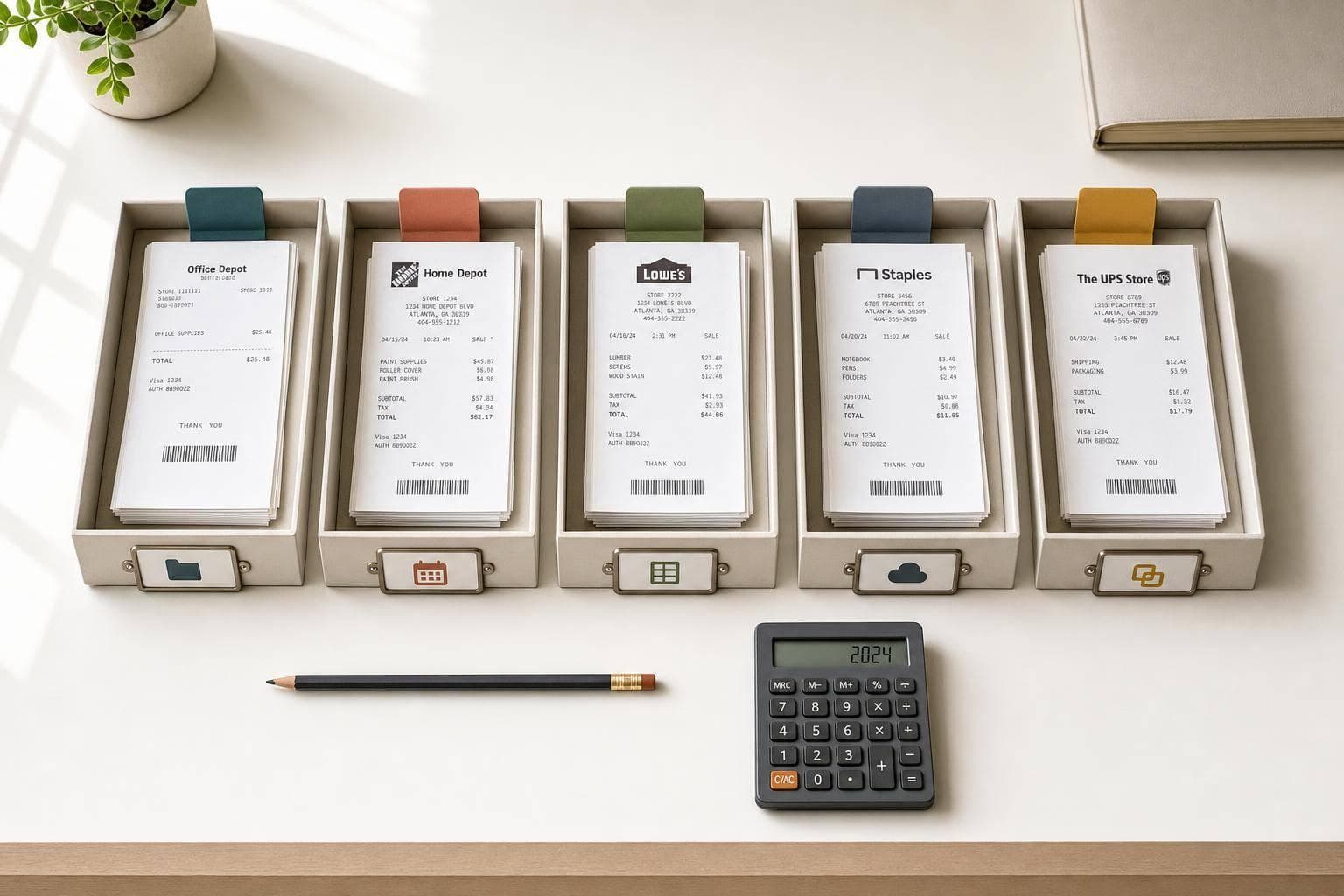
5 Methods to Categorize Receipts for Taxes
Five ways to sort receipts—by IRS category, date, spreadsheet, cloud tags, or hybrid—to simplify tax prep and speed audits.
For legitimate business, creative, and personal use only. See our Terms of Service
Our Blog
Learn about receipt design, digital record keeping, template customization, and responsible document workflows.
Five ways to sort receipts—by IRS category, date, spreadsheet, cloud tags, or hybrid—to simplify tax prep and speed audits.

Use short, branded receipts with one clear CTA — offers, QR codes, loyalty updates, feedback prompts, and clear policy lines.
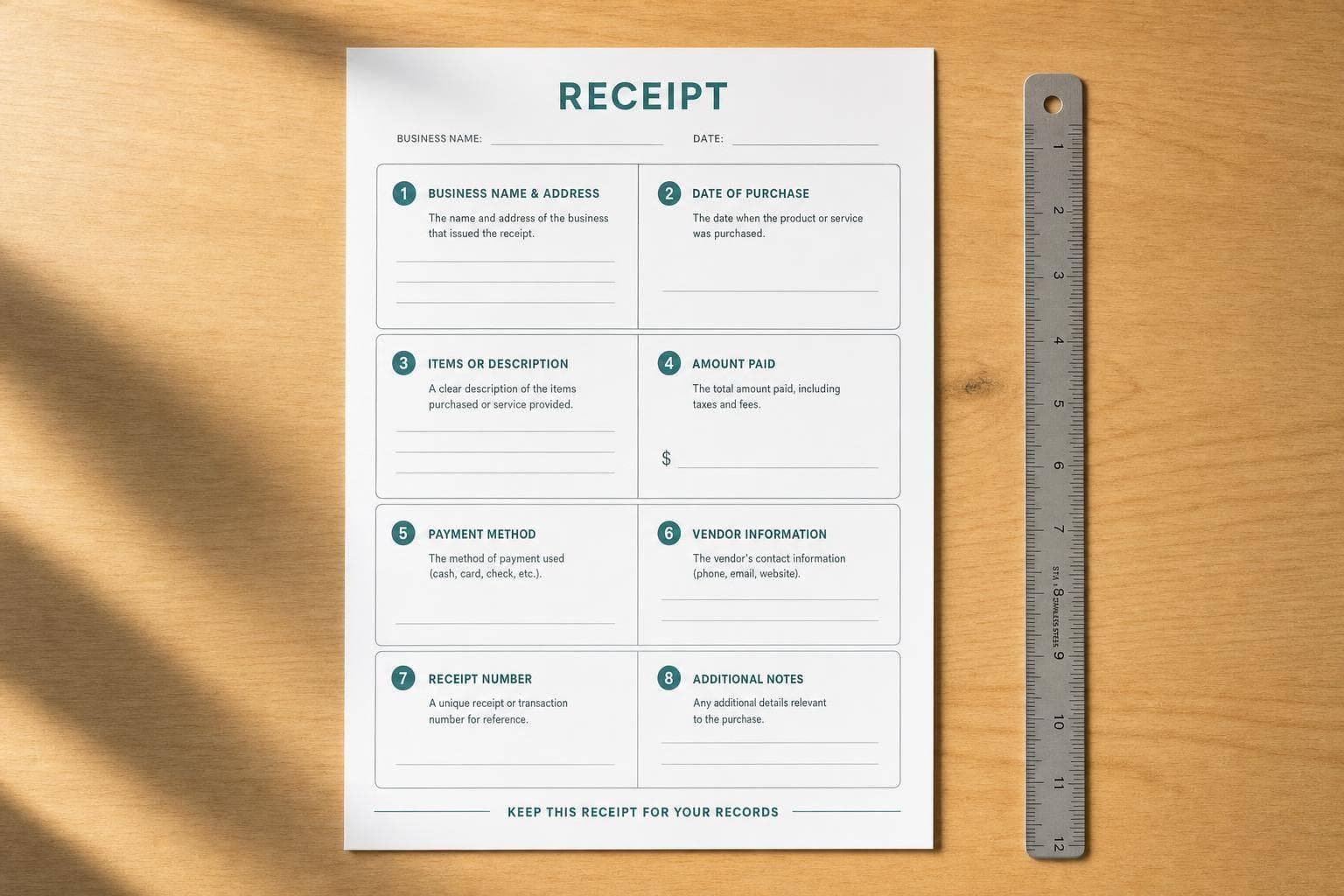
Use a single reusable receipt template with these eight fields to prevent tax, return, and payment problems.
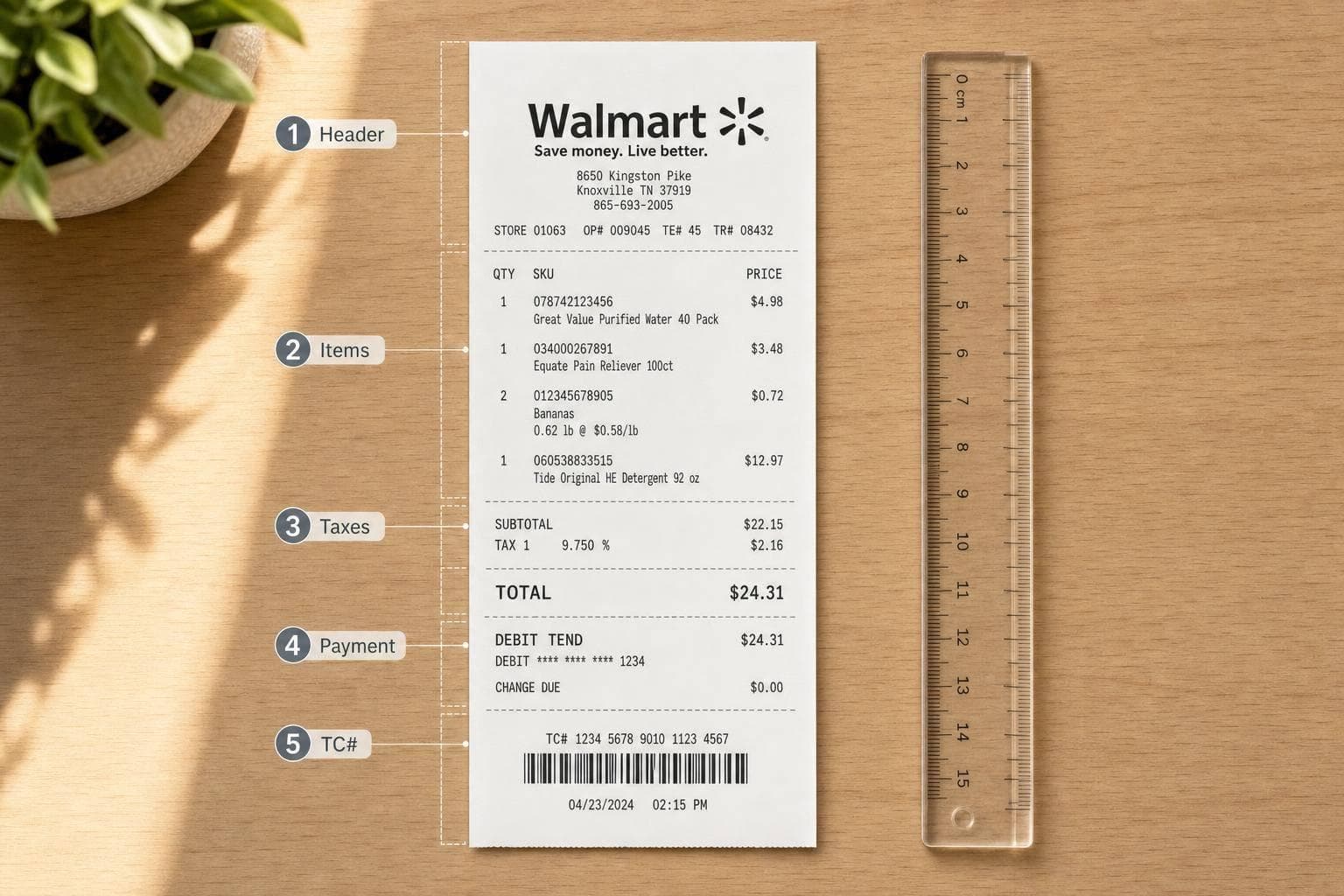
Step-by-step guide to build a Walmart-style receipt image: fill header, items, taxes, payment details, and verify the TC#.
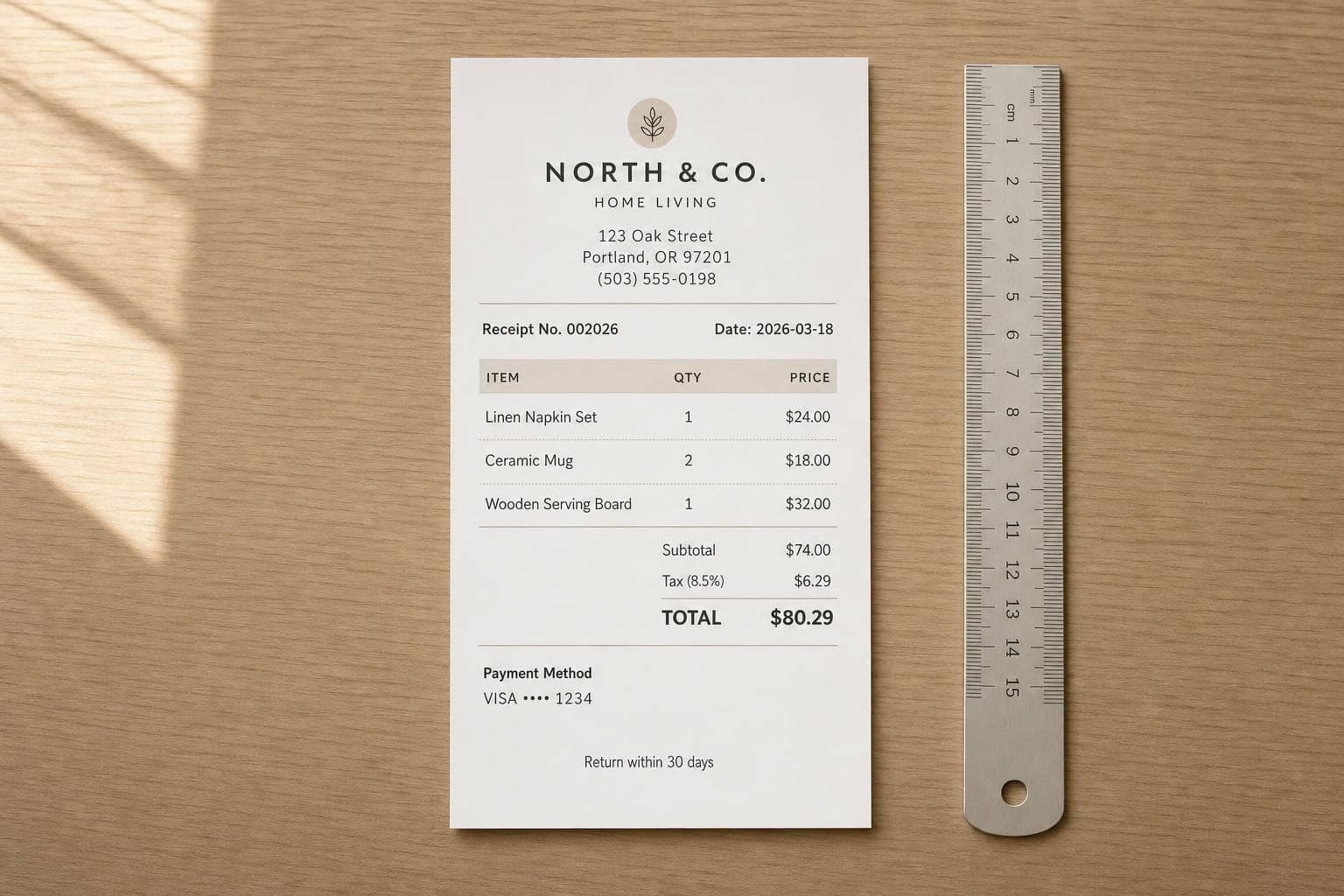
Receipts must prove payment fast: include seller info, unique receipt number, itemized charges, tax, masked card digits, and return terms.
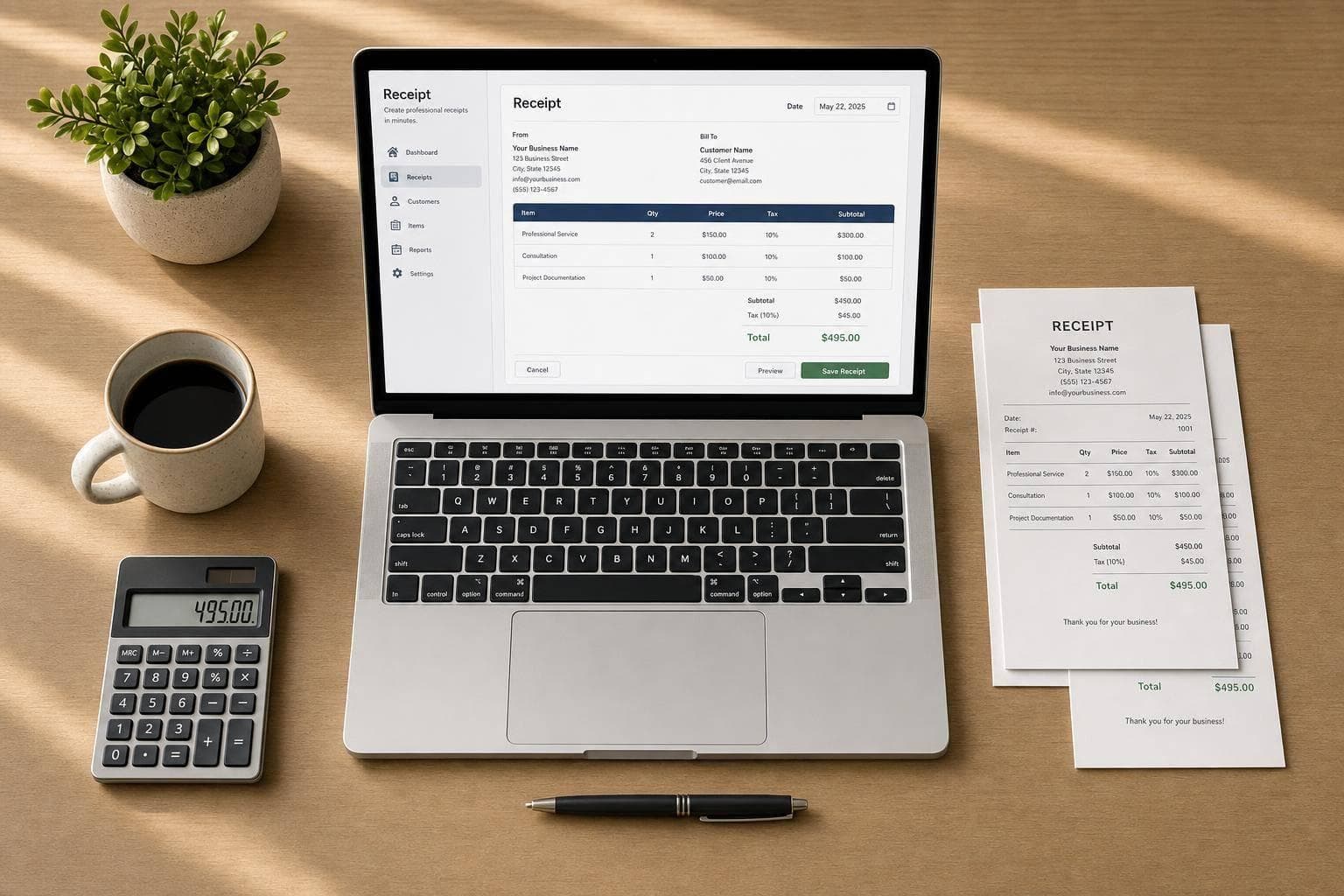
Receipts should be clear, tax-ready, and consistently formatted so records are accurate and searchable.
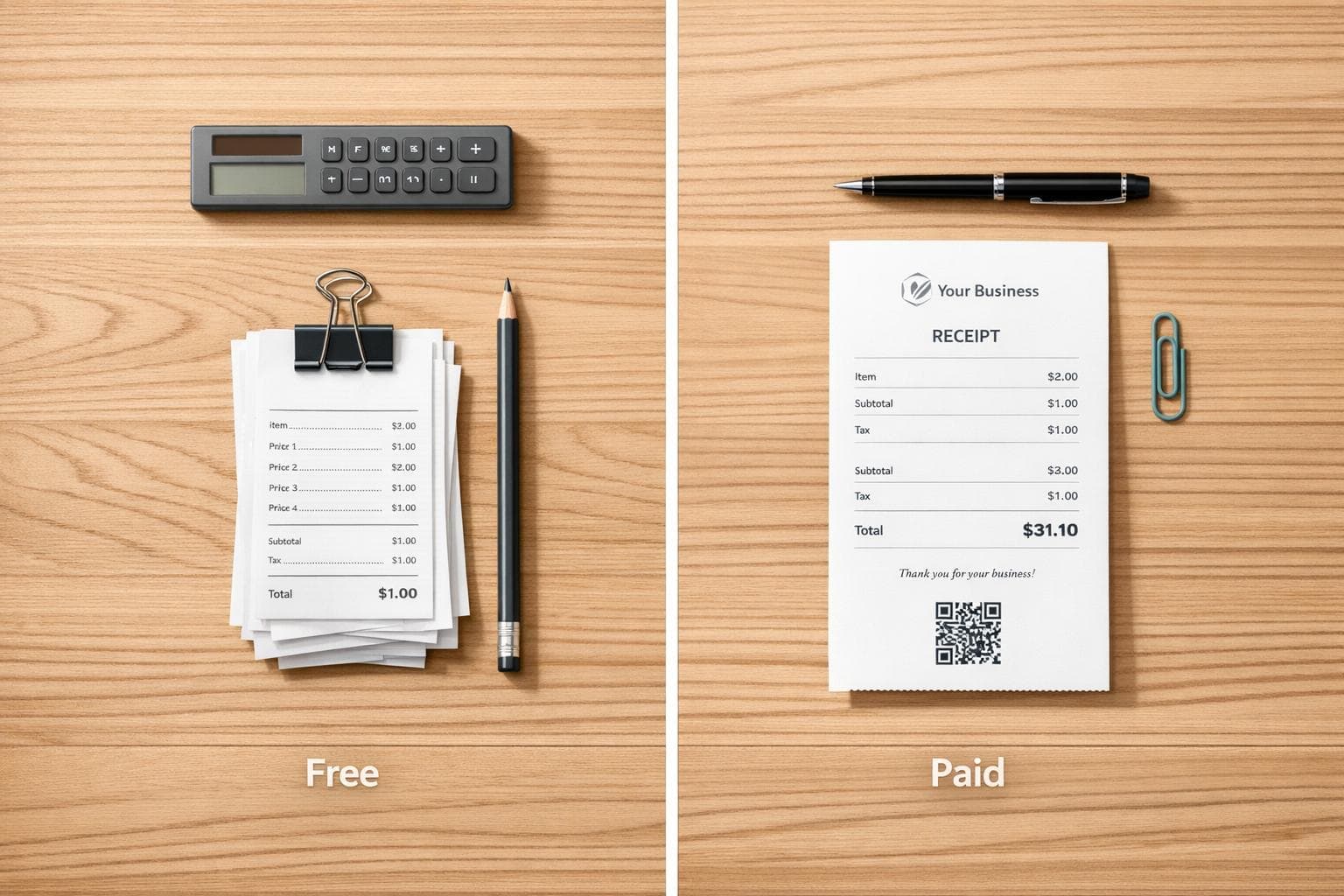
Compare free vs paid receipt templates—when to use each, costs, features, and practical tips to streamline your receipts.
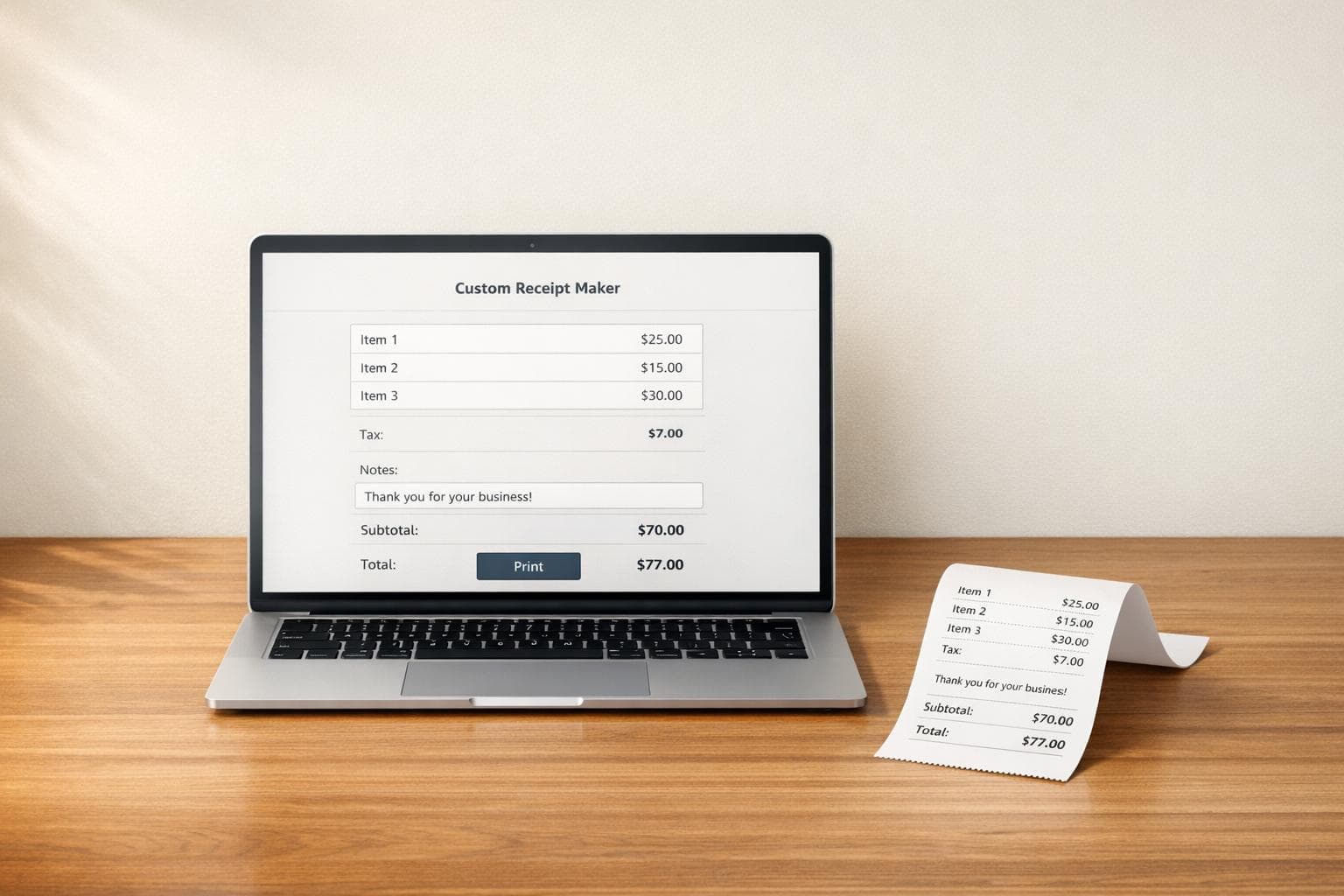
Make polished, personalized receipts online in minutes. Add items, tax, notes, and print a clean receipt right from your browser.
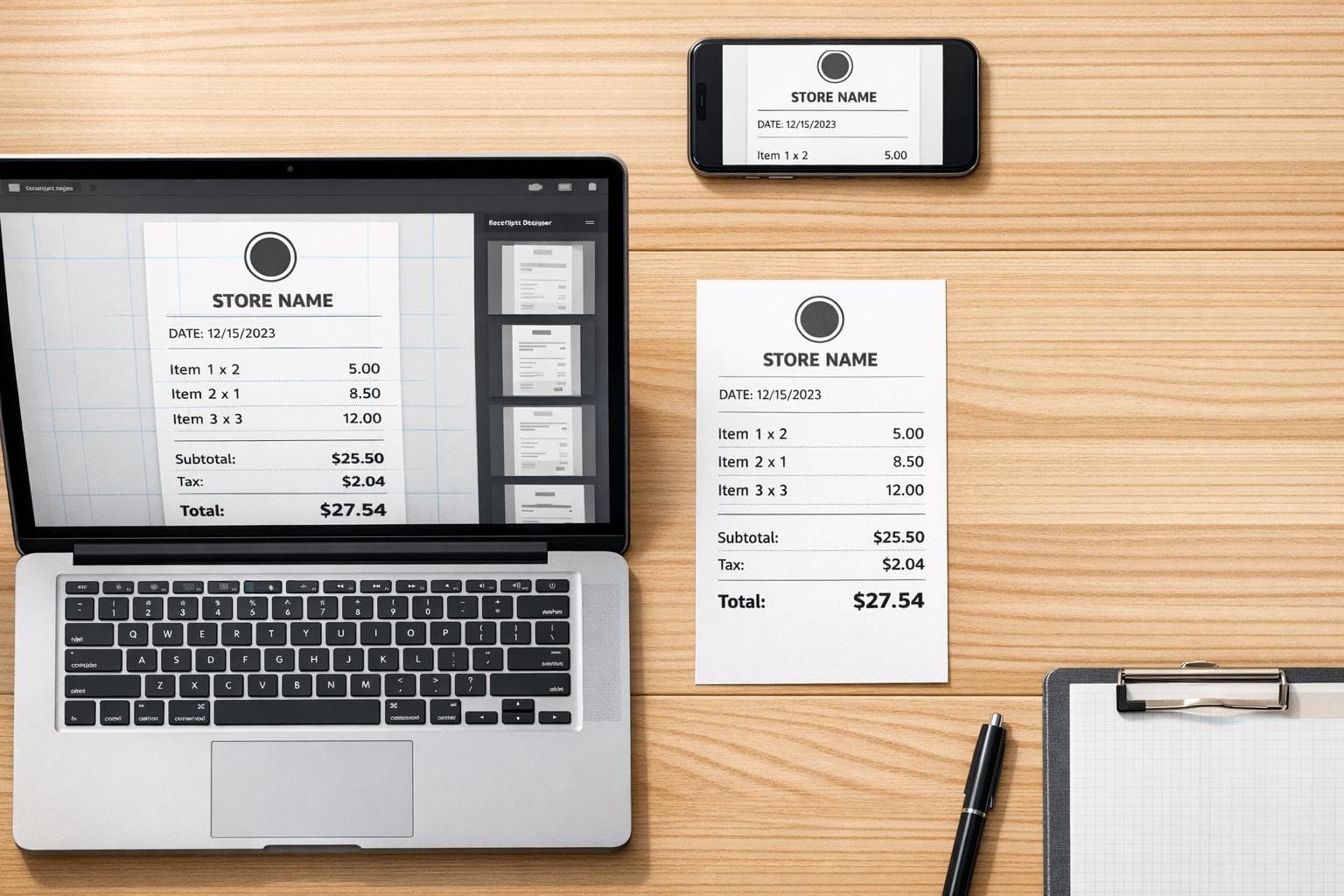
Create polished, print-ready receipts in minutes with templates, logo support, tax calculation, and a live preview that works on any device.
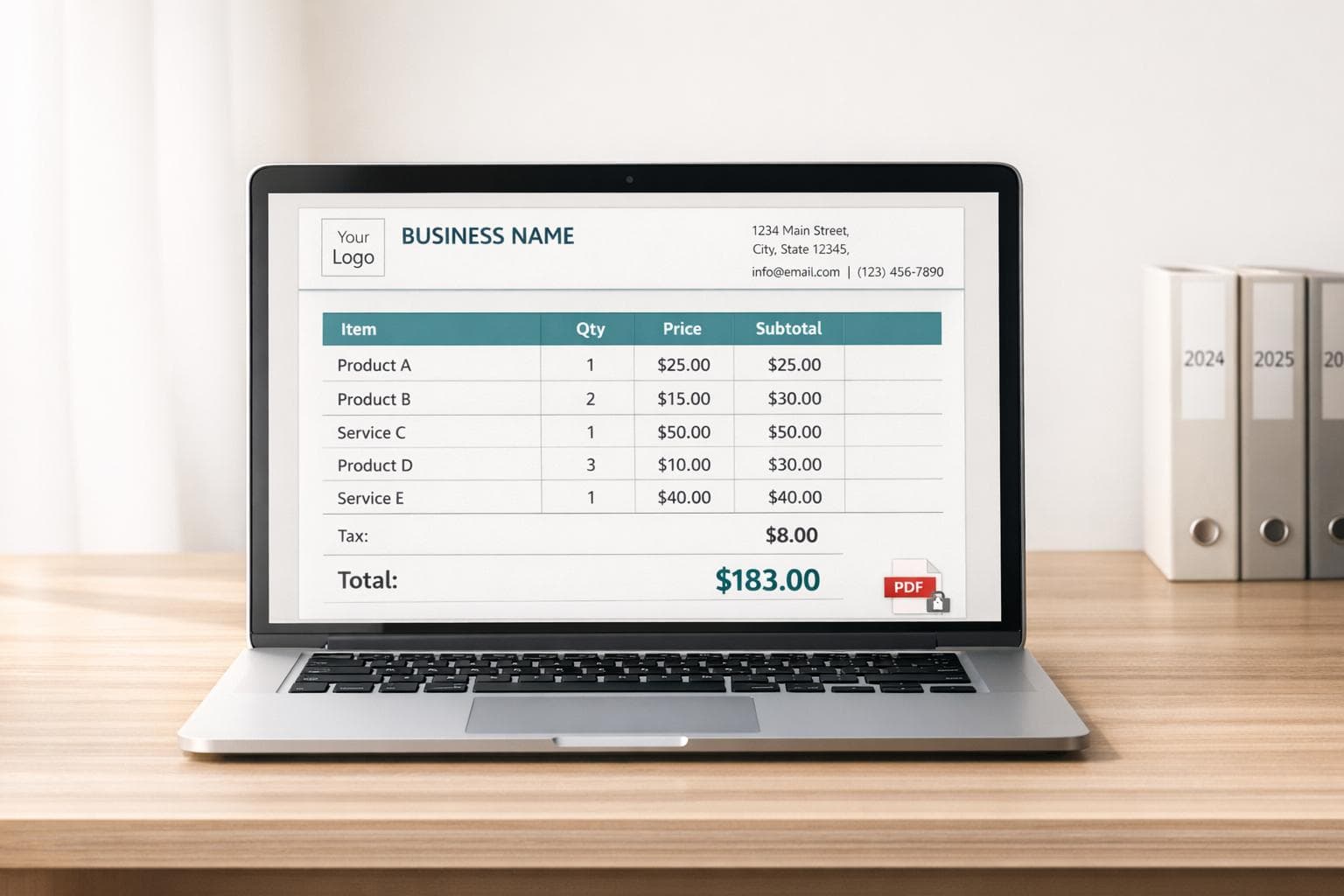
Digital receipt templates must include business details, itemized charges, tax lines, secure PDFs, and multi-year retention for compliance.
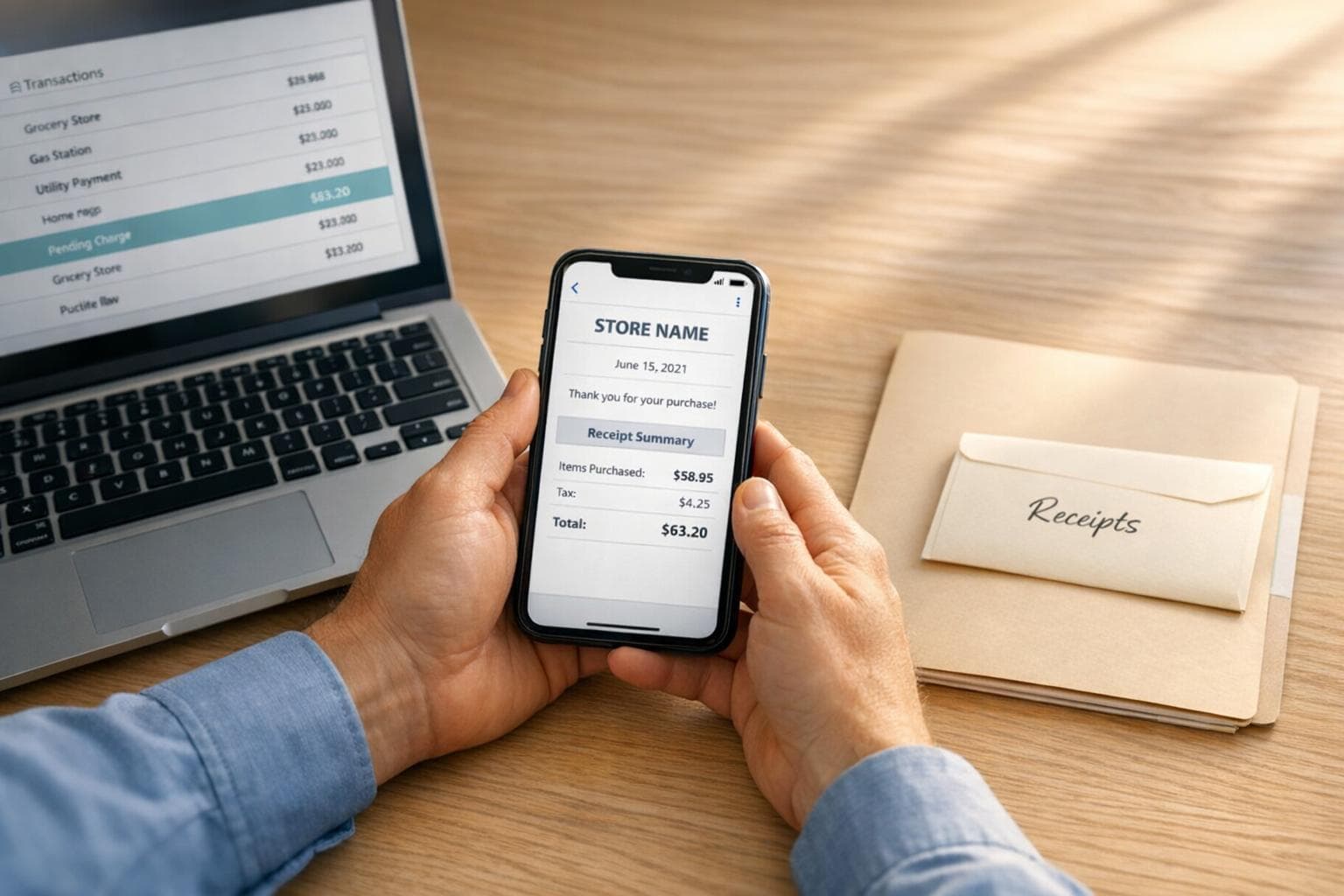
Losing a receipt shouldn't cost you—recover or responsibly recreate proof of purchase and prevent future losses.
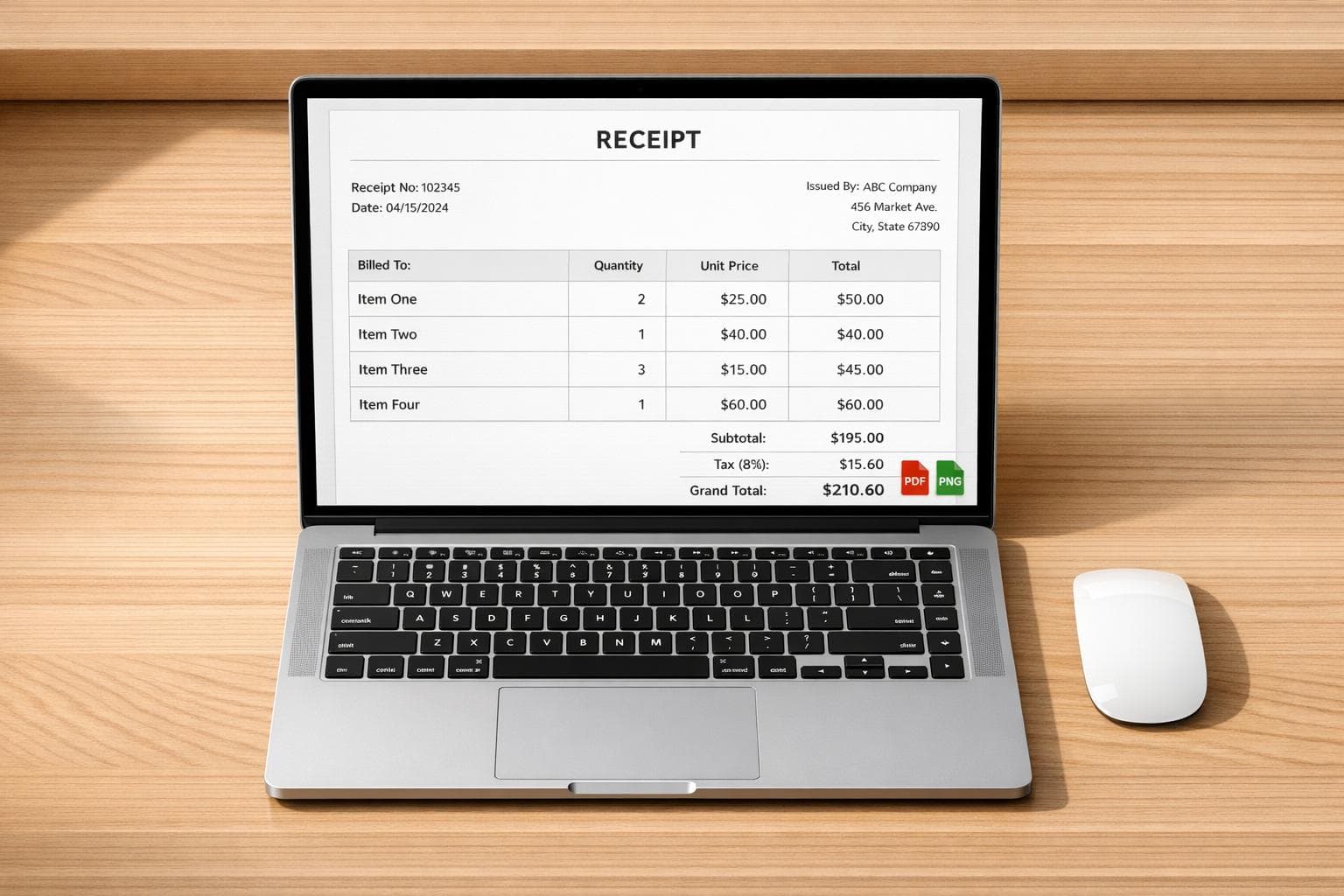
Generate professional, watermark-free receipts fast with high-resolution PNG/PDF exports, realistic templates, and no signup required.